NEW!
Meet Flyntlok at Equip Expo 2026:
Flyntlok posts every sale, work order, rental, and receiving voucher to QuickBooks Online, Sage Intacct, or Xero, and your team decides when entries post. Payments land on the sale, floor plans and warranty are built in, and for U.S. dealers, Flyntlok Managed Accounting brings dealership accounting experts to your books.
Running dealerships across four countries






The counter takes the payment, receiving books the vendor invoice, and service bills the warranty job. In Flyntlok, each one becomes the right entry in your accounting system, so the back office spends the day checking numbers instead of typing them.
One day at a dealership running on Flyntlok
Follow the money through one day, from the first posting to the last report.

“For accounting, it integrates so well and the accounting team would much rather have a true accounting system. So, you get the best of both worlds.”
Cody Savell, Director of Operations, TraxPlus, on Flyntlok and Sage Intacct

7:30 am in the back office
Yesterday's sales are already in the books. Posting history shows the one that needs a second look.
Flyntlok doesn't make you trade your accounting system for a DMS ledger. It posts every department's activity to QuickBooks Online, Sage Intacct, or Xero, and your accountant keeps the chart of accounts, bank feeds, and add-ons they already use.
QuickBooks Online, Sage Intacct, or Xero
Two-way sync with all three. QuickBooks Online since day one, Sage Intacct since August 2023, and Xero for dealers in Australia and New Zealand.
Every department posts on its own
Parts, service, rental, whole goods, purchasing, and point of sale become the matching invoices, bills, payments, and journal entries.
Your team decides when entries post
Post automatically, or when your controller is ready, so entries get checked before they reach the general ledger.
See what posted, and what didn't
The QuickBooks Online Manager and Sage Controls keep a posting history, with links back to every document.
Permissions for the books
Decide who can post or reverse transactions and who can edit accounting fields on customers and items.
Bills from receiving
Receiving vouchers become bills, and due dates fill in from the vendor's terms.

Intuit App Partner, Silver
QuickBooks-certified support team
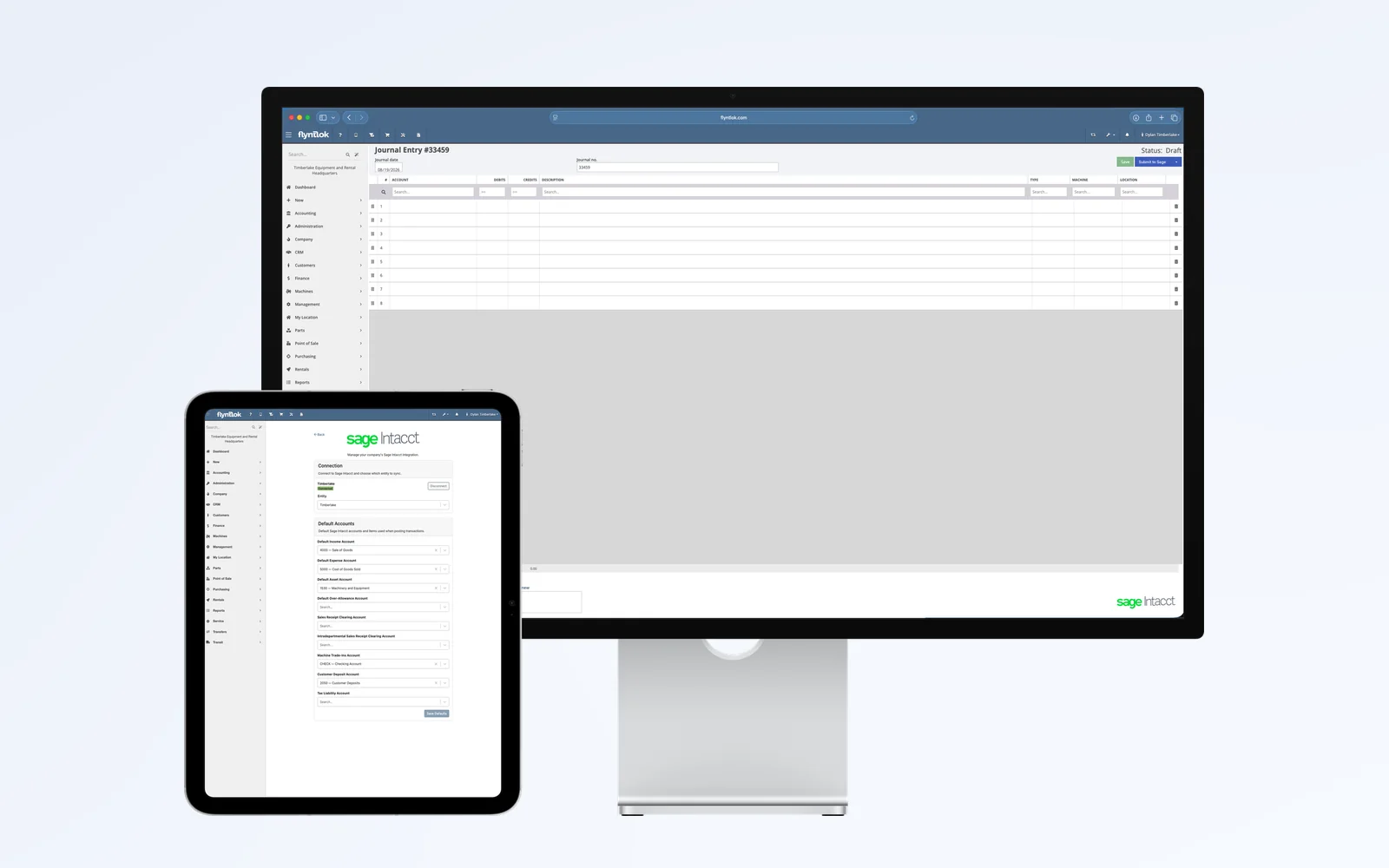
Multi-entity books, with P&L by location, brand, salesperson, product line, or serial number.
Explore Sage Intacct
→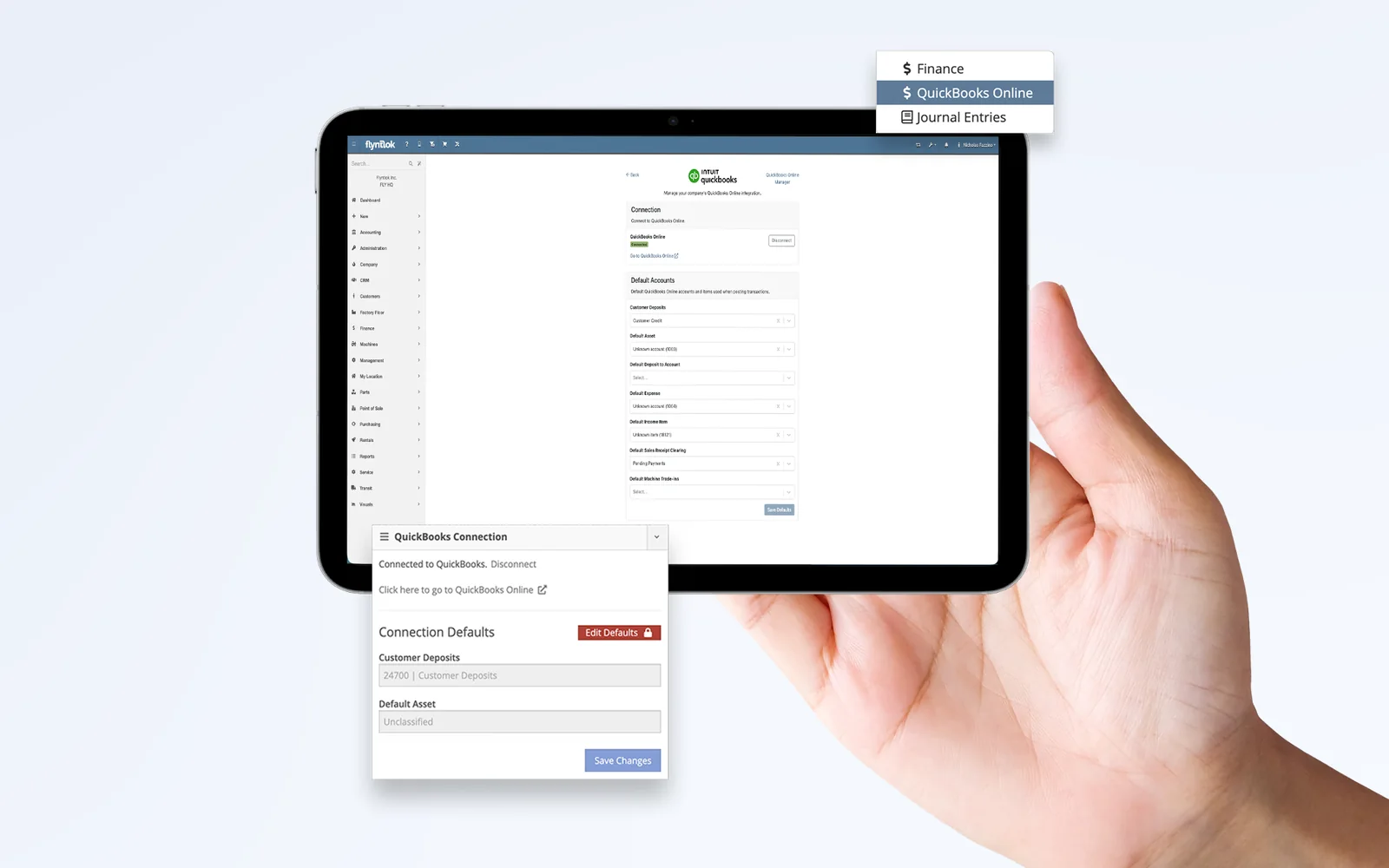
Two-way sync, QuickBooks-certified support, and discounted QuickBooks Online subscriptions through Flyntlok.
Explore QuickBooks Online
→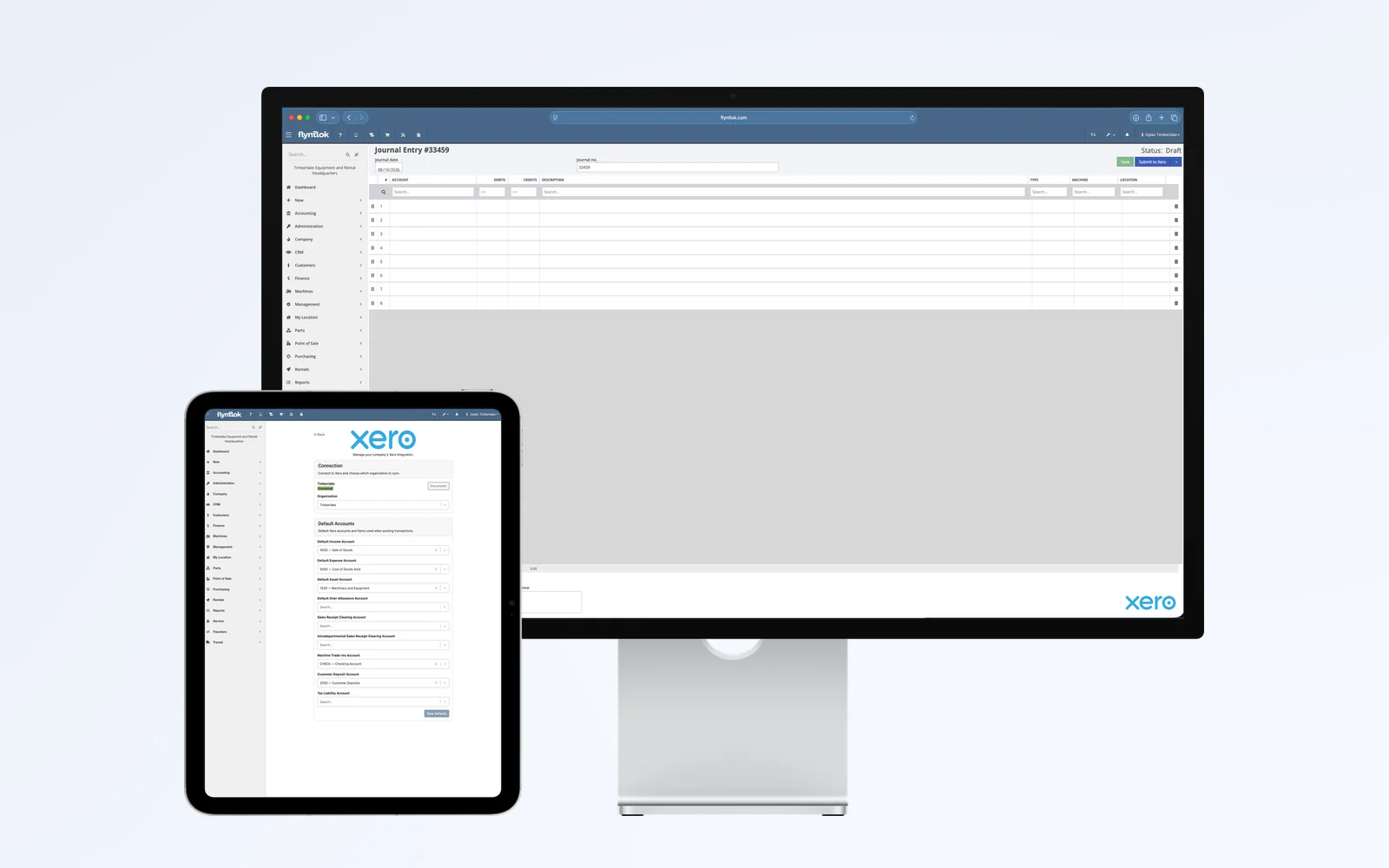
Live for dealers in Australia and New Zealand. Your accountant handles GST and BAS in Xero.
Explore Xero
→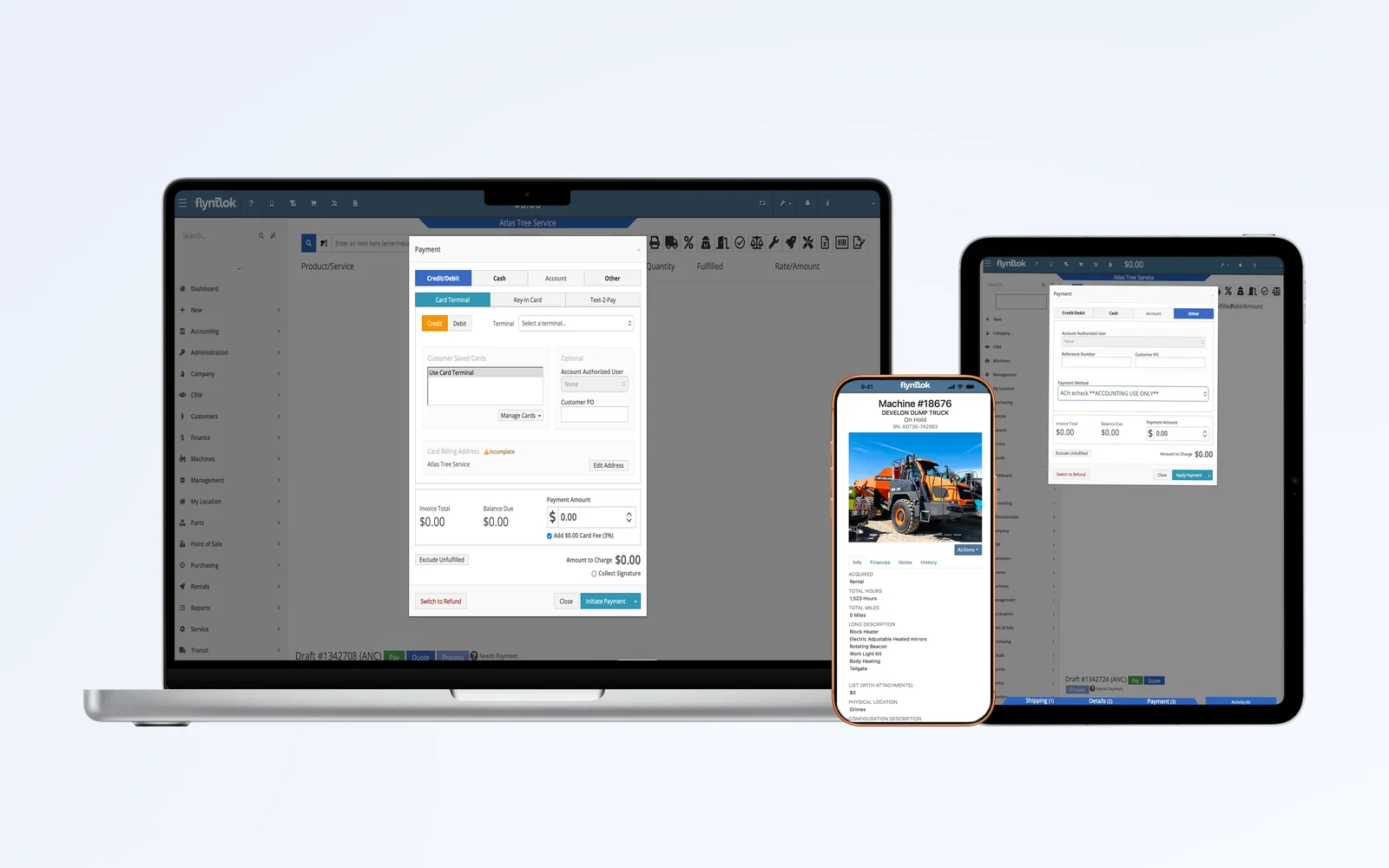
Card readers, text to pay, saved cards, and ACH, with every payment posted to the sale.
Explore Gravity Payments
→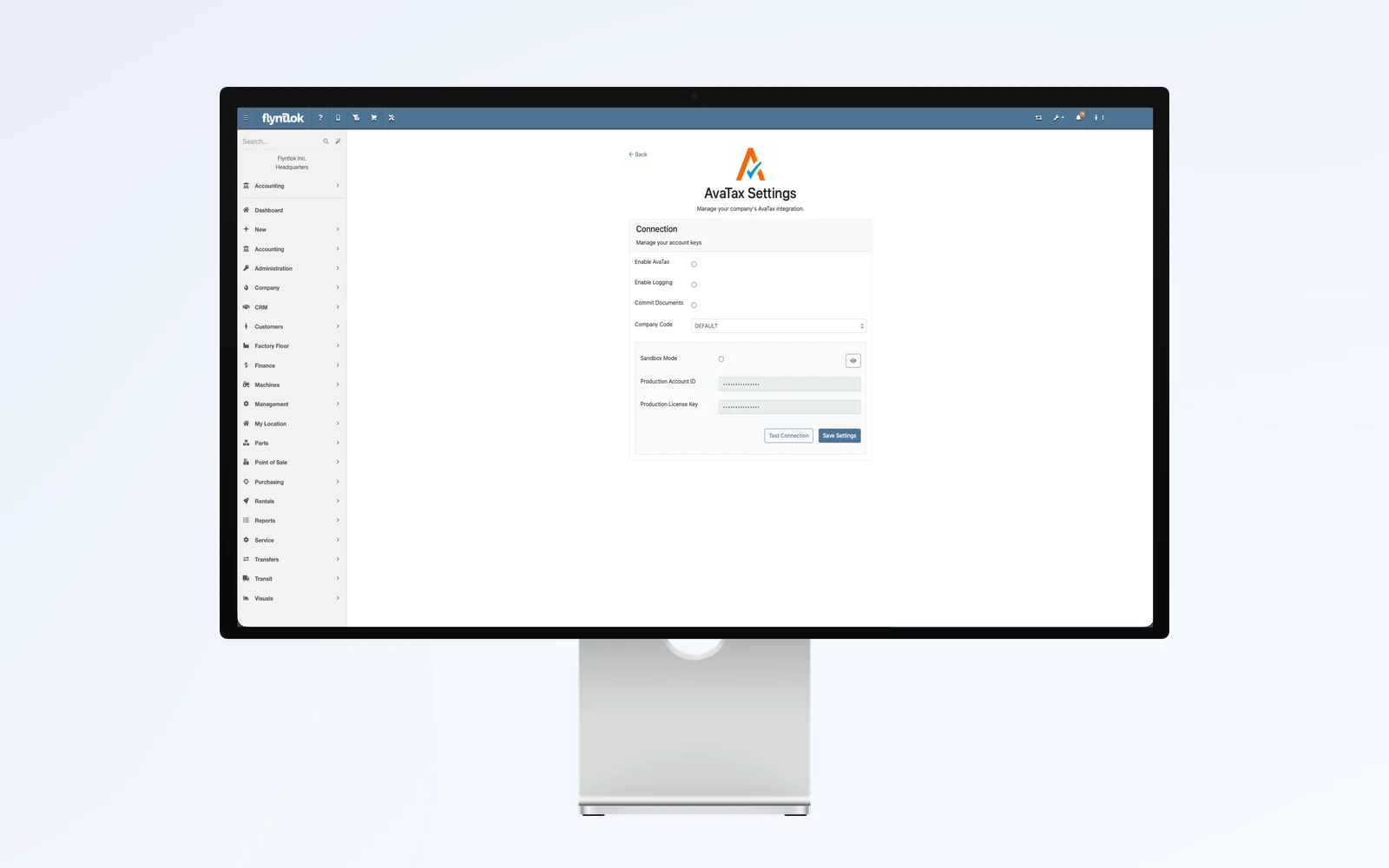
Sales tax from Avalara, including the Texas TERP surcharge on heavy diesel rentals.
Read the June 4 release notes
→3 accounting systems, 12 OEMs
See every accounting, payment, OEM, and telematics connection Flyntlok runs today.
See all integrations
→
“This service is priceless.”
Bob Jennings, Owner, RJ's Outdoor Power

9:00 am with Flyntlok's accounting team
A specialist checks yesterday's postings and fixes the one that errored before it turns into a month-end problem.
Flyntlok Managed Accounting combines dealership accounting expertise with deep knowledge of your DMS. We keep your financials accurate, catch problems before they compound, and surface the numbers that matter most to your dealership. Currently offered to dealers in the United States.
Accounting Assurance
Financial statement review tied to revenue and cost of goods sold, inventory reconciliation between QuickBooks Online and Flyntlok, and daily posting checks with error resolution.
Dealer Financial Management
Everything in Accounting Assurance, plus dealership metrics and benchmarking, floor plan reconciliation, and warranty and rebate tracking.
Managed Accounting Operations
Everything above, plus bank reconciliation for deposits and cards, expense categorization, and payment posting and reconciliation.

11:00 am at the parts counter
A contractor taps a card on the counter reader. The payment and the card fee land on the sale.
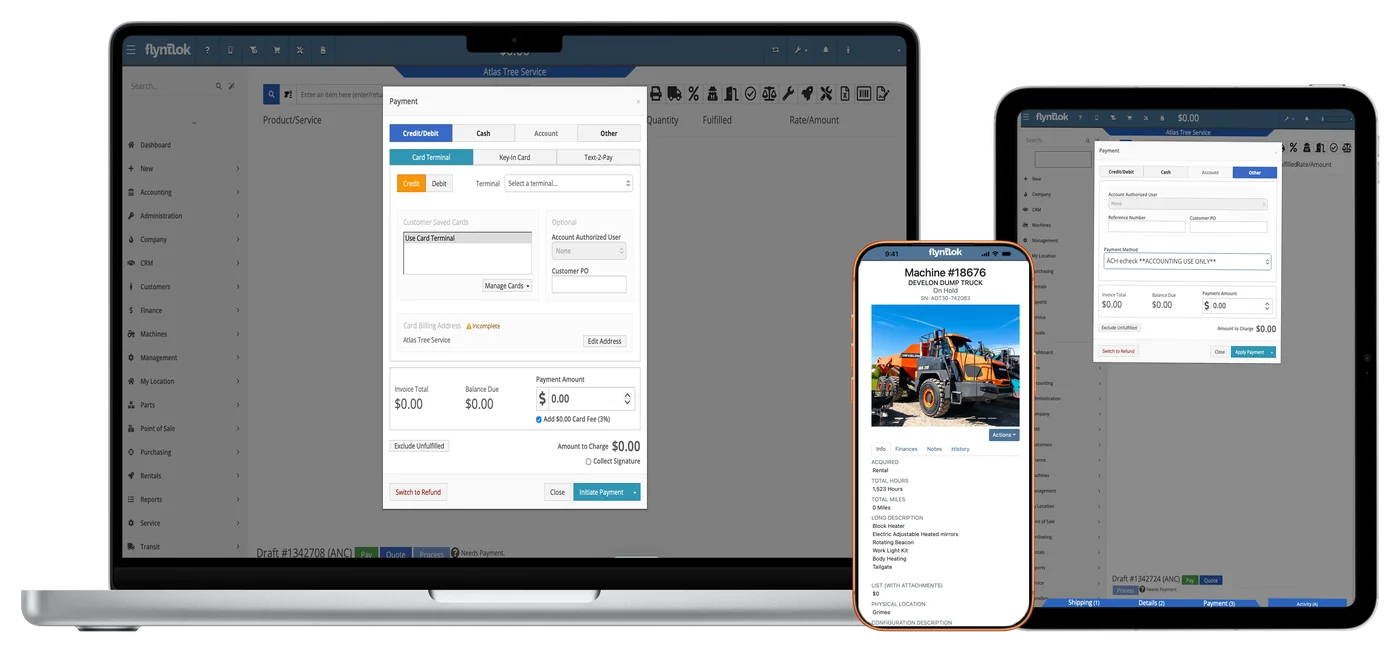
With Gravity Payments built into the sale, customers pay the way they want and the payment posts to the invoice. Card payments match your bank deposits, so nobody chases receipts at the end of the day.
5
Ways customers pay by card or bank, right from the sale
0
Raw card numbers stored in Flyntlok. Gravity tokenizes saved cards.
Payment options from the Gravity Payments integration page and the May 14, 2026 release notes.
Ways to get paid in Flyntlok
On every sale:
Payments post to the sale and reconcile with your deposits.
01
Parts, service, rental, or a whole good, all on one invoice with tax figured in.
02
Card reader, keyed card, text to pay, saved card, ACH, or charge to account.
03
The card fee, signature, and approval stay with the invoice.
04
Payments reach your accounting system with the sales order, customer, and payment type on each deposit.
2021
Text to pay and keyed card payments
2023
Gravity emergepay readers and signatures on the card device
2024
Saved cards on the customer dashboard
2025
Interstate Billing Service at the point of sale
2026
ACH payments, plus control over who can waive card fees
“That real-time balance sheet is amazing.”
Katie Stephens, Controller, RTL Equipment

1:30 pm at the controller's desk
Floor plan interest for every financed machine comes straight off the lender's statement.
Floor plans, warranty credits, customer deposits, and credit holds don't fit neatly in off-the-shelf accounting. Flyntlok handles them where the work happens, then posts the result to your books.
Floor plan, machine by machine
Receive a floored machine to its lender's liability account, and see each machine's balance sheet on its dashboard.
Floor plan interest in one upload
Import journal entry lines from the lender's statement. Flyntlok matches each machine by serial number, so 100+ lines don't get keyed by hand.
Warranty credits matched to the repair
Split warranty and customer-pay work on one work order, and keep the manufacturer's claim number on the job.
Deposits that stay with the job
Deposits taken on a work order show as reserved, so they don't get spent on a different sale.
Credit limits and account holds
Warn the counter when a customer is over the limit, or hold charge-to-account payments with the reason attached.
Payoffs, rebates, and commissions
The Commission Report shows each machine's vendor invoice number, so payoffs and rebates get confirmed in one place.

2:30 pm at the receiving dock
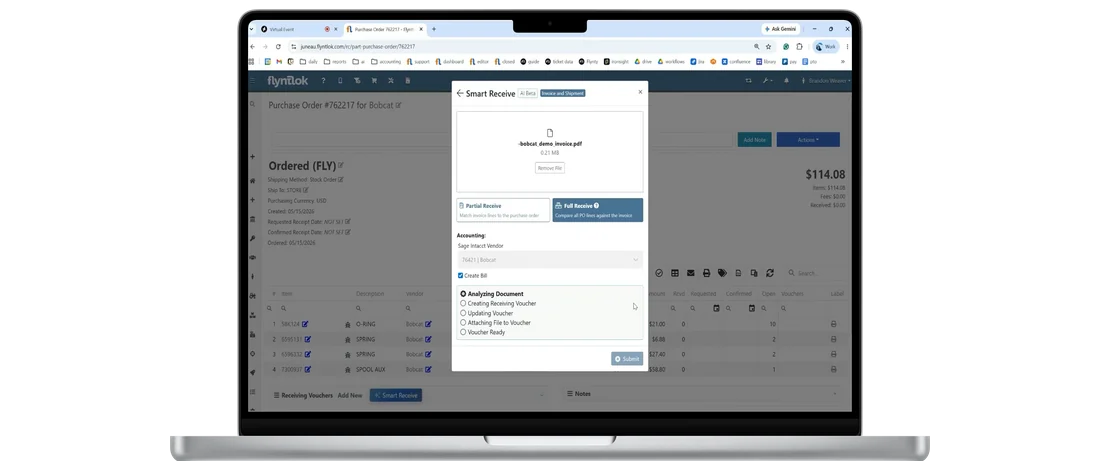
A vendor invoice shows up with the freight. Smart Receive reads it before anyone types a line.
The cheapest error to fix is the one that never posts. Flyntlok AI reads vendor invoices, writes up repairs, and checks work orders for parts nobody billed, before the numbers reach accounting.
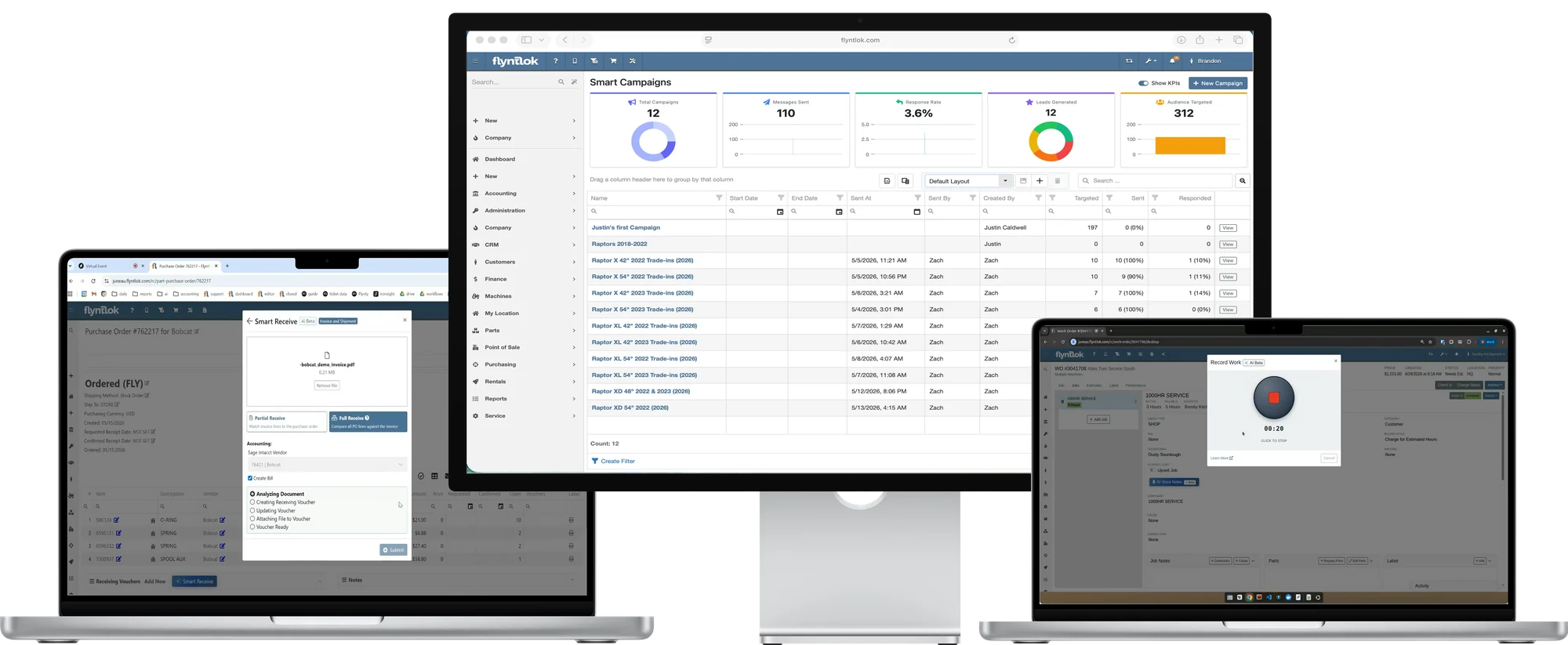
Reads vendor invoices and packing slips into receiving, so costs, freight, and quantities match the bill.
Turns a tech's voice note into a clean Complaint, Cause, and Correction, ready for warranty and the invoice.
Checks job notes against the parts list and flags fluids and supplies before the invoice goes out.
Finds customers worth a text, like open quotes and trade-in candidates, and drafts the message.
Flyntlok AI
$0
Extra cost for AI
All four tools come with every Flyntlok account. Texting costs for Smart Campaigns depend on your dealership's needs.
See Flyntlok AI for dealers
“It's easier to question it one or two days after it's been closed than a month later.”
Katie Stephens, Controller, RTL Equipment, on reviewing entries the next day

3:45 pm in the back office
Parts inventory in Flyntlok and the inventory account in the books get compared line by line.
Parts inventory is one of the biggest assets a dealer carries, and the DMS and the books don't always agree. Flyntlok shows what moved on each side, so reconciling is a monthly habit instead of a year-end cleanup.
Parts Inventory Reconciliation
Compare parts inventory in Flyntlok with QuickBooks Online, Sage Intacct, or Xero, and see why the two differ.
Nightly valuation reports
Inventory valuation and reconciliation reports land every morning, with account data from QuickBooks Online or Sage Intacct.
Bank deposits with detail
Deposits post with the sales order, customer, and payment type, so they match the bank line.
A log for every machine cost change
See who changed a machine's cost, when, where it came from, and the old and new values.
Item history across every location
Trace where stock moved, even at a location you've closed.
Catch it the next day
Review each day's postings while the sale is still fresh, not at month-end.

“You can't manage what you can't measure.”
Thomas Huling, CFO, Craig Taylor Equipment

4:45 pm in the owner's office
The owner checks profit by location while the lot is still busy.
Flyntlok tags every transaction with where it happened and what it was, so your accounting system can report by location without a second chart of accounts.
One chart of accounts, every location
Each sale lands on the right branch, so finance gets location P&Ls without duplicate setup.
Dimensions in Sage Intacct
Break out P&L by location, brand, salesperson, product line, or serial number.
Departments on every journal entry
Journal entries carry a department to Sage Intacct and a class to QuickBooks Online.
Every machine's position
Cost, attachments, floor plan, and liabilities on each machine's dashboard.
Big reports that don't slow the counter
Large reports run on their own back end, so the counter stays quick.
Multi-currency when you need it
Buy from foreign vendors, and invoice in your customer's currency (beta).
Plenty of dealers worry that a separate accounting system means more work. Nic Thamert, Flyntlok's Lead Accounting Specialist and a former dealership controller, put the biggest worries to the test on Flyntlok Unlocked.
Myth 1
The sale gets entered once, in Flyntlok, and the integration creates the matching transaction in your books. Your team decides when entries post.
Myth 2
Parts can check invoice and payment status in Flyntlok without logging into the books, and finance keeps its reports. Nic's take: you gain visibility with two systems.
Myth 3
Bank feeds let you reconcile all month. Nic's bank reconciliation went from two or three hours to a few minutes once daily transactions were matched.
Myth 4
Permissions limit who can post or reverse, accounting access stays with accounting, and entries can be reviewed before they post.
Myth 5
Flyntlok adds the dealer pieces: warranty billing, floor plan with lender liability accounts, location reporting on one chart of accounts, and machine depreciation.
Bonus myth
Flyntlok owns the integration from setup through daily use, and its accounting specialists hold QuickBooks certifications.
Want the whole conversation? Nic Thamert busts all five on Flyntlok Unlocked.
Hear Ep.5: Top 5 accounting myths→Here's what the last nine releases delivered for the back office, straight from the release notes. Each one reached every Flyntlok dealer the day it shipped.
Jun 25
Shipping now counts toward the target price, and a courtesy adjustment line keeps the total exact.
Jul 9
Receiving voucher due dates now follow the invoice date and the vendor's terms.
Jul 23
QuickBooks Online deposits now show the sales order, customer, and payment type.
Aug 6
A new permission controls who can waive the card fee at the counter.
Aug 20
Every journal entry line carries a department to Sage Intacct, and duplicate bills get blocked.
Sep 3
Work order deposits show as reserved, so they don't get spent on another sale.
Sep 17
Import journal entry lines from a spreadsheet, and hold accounts that are past due.
Oct 1
Download a ready-made template, and see what's left to bill on a rental.
Oct 15
A cleaner posting page with a posting history, plus the same history in Sage Controls.
Every update reaches every Flyntlok dealer at no extra cost. See every release note.
Every DMS says it handles accounting. These five questions show whether it works with the books your accountant already trusts, or locks you into a ledger of its own.
A built-in ledger or a one-way export keeps your accountant working around the DMS.
QuickBooks Online, Sage Intacct, and Xero, with two-way sync.
A mistake caught the next day is cheaper than one found at month-end.
Yes. Your team decides when entries post, and a posting history shows every run.
A generic ledger doesn't know a machine is floored or that a deposit belongs to a job.
Floor plan entries and lender statement import, claim numbers on warranty jobs, and reserved work order deposits.
If inventory is off, cost of goods sold and gross profit are off too.
Yes. Parts Inventory Reconciliation, nightly valuation reports, and a log of every machine cost change.
A ticket that bounces between two vendors can cost you a close.
Accounting specialists, the 8/8 Support Guarantee, and Flyntlok Managed Accounting for U.S. dealers.
Comparing systems? The DMS Buyer's Guide Checklist covers the rest.
Get the buyer's checklist→Every dealer gets the same accounting connections and updates, plus the workflows that fit the equipment you sell, rent, and service.

Floor plan on tractors and combines, and warranty work split from customer pay on one work order.
Explore Agriculture
→
Rental billing, machine depreciation, and P&L by location for multi-store groups.
Explore Construction
→
Fast counter payments, text to pay, and books that tie out at a busy single store.
Explore OPE
→
Interstate Billing Service at the point of sale, plus PACCAR claims filled from the work order.
Explore Heavy Truck
→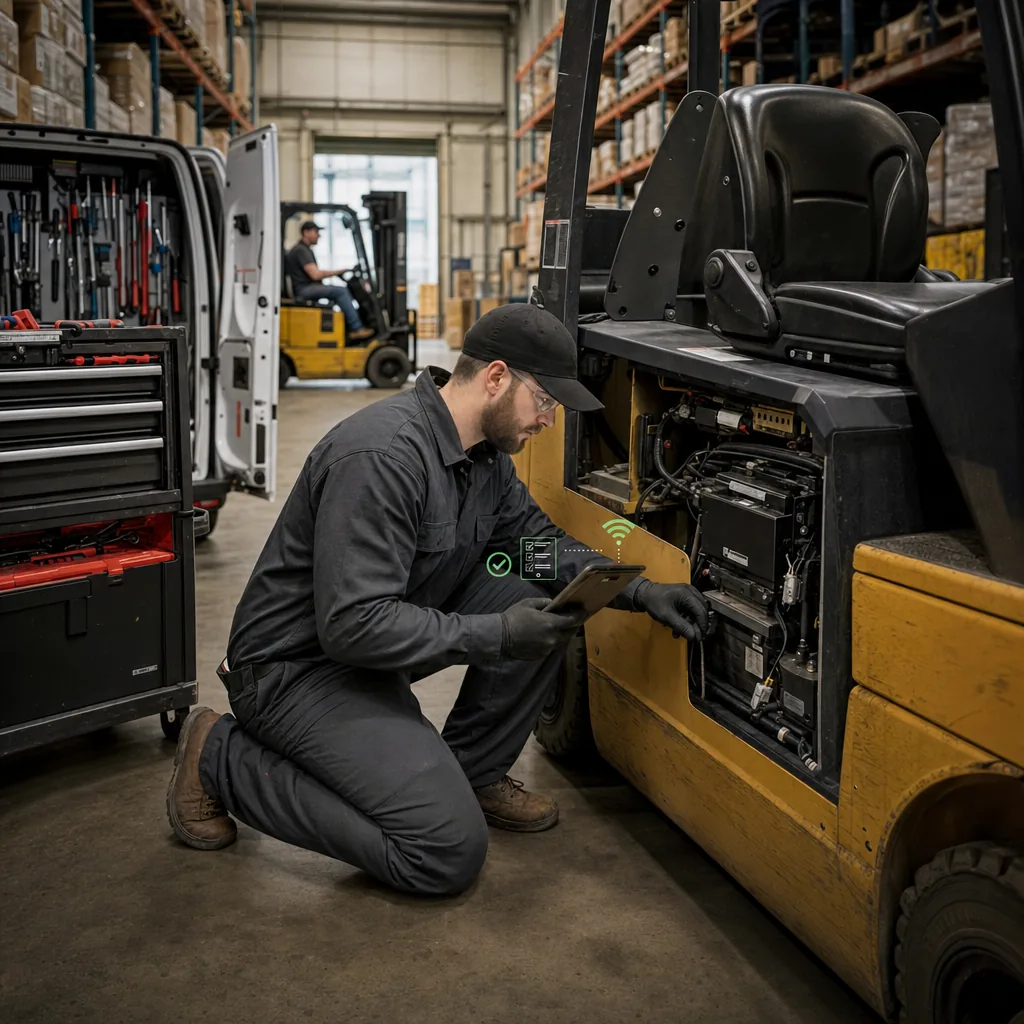
Rental, service, and parts revenue posted to the right accounts, with forklift costs tracked by machine.
Explore Material Handling
→Every department works in the same live system, so a parts sale, a warranty job, and a rental deposit all reach accounting the same way, with no exports.
Parts & Inventory
Counter sales, special orders, and receiving vouchers post to your books with the right accounts and tax.
See parts & inventory
→
Service Management
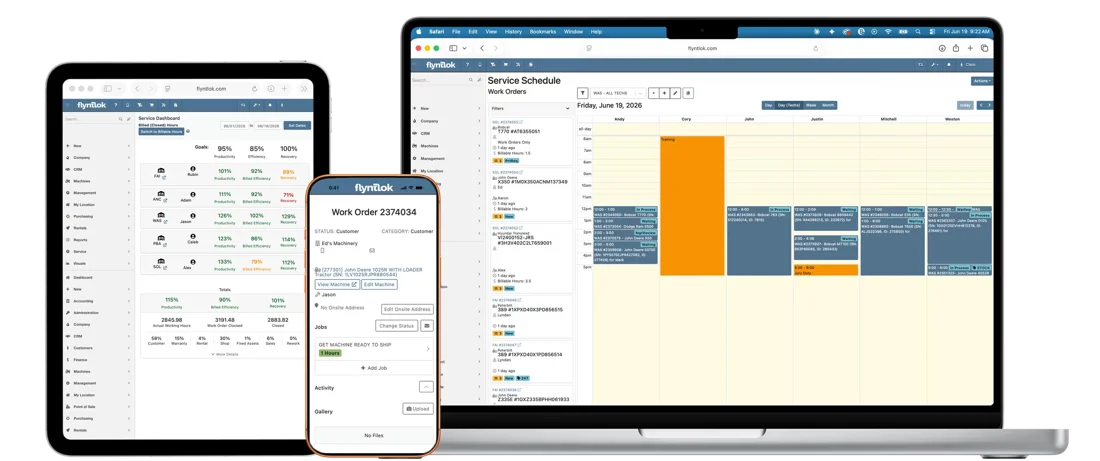
Work orders split warranty from customer pay, and every invoice posts with the right department.
See service management
→
Rental Management
Contracts, deposits, and rental invoices post on their own, and you can see what's left to bill.
See rental management
→
CRM
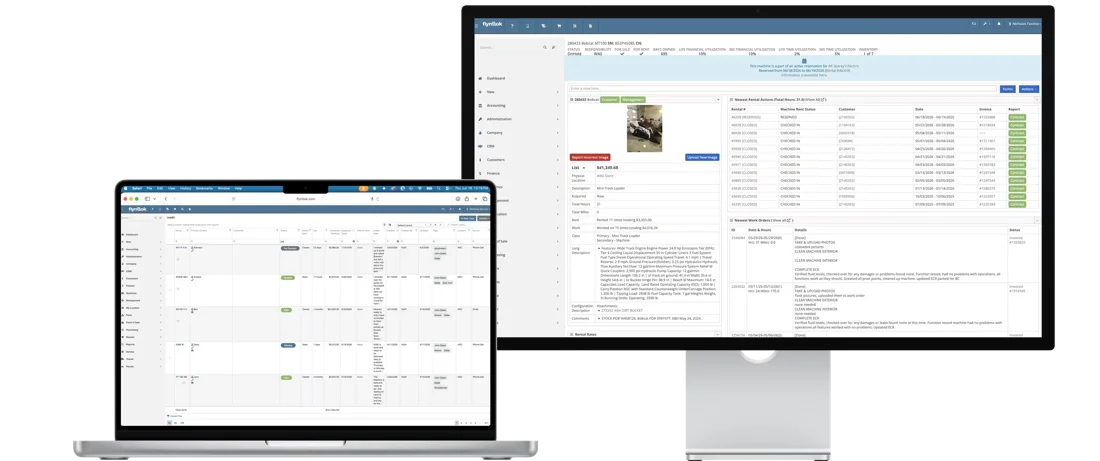
Sales and the counter see invoice and payment status on the customer record, without logging into the books.
See CRM
→See how dealers run their books with Flyntlok, hear from the accountants who build it, then run your own numbers.

RTL Equipment grew from two Iowa stores to four across Iowa and Minnesota. Flyntlok runs the dealership, Sage Intacct runs the books, and the team gets 24 hours to review each closed invoice before it posts.
“I'm not searching for three different transactions. I'm searching for one.”
Katie Stephens, Controller, RTL Equipment
4
Locations across Iowa and Minnesota
24 hours
To review an invoice before it posts
1
Lookup per invoice instead of three entries
Webinar
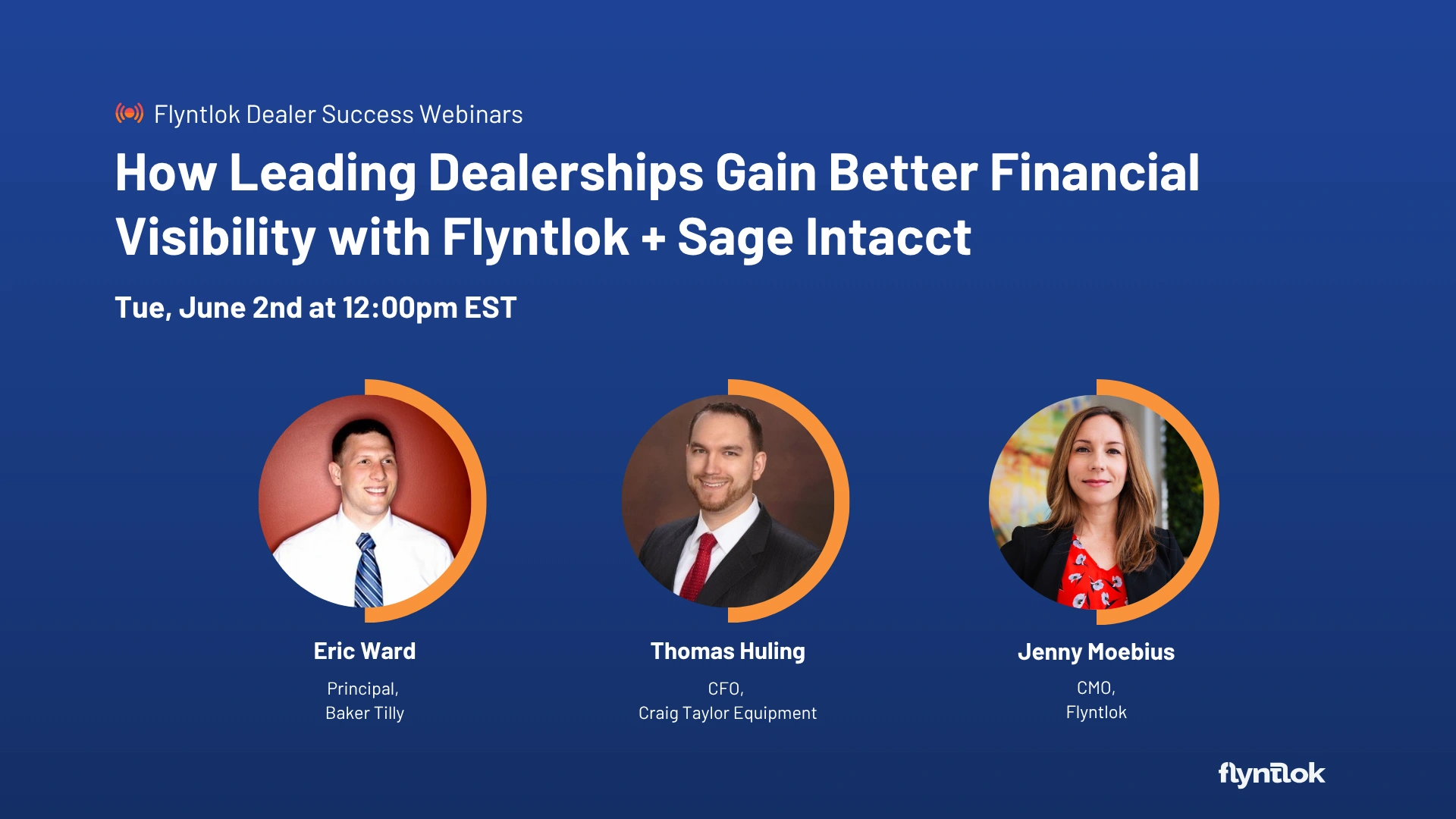
Baker Tilly and Craig Taylor Equipment's CFO on running dealership operations and accounting in separate, connected systems.
Watch the webinar
→
Unlocked Ep.5
With Nic Thamert, Lead Accounting Specialist
Double entry, lost visibility, and a harder close: the biggest worries about accounting outside the DMS, put to the test.
Listen
→
Unlocked Ep.10
With Michael Holland, Product Manager, Accounting
How Parts Inventory Reconciliation finds the gap between Flyntlok and the books, and why it matters for cost of goods sold.
Listen
→
Unlocked Ep.4
With JP Raiger, Support Consultant
Inside the 8 and 8 standard, how tickets capture the problem, and why consultants pick up the phone.
Listen
→Buyer tool
Run your dealership's numbers and see what Flyntlok could give back.
Run your numbers
→Article
Why more equipment dealers connect the DMS to a best-in-class accounting platform instead of using a bundled ledger.
Read
→Article
A decision matrix by dealership type, the features to check, and the questions to ask vendors before you choose.
Read
→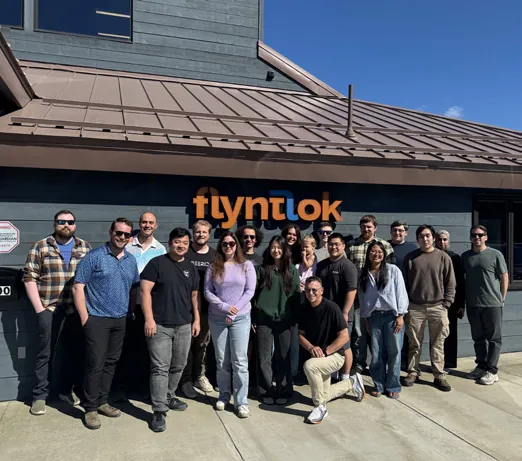
Flyntlok was designed inside Craig Taylor Equipment, an Alaska dealership that now runs Flyntlok with Sage Intacct. Founder Sean McLaughlin chose to connect best-in-class accounting instead of building a ledger: “Why build a weaker version of something that already exists?” The accounting side is built and supported by people who've done the job. Lead Accounting Specialist Nic Thamert was the controller at a Minnesota farm and construction equipment dealer, and accounting product manager Michael Holland is a CPA.
Former dealer
Founded by one, built for the shop floor
3 systems
QuickBooks Online, Sage Intacct, and Xero
8/8 support
Response in 8 minutes, solved in 8 hours
Book time with our team. We'll walk a sale, a payment, and a receiving voucher from Flyntlok into QuickBooks Online, Sage Intacct, or Xero, and talk through Managed Accounting if you want help on the books.
A walkthrough built around your accounting system and your locations
Payments, floor plan, and reconciliation on real screens
Implementation and migration at no cost, plus plain answers on switching
Straight answers on integrations, posting, payments, floor plans, and Managed Accounting.
No, and that's on purpose. Flyntlok runs the dealership and posts to QuickBooks Online, Sage Intacct, or Xero, where your accountant keeps the general ledger, bank feeds, and financial statements. Dealer work like floor plans, warranty, and deposits is handled in Flyntlok, then posted to your books.
It's a two-way sync. Sales, work orders, rentals, payments, and receiving vouchers in Flyntlok create the matching transactions in QuickBooks Online, and customer balances sync back. The QuickBooks Online Manager shows what posted, with a posting history for every run. Flyntlok is an Intuit App Partner, and its support team is QuickBooks certified.
Transactions, reference data, and balances sync both ways. Sage Intacct adds multi-entity consolidation and dimensional reporting, so you can see P&L by location, brand, salesperson, product line, or serial number. The integration has been live since August 2023.
Yes, for dealers in Australia and New Zealand. Invoices, bills, and payments from every department post to Xero, and your accountant handles GST and BAS in Xero.
Yes. Your team decides when entries post, automatically or after a review, and permissions control who can post or reverse them. Posting history in the QuickBooks Online Manager and Sage Controls shows the result of every run.
Yes. Flyntlok connects to your existing QuickBooks Online company. Your chart of accounts, bank connections, payroll, and history stay in place, and Flyntlok adds the dealership's transactions.
Floored machines can be received to a lender liability account, each machine's balance sheet shows on its dashboard, and floor plan interest can be imported from the lender's statement. Warranty and customer-pay work split on one work order, and warranty jobs keep the manufacturer's claim number.
Through Gravity Payments, built into the sale. Customers can pay on Clover or Pax readers, by keyed card, text to pay, saved card, or ACH, and every payment posts to the invoice and reconciles with your bank deposits.
It's a service from Flyntlok's accounting team for dealers who want accounting help on top of the software, currently offered only in the United States. There are three levels: Accounting Assurance, Dealer Financial Management, and Managed Accounting Operations, from statement review and inventory reconciliation up to bank reconciliation and payment posting.
Yes. Smart Receive, Smart Tech Notes, AI Review, and Smart Campaigns come with every Flyntlok account at no extra cost. Texting costs for Smart Campaigns depend on your dealership's needs.




