NEW!
Meet Flyntlok at Equip Expo 2026:
Flyntlok's CRM lives inside the DMS. Every follow-up, text, call, and quote sits on the same record as the customer's machines and service history. AI builds the call list and drafts the text, and new CRM features ship every two weeks.
Running dealerships across four countries






Most dealerships still track callbacks on Post-it notes, in notebooks, and on personal phones, and every one that slips is a sale that walks. Flyntlok puts each follow-up on the customer's record, with the machine, the quote, and the conversation attached.
One day at a dealership running on Flyntlok
Follow one sales team from the first follow-up to the month-end review.

7:30 am at the sales desk
Fourteen follow-ups are due today and two are overdue. Which customer gets the first call?
Tasks put every callback, quote follow-up, and promise to a customer in one list that sorts itself by what's due. Each task carries the customer, their contacts, the machine, and the lead, so you can call, text, or turn it into a deal without opening another screen.
9
Releases in a row with new Tasks features, June to October 2026
2
Assignees on every task, so a follow-up is covered when someone's out
Release count from Flyntlok's public release notes, June 25 to October 15, 2026.
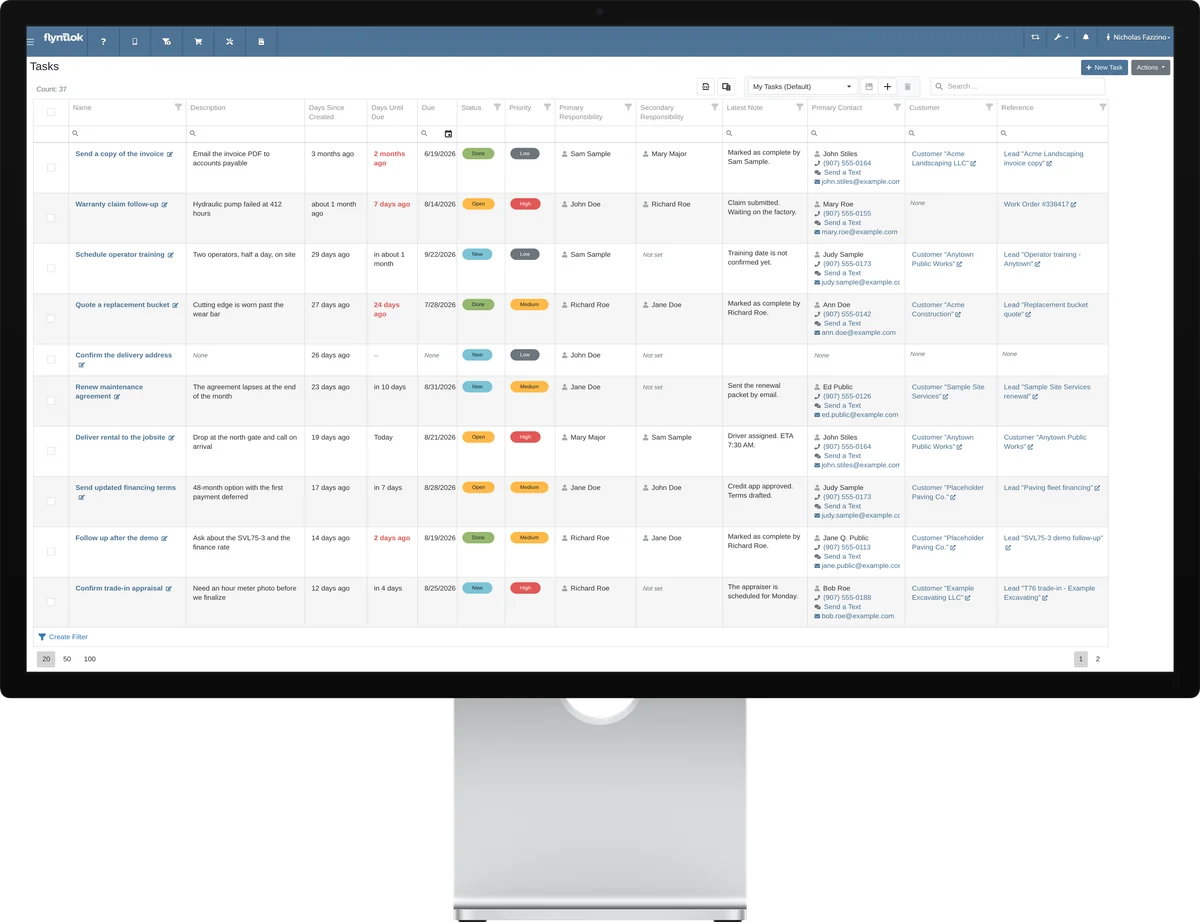
What a task can carry
One follow-up, with everything attached:
Promote it to a lead when the follow-up turns into a deal.
01
A new task needs only a name. Add the due date, priority, and customer when you have them.
02
Link the customer, contacts, machine, and lead, so whoever picks it up knows exactly what's going on.
03
Click to call and the activity log opens already filled in. Texts land in the task's Conversations tab.
04
When a follow-up turns into a deal, promote it to a lead that carries the contact, the machine, and the history.
Mar 2024
Tasks launch inside the CRM, linked to leads
Jun 2026
A customer on every task
Jul 2026
My Tasks first, and call or text from the list
Aug 2026
Machines on tasks, mobile tasks, and promote to lead
Sep 2026
A details page for every task, with linked records
Watch the demo
See how the task list works: sort it, call or text from it, log the call, and promote a task to a lead. Then bring your own follow-up list to a walkthrough.
Book a walkthrough→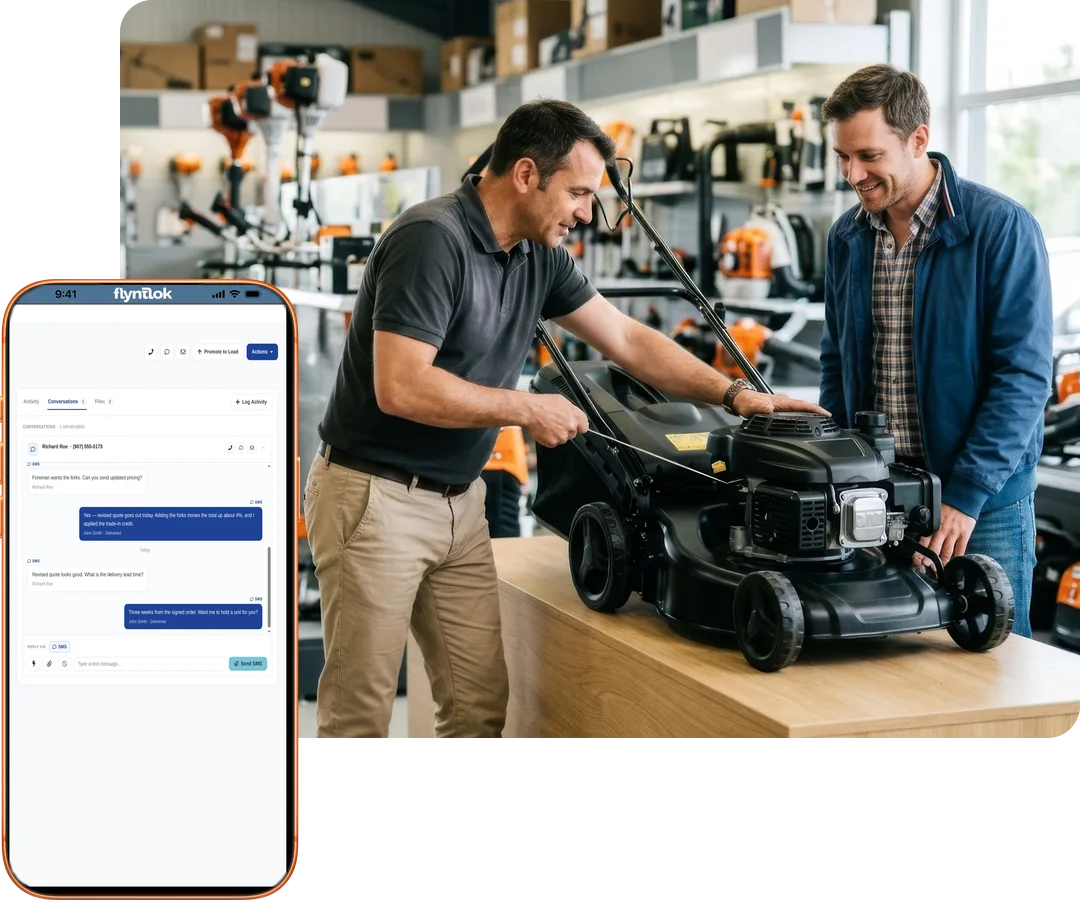
“If my people put the information in there, it's findable and it's trackable.”
Bob Jennings, Owner, RJ's Outdoor Power, on documenting customer conversations

8:45 am at the front counter
A customer texted the store's number last night about a new push mower. Who answers him, and where does that lead go?
Every dealership gets its own texting number in Flyntlok. Texts go out from tasks, leads, work orders, and the counter, replies come back to the right salesperson, and every message lands on the customer's record. No separate texting app to log into or keep in sync.
Replies reach the right person
When a customer texts back, their primary salesperson gets the alert, and the SMS Inbox filters by anyone in the conversation.
Turn a text into a lead
Create a lead straight from a conversation in the SMS Inbox, so the inquiry doesn't sit in someone's phone.
Templates and photos
Shared templates fill in the customer's name, and you can send photos and PDFs right in the thread.
Delivery you can see
Delivery statuses show whether each text went through, so nobody assumes the customer got it.
Leads from your website
The Text Us widget turns messages from your website into new leads, routed to the right branch and department.
Consent handled
STOP, START, and HELP replies are handled for you, and texting and email permission are tracked separately for each contact.
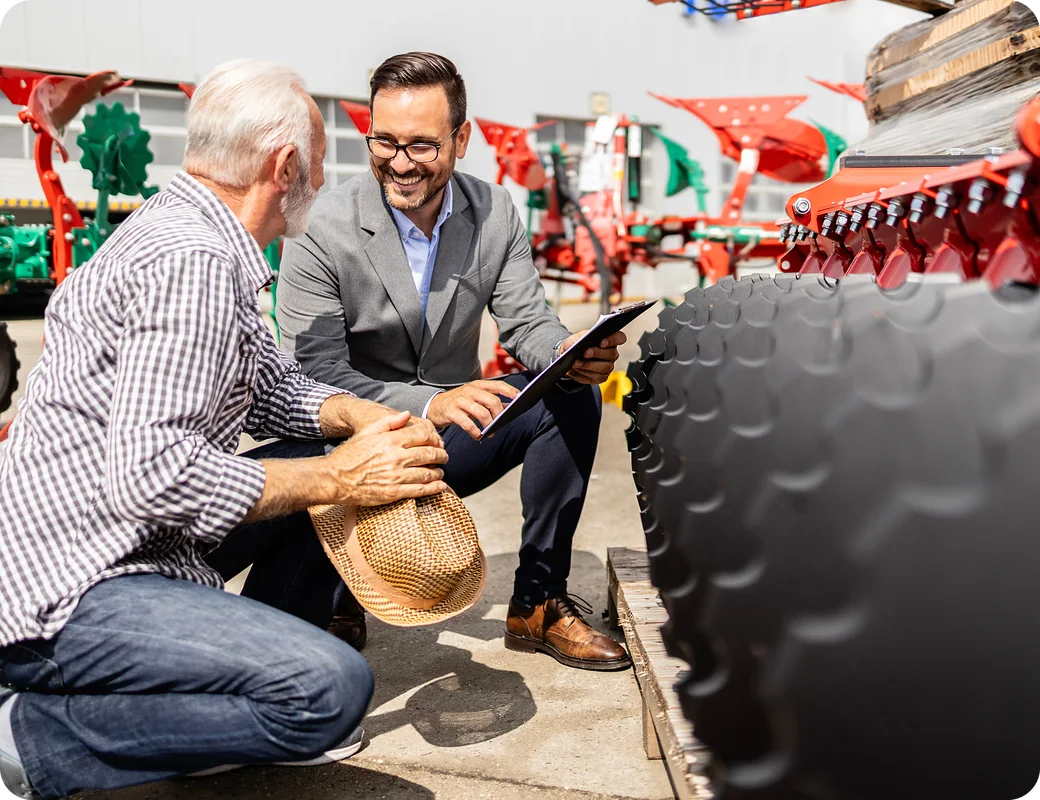

10:30 am in the yard
A farmer wants a number on a new disc today, with his old one as a trade-in.
Quote models and options from the lead, then swap in the serial-numbered machine when the deal closes. Trade-ins, reservations, and OEM registrations happen in the same system, so nothing gets keyed twice.
Quote straight from the lead
Create sales orders and work orders from a lead in one step, and the lead's machines carry onto the quote.
Models now, machines later
Quote several models and options at once, then swap in the actual machine when it sells.
Trade-ins that add up
Take a machine in trade with its hours and payoff, and Flyntlok works out the net trade value and overallowance.
Quotes that don't go quiet
You're notified 7 days, 3 days, and the day a quote expires, and lost quotes land on the win/loss report.
Hold the machine
Reserve a machine on a deal and it goes On Hold for 7 days, so nobody sells it out from under you.
Registered and on record
Ownership updates the moment the sale completes, and STIHL, Toro, and Exmark registrations are done from Flyntlok.

“That's where, on the sales side, we've been able to see a tremendous amount of improvement.”
Chris Weems, Dealer Principal and Owner, TraxPlus, on machine photos taken from a phone

12:15 pm on the lot
A customer wants to know what his tractor has been in for, and the salesperson is nowhere near a desk.
Salespeople spend the day on the lot, in the truck, and in customers' yards. Flyntlok Mobile puts leads, tasks, texts, and machine details on their device, and every call gets logged before it's forgotten.
Leads on the go
Find, filter, and create leads from a phone, and start a work order right from a mobile lead.
Tasks in your pocket
Create, update, and mark tasks done from a phone, with the same saved layouts you use on the desktop.
Click to call, then log it
Tap a contact's number to call, then log the activity so the conversation is on the record in seconds.
Texts follow you
Your Conversations shows every text thread you're part of, right on your phone.
Photos from the machine
Snap a photo beside the machine, and sales sees exactly what's on it before quoting.
Margin before you quote
The price calculator on the mobile machine page shows margin and gross profit before you give a number.

One dealership sent about 100 trade-in texts and got 25 replies.
As shared on Flyntlok Unlocked Ep.6

2:00 pm in the showroom
Late spring this year. Who bought a riding mower and hasn't had it serviced?
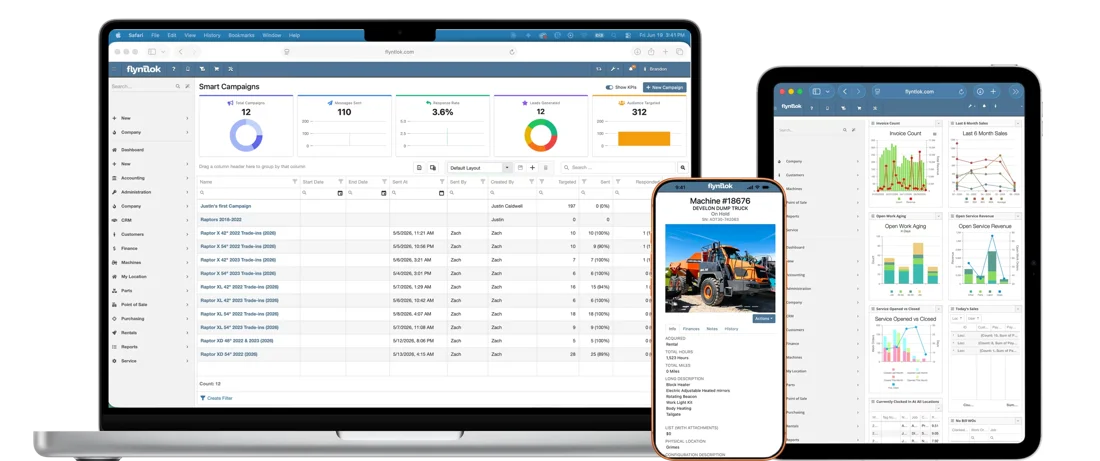
Type who you want to reach in plain English, like customers who own a snow blower and haven't had it serviced. Smart Campaigns searches your own customer, machine, and service records, drafts the text, and turns replies into scored leads for your team.
Lists from your own data
Target by machines owned, service history, warranty status, location, tags, and Google review ratings.
The text, drafted for you
AI writes the message from a short description and checks it for typos and tone. You review it before anything goes out.
Replies become scored leads
AI sends one friendly hand-off reply, then creates a lead with a score and a summary of the conversation.
Send now or schedule it
Schedule a campaign for later, send yourself a test first, and start the next one from a past list.
Results you can count
See campaigns sent, people reached, and leads generated, plus an estimated revenue figure.
Included with your account
Smart Campaigns comes with every Flyntlok account. Texting costs depend on your dealership's needs.

“Customers who bought a snow blower in the last three years and haven't had it serviced.” Send a tune-up offer before the first storm.
See Flyntlok for OPE dealers
→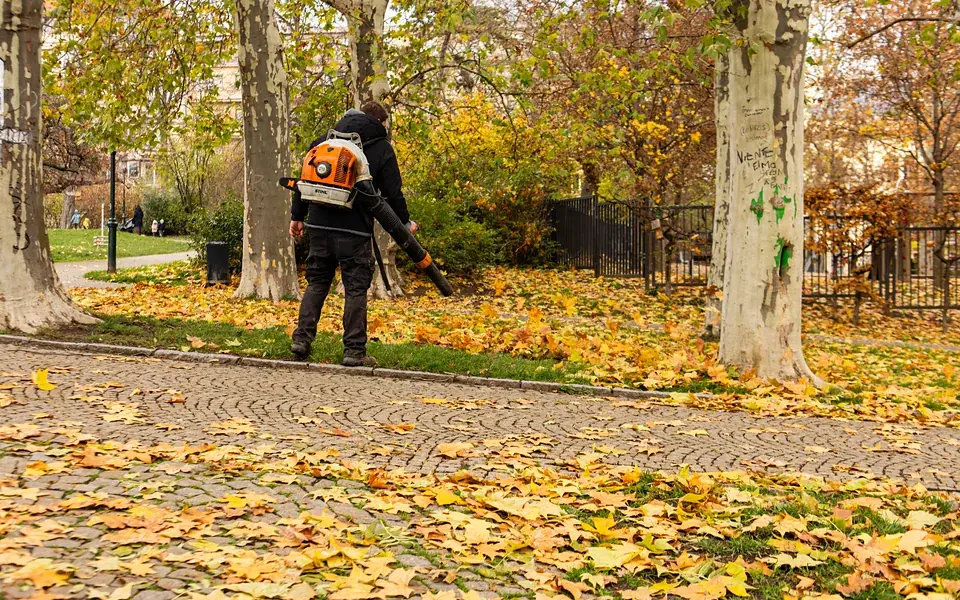
“Customers who bought a leaf blower in the last two years and haven't bought parts since.” Offer a fall maintenance kit.
See parts and inventory
→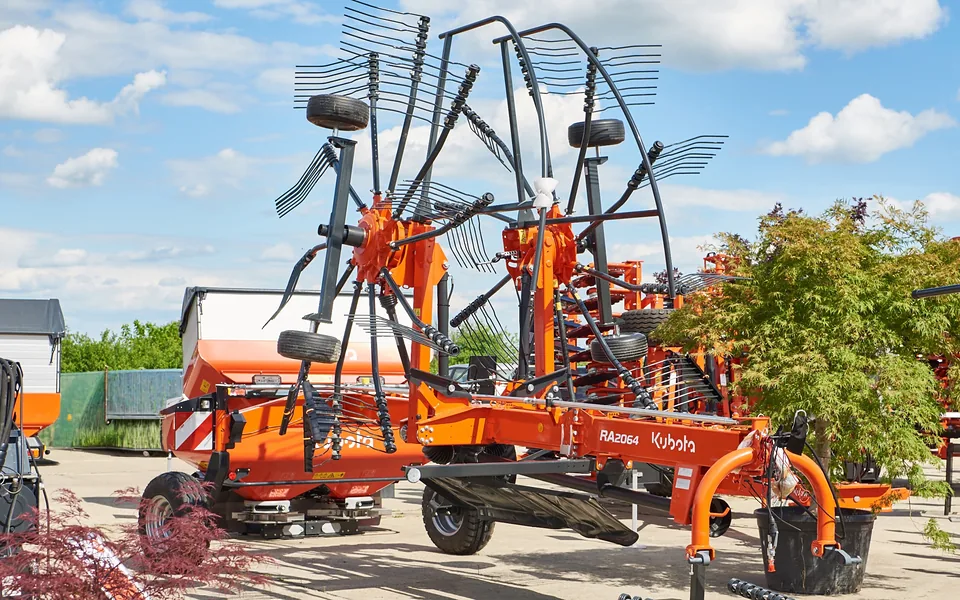
“Customers tagged as hay producers who own a rake or baler.” Book their inspections before the first cutting.
See Flyntlok for ag dealers
→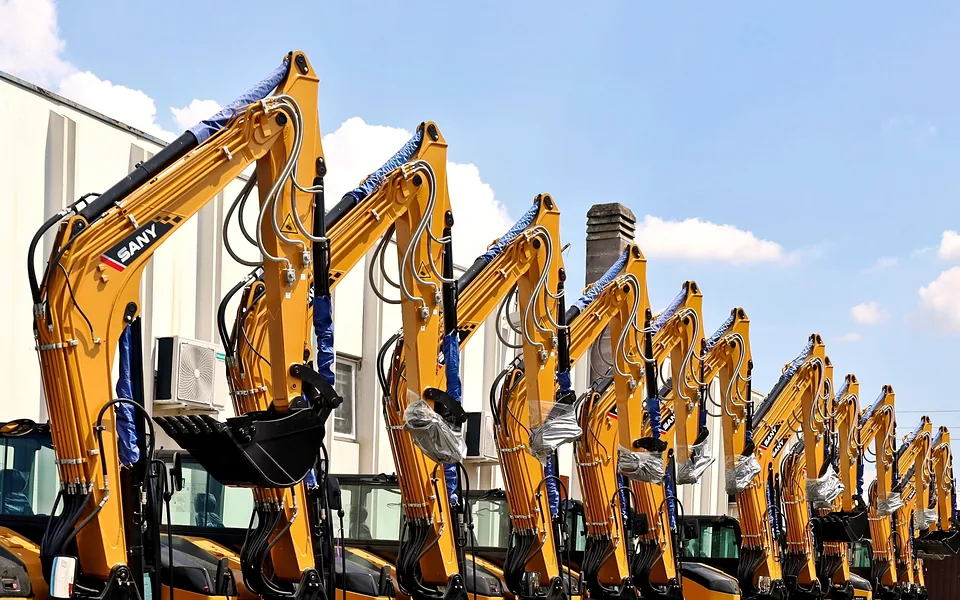
“Excavators with a warranty ending in the next 90 days.” Offer an inspection while the machine is still covered.
See Flyntlok for construction dealers
→
“Fleet customers with trucks past 100,000 miles.” Offer the fleet manager a preventive maintenance package.
See Flyntlok for truck and trailer dealers
→Your customers, your words
Describe any group of customers in plain English. Smart Campaigns builds the list and drafts the text for you to review.
Read the Smart Campaigns guide
→
3:30 pm at the service desk
A customer picking up his mower mentions he's pricing a new zero-turn. Who in sales should know?
Because the CRM is part of Flyntlok, sales, parts, service, and rental work from the same customer, the same machines, and the same task list. When a follow-up changes hands, the context goes with it.

Sees the customer's machines, orders, rentals, and every text, call, and note before picking up the phone.
Links a task to the work order or the machine, so sales sees the whole job when they pick it up.
Searches tasks by PO number, so a special order's follow-up is one search away.
See every open task by owner and due date, and step in before a follow-up goes stale.
Flyntlok CRM
$0
Extra for the CRM
Leads, tasks, texting tools, and Smart Campaigns come with every Flyntlok account, with no separate app or login. Texting costs depend on your dealership's needs.
See Flyntlok AI for dealers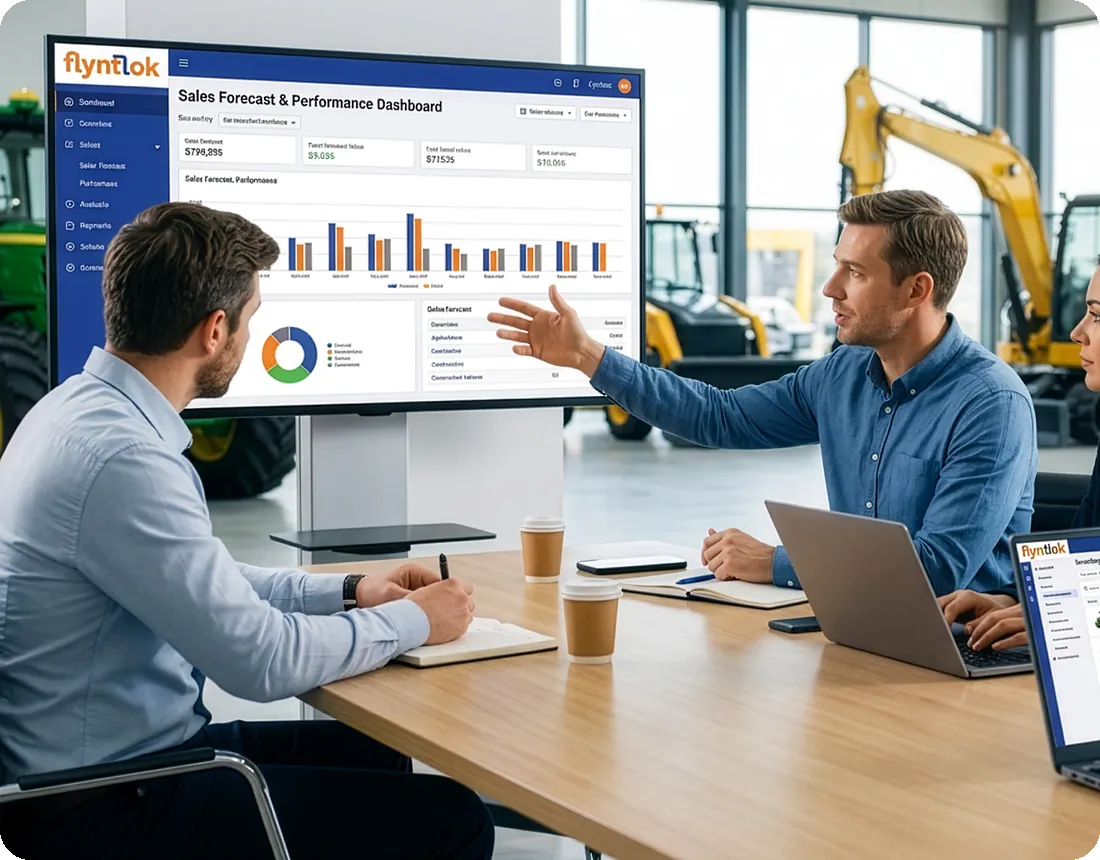
“We had tried in the past bolt-on capabilities for CRM and other functions, but the integration cost and lack of functionality did not deliver the ROI we were looking for. Flyntlok offers us a truly integrated platform.”
Nick Jacobs, Sr. Director of Finance & Operations, STS Truck & Trailer

5:00 pm in the GM's office
Month-end is Friday. What's quoted, what's close, and who hasn't heard back from us?
Leads come in from the website, the phone, texts, campaign replies, and the front counter, and they all land in one CRM. Managers see what every deal is worth, when it should close, and when someone last reached out, without building a separate report.
Every source in one place
Website forms, the Text Us widget, phone calls, texts, and campaign replies all create leads in the same CRM.
No duplicates, no lost leads
Flyntlok checks for open leads and matching customers before a new lead is saved.
Statuses that mean something
Set your own lead statuses and sources, and require a note whenever a status changes.
Pipeline value at a glance
All Leads adds up expected revenue, with close dates, last contact, and the latest note on every lead.
Shared deals, clear owners
Assign a lead to more than one person, attach several machines, and get an alert when your leads change.
Clean up in bulk
Update up to 20 leads or tasks at once, and archive the ones that went cold.
New CRM features shipped in each of the last 12 releases. Here's what the last nine delivered, straight from the release notes. Each one reached every Flyntlok dealer the day it shipped.
Jun 25
Link, change, or remove the customer on any CRM task, and Out-the-Door pricing now counts shipping.
Jul 9
AI campaigns opened to all dealers, with scheduling, tag and review filters, and SMS delivery statuses.
Jul 23
Call the primary contact with one click, and tasks marked done log an activity on the customer.
Aug 6
Tasks link to machines and make and model, and sales can work tasks and leads from a phone.
Aug 20
Lead archiving, a permission for changing the salesperson, and a Toro and Exmark sales registration report.
Sep 3
Tasks open on their own page with conversations and inline editing, plus Create Task on customer and machine pages.
Sep 17
Primary salespeople get alerts for incoming texts, and tasks show linked sales orders, work orders, and POs.
Oct 1
Update up to 20 at once, catch duplicate contacts, and see linked tasks right on the work order.
Oct 15
Create a lead from any SMS conversation, and linked contacts stay in sync everywhere.
Every update reaches every Flyntlok dealer at no extra cost. See every release note.
Plenty of DMS vendors list a CRM. These five questions show whether it's built into the system your team already uses, or one more app to log into.
A separate CRM means another login, a sync to watch, and salespeople who stop using it.
Part of the DMS. Leads, tasks, texts, and quotes live on the same customer record as parts, service, and rental.
When texting runs through a separate service, conversations end up outside the customer's record.
Yes. Two-way texting is built in, replies alert the customer's primary salesperson, and every text is saved to the customer's record.
A reminder that only says “call Jane” sends your rep hunting through three screens.
Yes. Every task links the customer, contacts, machine, lead, and orders, and can be promoted to a lead.
A list pulled into a spreadsheet is out of date before the first text goes out.
Yes and yes. Smart Campaigns builds the list from plain English and drafts the text, and it comes with every account.
A CRM that changes once a year can't keep up with how your sales team works.
About every two weeks. Each of the last 12 releases added new CRM features, with public release notes.
Comparing systems? The DMS Buyer's Guide Checklist covers the rest.
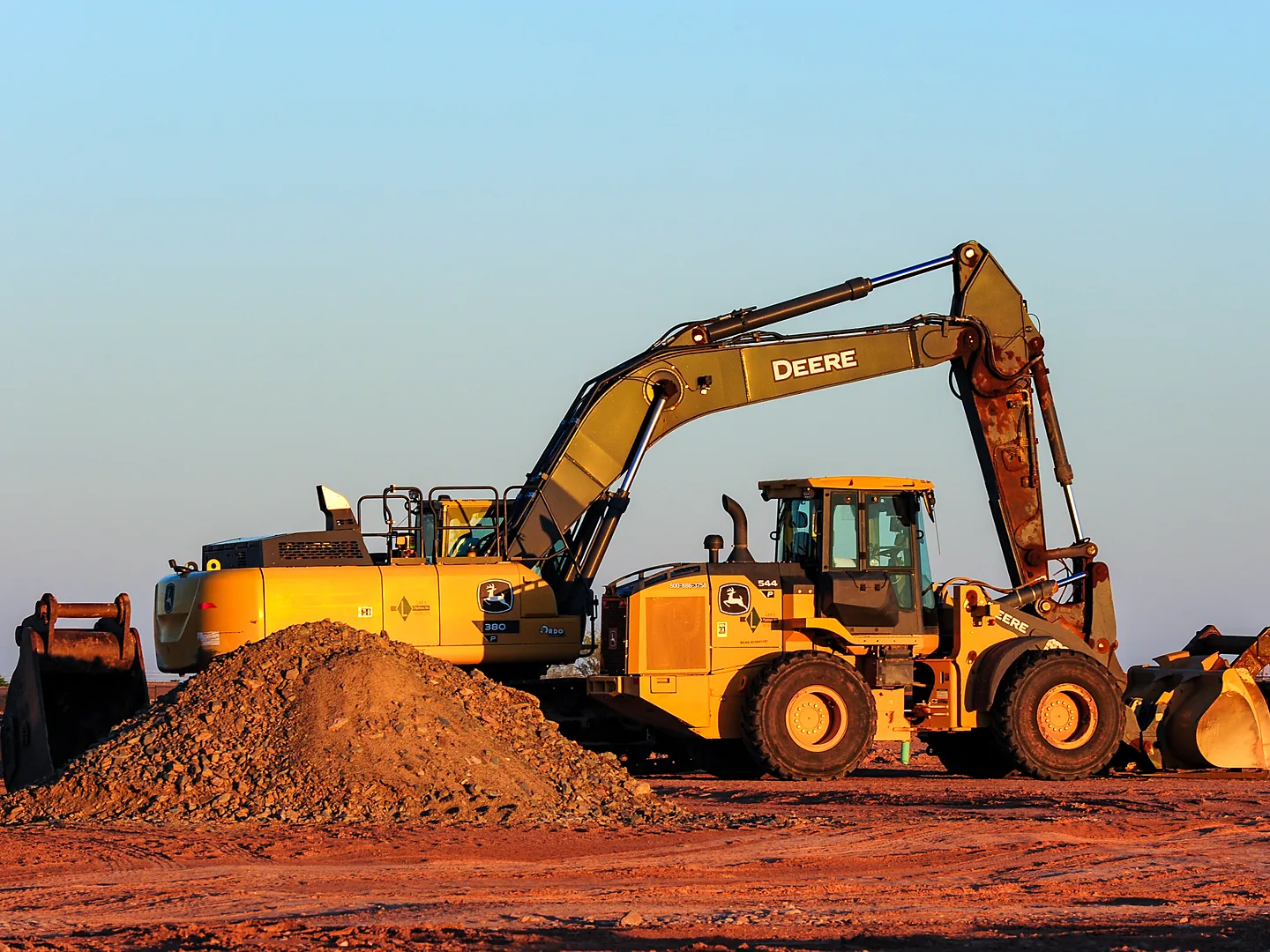
Get the buyer's checklist→Every dealer gets the same tasks, texting, and Smart Campaigns, working on the machines and customers in your industry.
Reach every customer who owns a planter or baler before the season starts, and track the trade-in on the deal.
Explore Agriculture
→
Keep owners, foremen, and fleet buyers on one account, with every machine and quote attached.
Explore Construction
→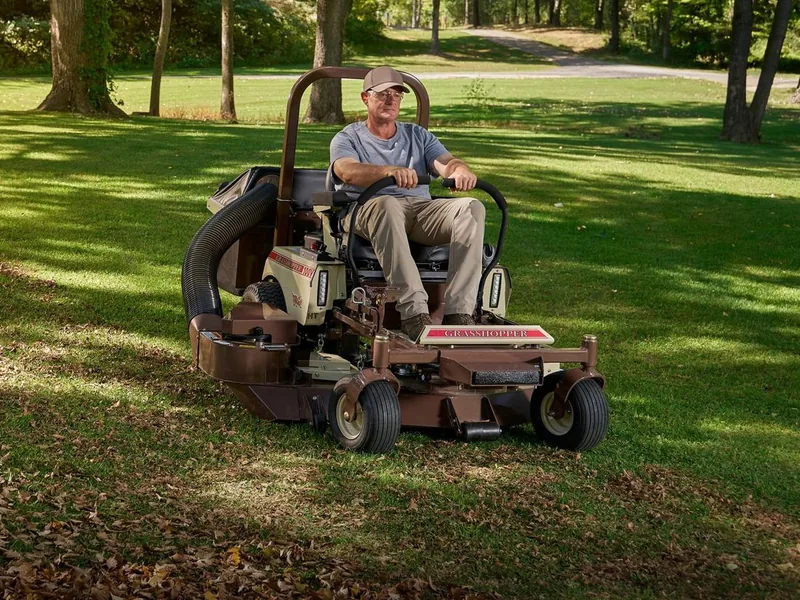
Turn walk-ins and website messages into leads, and text customers before mowing and snow season.
Explore OPE
→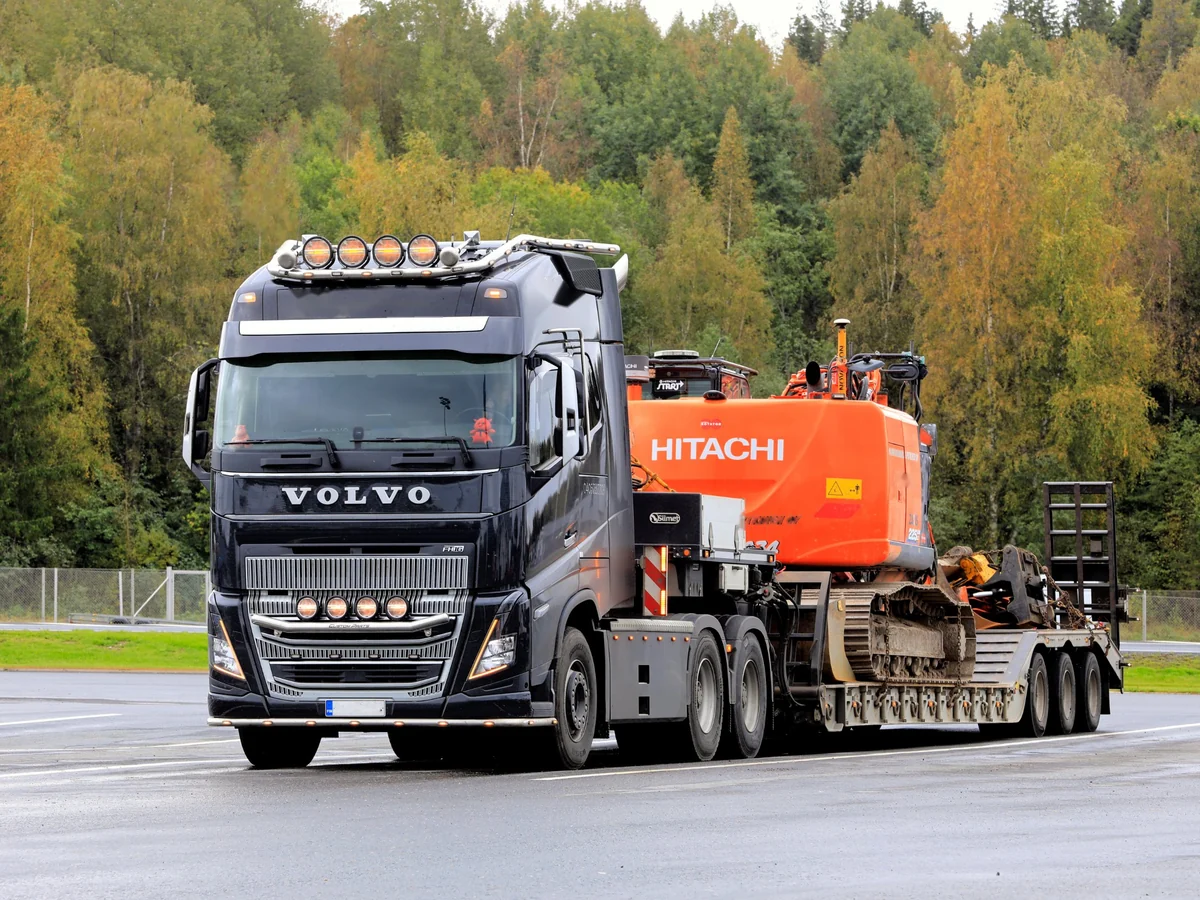
Track fleet customers with several contacts and many units, and see every truck they run.
Explore Heavy Truck
→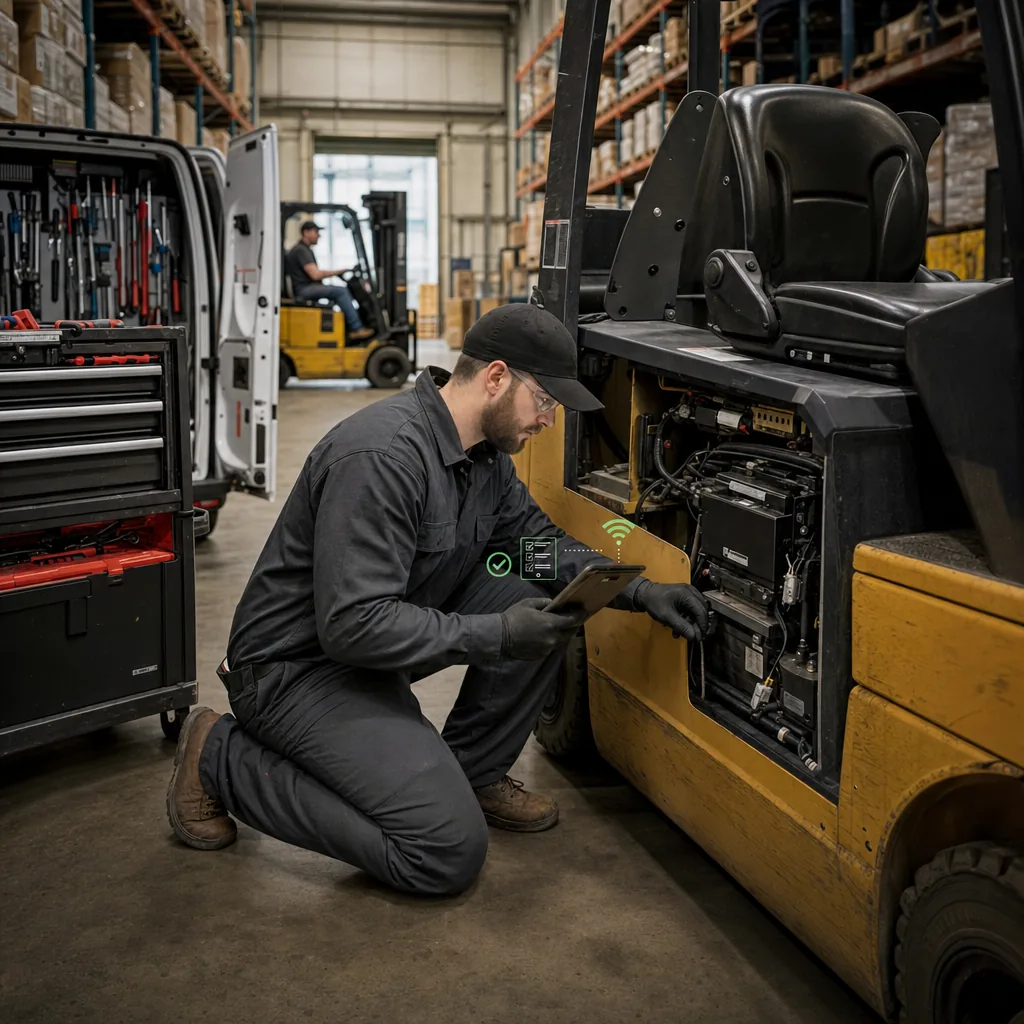
Keep every forklift, contact, and follow-up on one customer, so service visits turn into sales leads.
Explore Material Handling
→The CRM is part of Flyntlok, not bolted onto it, so a parts sale, a work order, and a customer text show up where your salespeople need them. No exports and no add-on tools.

Parts & Inventory
Search once to see what's on hand at every location, and keep 400+ brands priced right without loading a file.
See parts & inventory
→
Service Management
Techs clock in, request parts, and check out from a phone, and AI writes up the repair.
See service management
→
Rental Management
Send rental contracts to sign by text, and bulk check-ins keep dates and billing in sync.
See rental management
→
Flyntlok AI
Smart Campaigns in sales works alongside Smart Receive in parts and Smart Tech Notes and AI Review in service, all included.
See Flyntlok AI
→Hear how dealers put the CRM to work and from the people who build it, then run your own numbers.
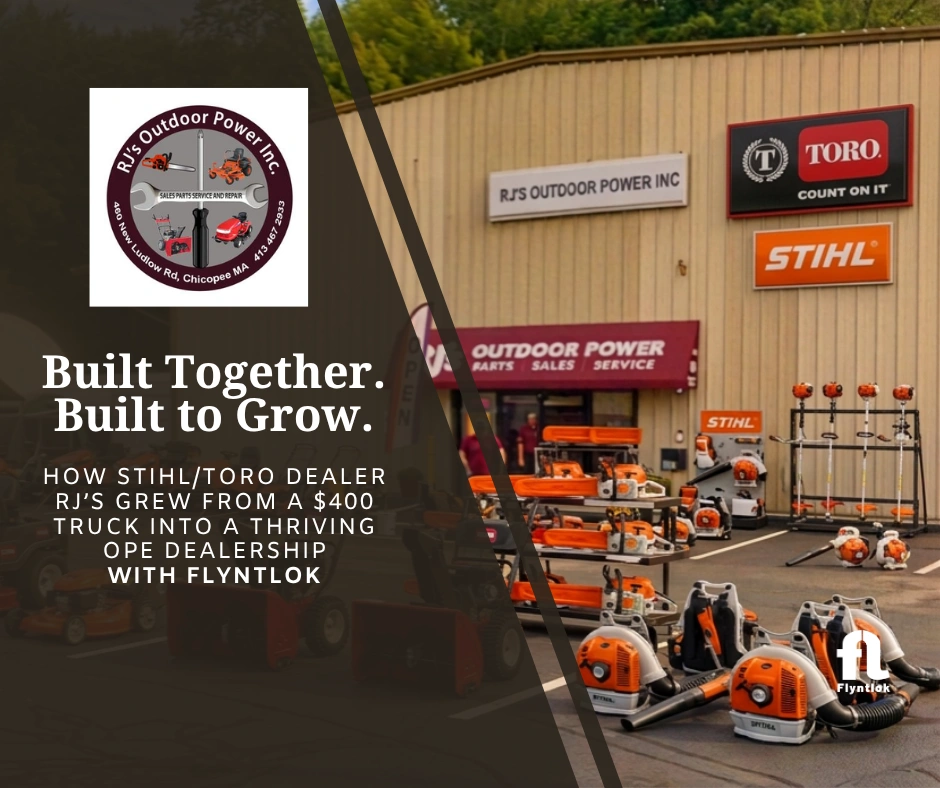
Bob and Judy Jennings started RJ's with a $400 bread truck in 1996. Today the team logs customer conversations as Activities in Flyntlok, new hires find their way around within a week, and Smart Campaigns is next on the list.
“That activity tool is gospel for us.”
Bob Jennings, Owner, RJ's Outdoor Power
1996
Started with a $400 service truck
~$1.5M
Average annual revenue today
1 week
For a new hire to find their way in Flyntlok

On-demand webinar
How dealers connect their website, CRM, and AI-powered marketing so website inquiries reach the right salesperson, with True Radius Marketing.
Watch the webinar
→
Unlocked Ep.9
With Michael Sharp and Ula Lapkus, Flyntlok engineering
How Tasks turn sticky notes into follow-ups that chase the salesperson, with the customer and machine attached.
Listen
→
Unlocked Ep.6
With Brandon Weaver, Customer Success Lead
A full Smart Campaigns walkthrough, from a plain-English search to replies your team can follow up on.
Listen
→
Unlocked Ep.3
With Alex Clementi, Senior Pre-Sales Consultant
How a Smart Campaign reply becomes a CRM lead and rolls straight into a service work order.
Listen
→Buyer tool
Run your dealership's numbers and see what Flyntlok could give back.
Run your numbers
→Article
Native CRM vs. standalone, what to look for, and the questions to ask before you buy.
Read
→Article
What each one does, where they overlap, and what to ask before you choose software.
Read
→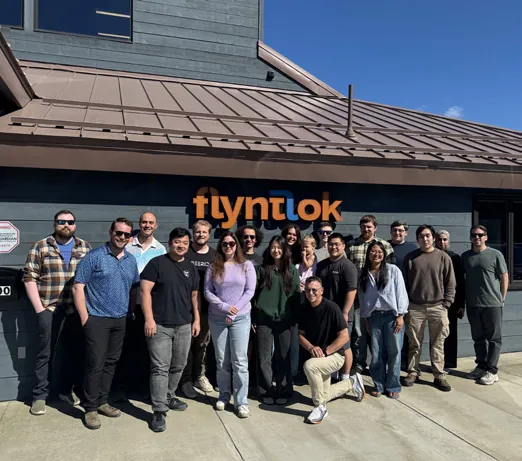
Flyntlok was designed inside Craig Taylor Equipment, an Alaska dealership that ran on a green-screen IBM system when founder Sean McLaughlin bought it. A $36 million growth investment from Mainsail Partners in 2025 added developers and support, and dealers help shape each CRM release through office hours, betas, and focus groups.
Former dealer
Founded by one, built for the sales floor
Every 2 weeks
New product updates
8/8 support
Response in 8 minutes, solved in 8 hours
Book time with our team. We'll walk through the Tasks Command Center, two-way texting, and Smart Campaigns, using the machines and customers you actually sell to.
A walkthrough built around your brands and your sales team
Tasks, texting, and Smart Campaigns on a laptop and a phone
Implementation and migration at no cost, plus plain answers on switching
Straight answers on tasks, texting, Smart Campaigns, leads, and cost.
Yes. Leads, tasks, texting, and Smart Campaigns are part of Flyntlok, not a separate app that syncs. Every task, text, call, and quote sits on the same customer record that parts, service, and rental use.
No. The CRM, including Tasks and Smart Campaigns, comes with every Flyntlok account at no extra cost. Texting costs depend on your dealership's needs.
It's one list of every follow-up, sorted by what's due. Each task can carry the customer, contacts, machine or make and model, the lead, and linked sales orders, work orders, and POs. You can call or text from the task, log the activity, add a backup assignee, and promote the task to a lead when it turns into a deal.
Yes. Each dealership gets its own texting number. You can text from tasks, leads, work orders, and the point of sale, use shared templates, and send photos and PDFs. Replies alert the customer's primary salesperson, and every conversation is saved to the customer's record.
Smart Campaigns is Flyntlok's AI tool for targeted texting. Describe who you want to reach in plain English, and it searches your customer, machine, and service records, drafts the text for your review, and turns replies into scored leads for your team.
Leads can come from your website through the Text Us widget or a web form connection, from phone calls, from texts in the SMS Inbox, and from Smart Campaign replies. Anyone on your team can also add one at the counter, from a phone, or from a customer or machine record.
Yes. Flyntlok Mobile lets salespeople find and create leads, work their tasks, call contacts and log the activity, read and answer their text conversations, and check machine pricing from a phone.
Yes. The All Leads view totals expected revenue and shows each lead's status, close date, last contact, and latest note. Managers can filter, group, and save layouts, see every task by owner and due date, and update up to 20 leads or tasks at once.
Flyntlok tracks texting and email permission for each contact, handles STOP, START, and HELP replies automatically, and keeps a consent history for each customer and phone number, to help your dealership follow TCPA and carrier rules.
About every two weeks. Each of the last 12 Flyntlok releases, from April to October 2026, added new CRM features, and every release comes with public release notes at no extra cost.




