NEW!
Meet Flyntlok at Equip Expo 2026:
Flyntlok runs in your web browser on Google Cloud, on one platform every dealer shares. New features land every two weeks with nothing to install, support answers in minutes, and every store, phone, and tablet sees the same live numbers.
Running dealerships across four countries






Owners check numbers from home, techs work at the machine, and parts move between stores all day. Software built around one server room makes each of those harder. Flyntlok was built in the cloud, so the whole dealership works on one live system, wherever the work happens.
One day at a dealership running on Flyntlok
Follow one dealership from the first sign-in to closing time.
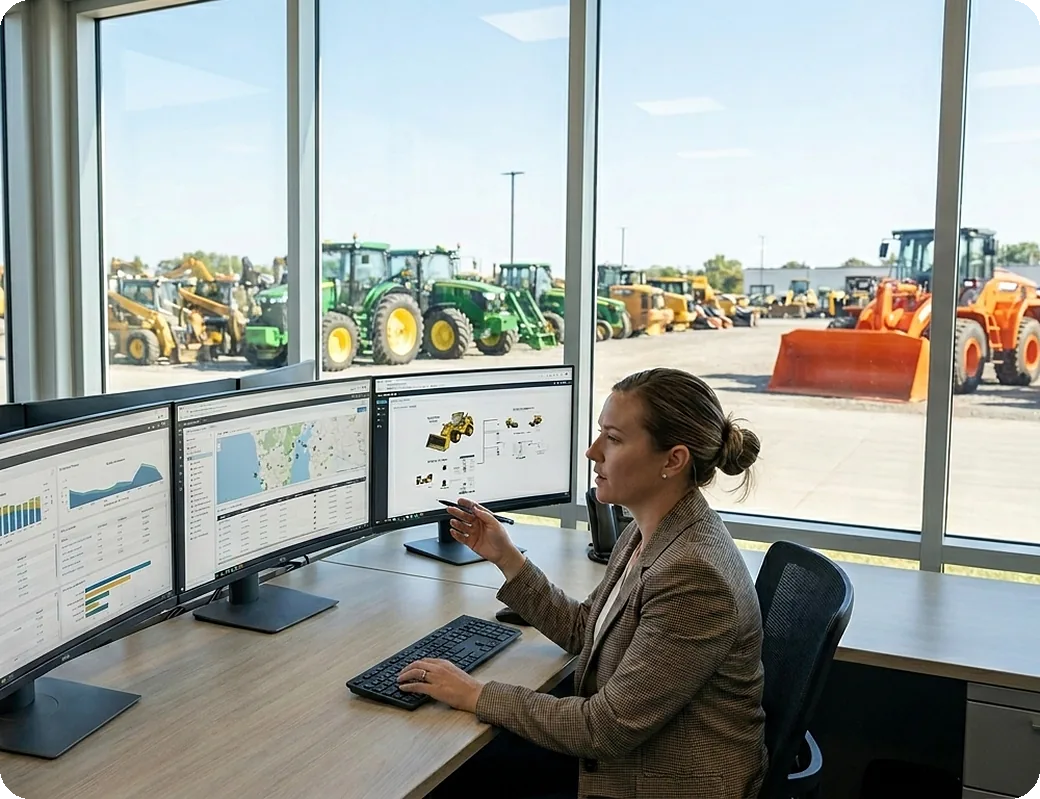
“Being delivered on the Google cloud and truly built from the ground up by the Flyntlok team was critical in our selection process.”
Nick Jacobs, Sr. Director of Finance & Operations, STS Truck & Trailer, on choosing a DMS

6:55 am in the front office
The doors open in five minutes, and the GM wants yesterday's numbers from every store.
Plenty of DMS “cloud” is older software on a server the vendor runs, reached through a remote desktop, a VPN, or an installed app. Flyntlok was built from scratch on Google Cloud as one platform every dealer shares. Open a browser, sign in, and you're on the newest version, the same one every other Flyntlok dealer runs.
Any browser, any device
Chrome, Edge, Firefox, or Safari on a desktop, laptop, tablet, or phone. No plugins, no VPN, no remote desktop.
One version for every dealer
Every dealer runs on the same platform, so a fix or feature built for one dealer reaches them all.
Built from scratch on Google Cloud
Not an older system lifted onto a server and given a login page.
No upgrade projects
New releases show up on their own. Nothing to schedule, install, or pay extra for.
No server to buy or replace
Nothing in the back room to patch, upgrade, or replace when it ages out.
Room to grow
Add users and locations without new hardware. Big reports run on their own back end, so they don't slow down the counter.

8:00 am in the sales office
Today's release is live. Nobody scheduled an upgrade, and nobody installed a thing.
Flyntlok ships a new release about every two weeks, and it reaches every dealer the same day. There's no upgrade project to schedule, no version left behind, and no bill for the update. Each release comes with public, dated release notes that name the developer behind each change.
148
Releases since January 2021, each with public release notes
276
Office hours signups from 66 dealers in a single month
Release count from Flyntlok's public release notes, January 6, 2021 to October 15, 2026. Office hours count from the October 1, 2026 release notes.
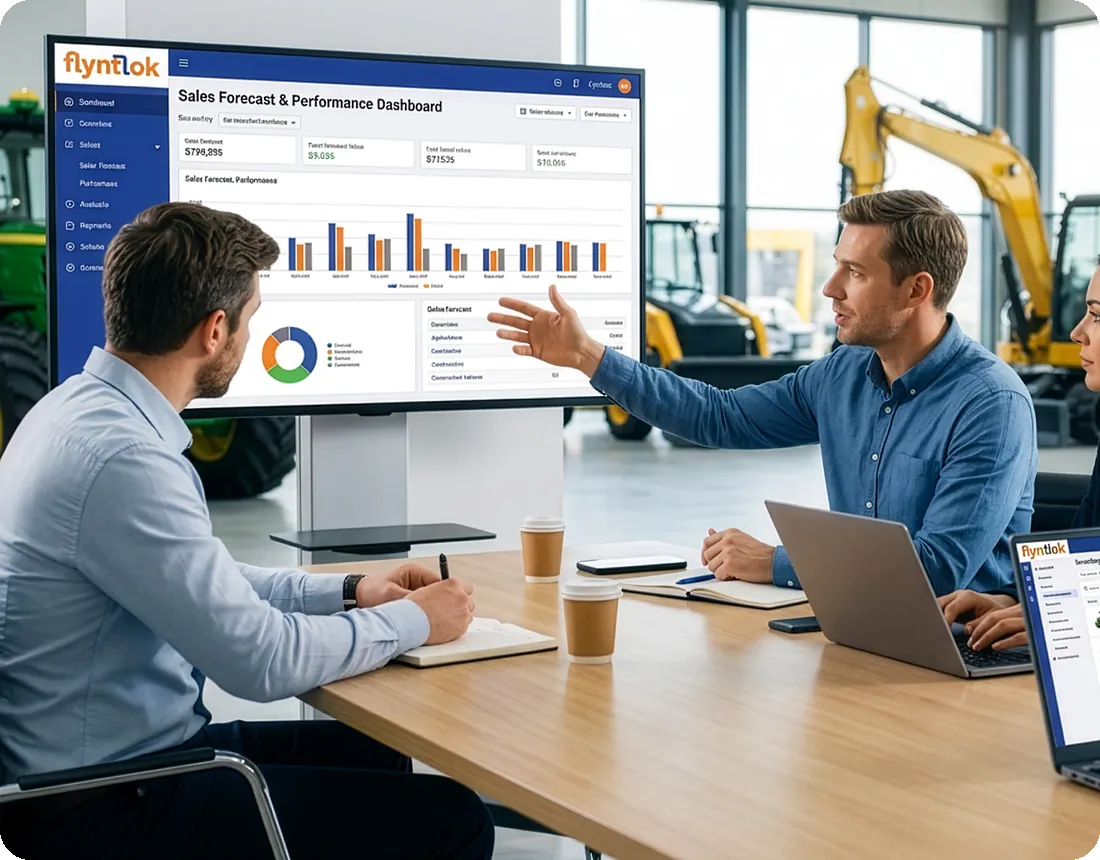
What shipped on October 15, 2026
19 improvements and 11 fixes, including
Available to every Flyntlok dealer that day, at no extra cost.
01
Office hours, focus groups, betas, and support tickets show where the clicks and workarounds are.
02
Developers work in six focus areas, from parts and service to mobile, so each change is built by people who know the workflow.
03
About every two weeks, the release goes live for everyone at once, on the same version.
04
Public release notes explain each change, why it matters, and who built it.
Day one
Built inside a working Alaska dealership
2022
Two-step sign-in by email or text
2024
Infrastructure built out for thousands of dealers
2025
$36M Mainsail investment puts AI at the center
2026
Four AI tools live, and dealer office hours begin
“The responsiveness that we get from Flyntlok is unheard of in a support role.”
Katie Stephens, Controller, RTL Equipment

9:40 am at the service desk
An invoice won't post, a customer is waiting, and month-end is two days out.
The 8/8 Support Guarantee: a response in 8 minutes and the problem solved in 8 hours. Tickets go in from inside Flyntlok with the page you were on and the steps that got you there, so support starts on the fix, not on questions.
Response in 8 minutes
A real person with an answer you can act on, not an automated reply.
Solved in 8 hours
When Ep.4 was recorded in June 2026, tickets were closing in about 4.75 hours on average.
Tickets from inside Flyntlok
Flyntlok captures the page you were on and the steps leading up to the issue, so you don't have to explain it twice.
Track it in the app
Follow progress, read every reply, and respond without leaving Flyntlok.
People who know dealerships
Consultants pick up the phone, and many dealers know them by name.
Developers start with answers
An internal AI tool investigates incoming tickets first, so developers start from findings, not a blank screen.
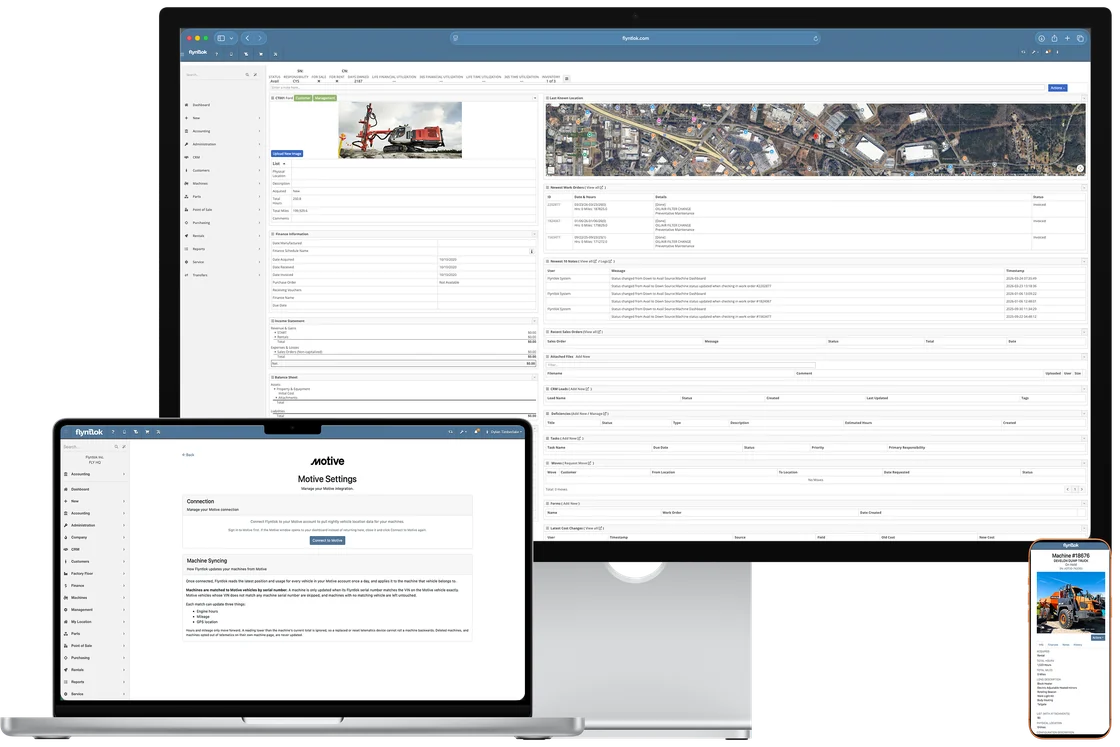
“The ability to see that sales summary report with the different locations… I look at it nearly daily. It's a breath of fresh air, because that was impossible before.”
Chris Weems, Dealer Principal and Owner, TraxPlus, on seeing every location

11:15 am on a jobsite
The road tech needs a filter that isn't on the truck. Which store has one?
Every location works in the same live data. The counter sees what's on every store's shelf, managers see every store's numbers, and techs and salespeople take Flyntlok into the field on their phones.
Stock at every store
Search once and see what's on hand at every location, then transfer it to the store that needs it.
Numbers by location, live
Sales, service, and inventory by store as they happen, not in next month's spreadsheet.
Flyntlok Mobile for techs
Clock in, request parts, add photos, record Tech Notes, and check out from a phone.
Customers and leads on the road
Look up customers, leads, and machines from a phone, with saved searches and filters.
Photos from the machine
Snap a photo beside the machine and it's on the record for sales, service, and warranty.
Customers self-serve in Sparks
Customers order parts, pay, request service, and check on their orders in the Sparks portal.
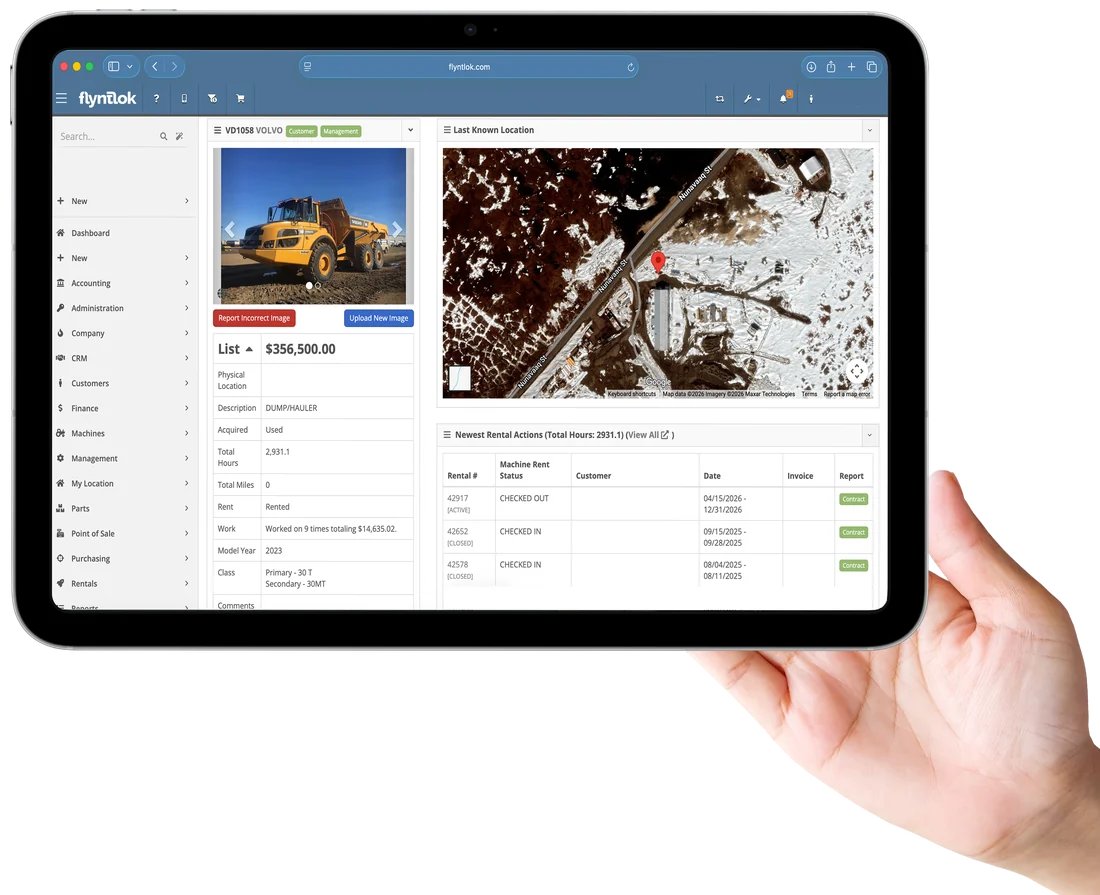
“Having inventory and pricing automatically updated because my people are already doing that work in Flyntlok is what I wanted.”
Paul Sullivan, Owner, Alan's Lawn & Garden Center

1:30 pm at the parts counter
A customer needs a John Deere part today. Is it in stock at Deere, and what does it cost?
Because Flyntlok lives online, it connects straight to the systems your brands and partners already run. It links to 12 OEMs, keeps 400+ price files current for you, and pulls in telematics, accounting, and payments, so nobody retypes what another system already knows.
12 OEMs, connected
Send parts orders, check live pricing and stock, and see warranty data where each OEM supports it.
400+ price files, kept current
Flyntlok retrieves, maps, and loads them, then reprices the parts already on your shelf.
Accounting connected
Post to QuickBooks Online, Sage Intacct, or Xero, and see what posted and what needs attention.
Telematics hours, no typing
Samsara, Motive, Volvo, and Hitachi telematics keep machine hours current for maintenance.
Payments and online sales
Gravity Payments at the counter, plus Shopify and Aurora Parts orders that flow straight into Flyntlok.
More connections every year
Aurora Parts joined in June 2026 and Motive in October, with Kubota and SANY ordering in development.

Parts POs with two-way confirmation, live John Deere pricing and availability, and warranty and PIP data by serial number.
See the John Deere integration
→
Kubota net pricing loads automatically. Parts Locator, Parts Order, and SmartSupply are in development.
See the Kubota integration
→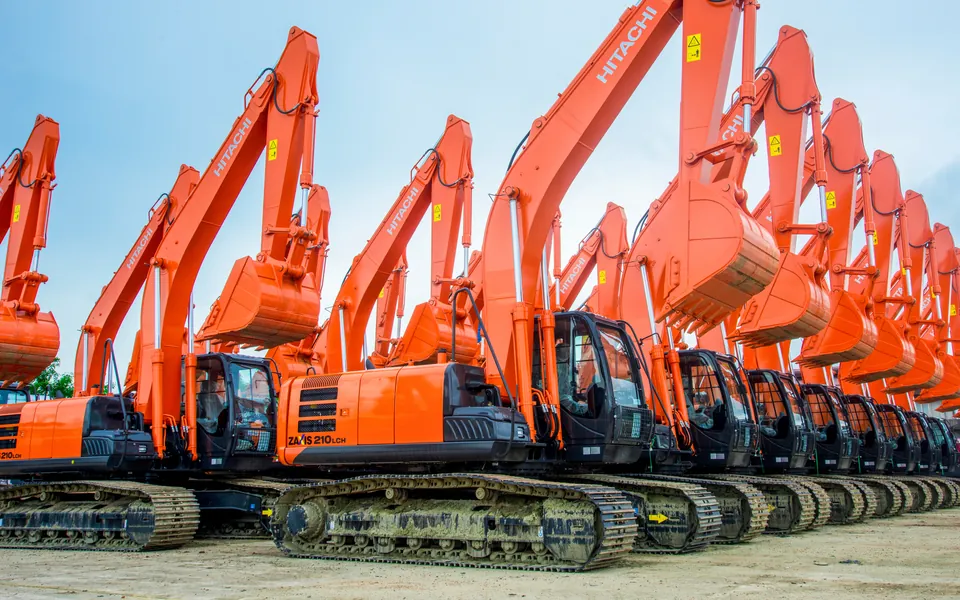
Automated parts POs, and live Hitachi pricing and availability on every parts lookup.
See the Hitachi integration
→
Every SANY machine tracked by serial number, and Receive As rolls other makers' numbers up under one SANY part. Pricing and ordering are in development.
See the SANY integration
→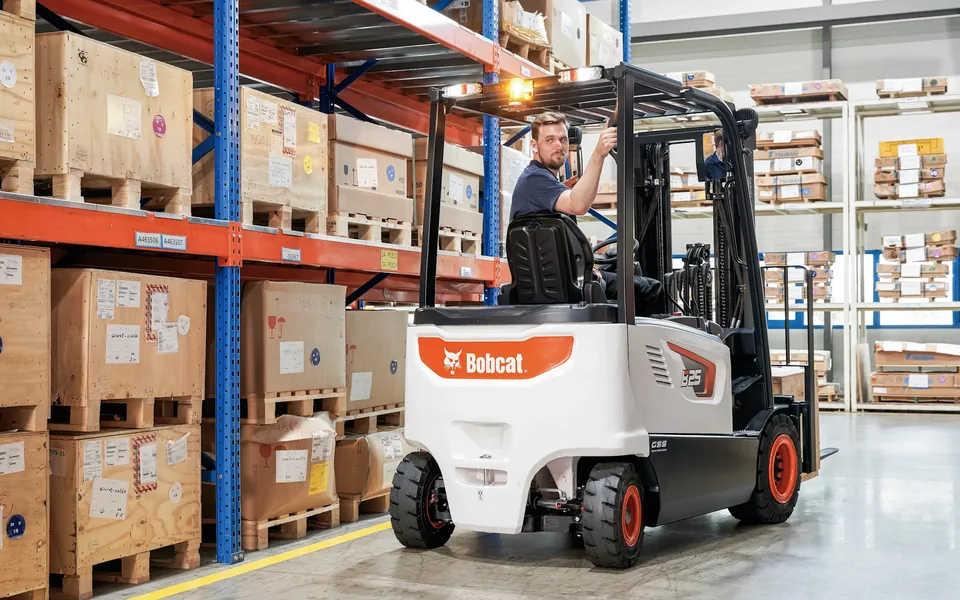
Live stock and picklists in Bobcat's Online Parts Counter, plus Bobcat pricing and part photos.
See the Bobcat integration
→12 OEMs, 400+ price files
Its price file is probably already in Flyntlok. See every OEM connection, what's live, and what's in development.
See all OEMs and price files
→
3:00 pm at the receiving dock
A pallet of parts beat the invoice to the dock, and customers are already asking for them.
Because every dealer runs on one platform, a new AI tool doesn't need a separate app, a new login, or a waitlist. Four Flyntlok AI tools are live today, and they come with every account.
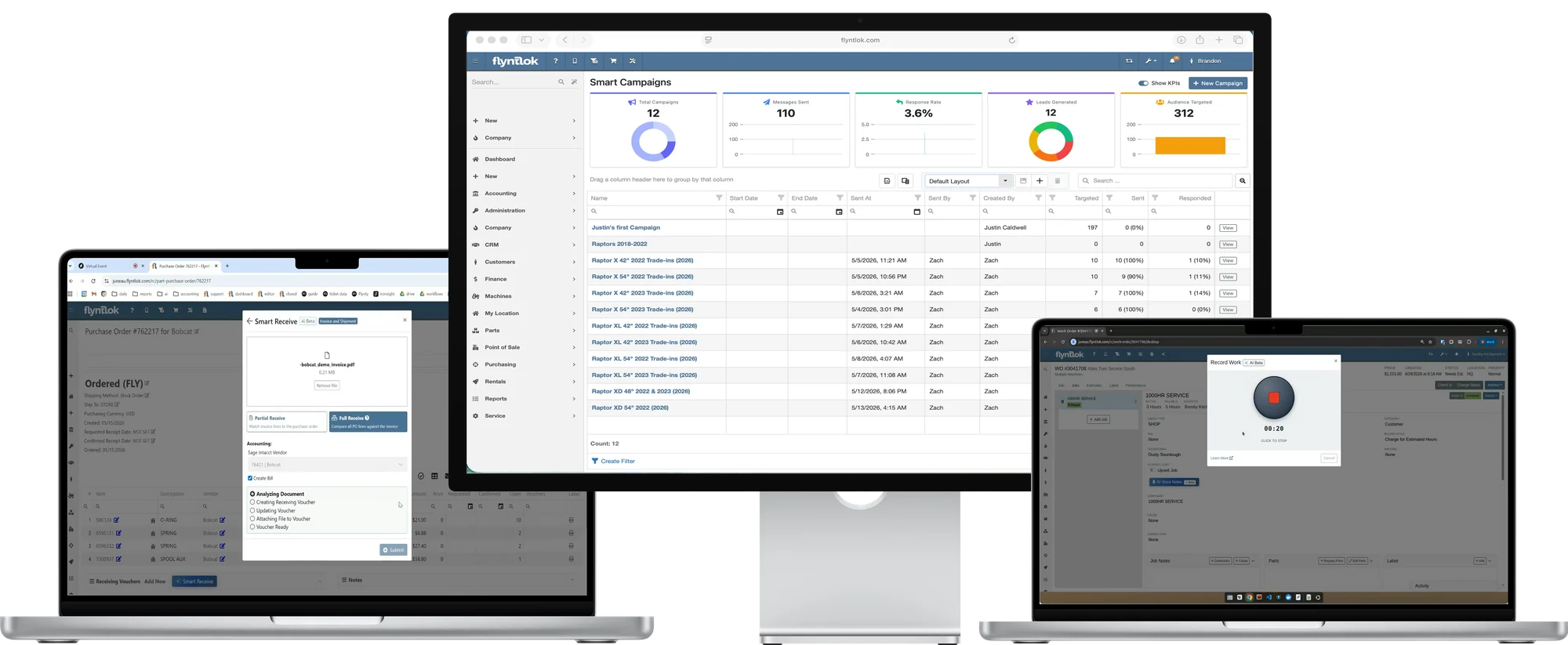
Reads vendor invoices and packing slips, so parts get received and stocked before the paperwork catches up.
Techs talk through the repair, and AI writes a clean Complaint, Cause, and Correction, in English or Spanish.
Checks job notes against the parts list to catch fluids and supplies nobody billed.
Describe the customers you want in plain English, and AI builds the list and drafts the text.
Flyntlok AI
$0
Extra cost for AI
All four tools come with every Flyntlok account, with no separate app or login. Texting costs for Smart Campaigns depend on your dealership's needs.
See Flyntlok AI for dealers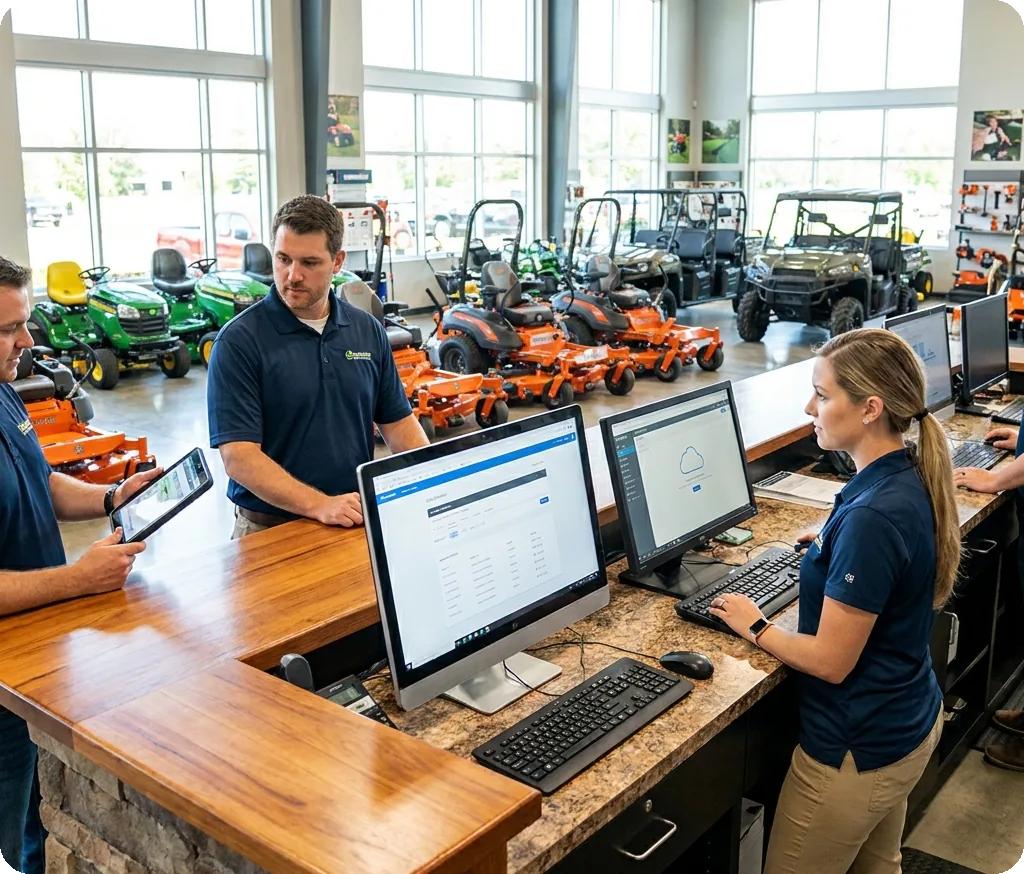
5:15 pm at the front counter
A new hire starts Monday. They need a login for the counter, not the books.
Your data lives on Google Cloud, not on a server in the back office. Flyntlok adds two-step sign-in, permissions by role, and logs that show who changed what, so you decide who sees what.
Built on Google Cloud
Your dealership's data runs on Google Cloud infrastructure, not a box in the back room.
Two-step sign-in
Require a one-time code by email or text at sign-in, which helps meet cyber insurance requirements.
Permissions by role
Limit who can edit machines, change work orders, or adjust labor, and the same rules apply on mobile.
Logs that show who changed what
Audit logs on work orders, sales orders, rental contracts, and machine costs show who did what, and when.
Your data trains no one else's AI
What your dealership puts into Flyntlok AI stays inside Flyntlok. It's never shared with other dealers, used to train models for competitors, or sold.
Your records aren't on the counter PC
Flyntlok runs in the browser, so a broken or stolen counter PC doesn't take your records with it.
Here's what the last nine releases delivered, straight from the release notes. Each one reached every Flyntlok dealer the day it shipped.
Jun 25
Marketplace orders import straight into Flyntlok, and techs can finish machine checkout on a phone.
Jul 9
Large reports moved to their own back end to load faster, and dealer office hours launched.
Jul 23
Mobile pricing, smarter mobile search, and deficiencies logged at the machine, plus click-to-call from leads.
Aug 6
Service confirmations and reminders go out by text, and sales can run CRM tasks from a phone.
Aug 20
AI voice notes opened to every technician with no sign-up, plus a redesigned machine moves workflow.
Sep 3
Faster rental invoicing, and Smart Receive fills customer commitments before shelf stock.
Sep 17
Tech Notes turns Spanish into clean English, and techs can own their own labor entries.
Oct 1
Stock parts before the invoice arrives, get nightly hours and miles from Motive, and sign rentals by text.
Oct 15
AI checks job notes against the parts list, and the QuickBooks Online Manager shows what posted.
Every update reaches every Flyntlok dealer at no extra cost. See every release note.
Plenty of vendors say “cloud” now. These five questions show whether you're getting a platform built for it, or older software running on someone else's server.
A remote desktop or VPN usually means older software on a hosted server, with extra logins and screens that weren't built for a phone.
A web browser on any computer, tablet, or phone. No remote desktop, no VPN, and nothing to install.
When each dealer runs its own copy, upgrades turn into projects and some dealers fall behind.
Yes. Every Flyntlok dealer runs on one shared platform and gets every release.
A system that changes once or twice a year can't keep up with your season.
About every two weeks, with public release notes. That's 148 releases since January 2021.
When an invoice won't post, a ticket that waits a day costs you a day.
The 8/8 Support Guarantee: a response in 8 minutes and the problem solved in 8 hours.
AI on a road map, or sold per user, doesn't help this season.
Yes and yes. Four AI tools are live, and they come with every Flyntlok account.
Comparing systems? The DMS Buyer's Guide Checklist covers the rest.
Get the buyer's checklist→Every dealer gets the same browser-based platform and updates, plus the OEM connections and workflows for the brands you carry.
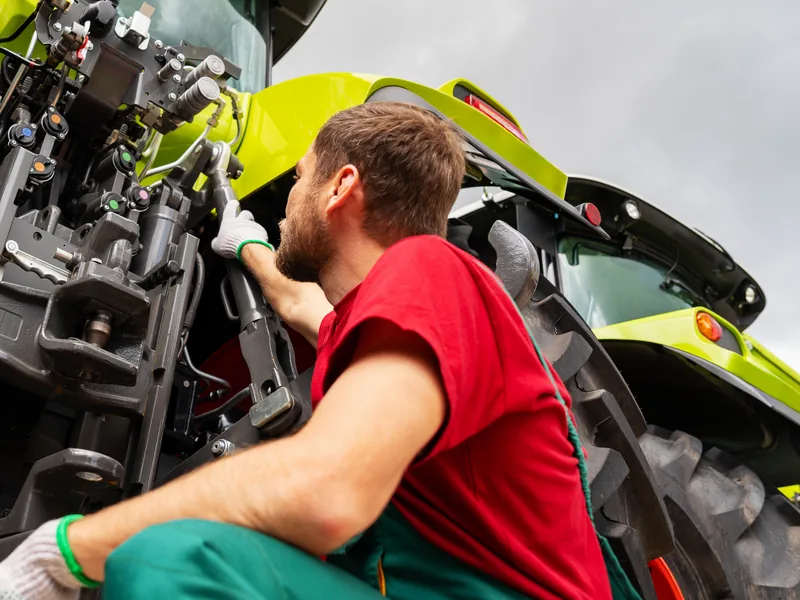
Send John Deere parts orders from the PO and see open PIPs, from the office or the field.
Explore Agriculture
→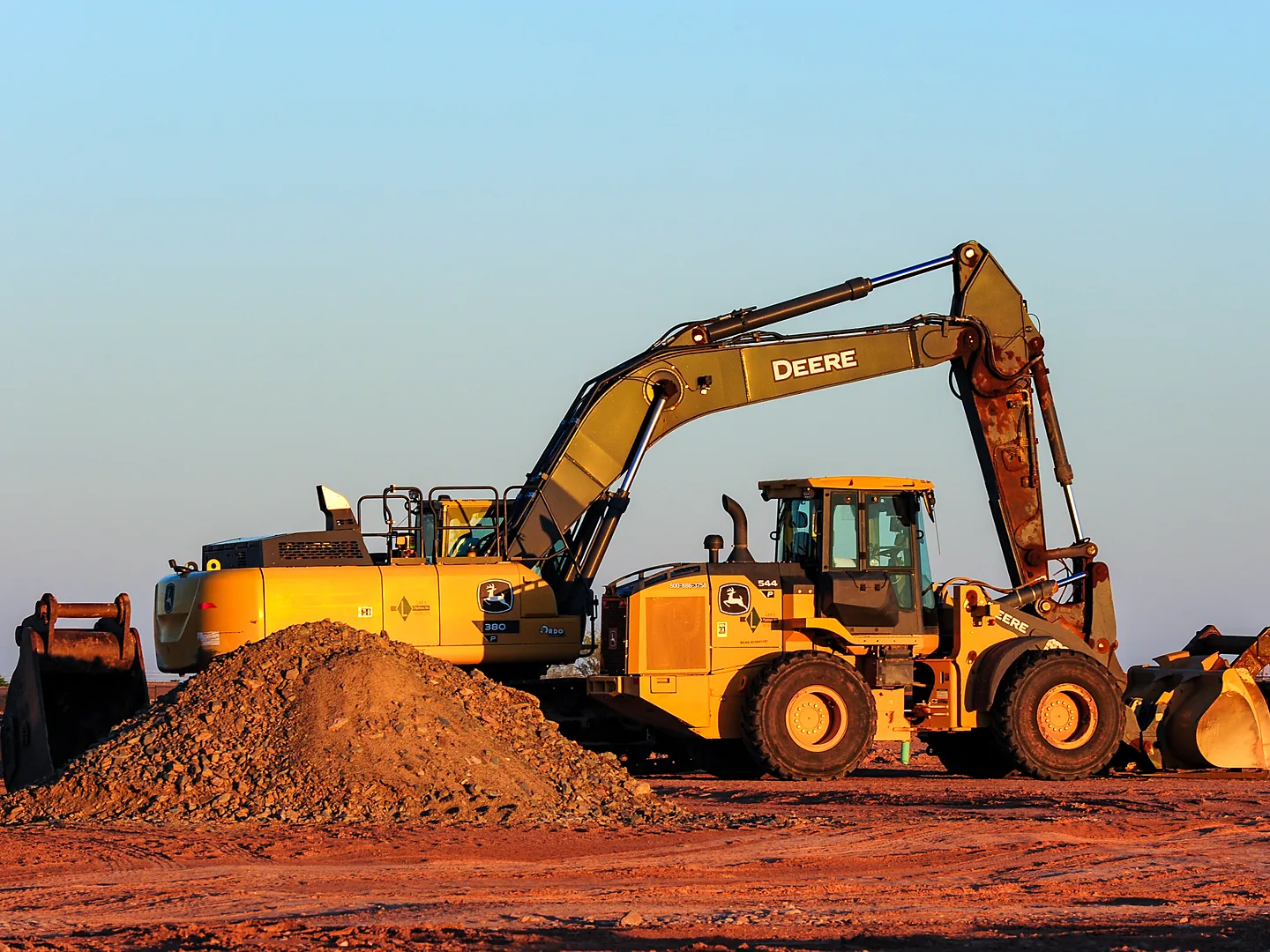
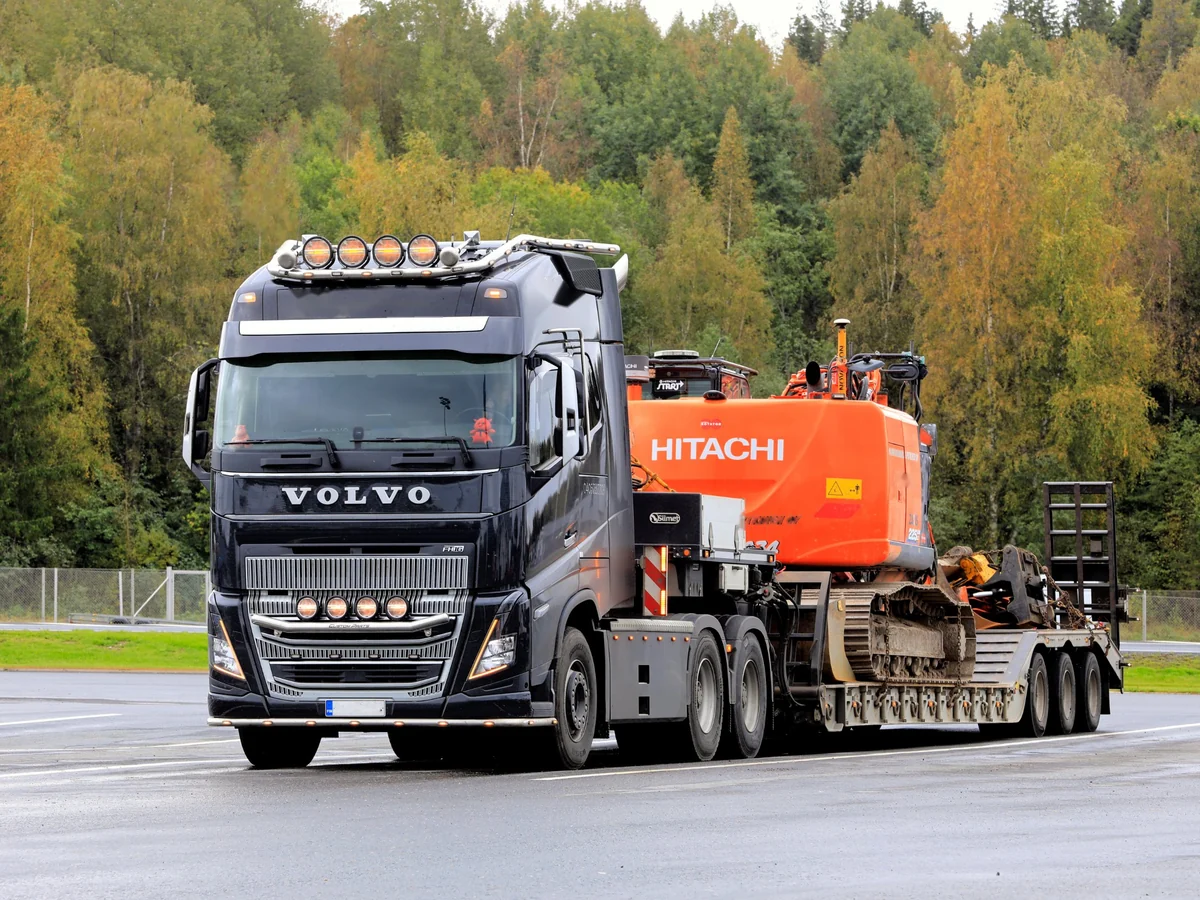
Volvo, Hitachi, and Samsara telematics keep hours current, and Volvo writes stock orders for you.
Explore Construction
→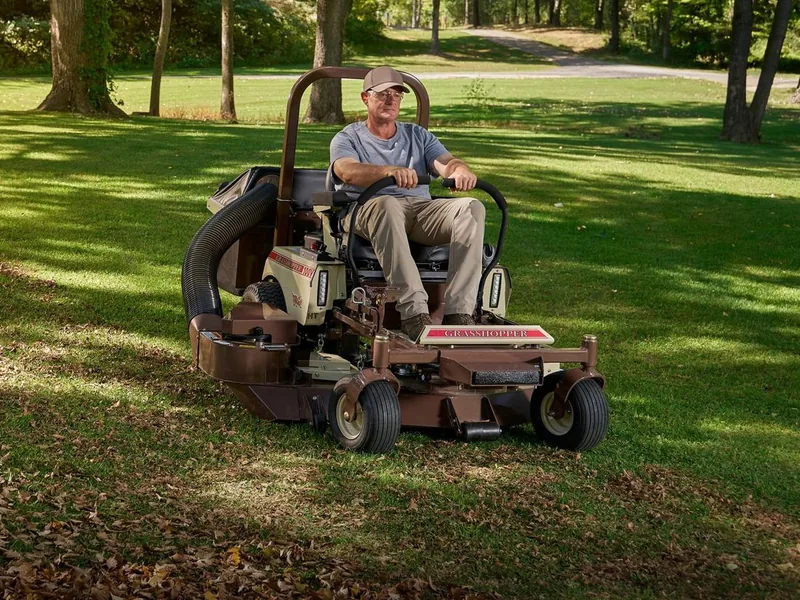
STIHL, Toro, and Exmark pricing stays current, and Shopify orders land right in Flyntlok.
Explore OPE
→
Parts orders to PACCAR from the PO, and nightly miles and hours from Motive or Samsara.
Explore Heavy Truck
→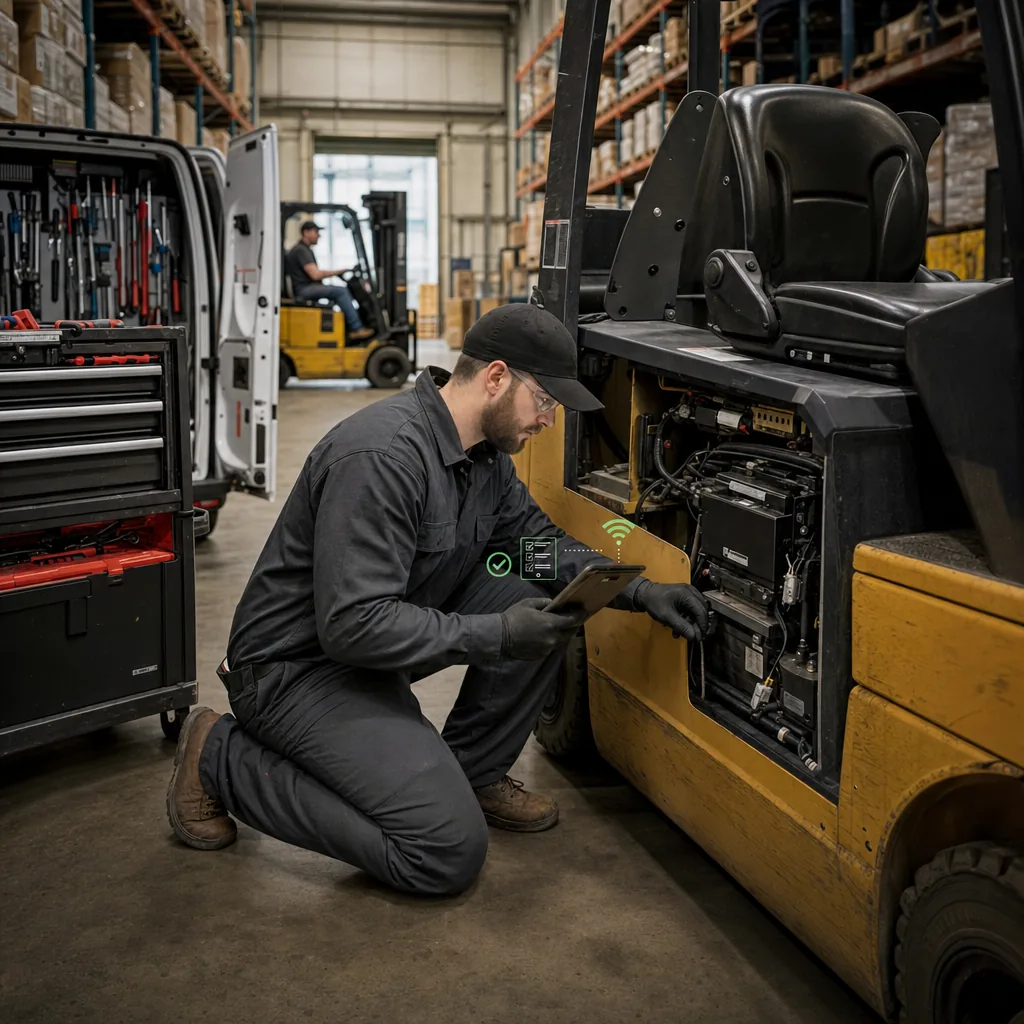
Field techs run the whole job from a phone, with live stock at every branch.
Explore Material Handling
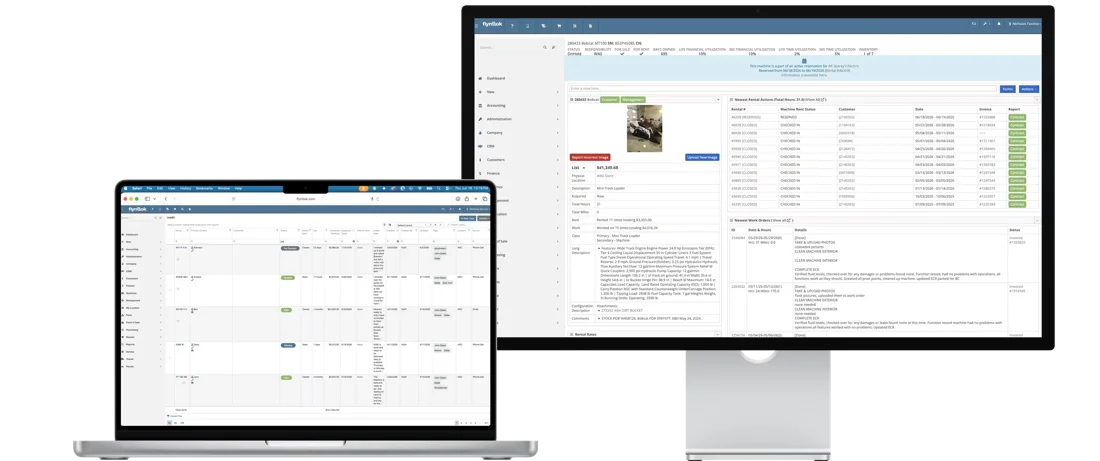
→Every department works in the same cloud platform, so a parts sale, a rental check-in, and a customer text show up where the next person needs them. No exports and no add-on tools.

Parts & Inventory
Search once to see what's on hand at every location, and keep 400+ brands priced right without loading a file.
See parts & inventory
→
Service Management
Techs clock in, request parts, and check out from a phone, and AI writes up the repair.
See service management
→
Rental Management
Send rental contracts to sign by text, and bulk check-ins keep dates and billing in sync.
See rental management
→
CRM
Calls, texts, tasks, and machines on one customer record, at the desk or on the road.
See CRM
→Hear from dealers running every location on Flyntlok and the people who build it, then run your own numbers.

White's Tractor ran parts and service, rental, and sales on three systems that didn't talk to each other. Now four Bobcat stores share one cloud platform, a daily courier moves parts where they're needed, and support cases often get a response within 15 minutes.
“I've never used a system where you get an answer or a resolution to a problem that quickly.”
Drew Marsteller, Operations Manager, White's Tractor
4
Bobcat stores on one system
3 to 1
Systems replaced by one platform
Daily
Courier runs guided by live stock

STS Truck & Trailer
A truck and trailer dealer replaced its legacy DMS with Flyntlok for open data, API connections, and a platform built for the cloud.
Read the STS story
→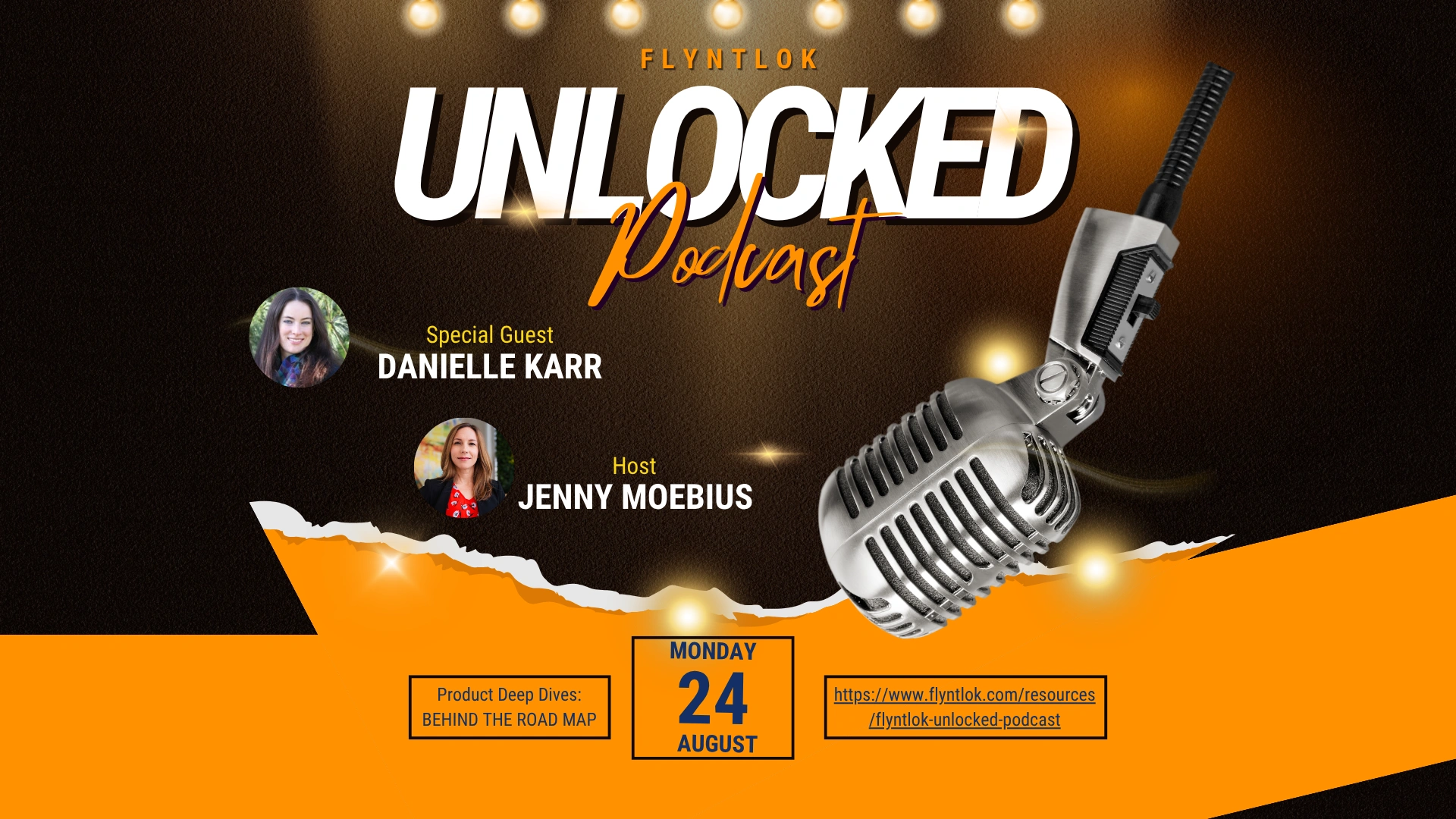
Unlocked Ep.7
With Danielle Karr, VP of Product
How focus groups, office hours, and support tickets shape what ships every two weeks.
Listen
→
Unlocked Ep.4
With JP Raiger, Support Consultant
Inside the 8 and 8 standard, how tickets capture the problem, and why consultants pick up the phone.
Listen
→
Unlocked Ep.8
With Bomby Kitchpanich, Senior Software Engineer
How service teams get clean documentation from AI without slowing down the techs who drive service revenue.
Listen
→Buyer tool
Run your dealership's numbers and see what Flyntlok could give back.
Run your numbers
→Article
If you have to plan for a DMS upgrade, your system likely isn't cloud-based. Here's what changes when it is.
Read
→Article
How Flyntlok connects to 12 OEMs and keeps 400+ price files current at no extra cost.
Read
→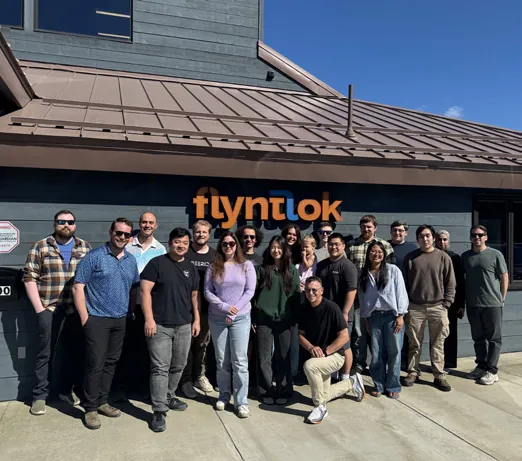
Flyntlok was designed inside Craig Taylor Equipment, an Alaska dealership that ran on a green-screen IBM system when founder Sean McLaughlin bought it. A $36 million growth investment from Mainsail Partners in 2025 added developers and support, and dealers help steer each release through office hours with the people who build it.
Former dealer
Founded by one, built for the shop floor
Every 2 weeks
New product updates
8/8 support
Response in 8 minutes, solved in 8 hours
Book time with our team. We'll show you Flyntlok in a browser, on a tablet, and on a phone, walk through the latest release, and show you how support works.
A walkthrough built around your brands and your locations
The latest release, Flyntlok Mobile, and how a support ticket works
Implementation and migration at no cost, plus plain answers on switching
Straight answers on hosting, updates, support, access, and security.
Yes. Flyntlok was built from scratch on Google Cloud as one platform that every dealer shares. You sign in from a web browser on any computer, tablet, or phone. There's no server at your dealership, and no remote desktop or VPN.
Hosted software is an older system installed on a server in someone else's data center, usually reached through a remote desktop, a VPN, or an installed app, and upgraded dealer by dealer. Cloud-native software like Flyntlok is built to run in the browser on one shared platform, so every dealer is on the same version and gets every update.
No. Flyntlok runs in Chrome, Edge, Firefox, or Safari on a desktop, laptop, tablet, or phone, with no plugins and no VPN.
About every two weeks, with public release notes for each one. Updates reach every dealer the same day at no extra cost, and there's no upgrade project to schedule. Flyntlok has shipped 148 releases since January 2021.
Flyntlok's 8/8 Support Guarantee means a response in 8 minutes and the problem solved in 8 hours. When Flyntlok Unlocked Ep.4 was recorded in June 2026, tickets were closing in about 4.75 hours on average. You submit and track tickets inside Flyntlok, and each one captures the page you were on and the steps that led there.
Yes. Flyntlok runs in the browser on tablets and phones, and Flyntlok Mobile lets techs clock in, request parts, add photos, record Tech Notes, and check out at the machine. Salespeople can look up customers, leads, and machines and log calls from a phone.
Yes. Every location works in the same live data, so you can see stock at every store, move parts and machines between locations, and run reports by location. White's Tractor runs four Bobcat stores on Flyntlok, and TraxPlus runs five SANY locations.
Flyntlok runs on Google Cloud, not on a server in your building. You can require a one-time code by email or text at sign-in, set permissions by role, and use audit logs to see who changed what. Data your dealership puts into Flyntlok AI stays inside Flyntlok and is never shared with other dealers, used to train models for competitors, or sold.
Flyntlok connects to 12 OEMs, including John Deere, Kubota, Bobcat, Hitachi, Volvo, and PACCAR, and keeps 400+ price files current for you. It also connects to QuickBooks Online, Sage Intacct, and Xero for accounting, to Samsara, Motive, Volvo, and Hitachi telematics, and to Gravity Payments, Shopify, and Aurora Parts.
Yes. Smart Receive, Smart Tech Notes, AI Review, and Smart Campaigns are live and come with every Flyntlok account at no extra cost. Texting costs for Smart Campaigns depend on your dealership's needs.




