NEW!
Meet Flyntlok at Equip Expo 2026:
Connect your Motive account and Flyntlok updates engine hours, mileage, and GPS location on matching machines every night. Nobody keys in meter readings by hand.

















Every night, Flyntlok pulls the latest reading for each vehicle in your Motive account and updates the matching machine. Here's what comes over.
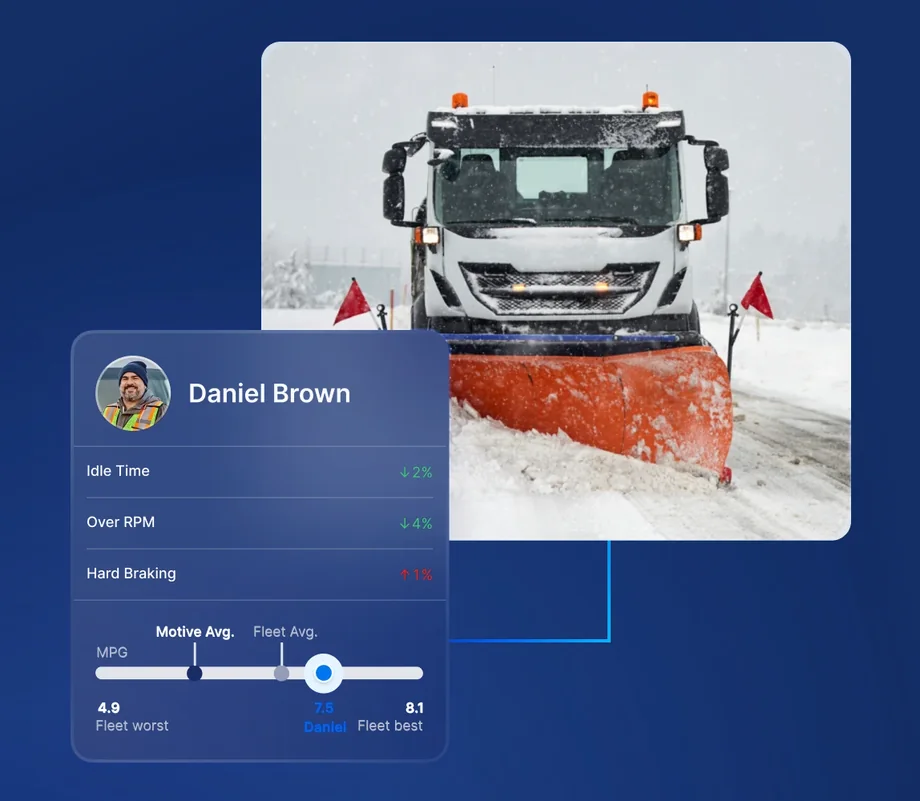
Hour meters update from Motive every night, so PM schedules run on what each machine actually logged.

Mileage from Motive lands on the machine record each night, so nobody has to call a driver for an odometer reading.
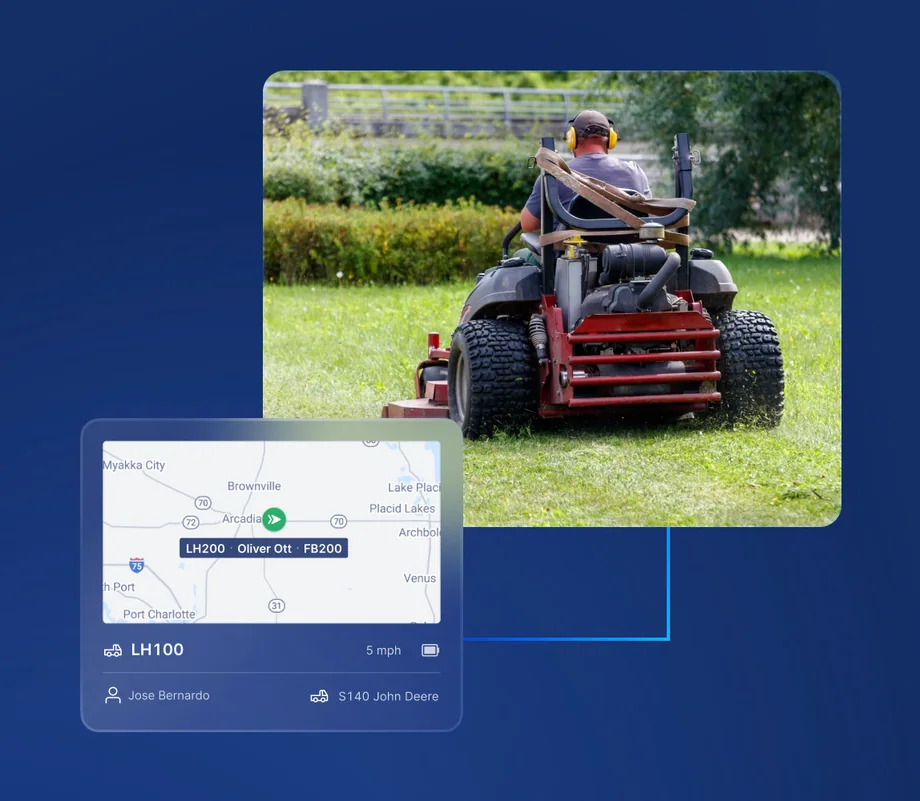
The machine dashboard shows where each unit last reported to Motive, so you know where your equipment is.
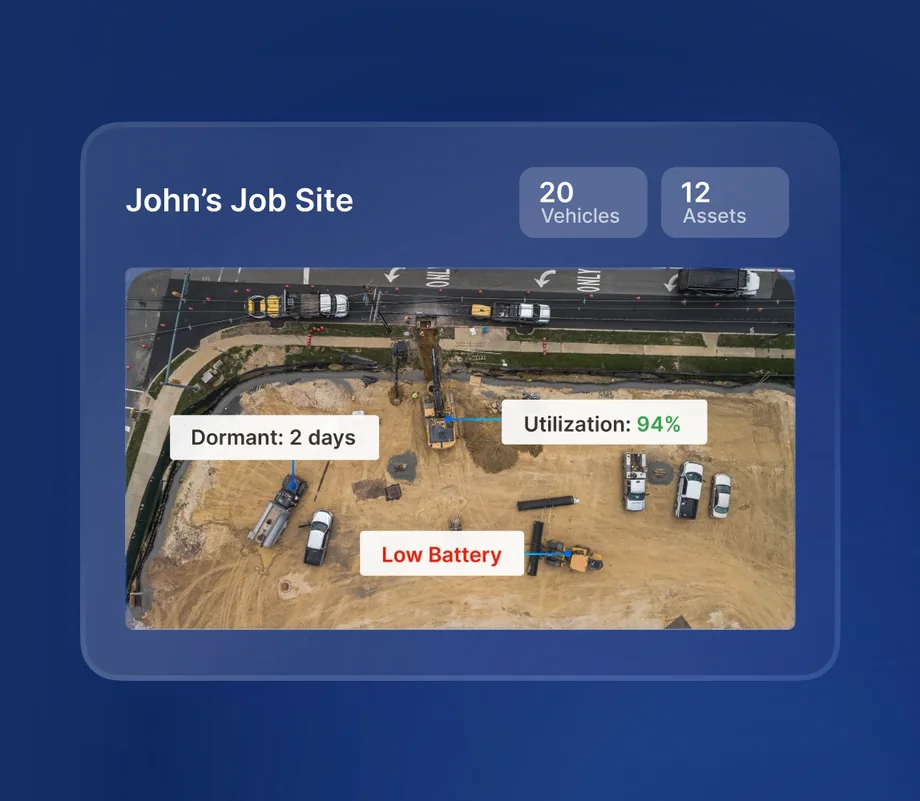
The meter history dropdown on the machine dashboard lists hours and miles, with Motive shown as the source.
A machine updates only when its Flyntlok serial number exactly matches the VIN on a Motive vehicle. Vehicles with no match are skipped, and machines with no match are left untouched.
See it in a demo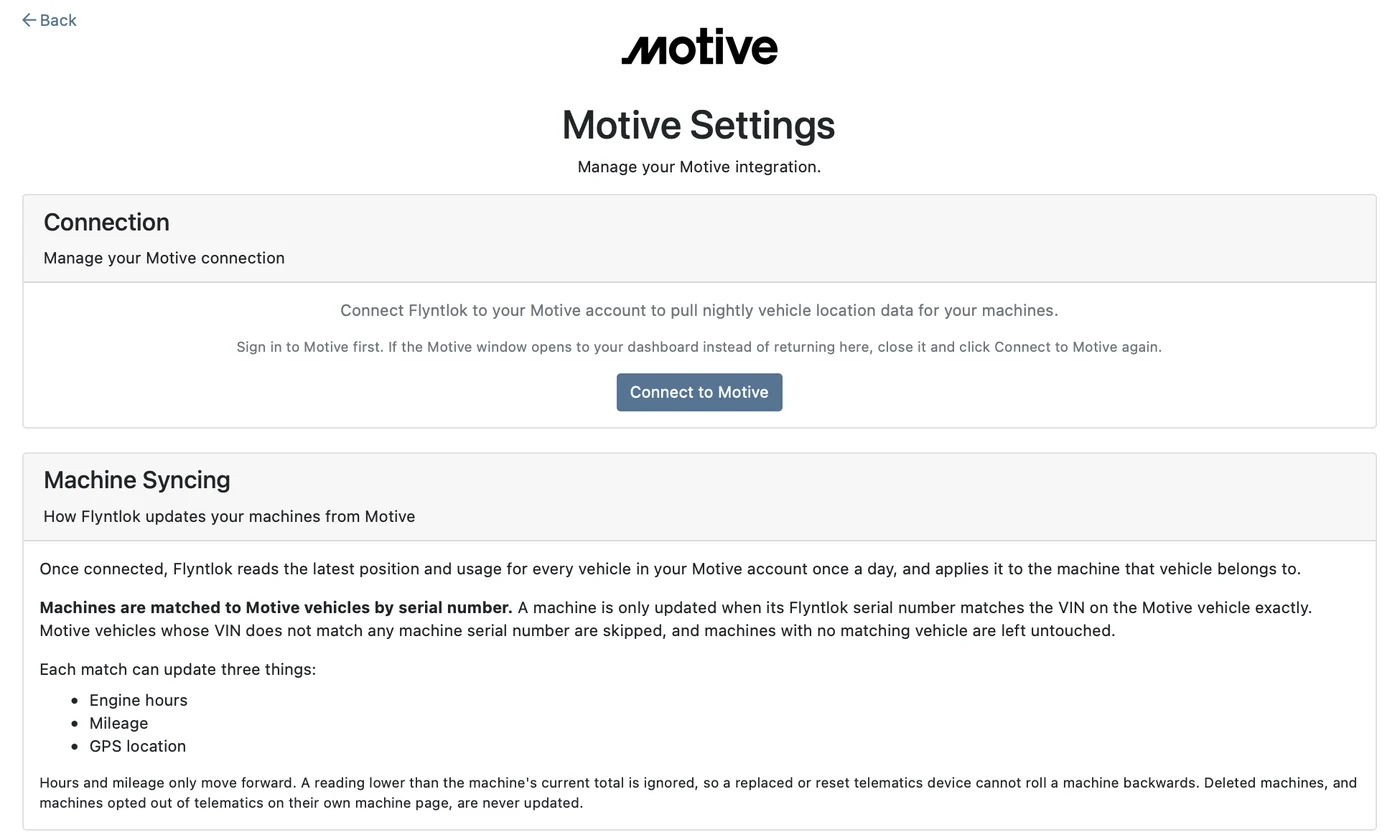
Service managers schedule maintenance by engine hours. Keeping those meters current used to mean calling the field or keying readings in by hand.
With hours and mileage coming over from Motive every night, service intervals are based on current meters, not old readings.

Shop owners can see where each piece of equipment last reported its location, right from the machine dashboard.
A reading lower than the machine's current total is ignored, so a replaced or reset device can't roll it back.

Turn telematics off on a machine's own page and Flyntlok won't update that machine.
Book time with our team. We'll walk through parts, service, sales, and rentals the way your stores run them, and show you how Motive keeps your meters current.
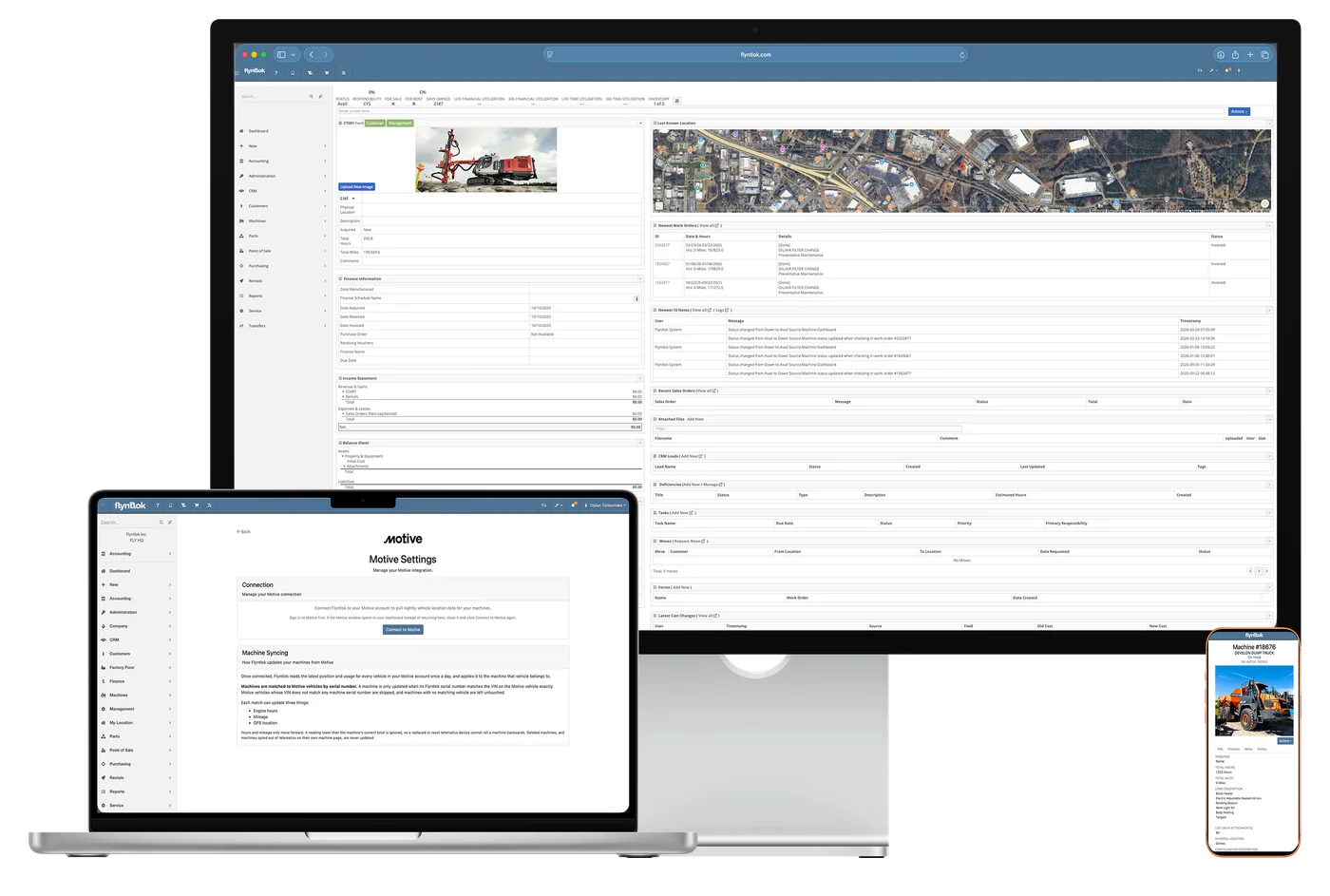
Each night, Flyntlok pulls the latest reading for every vehicle in your Motive account and updates the matching machines with engine hours, mileage, and GPS location. You see it on the machine dashboard, and nobody keys in meter readings by hand.
By serial number. A machine updates only when its Flyntlok serial number exactly matches the VIN on the Motive vehicle. Vehicles whose VIN matches no machine are skipped, and machines with no matching vehicle are left untouched.
Every night. Flyntlok reads the latest engine hours, mileage, and GPS location for each vehicle once a day and applies it to the matching machine.
Your meters don't roll back. Hours and mileage only move forward, so a reading lower than the machine's current total is ignored.
From the Integrations page in Flyntlok. Sign in to Motive first, then click Connect to Motive. Each dealership connects its own Motive account.
Yes. Opt the machine out of telematics on its own machine page and Flyntlok won't update it. Deleted machines are never updated either.



