NEW!
Meet Flyntlok at Equip Expo 2026:
Flyntlok has synced with QuickBooks Online since day one. Invoices, payments, and transactions from every department post on their own, so nobody keys a sale in twice.













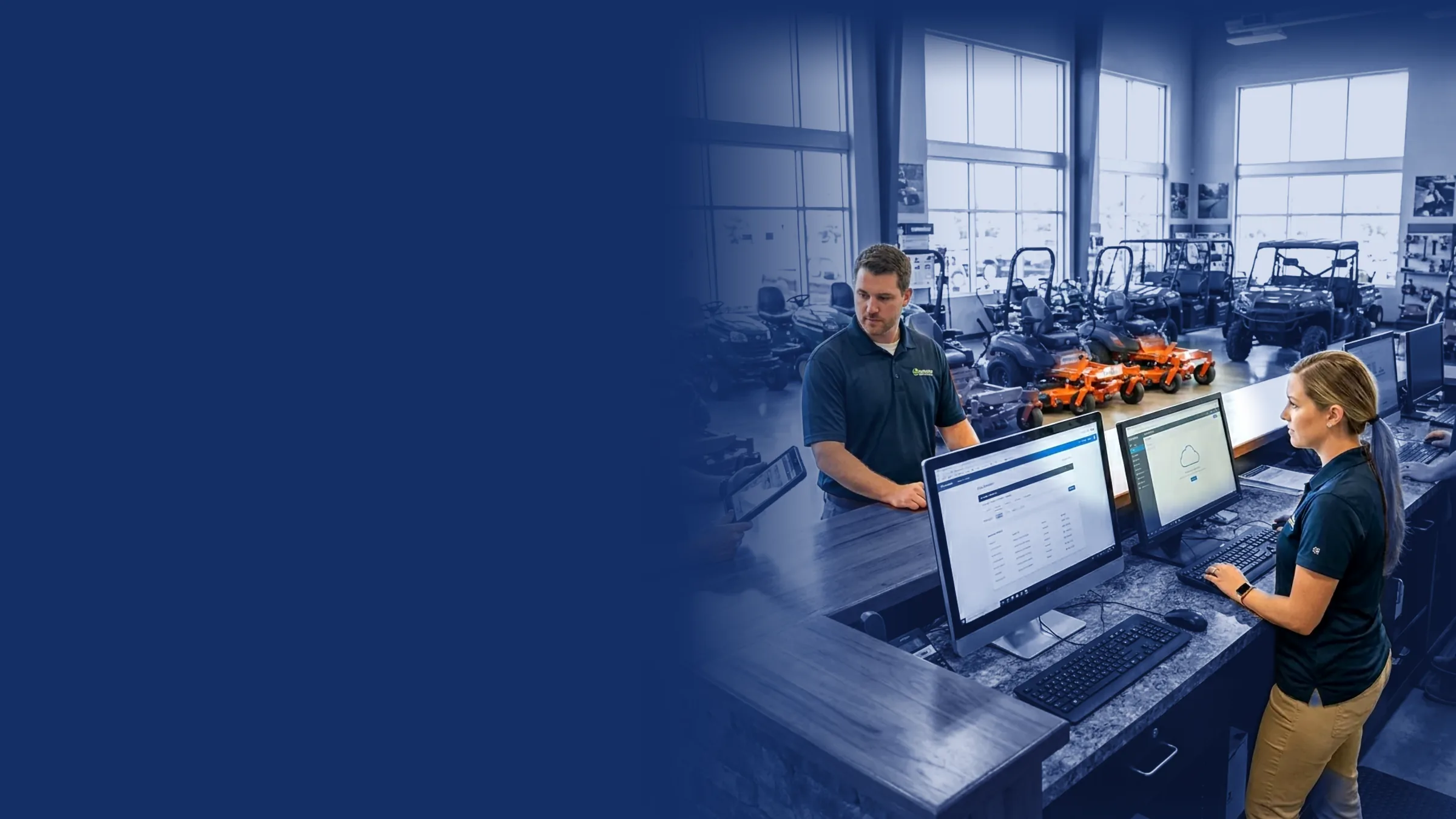
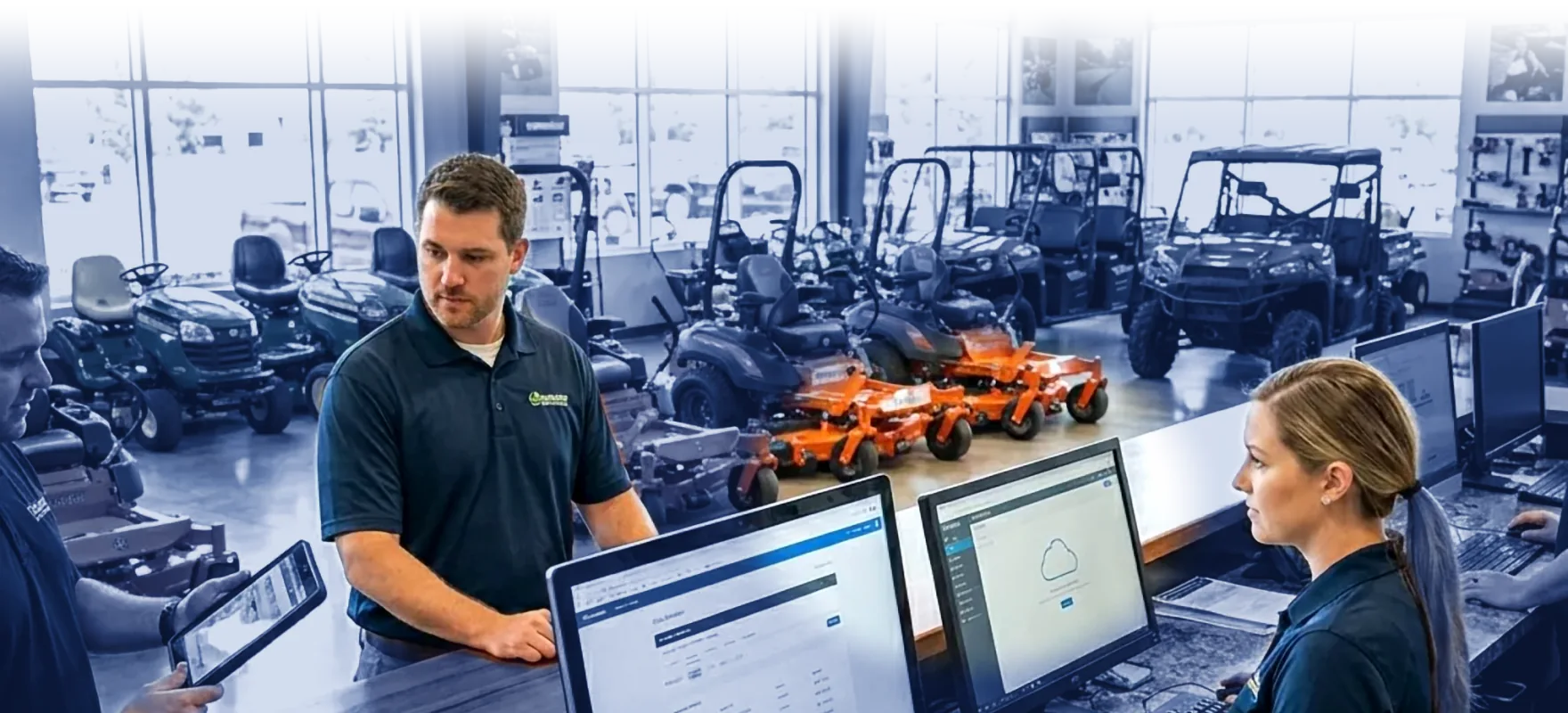


The sync runs both ways with no exports or imports. Payments applied in QuickBooks show up on the customer's Flyntlok record, so the counter can answer billing questions without opening the books.
Key records move between Flyntlok and QuickBooks Online automatically. No exports, no imports, no duplicate entry.
Parts, service, rental, point of sale, and equipment sales post to QuickBooks Online, so your books match the floor.
Most dealers review and post daily. Your accounting team decides when transactions go to QuickBooks.
Our support team is Intuit-certified, so they know your DMS workflows and the accounting side.
The counter, shop, and office keep working in Flyntlok. We connect QuickBooks Online during setup, and every sale and payment flows through from there.
See it in a demo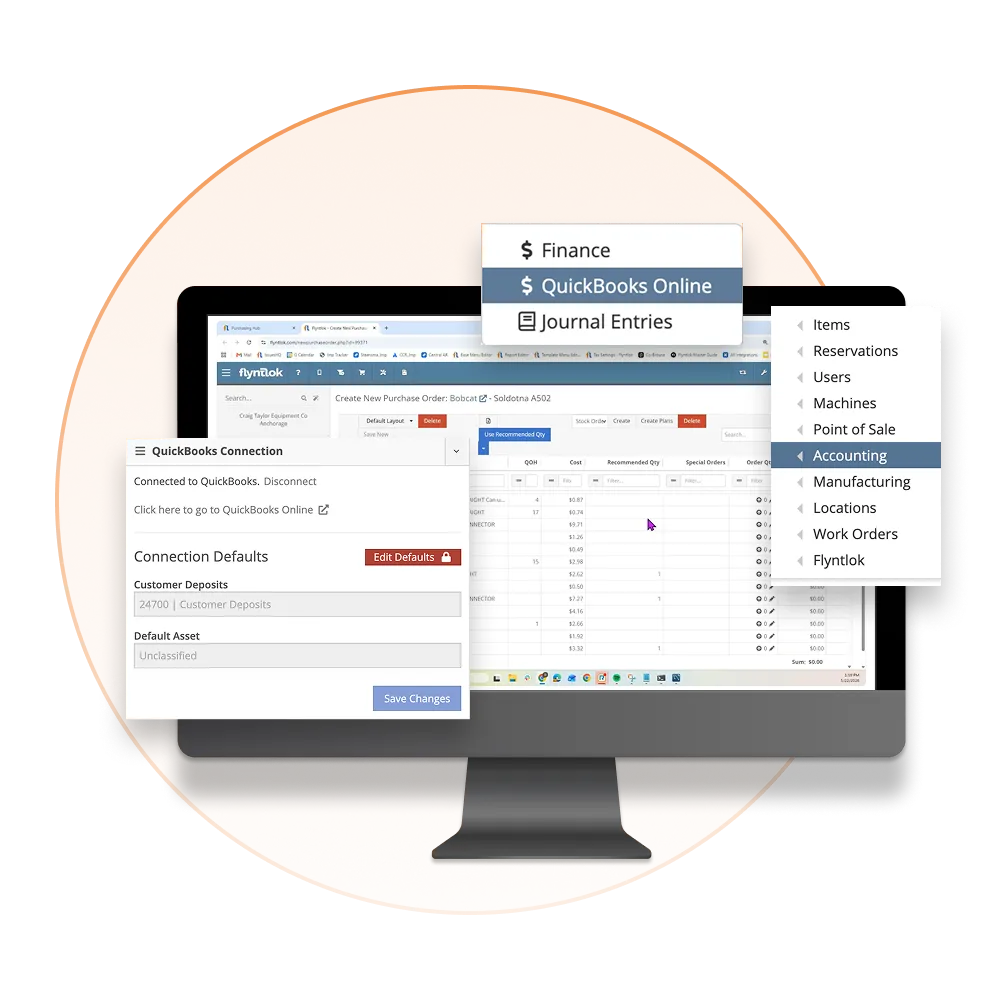
Many dealers are syncing within hours or a few days, set up with our Intuit-certified team.
During onboarding, our team links Flyntlok to your QuickBooks Online company, maps your accounts, and checks the setup with you.
The counter, shop, and office keep working in Flyntlok. Invoices and payments post to QuickBooks when your team says go.
Bank feeds, reconciliation, and reporting stay in QuickBooks Online, the way your bookkeeper already works.
Hear from a former dealership controller who ran Flyntlok with QuickBooks Online, then read why two connected systems can beat one that tries to do it all.

Jenny Moebius and Nic Thamert, a former dealership controller, put the biggest myths about running Flyntlok with QuickBooks Online to the test, with a live demo.
Why more dealers run operations in the DMS and the books in QuickBooks Online or Sage Intacct, and what to ask before you choose.
Flyntlok was founded by a former equipment dealer and has worked with QuickBooks Online since day one. Your bookkeeper keeps the tool they know, and the DMS stops the double entry.

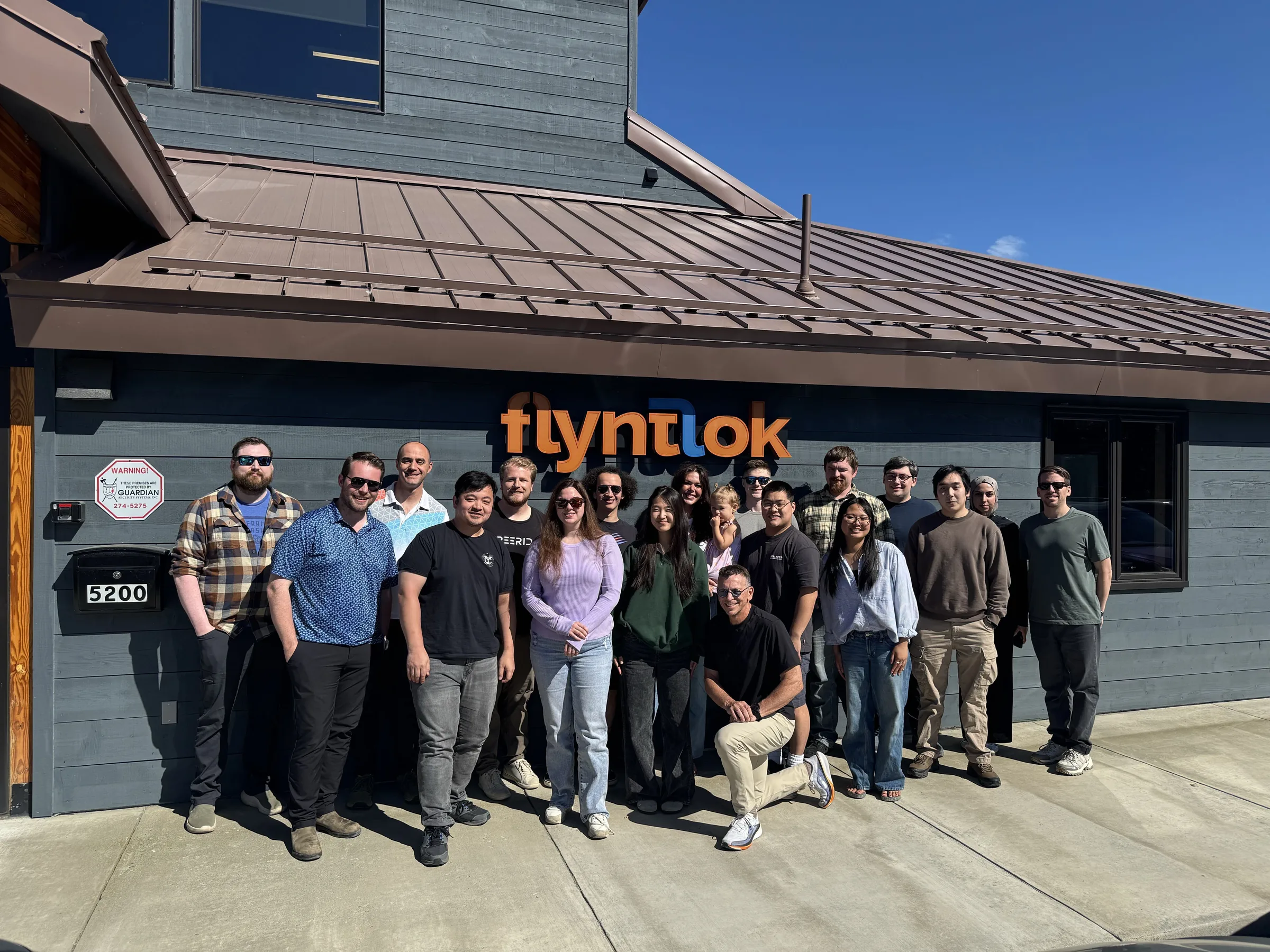

Flyntlok was founded by a former equipment dealer and built around how stores really run: the counter, the shop, the lot, and the rental yard.

Your bookkeeper stays in QuickBooks Online, with its bank feeds and app add-ons. No retraining on the accounting side.
Run the counter, the shop, and the office from any browser. No server closet, no installs.
Voice-to-text tech notes, invoice checks at receiving, and customer lists pulled from your own data.
Sales, service, rental, and payments flow into QuickBooks Online from one connected platform.
See it in a demoBook time with our team. We'll walk through parts, service, sales, and rentals the way your stores run them, including how every transaction posts to QuickBooks Online.

Flyntlok and QuickBooks Online share a two-way, automatic sync. Customers, invoices, payments, and financial transactions move between the two systems with no manual exports or imports.
Flyntlok's main accounting integration is with QuickBooks Online. Talk to our team about your setup and the options available.
Many dealers are up and running within hours or a few days, guided by Flyntlok's Intuit-certified support team.
Yes. Flyntlok's support team is Intuit-certified, so they understand both your DMS workflows and the accounting side of your business.
Yes. As a QuickBooks Online reseller, Flyntlok offers customers a lower rate than buying QuickBooks on their own.
No. Your team completes the sale once in Flyntlok, and the integration creates the matching entry in QuickBooks Online. Your accounting team controls when transactions post.



