NEW!
Meet Flyntlok at Equip Expo 2026:
Check availability at every location, send contracts to sign by text, and quote an out-the-door price before a machine leaves the yard. When it comes back, the check-in opens the work order for the shop. Rental runs in the same DMS as parts, service, and sales, with updates every two weeks.
Running dealerships across four countries






Rental margins come from days on rent. Flyntlok closes the gaps around every rental: the counter sees what's free at every branch, contracts go out by text, check-ins open the shop's work order, and invoices follow the contract. Rental, service, parts, and sales share one system, so nobody re-keys a contract into another one.
One day at a dealership running on Flyntlok
Follow one day, from the first call for a machine to the invoice that matches the contract.

1:30 pm at check-in
A loader just came back with a loose track. The next renter wants it Thursday.
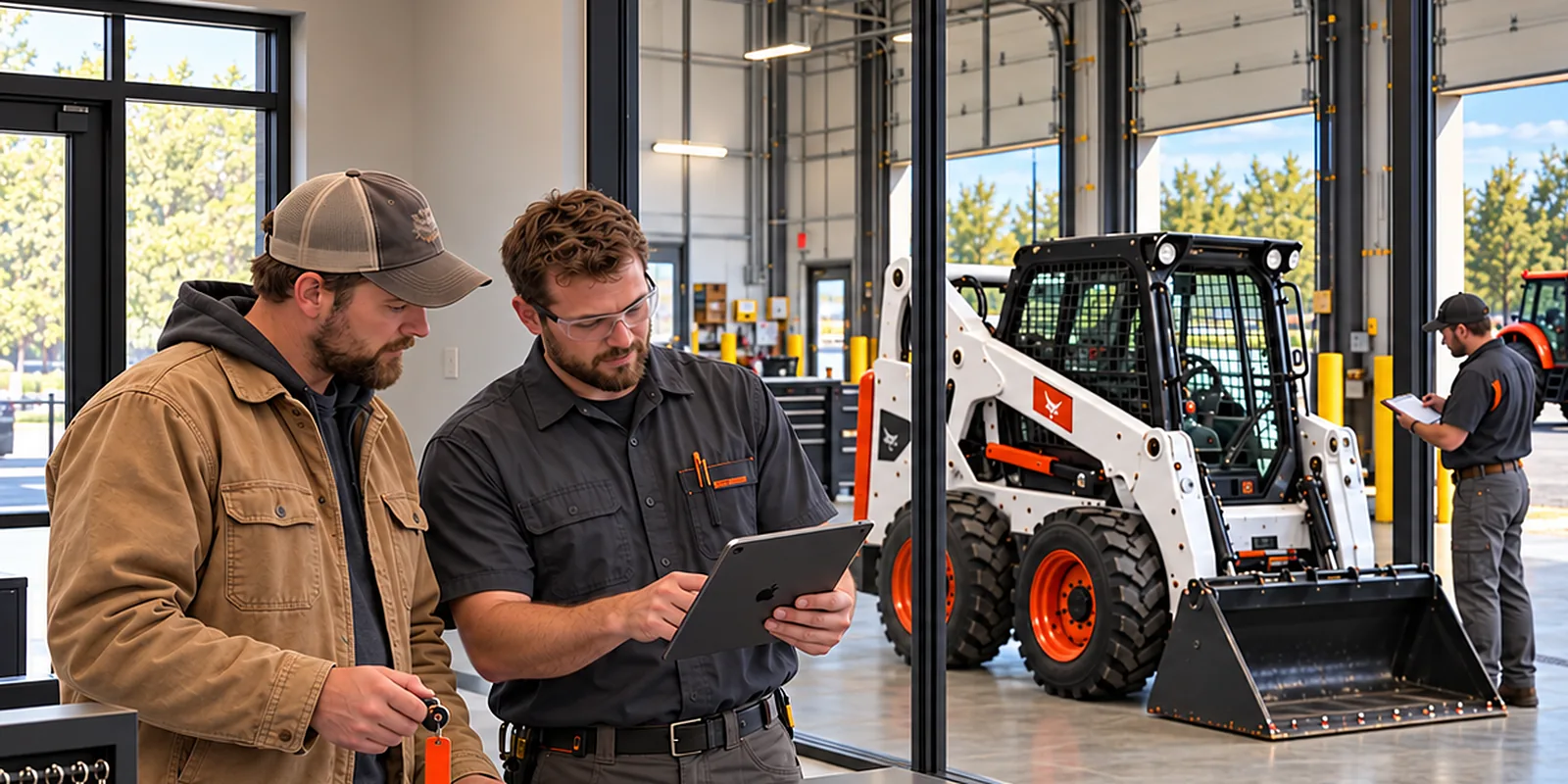
When a machine comes back, the clerk enters the hours and checks it in. Flyntlok opens a condition report work order from your job templates at the rental's location and notifies service. Items marked for repair become a work order with a job for each fix, and the counter sees the machine as a conflict until it's done.
Every return
Gets a condition report work order, set up once
Until it's fixed
The machine shows as a conflict at the rental counter
Check-in work orders open at the rental contract's location as of the August 6, 2026 release notes.

Example: one return, start to finish
Checked in
Compact track loader back from a three-day rental at 1,412.6 hours.
Condition report
Left track tension out of spec and a worn bucket cutting edge, both marked for repair.
Work order
The counter sees the loader as a conflict until the work is done.
01
Enter the hours or miles at check-in. Flyntlok requires them, and warns if hours come back lower than they went out.
02
A condition report work order from your job templates, at the rental's location, with service notified.
03
Items marked for repair become a work order with a job for each fix, ready for a tech.
04
Fuel and wear items bill on the final invoice, and hours over the allowance bill at your overage rate.
2020
Check-in can open a work order with the condition report attached
January 2022
Condition reports built from your own job templates
March 2023
Flag machines that need a condition report at check-out and check-in
July 2025
Work orders and machines show the rental contracts behind them
August 2026
Check-in work orders open at the rental's location, with service notified

7:00 am at the rental counter
A contractor needs two track loaders Thursday. This branch has one.
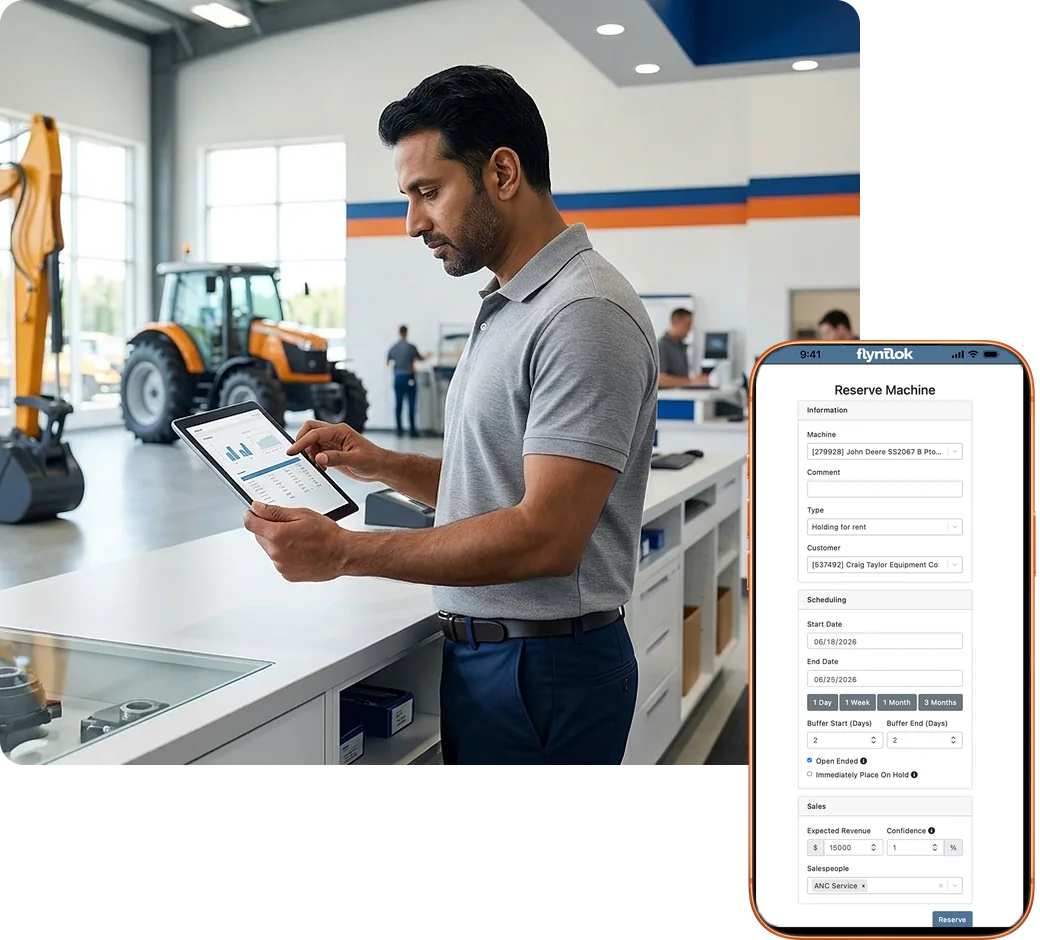
Search the fleet by date, location, make, and class, and see every conflict before you book: other rentals, reservations, and machines in the shop. Rent a model or class now and assign the exact unit later.
Every location in one search
See availability across your locations, with each branch's own rates. Filters only show the makes and classes you actually rent.
Conflicts, with the reason
Each conflict names the rental, reservation, or open work order behind it, with a link. Searches check the full date and time range.
Timeline views
See reservations by machine on a timeline, or availability by class and model over time.
Rent by model or class
Book a class or model now and assign the exact machine later. Overbook warnings speak up before you promise too many.
Holds and waitlists
Hold a unit for rent, or waitlist a contract for equipment you don't have yet. The salesperson gets notified when it can be filled.
Find the exact machine
Search a serial number and the matching machine comes up first. Each contract line shows where the machine is.

“We had people doing the same job twice in two different places. And even then, we couldn't trust the data.”
Erin Byrne, CFO, Delta Leasing, on life before Flyntlok

8:15 am on the lot
The customer is ready to load out, and the contract still needs a signature.
Build the contract from the reservation, quote an out-the-door price, and text the customer a link to review and sign on their phone. Flyntlok checks the license, the card on file, and the credit limit before the machine leaves.
Sign by text
Send the signature request as a text, and the customer reviews and signs on their phone. Email and Clover counter devices work too.
Out-the-door estimates
Damage waiver, delivery and pickup, concession and card fees, and estimated taxes, in one number the customer sees up front.
Checks before check-out
Flyntlok warns when a license is missing or expired, a customer has no card on file, or an account is over its credit limit.
Damage waiver your way
Pick a default rule, like charging it when there's no valid insurance on file, and override it on any contract.
Your terms, your times
Add terms to any contract and initials next to your own acknowledgment. Hourly contracts print the exact times out and back.
Quotes that read like quotes
Text or email a quote and it goes out as a quote. Rate sheets can show every rate tier you offer.

Delivery Move: two track loaders on one truckload, Thursday at 7:00 am. The contract dates moved to Friday, so the Move moved with them.
Example of a delivery Move on a rental contract

9:30 am in the yard
Two loaders go out to a jobsite with no street address. The driver needs a pin.
Delivery and pickup Moves tie to the rental contract. Pin a jobsite on the map, put several machines on one truckload, and when the contract dates change, the Moves can change with them.
Pin the jobsite
No street address? Click the spot on a map to set the coordinates, and open directions in one click.
Edit Moves, don't redo them
Change the machine, address, or date on a Move without deleting it. A new address checks the truckload.
Several machines, one trip
Assign multiple machines to a Move, and update truckloads after they're built.
Dates and Moves in step
Bulk check-in or check-out updates the contract dates and billing, and offers to shift Moves that haven't started.
Delivery fees, or TBD
Charge a set fee, or leave it TBD and bill after the run. Choose whether bulk billing adds the delivery fees.
Addresses on file
Pull delivery addresses from the customer's profile or your address book, and save new ones back to the customer.
“We've had huge growth, and we've kept the same team. That wouldn't have been possible before.”
Erin Byrne, CFO, Delta Leasing, on growing revenue 50%

3:00 pm in the office
Forty contracts are due to bill this week. Nobody wants to open them one at a time.
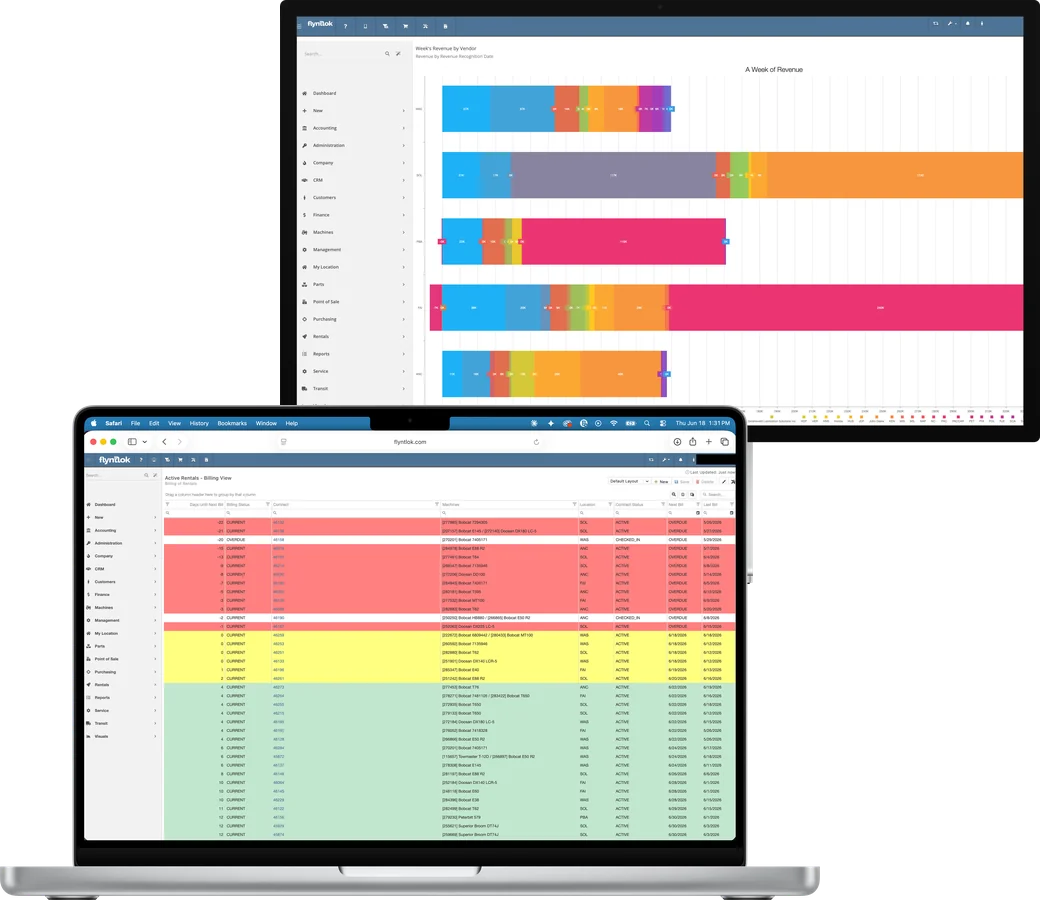
Rent schedules and branch rules work out the billable time for you. Run interim invoices from one screen, bill a stack of contracts at once, and see what's left to bill after deposits and invoices.
Rates from hour to month
Hourly, daily, weekly, and monthly rates, with step-up rules by branch and grace periods so early returns don't get billed.
Interim invoices on one screen
Enter the billing period and Flyntlok works out the billable time for every unit. Create Invoice sits right in the contract header.
Bill in bulk
Contracts To Be Billed lists what's due and invoices it in one pass, and account customers' payments apply automatically.
Deposits and what's left
Take a deposit on the contract, then see what's invoiced, what's on deposit, and what's left to bill on one card.
Fuel and overage, billed
Bill fuel by the tank and wear items by quantity on the final invoice, and hours over the allowance at your overage rate.
Call-offs that stop the clock
When a customer calls a machine off rent, billing uses the call-off date, for one machine or a whole contract.
“We were essentially using three systems: one for parts and service, one for rental, and one for sales, and none of them communicated with one another.”
Drew Marsteller, Operations Manager, White's Tractor
5:00 pm in the manager's office
Which machines earned their keep this year, and which ones sat?
Every machine shows its time utilization, financial utilization, and full rental history next to its service record. Across branches, the same search shows what's rented, reserved, and in the shop.
Time utilization
Days rented versus days owned, for the machine's life and the last 365 days.
Financial utilization
What the machine has earned versus what it cost. Depreciation can follow a percentage of monthly rental revenue.
Lost rentals, tracked
Record a rental that fell through and the revenue lost. Rental shows up as a source in win/loss reporting.
Rental history on every unit
See recent rental actions on each machine, item, and customer, with a link to every contract.
Swap a down unit
Replace a machine mid-rental with another of the same model, log meters for both, and keep billing straight.
Meters that stay current
Check-in readings land in each machine's meter history, and Samsara, Motive, Volvo, and Hitachi telematics keep hours current.
Flyntlok ships an update every two weeks, and the last nine in a row all brought rental updates. Here's what landed, straight from the release notes.
Jun 25
Click a spot on a Google map to set jobsite coordinates, and service gets notified when a check-in opens a work order.
Jul 9
See whether each text to a renter was delivered, right on the rental page, and hover to see why one wasn't.
Jul 23
Search a serial number and the exact machine comes up first. Hourly contracts print the times out and back.
Aug 6
Check-in work orders now open at the rental contract's location, not the location of whoever handled the check-in.
Aug 20
Update dates and rate schedules across a whole contract at once, edit Moves without starting over, and print estimated tax on the agreement.
Sep 3
Create Invoice sits next to Check Out and Check In, machine locations show on the contract, and quotes send as quotes.
Sep 17
Estimates add the concession fee, estimated taxes, and card fee, and interim invoices fit on one screen.
Oct 1
Text customers a link to review and sign on their phone, and see what's left to bill after deposits and invoices.
Oct 15
Bulk check-in or check-out updates contract dates, billable duration, and Moves together, and times snap to 15 minutes.
Every update reaches every Flyntlok dealer at no extra cost. See every release note.
Every DMS says it does rental. These five questions show whether rental is part of the system or a separate one that has to sync.
Two systems mean two customer records, two machine records, and a sync to babysit.
Built in. Rental shares the same customer, machine, work order, and invoice records as parts, service, and sales.
Every day a machine waits on the shop is a day it can't go back out.
Yes. The check-in opens a condition report work order at the rental's location and notifies service. Machines in the shop show as conflicts at the counter.
Printing contracts for a signature slows down every load-out.
Yes. Text a signature link from the contract and the customer signs on their phone. Email and counter signature devices work too.
Taxes and fees that only show up on the invoice turn into disputes.
Yes. Estimates include damage waiver, delivery and pickup, concession and card fees, and estimated taxes.
Your fleet and your customers change every season. Your DMS should keep up.
Every two weeks. The last nine releases in a row all brought rental updates.
Comparing systems? The DMS Buyer's Guide Checklist covers the rest.
Get the buyer's checklist→Every dealer gets the same availability search, contracts, check-ins, and billing, plus the rules that fit how your industry rents.
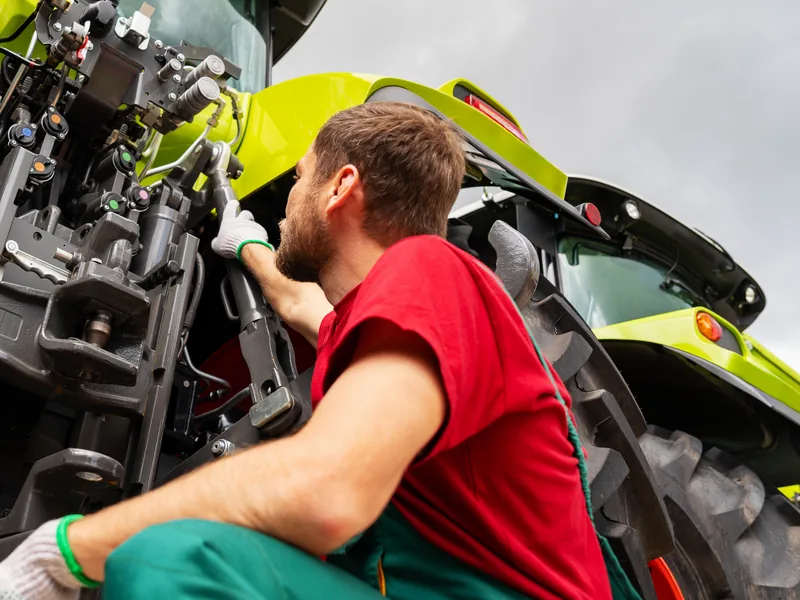
Rent tractors and implements by the hour, day, week, or month, and bill hours over the allowance at your overage rate.
Explore Agriculture
→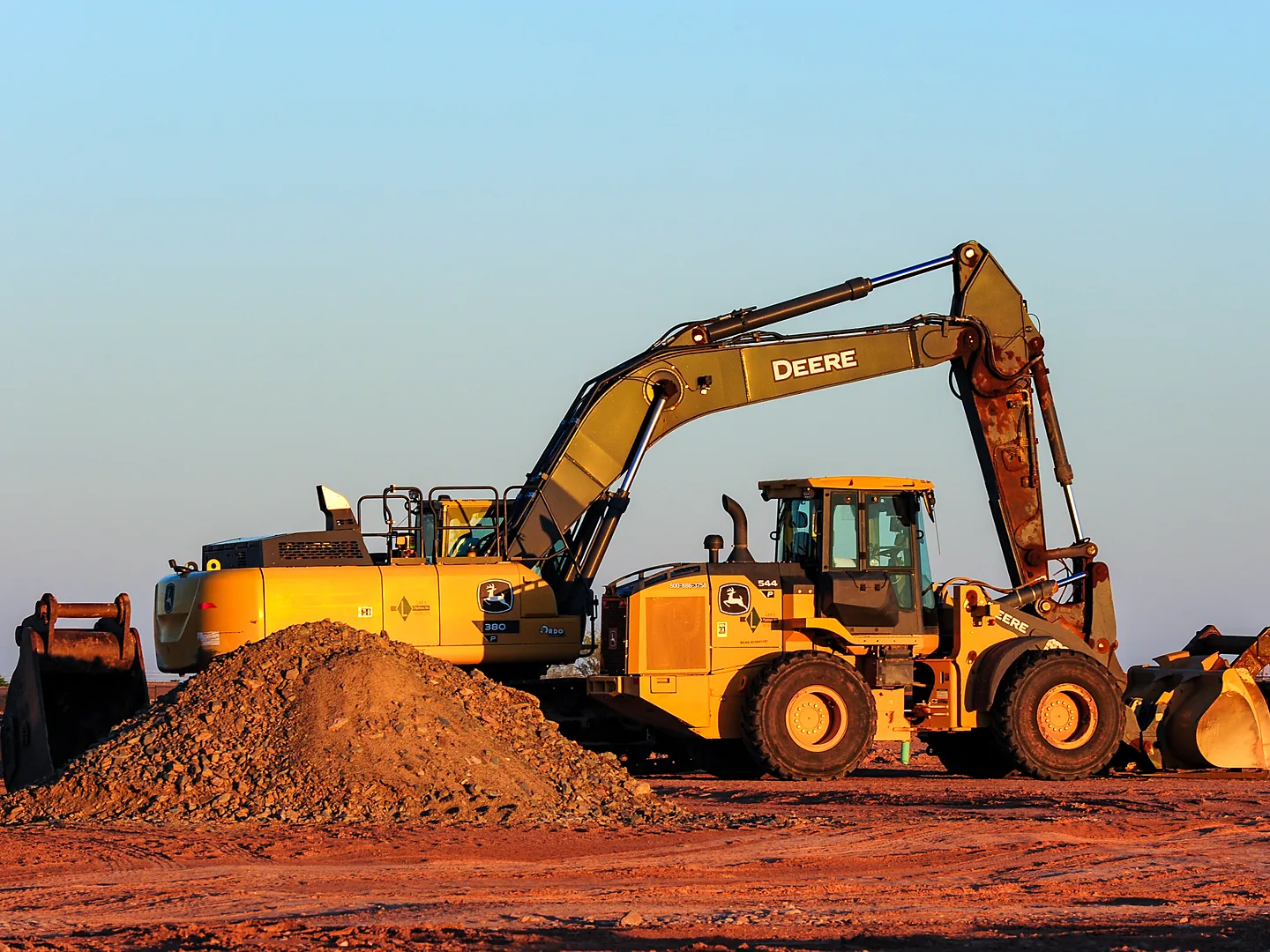
Rent by class and assign the unit at delivery, while Volvo, Hitachi, and Samsara telematics keep hours current.
Explore Construction
→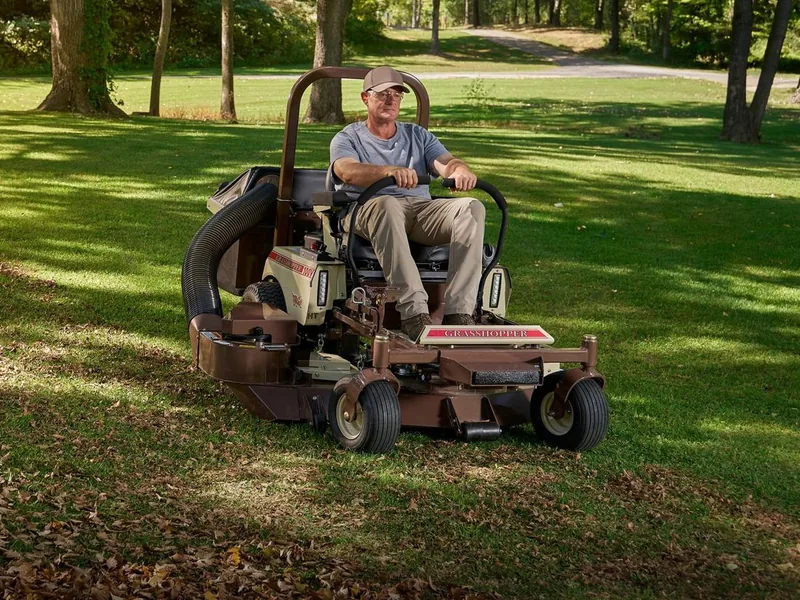
Rent saws, trimmers, and attachments as items or kits, and bill fuel by the tank on the final invoice.
Explore OPE
→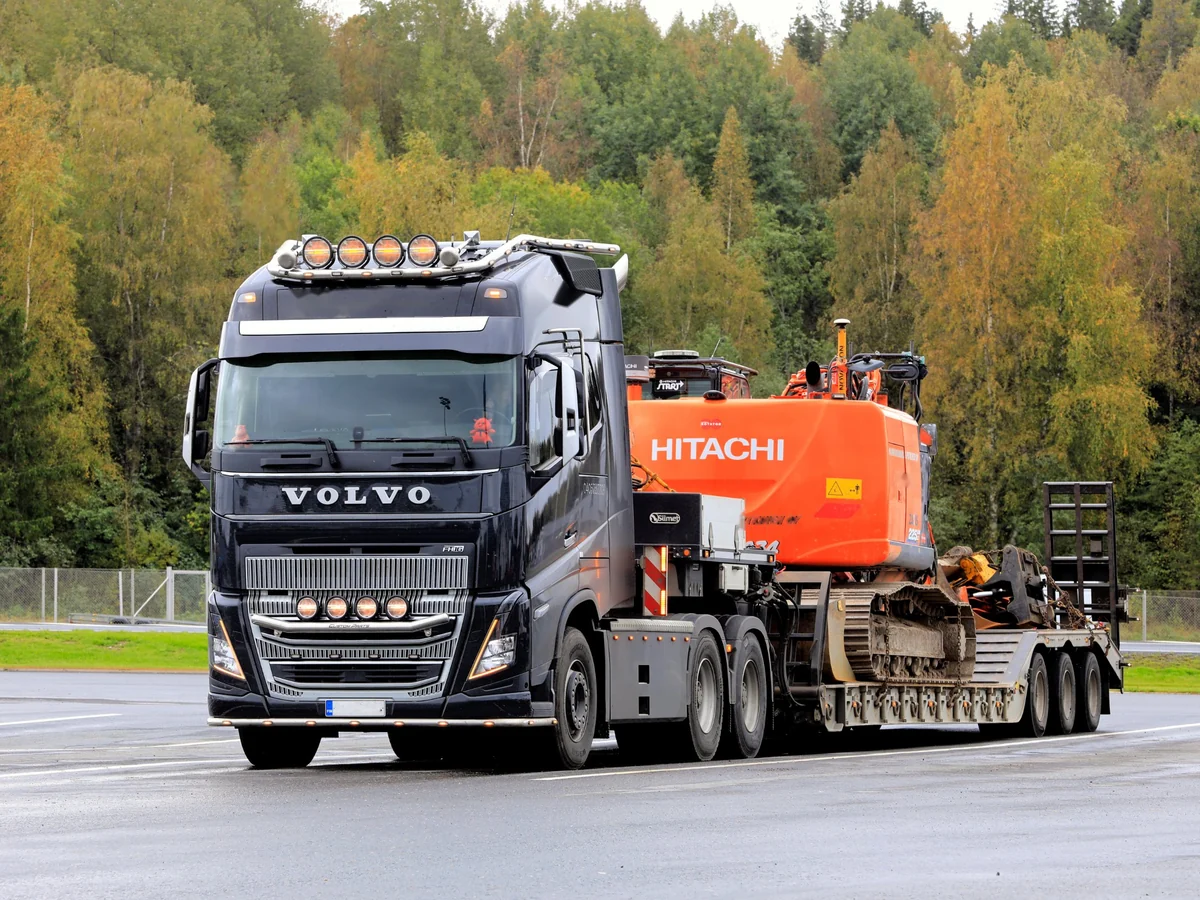
Log miles and hours at every handoff, pin jobsite coordinates, and keep Motive and Samsara meters current.
Explore Heavy Truck
→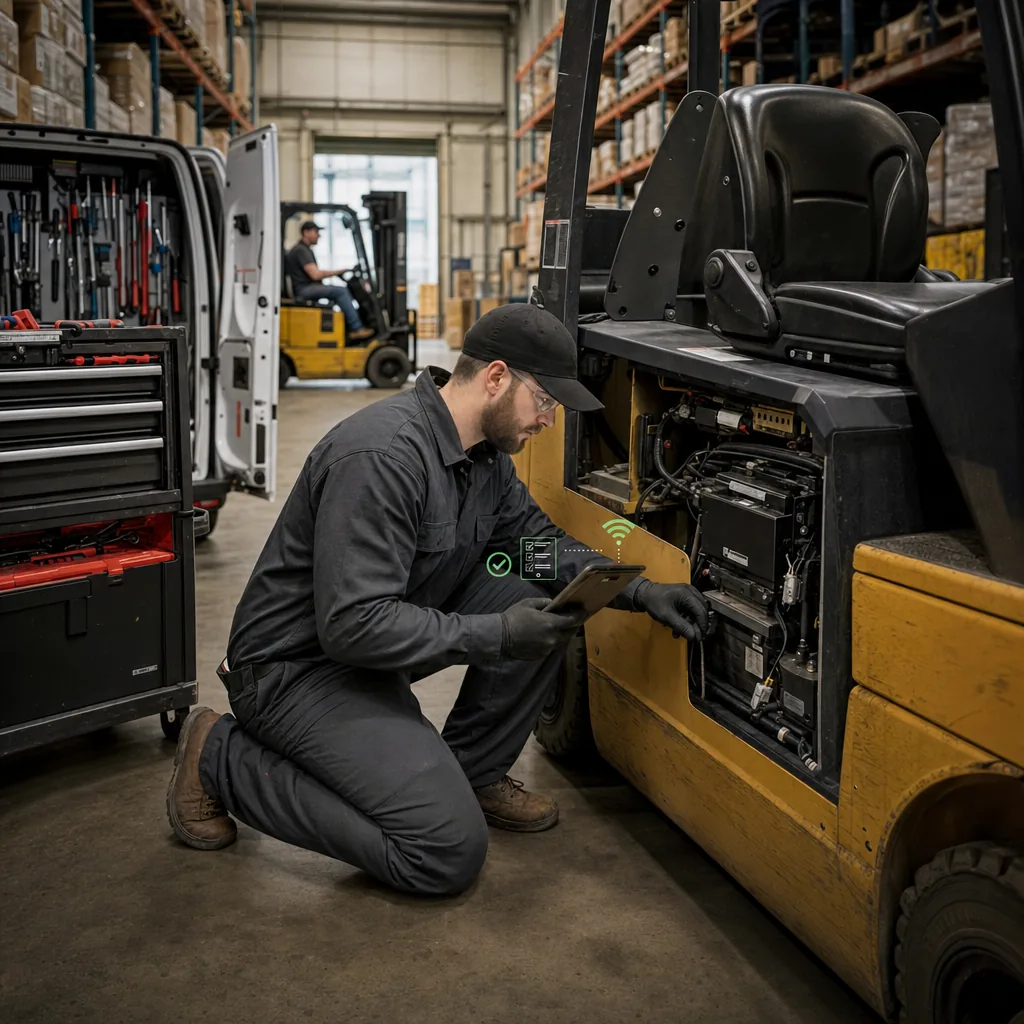
Swap a down forklift for another of the same model mid-rental, with meters logged for both and billing kept straight.
Explore Material Handling
→Check-ins open work orders, repairs pull parts from inventory, and every contract lands on the customer's record, because it's all one DMS. No syncing and no add-on rental system.
Service Management
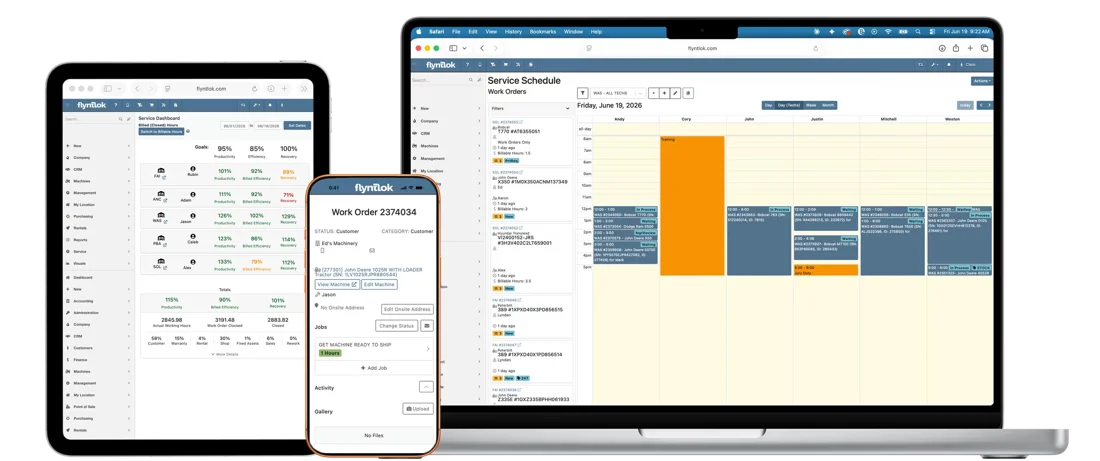
A check-in opens a condition report work order, and the shop sees which rental it came from.
See service management
→
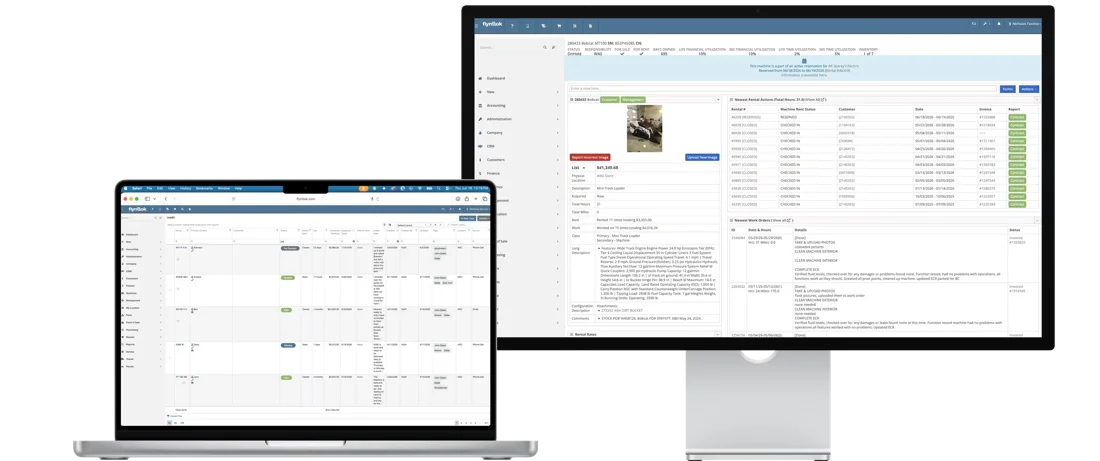
Parts & Inventory
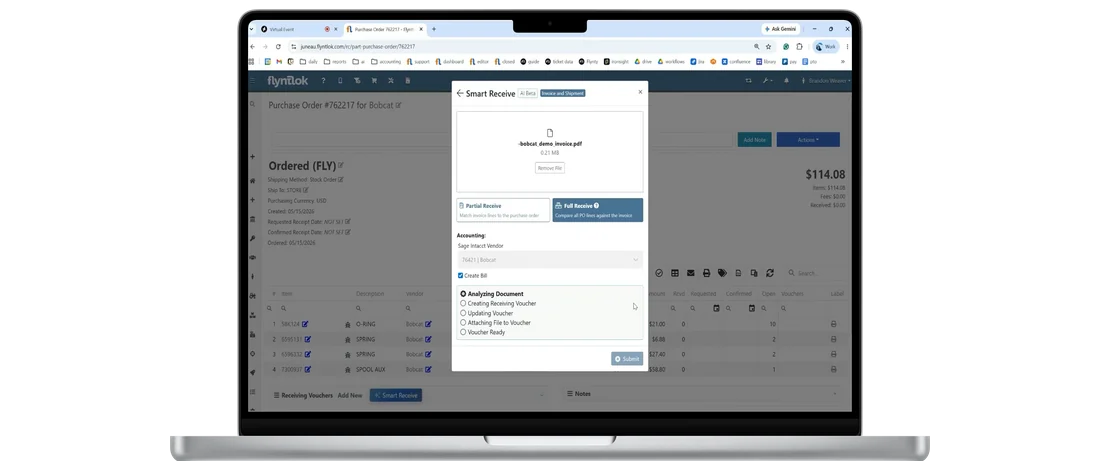
Techs request parts from the check-in work order, and the counter sees the bin, the price, and what's on hand at every location.
See parts & inventory
→
CRM
Create a linked rental contract from a CRM lead, and every contract lands on the customer's timeline.
See CRM
→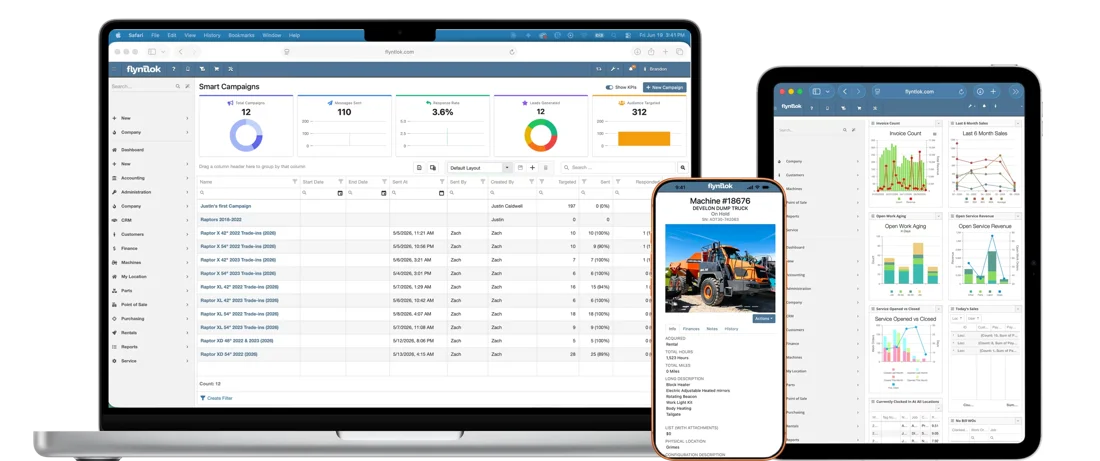
Flyntlok AI
Smart Tech Notes writes up check-in repairs, and Smart Campaigns finds customers who have gone quiet. Both included.
See Flyntlok AI
→Hear from dealers running rental on Flyntlok and the people who build it, then run your own numbers.

Delta Leasing was growing fast across Alaska, with people doing the same job twice in two systems. With Flyntlok running rentals, service, and parts, and Sage Intacct on the books, invoices and payments flow to the general ledger and Alaska's tax rules are handled.
“It was like going from riding a bicycle to flying a spaceship.”
Erin Byrne, CFO, Delta Leasing
50%
revenue growth
0
accounting or admin staff added
Once
new units entered, synced to finance

White's Tractor, Bobcat dealer
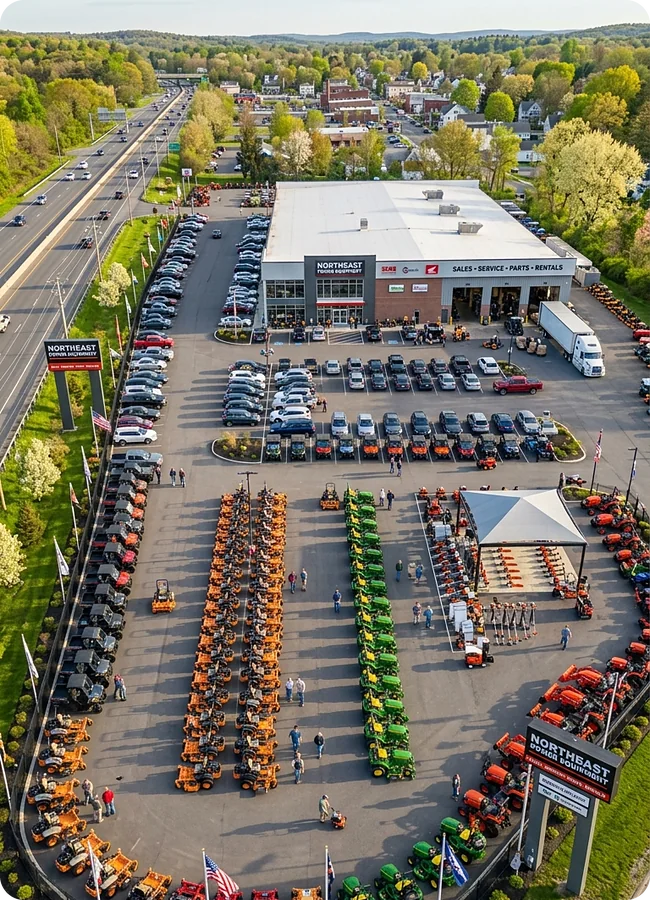
Rental used to run on its own system. Now four Bobcat stores see what's rented, what's available, and where techs are working, in one place.
Read the White's Tractor story
→
Unlocked Ep.7
With Danielle Karr, VP of Product
Rentals has its own product focus area. Hear how dealer feedback turns into what ships every two weeks.
Listen
→
Unlocked Ep.4
With JP Raiger, Support Consultant
Inside the 8 and 8 standard, how tickets capture the problem, and why consultants pick up the phone.
Listen
→
Unlocked Ep.5
With Nic Thamert, Lead Accounting Specialist
Where the accounting happens, whether anyone keys a transaction twice, and how Flyntlok works with QuickBooks Online and Sage Intacct.
Listen
→Buyer tool
Run your dealership's numbers and see what Flyntlok could give back.
Run your numbers
→Article
What one day of faster turnaround is worth, and how to get machines ready for the next rental sooner.
Read
→Article
What to look for across parts, service, rental, CRM, and accounting, and why it should all run on one platform.
Read
→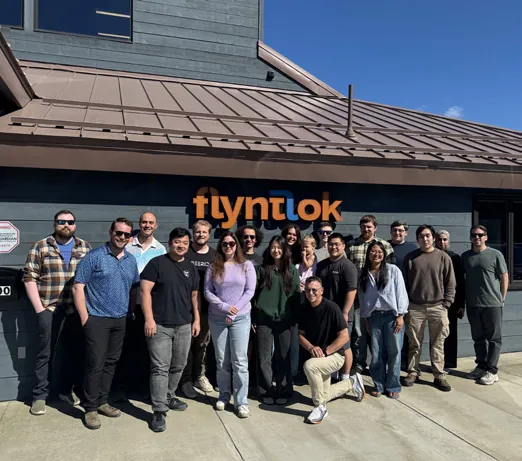
Flyntlok was founded by a former dealer who needed software that kept up with his own stores, rental counter included. A $36 million growth investment from Mainsail Partners in 2025 added developers and support, and rental teams help decide what ships in dealer office hours. Updates ship every two weeks, for dealers in the US, Canada, Australia, and New Zealand.
Former dealer
Founded by one, built for the counter and the yard
Every 2 weeks
New product updates
8/8 support
Response in 8 minutes, solved in 8 hours
Book time with our team. Bring a recent contract or a busy week on your rental calendar, and we'll show you what Flyntlok does with it.
A walkthrough built around your fleet, branches, and rates
Availability, text signatures, check-in work orders, and billing on real examples
Implementation and migration at no cost, plus plain answers on switching
Straight answers on availability, contracts, check-ins, billing, and the numbers.
Yes. Rental runs inside Flyntlok's DMS, on the same customer, machine, work order, and invoice records as parts, service, and sales. There's no separate rental system to sync.
Yes. From the contract, send a signature request by text or email. The customer opens the link on their phone, reviews the contract, and signs. You can also capture signatures on a Clover device at the counter, and ask for initials next to your own acknowledgment statement.
The New Rental search checks each machine against other rentals, reservations, and open work orders across the full date and time range you enter, and shows the reason for each conflict with a link. Filter by branch, make, and class, or switch to a timeline view.
The clerk enters the hours and checks it in, and Flyntlok can open a condition report work order from your job templates at the rental contract's location. Service gets notified, items marked for repair become jobs on a work order, and the machine shows as a conflict until the work is done.
Yes. The estimate on a rental contract adds damage waiver, delivery and pickup fees, the concession fee, estimated taxes, and card fees where they apply. The rental agreement PDF can show estimated taxes too.
Bill by the hour, day, week, or month with your own rent schedules and branch rules. Create interim invoices from one screen, bill many contracts at once from Contracts To Be Billed, and take deposits that apply to the final invoice.
Yes. Consumables like fuel bill on the final invoice by quantity used or percent of tank, and hours over the allowance bill at the overage rate on the rent schedule or contract.
Yes. Delivery and pickup Moves tie to the rental contract. Edit a Move without starting over, assign several machines to it, and when bulk check-in or check-out changes the contract dates, scheduled Moves can shift with them.
Yes. Choose a default damage waiver rule, such as charging it when a customer has no valid insurance on file, and override it on any contract. Insurance details save back to the customer, and license checks warn before check-out.
Each machine shows time utilization (days rented versus days owned) and financial utilization (income versus acquisition cost), plus its full rental history. Win/loss reporting tracks rentals that fell through.