NEW!
Meet Flyntlok at Equip Expo 2026:
Samsara tracks your machines in the field: location, engine hours, and fault codes. Flyntlok puts that data on the machine record, where your service, rental, and sales teams already work.













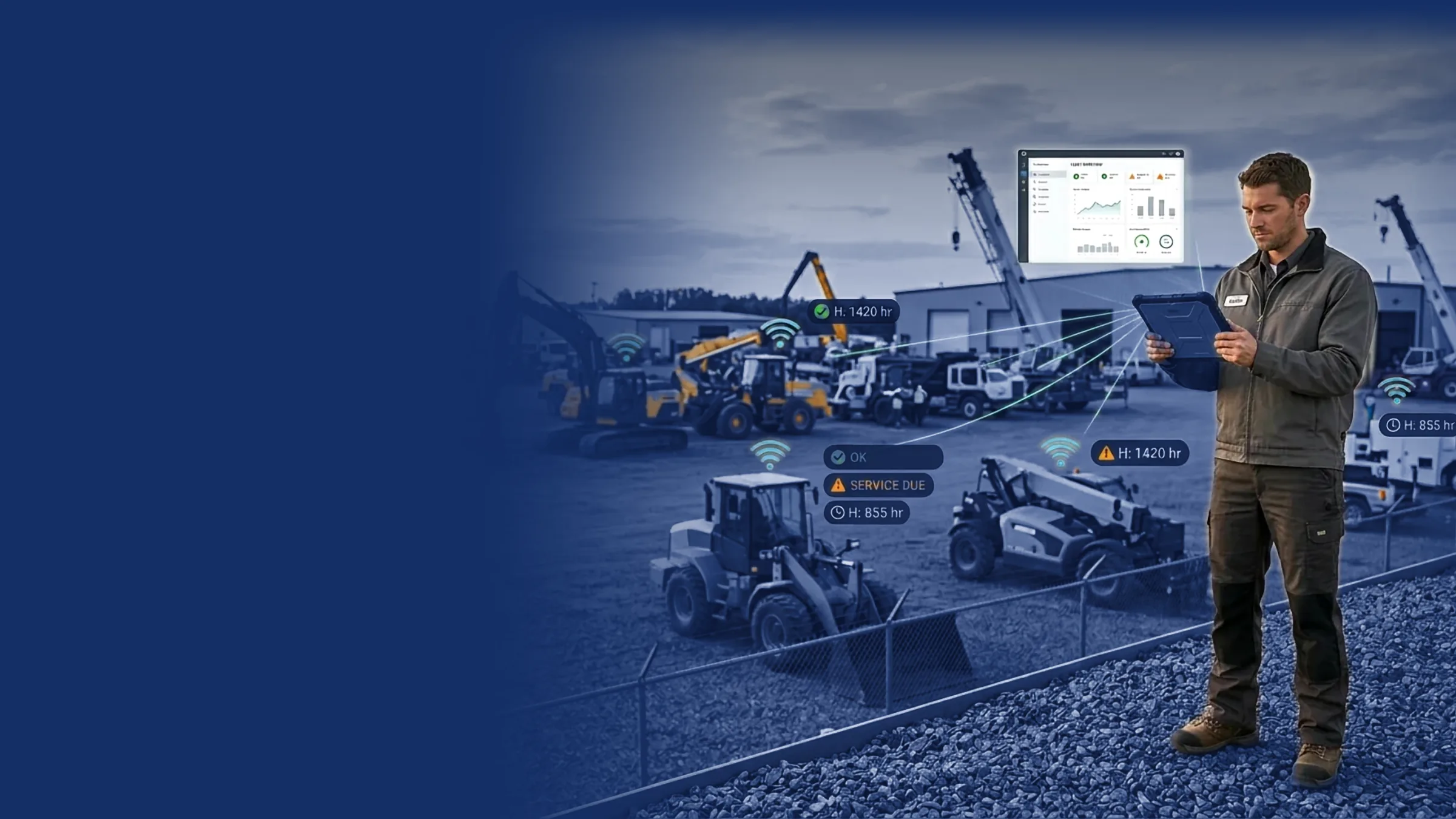
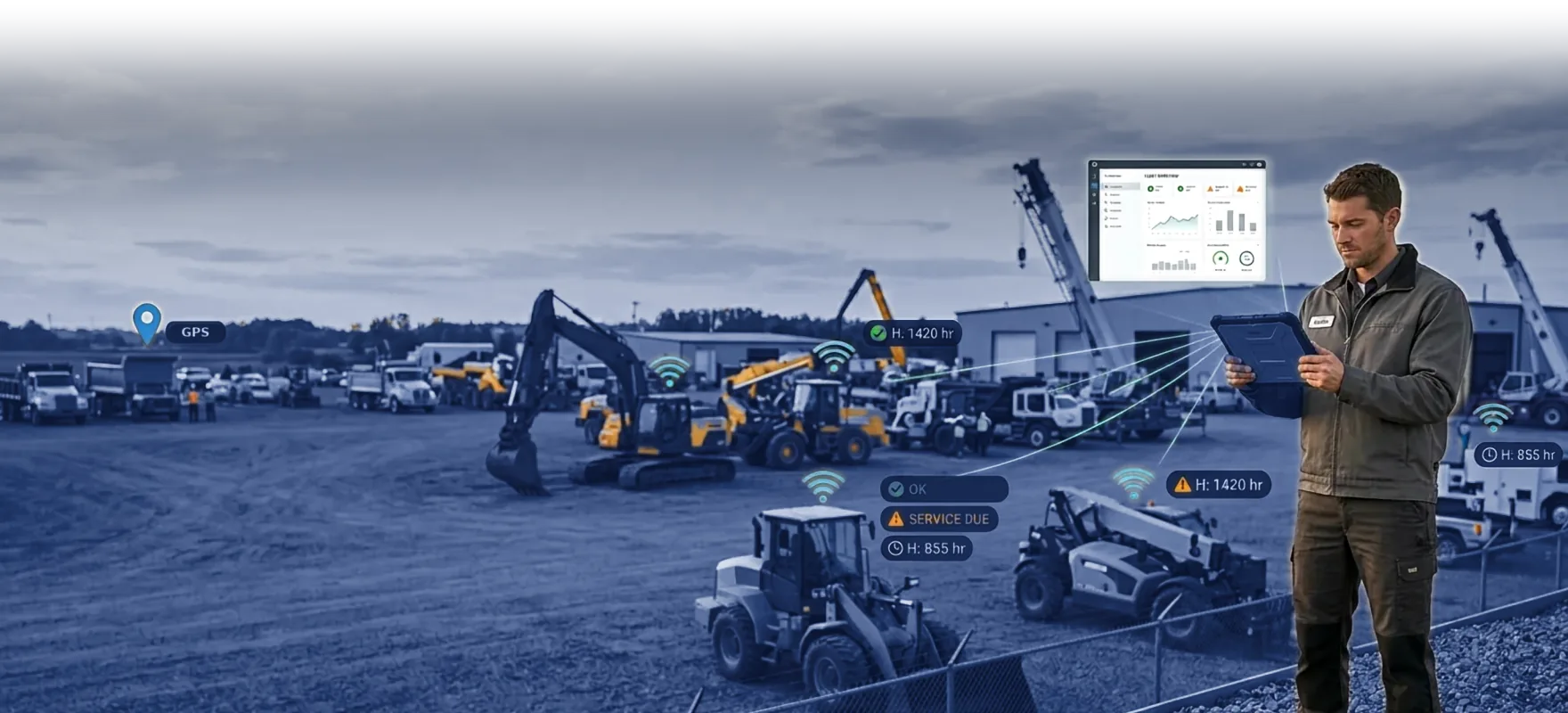


No separate telematics login and no calling around the yard. Samsara data shows up on the record your team opens anyway.
Live location for every Samsara-equipped unit, from your rental fleet to customer machines and your own, right on the machine record.
Hours sync to the machine record automatically, so service intervals run on real usage, not estimates.
Engine fault codes surface where your techs and service writers work, so you book the repair before the breakdown.
See which units are working, where, and how many hours they're putting in. Utilization, overdue returns, and hour-based billing get easier.
Location, engine hours, and fault codes land on the same record your team uses for work orders, rentals, and sales. One login for the whole counter.
See it in a demo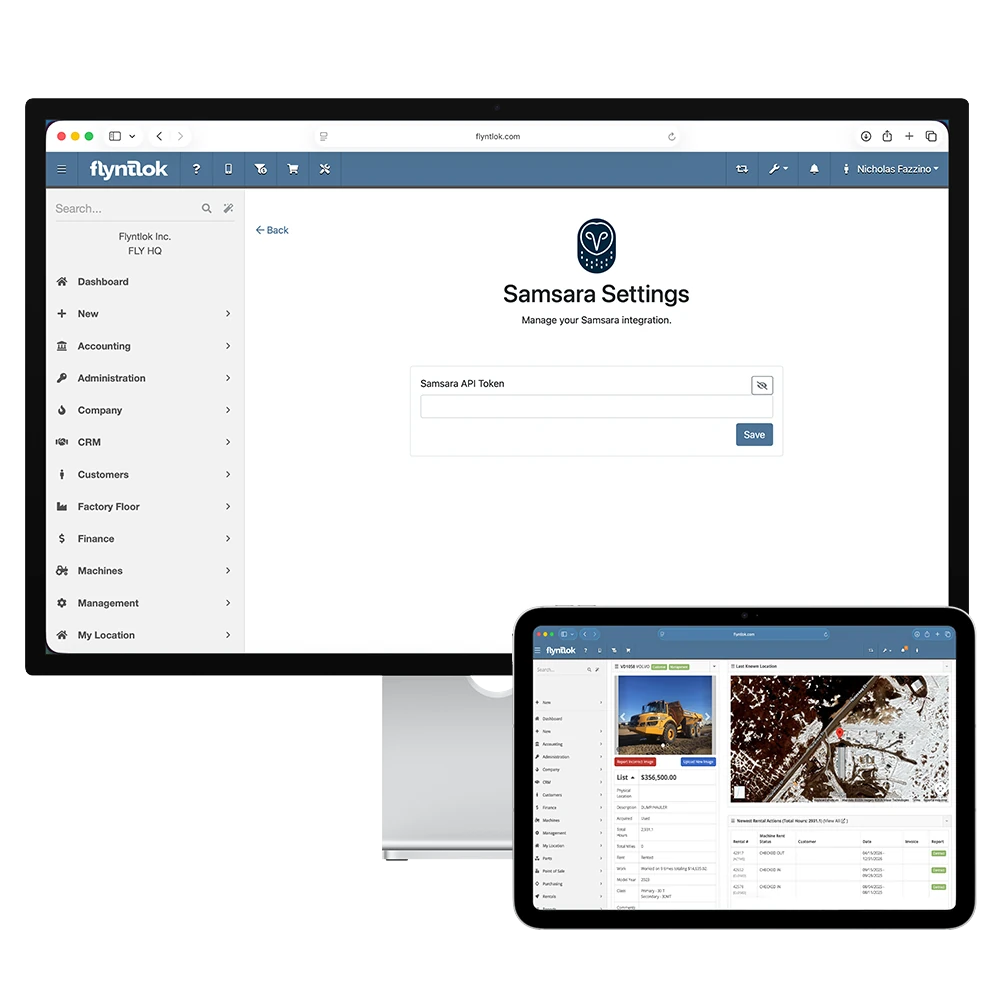
We set up the connection during onboarding and confirm machine data is flowing before you go live.
During onboarding, our team links your Samsara account to Flyntlok and checks the setup with you.
Location, engine hours, and fault codes from Samsara gateways flow onto each machine record.
Service books work on real hours, rental bills on real usage, and sales knows where every unit sits.
A map on its own doesn't fix a machine or bill a rental. Flyntlok puts Samsara data on the record your team uses for work orders, rentals, and sales, so location, hours, and fault codes turn into work done.
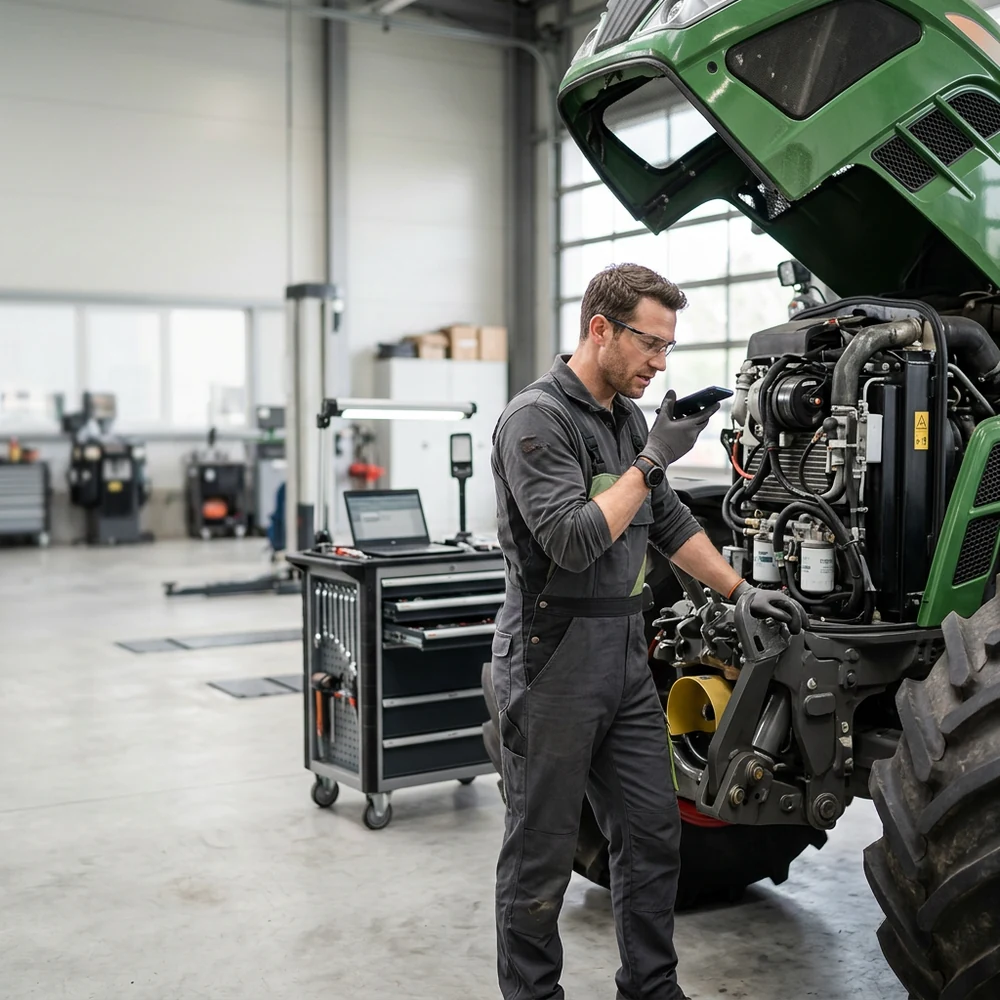

Flyntlok was founded by a former equipment dealer and built around how stores really run: the counter, the shop, the lot, and the rental yard.
Telematics, work orders, rentals, and sales live in one system. No separate portal for your team to check.
Run the counter, the shop, and the office from any browser. No server closet, no installs.
Voice-to-text tech notes, invoice checks at receiving, and customer lists pulled from your own data.
Location, hours, and machine health flow into one connected platform.
See it in a demoBook time with our team. We'll walk through service, rentals, and sales the way your stores run them, including how Samsara data shows up on every machine.

Yes. Flyntlok connects with Samsara so machine location, engine hours, and fault codes appear directly on the machine record, with no separate telematics portal needed.
Machine location, engine hours, and engine fault codes, on the same machine record your service, rental, and sales teams already use.
Yes. Service intervals can run on real hours coming from the machine, so you book the work before the breakdown instead of after it.
Yes. Location and usage data for rental units makes utilization tracking, overdue returns, and hour-based billing straightforward.
Yes. The integration reads from Samsara gateways installed on your machines. If you already run Samsara, your existing hardware is the data source.
We set up the Samsara connection during onboarding. Our team works with your dealership to connect the systems and confirm machine data is flowing before you go live.



