NEW!
Meet Flyntlok at Equip Expo 2026:
Send parts orders to John Deere from the PO, track every shipment, and see warranty and PIPs right on the machine. Day to day, your team works Deere from inside Flyntlok, with no second login.















JDPoint, JDWarranty, and JD PRISM are live today, and each one does a different job. John Deere telematics is next.
Click Submit to John Deere on the Flyntlok purchase order. Status, shipments, parcel tracking, investigations, and notes come back to that same PO on their own.
See warranty dates, active or expired, plus any PIPs with the labor and parts they call for. Add a recommended PIP to the work order as a job.
Flyntlok sends John Deere your parts position for every location on a schedule. Deere turns it into transfer and order suggestions you approve in JDPrism.
We're building John Deere telematics into Flyntlok, so machine data lands right on the machine record. Ask us about timing in your demo.
Authorize the John Deere connection once. After that, ordering, tracking, warranty, and PIPs all happen in Flyntlok, with no separate Deere login for day-to-day work.
See it in a demo
There's no PRISM screen in Flyntlok and nothing to export or upload. It runs on a schedule, and you work John Deere's recommendations in its JDPrism portal.
On a schedule, Flyntlok sends John Deere a full picture of every location: on-hand and on-order quantities, sales and lost sales, bins, cost and price, and reorder settings.
John Deere uses that feed to recommend parts transfers and purchase orders for your locations.
Review and approve recommendations in John Deere's JDPrism portal. A transfer that came from an approved recommendation shows a note in Flyntlok saying so.
John Deere is Flyntlok's highest-volume OEM integration, with 32,000+ parts orders and 1.1 million+ PRISM inventory records processed so far. The same platform runs the rest of your store, from the parts counter to the rental yard.
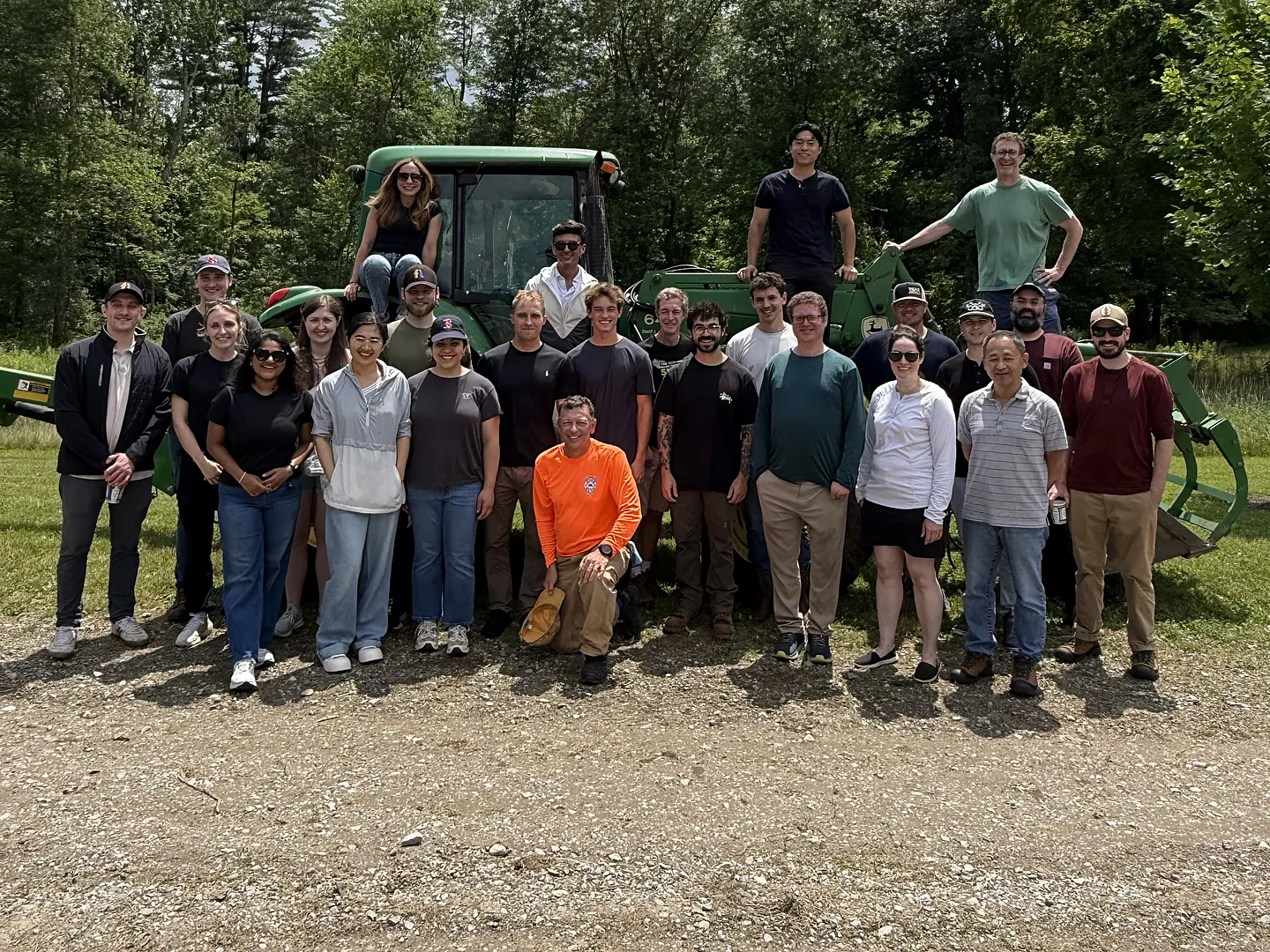
Flyntlok was founded by a former equipment dealer and built around how stores really run: the counter, the shop, the lot, and the rental yard.
Carry more than John Deere? Run parts, pricing, and customer data for every brand you sell in one platform.
Run the counter, the shop, and the office from any browser. No server closet, no installs.
Voice-to-text tech notes, invoice checks at receiving, and customer lists pulled from your own data.
Parts ordering, warranty, PRISM, and pricing in one connected platform, next to every other line you carry.
See it in a demoBook time with our team. We'll walk through parts, service, sales, and rentals the way your stores run them, including JDPoint, JDWarranty, and PRISM.
It connects three John Deere systems. JDPoint sends parts orders from the Flyntlok purchase order and brings status, shipments, and tracking back. JDWarranty puts warranty status and PIPs on the machine and the work order. JD PRISM sends John Deere your parts data on a schedule so it can recommend stocking moves. John Deere telematics is in development.
Not for day-to-day work. Someone signs in to John Deere once to authorize the connection. After that, parts ordering, order tracking, warranty lookups, and PIPs all happen inside Flyntlok.
Click Submit to John Deere on the Flyntlok purchase order. Order status, shipments, parcel tracking, investigations, and notes flow back into that same PO on their own. If John Deere splits your order into several, or creates one on its side, it still shows up correctly in Flyntlok.
It runs in the background on a schedule. Each run sends John Deere a full snapshot of your parts position at every location: on-hand and on-order quantities, sales and lost sales, bin locations, cost and pricing, and reorder settings. John Deere uses it to recommend transfers and purchase orders, which you review and approve in its JDPrism portal.
Yes. A John Deere machine's dashboard shows its warranty start and expiry dates, whether it's active or expired, and any PIPs that apply, each with the labor, parts, and expiry. From the work order, you can add a recommended PIP as a job.
It's in development. We're building John Deere telematics into Flyntlok so machine data lands on the machine record. If you need telematics today, Flyntlok connects to Samsara and Motive.



