NEW!
Meet Flyntlok at Equip Expo 2026:
Techs talk through the repair and Flyntlok AI writes it up. AI Review flags fluids and supplies that never made it onto the job, and the Service Scheduler texts customers so bays stay full. AI comes with every account, and updates ship every two weeks.
Running dealerships across four countries






Service is often the most controllable revenue in a dealership, and good techs are hard to find. Flyntlok hands time back to every tech and service writer: AI writes the notes, parts get requested from the job, texts fill the schedule, and missed charges get caught before the invoice goes out.
One day at a dealership running on Flyntlok
Follow one day, from the first appointment text to the numbers at close.

10:30 am in the bay
Hands are greasy, the next machine is waiting, and the write-up still isn't done.
Techs tap record on the job and talk through the repair the way they'd tell a service writer, in English or Spanish. Smart Tech Notes hands back a clean Complaint, Cause, and Correction to review and apply. Part numbers, specs, and hour readings stay. The filler and false starts don't.
Every tech
Has Tech Notes, with no sign-up and no add-on
ES → EN
Spanish or mixed notes come back in clean English
Tech Notes opened to every technician in the August 20, 2026 release notes.
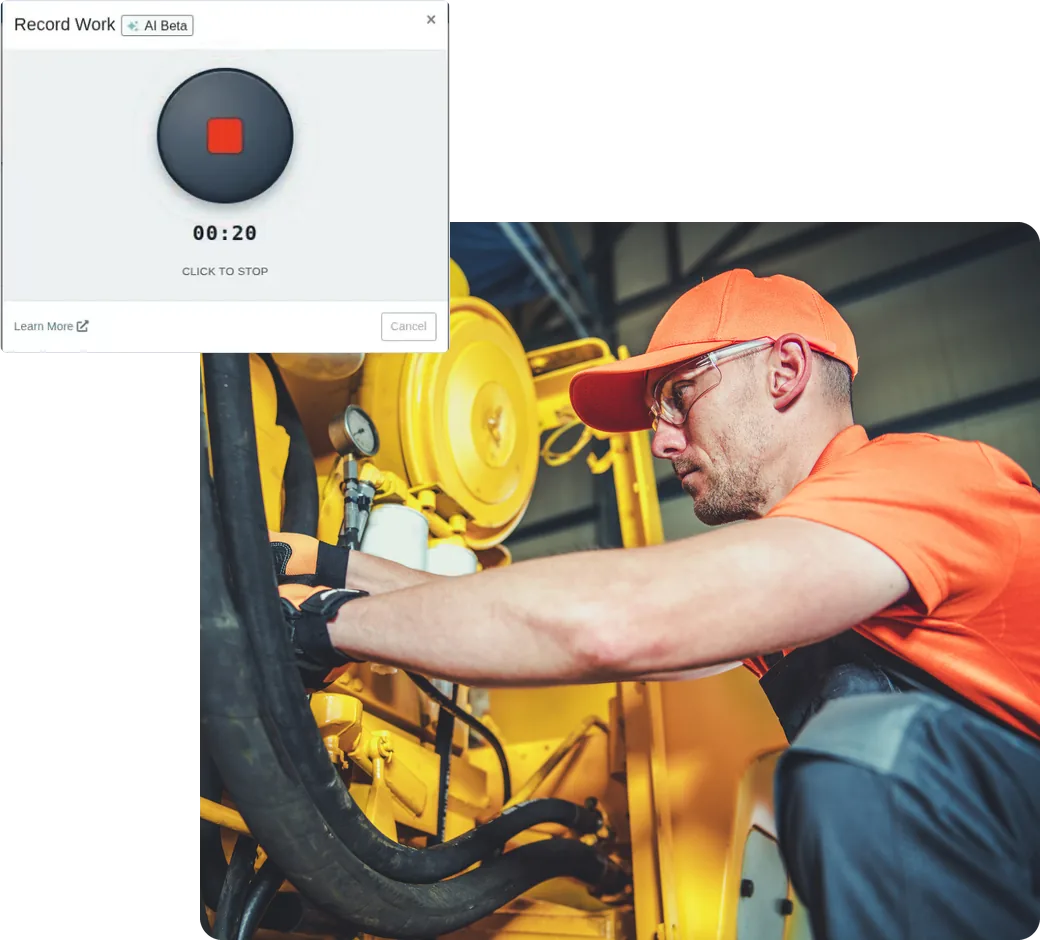
Example: what a quick voice note becomes
Complaint
Customer requested 1,000-hour service and reports the A/C is blowing warm.
Cause
Scheduled maintenance due. A/C system low on refrigerant from a leaking O-ring at the condenser line.
Correction
The tech reviews it, then applies it to the job.
01
Record from the job or right in the clock-out window, on desktop or mobile.
02
English, Spanish, or a mix. Part numbers, serial numbers, and hour readings come through as said.
03
AI drops the filler, keeps the shop terms, and turns multi-step jobs into a bulleted Correction.
04
Append, replace, or edit before anything is written to the job. Service writers can run Improve with AI on notes techs typed.
May 2026
Service teams help build it
July 2026
Open beta, plus voice job notes on desktop and mobile
August 2026
On for every tech, with bulleted Corrections and Improve with AI
September 2026
Right in the clock-out window, and Spanish in, English out
October 2026
AI Review checks the write-up against the parts list
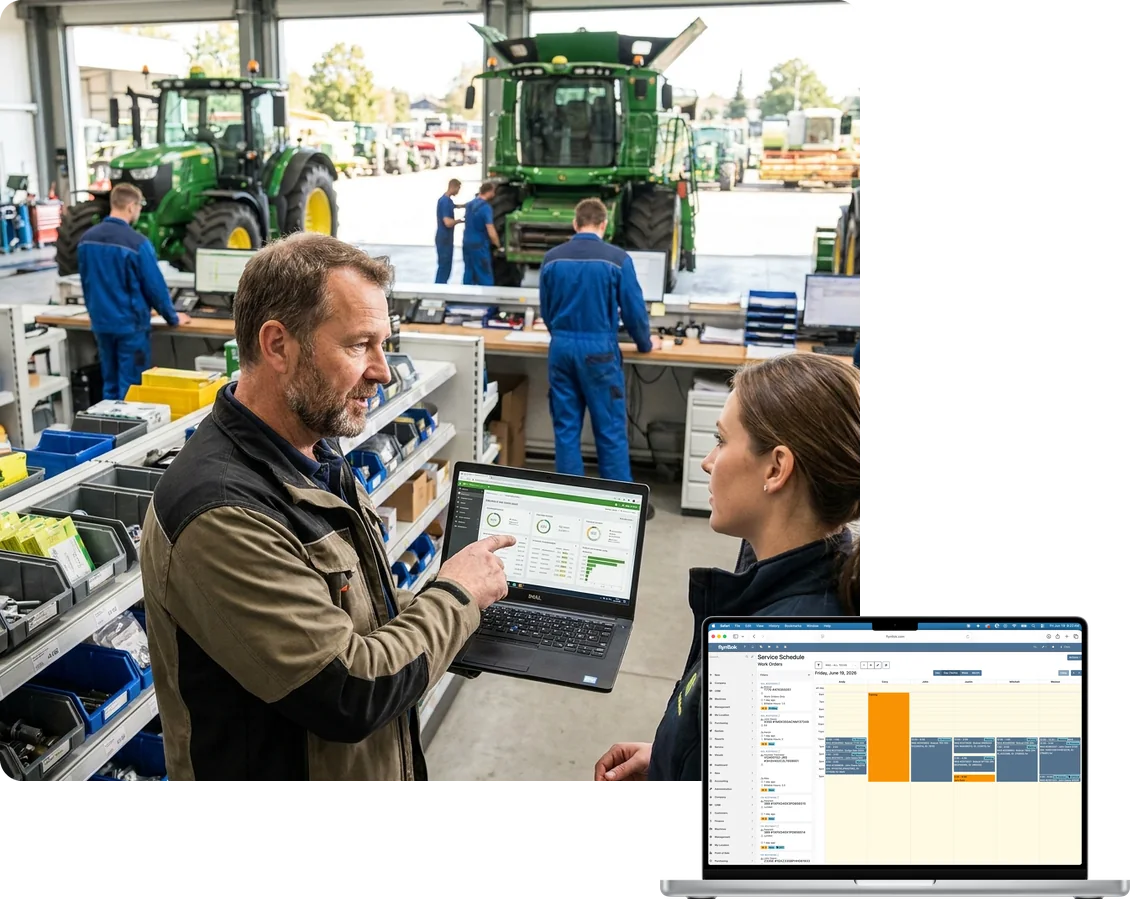

7:00 am at the service desk
Three machines are due in today, and two customers never confirmed.
Book work orders on the Service Scheduler and see every tech's day at a glance. Flyntlok texts the customer a confirmation and a reminder before the appointment, and moves the reminder when you move the job.
Confirmations and reminders by text
Send a confirmation when the job is booked and a reminder before the appointment, right from the Service Scheduler.
Reminders that follow the job
Reschedule the work order and pending reminders update to the new time. No second text to fix the first one.
Your templates, your hours
Write templates with the work order number, appointment time, and contact name, then set the hours texts can go out.
Every tech's day on one screen
Drag jobs onto each tech's time slots, color-code the calendar by technician, and see time spent on each job at a glance.
Service requests from anywhere
A customer request from the Sparks portal opens a work order in estimate status. Other departments can request service from the machine record.
Maintenance you can see coming
Schedules run on hours, miles, or age, and the Upcoming Maintenance report shows who's due. Samsara, Motive, Volvo CareTrack, and Hitachi telematics keep meters current.

“If my people put the information in there, it's findable and it's trackable.”
Bob Jennings, Owner, RJ's Outdoor Power, on documenting every repair

8:15 am in the bay
The tech needs a seal kit, and the parts counter is across the building.
Each work order holds the machine, jobs, labor, parts, photos, and customer texts. Techs clock into the job, request parts without leaving it, and check out from a phone. The status moves on its own as the work does.
Clock into the job
Techs clock into the exact job they're on, so every hour lands on the right line. You can let techs edit only their own time.
Request parts from the job
Techs request parts without leaving the work order, and the parts counter gets notified. Bin locations and list prices show in the parts widget.
Statuses that move themselves
Work orders and jobs update when parts are ordered or delivered and when a tech clocks in. Customers can get a text when the status changes.
Photos in one gallery
Every photo and file on the work order in one place. Filter by job and download just the damage photos for a warranty claim.
Full checkout on mobile
Techs finish the same checkout on a phone that they would at a desk, and the same status automations run.
Built for the field
Call the customer with a tap, open the machine's manual, and record deficiencies at the machine, all from a phone.

Possible discrepancy: the notes mention hydraulic fluid and grease, but neither is on the parts list.
Example of an AI Review finding on a job

2:00 pm at the service desk
The notes say the tech topped off the hydraulic fluid. The parts list doesn't.
AI Review reads the complaint, cause, correction, and tech notes on a job, then checks them against the parts list. If the notes say the tech topped off fluid or used grease and it never made it onto the job, you'll see it while the work order is still open.
Reads the whole write-up
Complaint, cause, correction, and tech notes, checked against the job's parts list.
Flags what never got billed
Fluids, grease, and shop supplies that show up in the notes but not on the parts list get flagged as possible discrepancies.
Checks the other way too
Parts on the job that the notes never mention get flagged, so warranty claims tell the whole story.
Your team makes the call
Dismiss a finding that doesn't apply, update the job, and run the review again.
No write-up, no invoice
Turn on a setting that blocks invoicing until every job has a Cause and Correction. Flyntlok flags the job that's holding it up.
Right on the job
Run review sits on each job in the Work Order Dashboard. No extra app, no export.

“That will eventually save us time and money. We're not losing because the write-up wasn't done right.”
Cody Savell, Director of Operations, TraxPlus, on SANY warranty write-ups

3:30 pm in the truck bay
A warranty credit just came in. Which repair was it for?
Put warranty and customer-pay jobs on one work order, and Flyntlok splits the invoices. Claim numbers, photos, and a clean Complaint, Cause, and Correction stay with the job, so claims go out complete and credits are easy to match.
Warranty and customer pay, one work order
Mix both on one work order. Flyntlok splits the invoices by warranty vendor and keeps warranty work off the customer's bill.
Claim numbers on the job
Enter the manufacturer's claim number on each warranty job, so credits and rejections match the right repair.
Claims and PIPs from the work order
Submit PACCAR claims prefilled from the work order, and see open John Deere and Hitachi PIPs as recommended jobs.
Product registrations, built in
Register STIHL, Toro, and Exmark machines from Flyntlok. Toro and Exmark forms fill in from the sale, and one report shows what's still open.
Bill it your way
Flat-rate jobs, estimated hours, or actual time, with labor rates that follow the brand of the machine.
Approvals and deposits that hold
Customers approve estimates job by job by text or email, pre-approved limits flag overruns, and Flyntlok warns before a work order deposit gets spent on another sale.
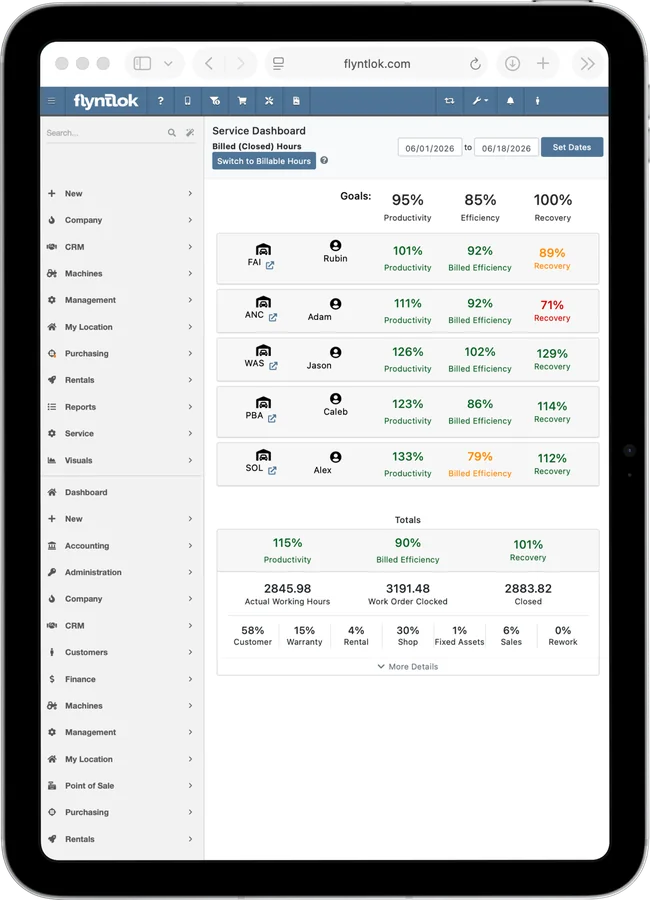
“The technicians took to it quicker than anybody else. They like the visibility and being able to look at their own performance numbers.”
Drew Marsteller, Operations Manager, White's Tractor

5:15 pm in the manager's office
Busy day. Was it a profitable one?
The Service Dashboard shows productivity, efficiency, and recovery for every tech and every location, against the goals you set. It's live, so you're not waiting on a spreadsheet that shows up ten days after the month ends.
Productivity
Hours clocked in versus hours available. How much of the day your techs spend on jobs.
Efficiency
Billable hours versus hours clocked in. How much of that working time turns into billable work.
Recovery
Billable hours versus hours available. Of the hours you pay for, how many you bill.
Goals you set
Set productivity, efficiency, and recovery goals, then drill into each tech and location to see who's on track.
Rework and upsells, tracked
Mark jobs as rework or upsells. Rework shows on the dashboard, and upsell jobs show in the All Jobs report.
Techs see their own numbers
Techs check their work orders and performance from a phone or tablet.
Flyntlok ships an update every two weeks, and the last nine in a row all shipped new service features. Here's what landed, straight from the release notes.
Jun 25
Techs finish the full machine checkout from a phone, and the same status automations run.
Jul 9
Voice-to-text tech notes on web and mobile, plus delivery statuses on every customer text.
Jul 23
Record job notes on desktop or mobile and clean them up with Enhance with AI. Techs log deficiencies at the machine.
Aug 6
Confirmations and reminders go out from the Service Scheduler and update when the job moves.
Aug 20
No sign-up needed. Service writers get Improve with AI, and invoicing can wait for a full write-up.
Sep 3
Tech Notes in the clock-out window, and deposits protected from the wrong sale.
Sep 17
Techs talk or type in Spanish and get clean English notes, and they can own their labor lines.
Oct 1
Pull just the damage photos for a claim, and get nightly hours and miles from Motive telematics.
Oct 15
Checks notes against the parts list before invoicing, and warranty jobs get a claim number field.
Every update reaches every Flyntlok dealer at no extra cost. See every release note.
Every DMS has work orders. These five questions show whether a system gives your techs time back or just gives them more screens.
Typing notes is time a tech isn't turning wrenches, and thin notes cost you on warranty.
Yes. Smart Tech Notes turns a voice note into a Complaint, Cause, and Correction, in English or Spanish, on desktop or mobile.
Fluids, grease, and shop supplies used on the job and left off the invoice add up fast.
Yes. AI Review checks the notes against the parts list before invoicing, and flags parts on the job the notes never mention.
Field techs and busy shops can't walk back to a desk for every step.
Yes. Techs clock in, request parts, add photos, record notes, and check out on mobile, with click-to-call and machine manuals a tap away.
Pilots, waitlists, and per-user add-ons don't help your shop this season.
Yes and yes. Tech Notes is on for every tech, AI Review shipped October 15, 2026, and both come with every Flyntlok account.
Your shop changes every season. Your DMS should keep up.
Every two weeks. The last nine releases in a row shipped new service features.
Comparing systems? The DMS Buyer's Guide Checklist covers the rest.
Get the buyer's checklist→Every shop gets the same work orders, Tech Notes, and scheduler, plus the OEM connections for the brands you service.
Open John Deere PIPs show up as recommended jobs, and Smart Campaigns texts owners who are due for service before the season starts.
Explore Agriculture
→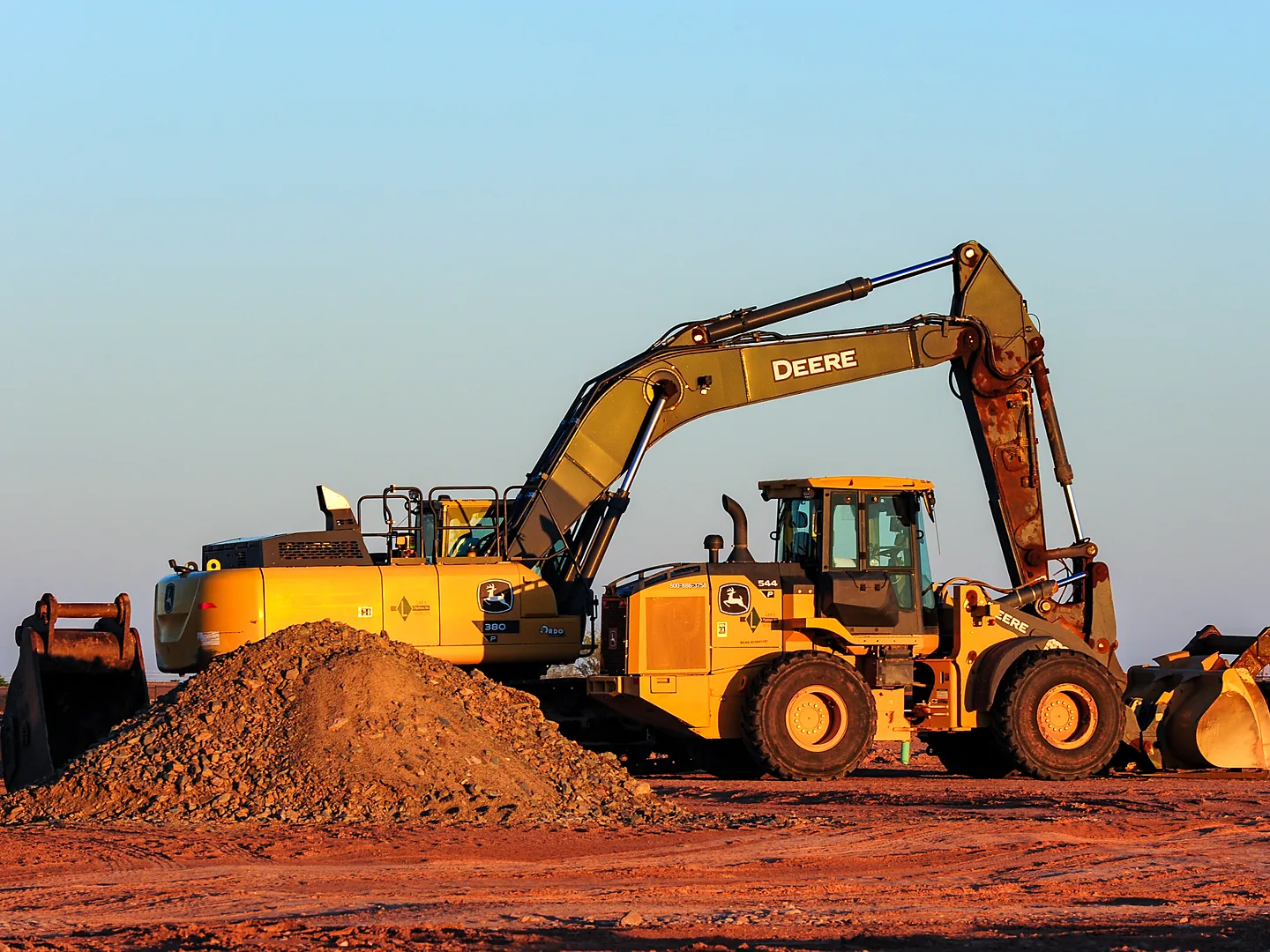
Volvo, Hitachi, and Samsara telematics keep maintenance on schedule, and Tech Notes builds warranty-ready write-ups.
Explore Construction
→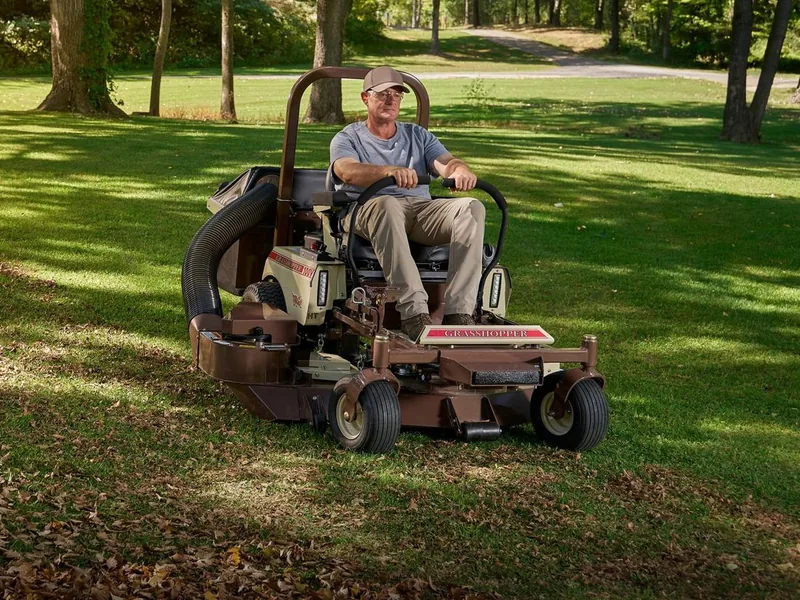
Check in a chainsaw, pole saw, and trimmer on one work order, and register STIHL, Toro, and Exmark sales from Flyntlok.
Explore OPE
→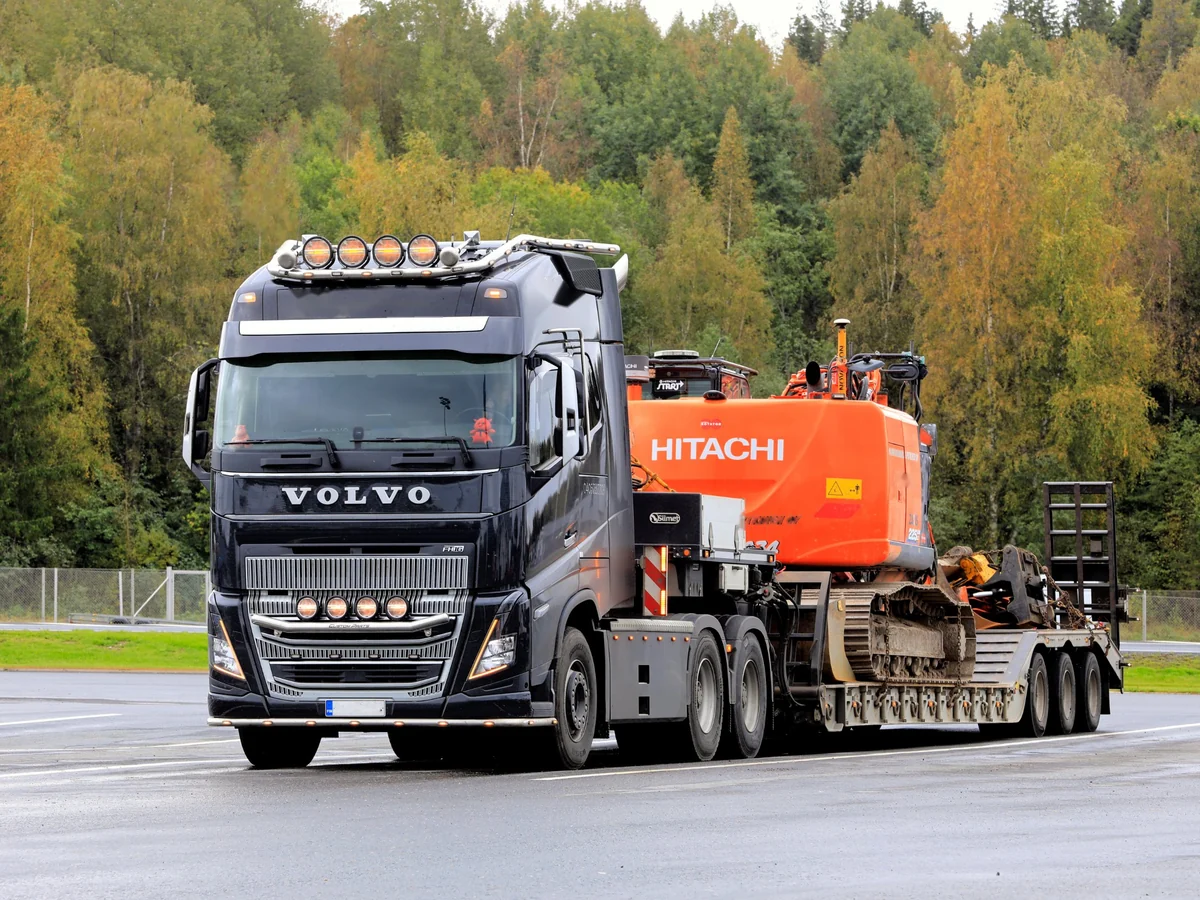
Submit PACCAR warranty claims prefilled from the work order, and pull nightly miles and hours from Motive or Samsara.
Explore Heavy Truck
→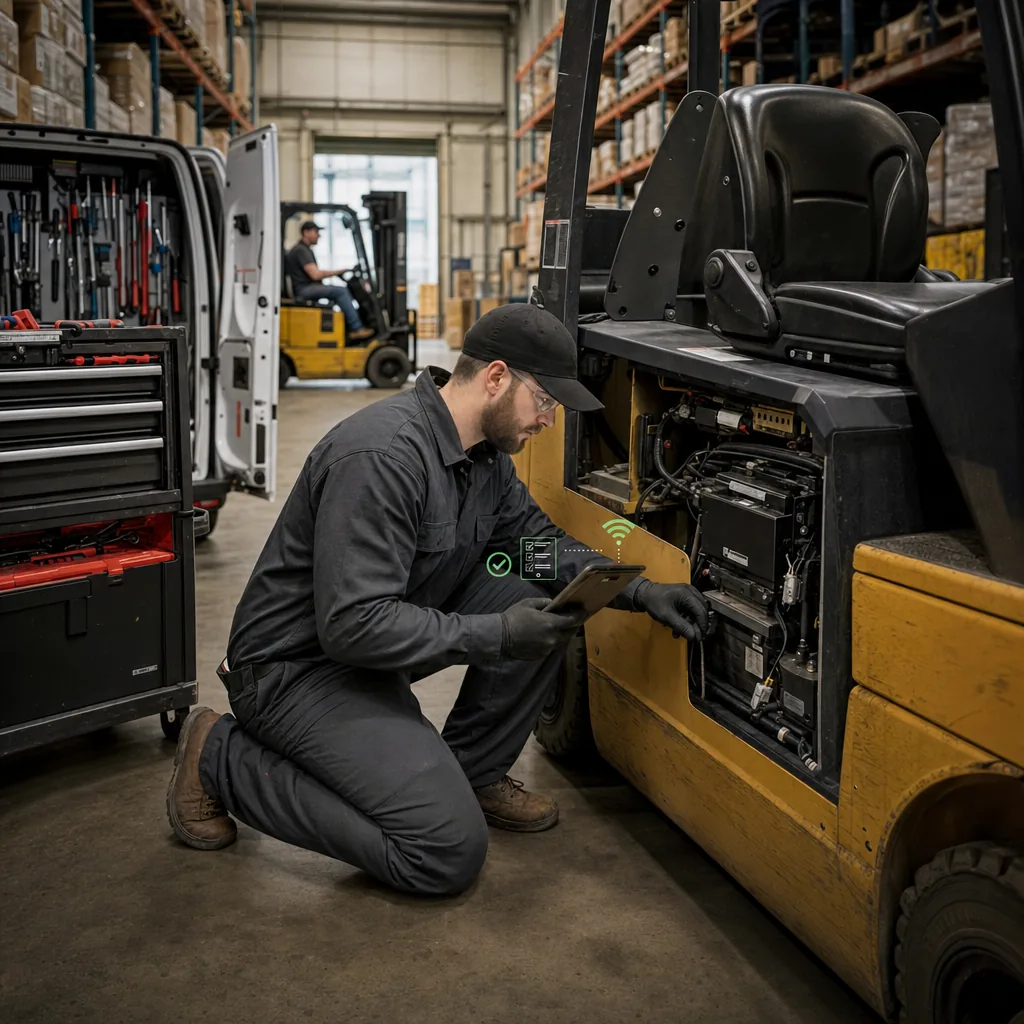
Field techs dictate notes at the customer's site, and AI Review catches the hydraulic fluid nobody billed.
Explore Material Handling
→Parts requests, rental check-ins, and customer texts all land on the work order, because they live in the same DMS. No exports and no add-on tools.

Parts & Inventory
Techs request parts from the work order, and the counter sees the bin, the price, and what's on hand at every location.
See parts & inventory
→
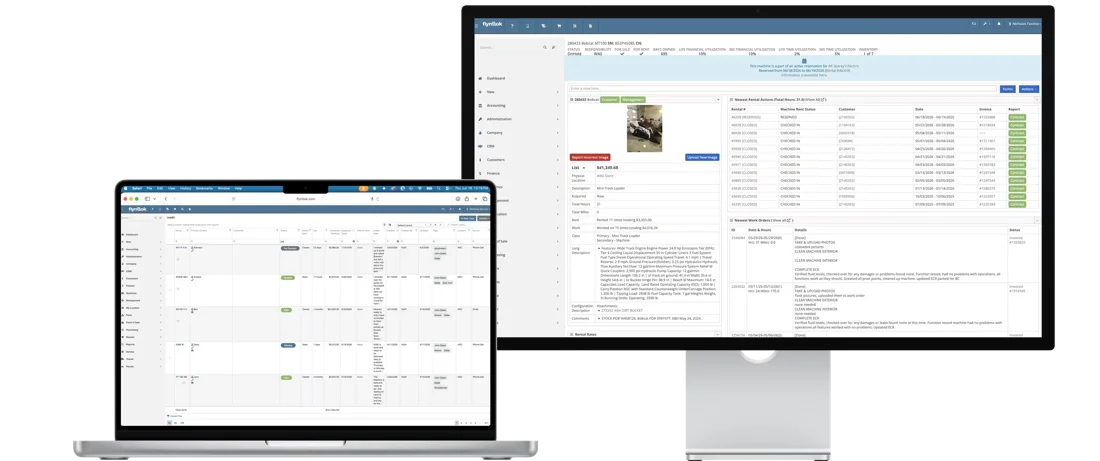
Rental Management
When a rental comes back with problems, the condition report turns failed items into a work order with a job for each fix.
See rental management
→
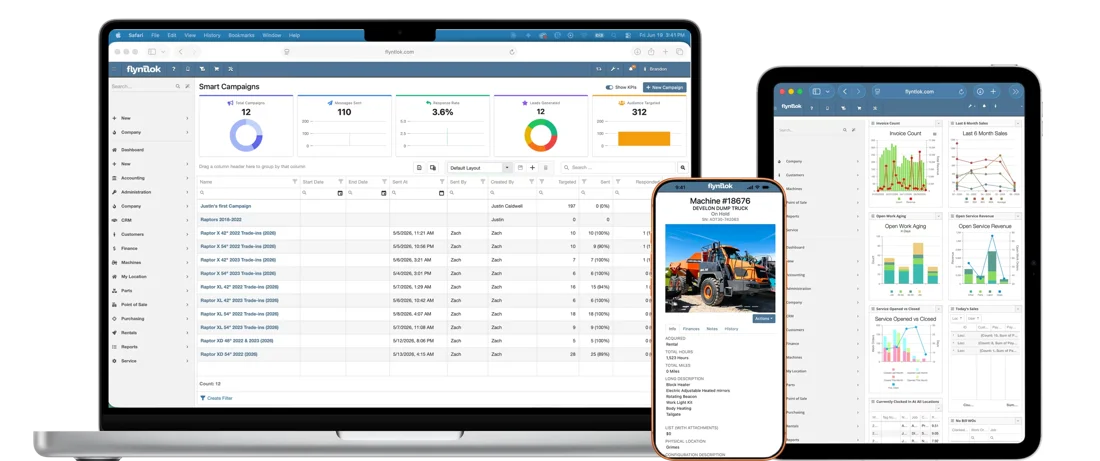
CRM
Describe who's due for service in plain English. Smart Campaigns builds the list, drafts the text, and turns replies into leads.
See CRM
→
Flyntlok AI
Tech Notes and AI Review work alongside Smart Receive in parts and Smart Campaigns in sales, all included.
See Flyntlok AI
→Hear from dealers running service on Flyntlok and the people who build it, then run your own numbers.

When Cody Savell stepped into service, TraxPlus had more than 300 open repair orders and no practical way to track them. Now pictures and notes live on the work order, and techs have started using Tech Notes for stronger SANY warranty write-ups.
“We don't want to relive life before Flyntlok.”
Cody Savell, Director of Operations, TraxPlus
300+
open repair orders before Flyntlok
5
locations on one system
Day one
to get comfortable in Flyntlok

White's Tractor, Bobcat dealer
Four Bobcat stores share techs and work orders, and techs check their own performance from a phone or tablet.
Read the White's Tractor story
→
Unlocked Ep.8
With Bomby Kitchpanich, Senior Software Engineer
How service teams get clean documentation from AI without slowing down the techs who drive service revenue.
Listen
→
Unlocked Ep.3
With Alex Clementi, Senior Pre-Sales Consultant
Walk-around inspections, maintenance plans, and the dashboard metric that shows every labor hour you're not billing.
Listen
→
Unlocked Ep.6
With Brandon Weaver, Customer Success Lead
How to turn customer data you already have into texts that bring machines back for service.
Listen
→Buyer tool
Run your dealership's numbers and see what Flyntlok could give back.
Run your numbers
→Article
What new research says about the shortage, and how dealers get more billable hours from the techs they have.
Read
→Article
64% of dealers expect customers to hold on to machines in 2026. Here's how service keeps the relationship and the revenue.
Read
→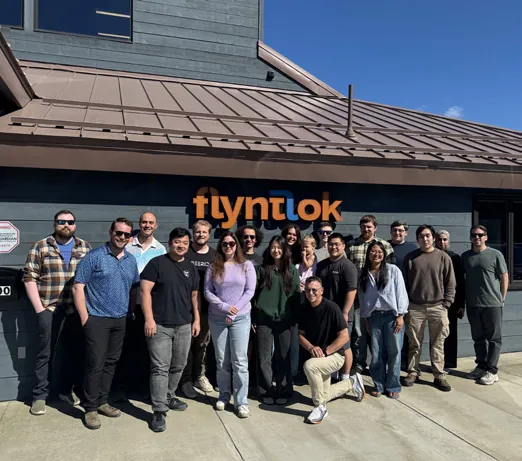
Flyntlok was founded by a former dealer who needed software that kept up with his own stores. A $36 million growth investment from Mainsail Partners in 2025 added developers and support, and service teams helped build Smart Tech Notes in focus groups. Updates ship every two weeks, for dealers in the US, Canada, Australia, and New Zealand.
Former dealer
Founded by one, built for the shop floor
Bi-Weekly
New product updates
8/8 support
Response in 8 minutes, solved in 8 hours
Book time with our team. Bring a recent repair or a packed week on your schedule, and we'll show you what Flyntlok does with it.
A walkthrough built around your brands and your shop
Smart Tech Notes, AI Review, the Service Scheduler, and the Service Dashboard on real examples
Implementation and migration at no cost, plus plain answers on AI and switching
Straight answers on Tech Notes, AI Review, scheduling, warranty, and the numbers.
A tech taps record on the job or in the clock-out window and talks through the repair. Smart Tech Notes turns it into a clean Complaint, Cause, and Correction, keeping part numbers, specs, and hour readings. The tech reviews it and applies it to the job, on desktop or mobile.
Yes. Techs can talk or type in Spanish, or mix Spanish and English, and Smart Tech Notes returns clean English notes. Shop terms and part numbers stay as they were said.
No. Smart Tech Notes and AI Review are included with every Flyntlok account, along with the rest of Flyntlok AI.
AI Review reads a job's complaint, cause, correction, and tech notes, then compares them with the parts list. It flags fluids, grease, and supplies the notes mention but the job doesn't bill, plus parts on the job the notes never mention. Your team decides what to change.
No. Techs talk instead of type, right from the job or the clock-out window, and the suggestion waits for their review. Nothing is written to the job until someone applies it.
Yes. The Service Scheduler sends text confirmations and scheduled reminders using your templates and texting hours. If you reschedule, pending reminders update to the new time. Customers can also get a text when a work order's status changes.
Warranty and customer-pay jobs can share one work order, and Flyntlok splits the invoices by warranty vendor. Each warranty job holds the manufacturer's claim number, and photos stay in the work order's file gallery. PACCAR claims prefill from the work order, and open John Deere and Hitachi PIPs show up as recommended jobs.
Productivity (hours clocked in versus hours available), efficiency (billable hours versus hours clocked in), and recovery (billable hours versus hours available), by tech and location and against the goals you set. It also tracks rework.
Yes. On mobile, techs clock in, request parts, add photos, record Tech Notes, log machine deficiencies, and complete the full checkout. They can call the customer and open the machine's manual with a tap.
Yes. Customers can request service through the Sparks customer portal, which opens a work order in estimate status for your team. Other departments can send service requests right from the machine record.




