NEW!
Meet Flyntlok at Equip Expo 2026:

The biggest risk isn't switching. It's staying on a system that can't keep up. Walk through four short steps about how your dealership runs and get a phased migration and implementation timeline, built around your busy season and the systems you depend on.













You get a phased timeline with real dates, planned around your busy season.
Every department comes across, because they were never separate to begin with
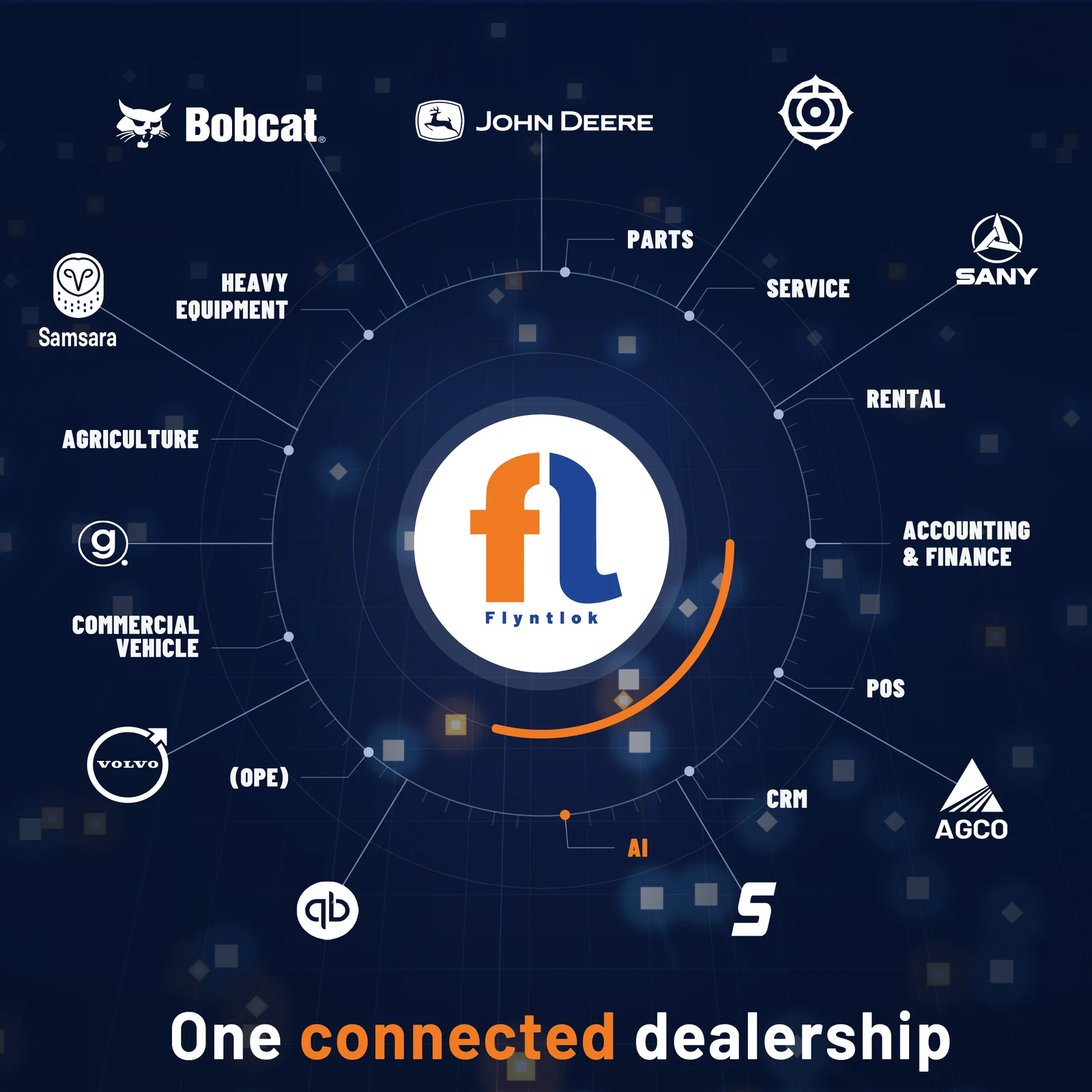
There is nothing to pick here. Flyntlok is one system on one database, so you are not choosing modules and you are not paying per department. That is the difference: legacy platforms quote you department by department, then charge again to make those departments talk to each other.
Runs entirely in your browser. Nothing is saved, sent, or shared.
Phases run left to right. The striped band is when your dealership cannot afford a bad week.
Your dates on the path every Flyntlok migration and implementation follows.
Ready to pressure-test this?
Bring this plan to a call. We will tell you where your dealership is easier than average and where it is harder, before you commit to anything.
Get a demo
From 5 Years of Software Struggles to Full Visibility in 4 Weeks: A Dealership's Move to Flyntlok
Read the story
Built to Scale: How a Fleet and Equipment Leasing Company Grew by 50% Without Growing Pains
Read the storyWe've talked to hundreds of dealers. The hesitation is always one of these four, and they're all valid.
It's a planning estimate, not a quote. Flyntlok runs two implementation paths: a fixed five-week expedited program that covers implementation and post go-live support, and a custom enterprise plan that typically runs two to six months. The planner routes you based on user count, location count, and how many systems you need connected. Anything over 30 users runs as enterprise. Discovery is what turns a range into a date.
Because pushing a go-live into peak season is how implementations turn into disasters. For outdoor power equipment that's spring. For heavy equipment, summer. For agriculture, planting and harvest. If your go-live lands inside your window, the planner flags it and shows you the clean month instead. We schedule around your season, not ours.
Extensive testing before cutover. Once your data is migrated and validated, the people who will actually use the system work through their real workflows in it: parts sales, repair orders, invoicing, and reporting. Anything that doesn't behave correctly gets fixed and re-tested. Go-live happens after every department signs off, not before. This is the step most legacy implementations rush, and rushing it is why previous switches went badly.
They get mapped during discovery, before anything moves. Telematics, inspection tools, your dealership website and inventory feeds, payments, sales tax, payroll, e-signature, and customer texting all count. Third-party connections are the most common source of surprise in a migration and implementation, so list every system that touches your DMS today, including the ones you're not sure are still in use.
No. Customer records, equipment history, repair orders, parts inventory, warranty data, and accounting records all migrate. We've moved dealerships running 1981 systems with 25 years of hard-coded customizations. Every record gets validated in staging, and anything below confidence threshold is flagged for human review before it touches production. If a record can't migrate cleanly, we tell you before go-live, not after.
Most of the work is on our side. Flyntlok pulls the data, validates records, configures the platform, and sets up supported OEM integrations. Your team joins kickoff and discovery, spot-checks validation reports, shows up to department training, tests its own workflows before cutover, picks the go-live date, and flags the edge cases we wouldn't know about. The planner estimates those hours based on your user count and location count.




