NEW!
Meet Flyntlok at Equip Expo 2026:

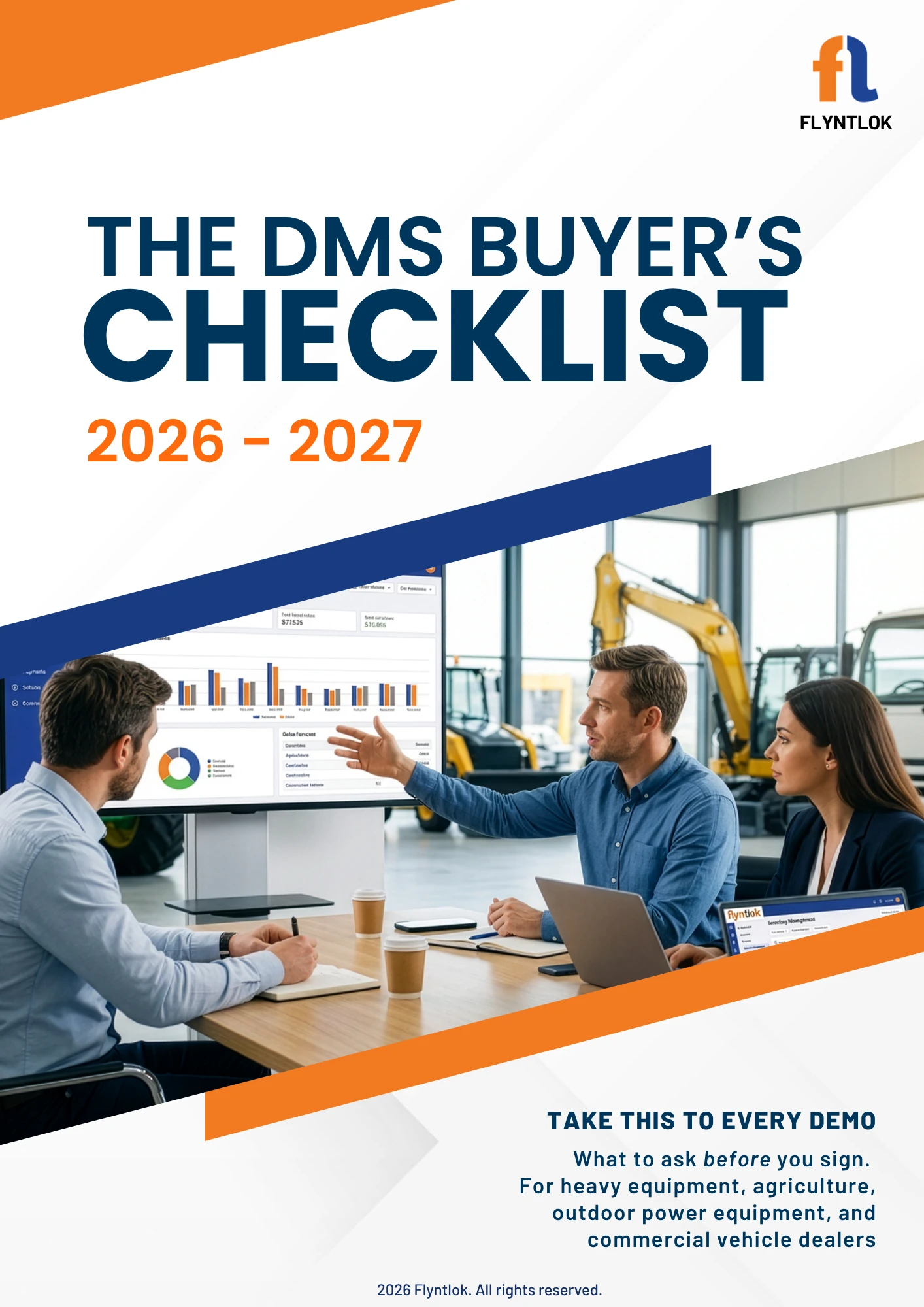
Vendors run the demo. This checklist puts you back in control. A vendor-neutral working document with the requirements, scenario questions, disqualifiers, and scorecard your dealership should bring to every DMS evaluation.













A vendor-led walkthrough shows you what a system has. Your own checklist shows you whether it fits the way your dealership actually runs, what it costs as you grow, and how hard it is to leave.
Flyntlok wrote it; however, it is a comprehensive list to use for every DMS you've shortlisted.
Heavy equipment, agriculture, outdoor power equipment, and commercial vehicle, across parts, service, sales, rental, finance, integrations, security, AI, and implementation.
Print it, bring it to the demo, and score what you actually saw instead of reconstructing it a week later.
Most DMS evaluations start with a generic feature grid and a demo the vendor controls. Three things reliably slip through.
A checkbox tells you a capability exists. A real scenario shows you whether your team can use it without workarounds, duplicate entry, or a chain of support tickets.
Designed so every department that lives in the system gets a say in choosing it.
Parts, service, sales, rental, and accounting each get their own criteria, scored by the people who use them every day.
Scenario prompts that make a vendor demonstrate a real workflow instead of describing a feature.
The short list of fit questions worth confirming before you spend two hours in a polished demo.
Checks that follow one transaction across departments rather than judging modules in isolation.
Ownership and export terms, uptime and recovery expectations, and what any AI claim actually changes for a person doing the work.
A fully loaded 36-month cost worksheet and a weighted scorecard your team agrees on before the first vendor presents.
A confident presenter can make the product they know best feel like the obvious choice. This is how you keep the criteria yours.
Set your categories and weighting before the first vendor presents, so the presentation does not decide what matters.
Run the fit questions on a short call. Anything that cannot clear them has not earned a two-hour demo.
Each department fills in its own section while the vendor is presenting, not from memory a week later.
Same scenarios, same three-year cost, same scorecard for every vendor on the list.
Owners, general managers, and department leaders at heavy equipment, agriculture, outdoor power equipment, and commercial vehicle dealerships who are evaluating a dealer management system. It works whether you are replacing a legacy platform or buying a DMS for the first time.
Yes. Flyntlok wrote it, and it does not score in our favor. The questions apply to any DMS on your shortlist, including ours. If a competitor answers them better for your dealership, the checklist should tell you that.
Bring it in and fill it out live. Each department scores its own requirements while the vendor is presenting, so you capture what you saw instead of reconstructing it from memory a week later. Agree on your categories and weights before the first demo so the presentation does not shape your criteria.
A fit question worth confirming before you commit two hours to a polished demo. Industry references, rental depth, OEM workflow coverage, and your accounting strategy all sit in this group. If a vendor cannot answer them clearly, a longer demo is unlikely to change the underlying fit.
Because a starting subscription price is not the cost of a DMS. Implementation, migration, training, OEM connections, API access, accounting software, payments, messaging, support, optional modules, AI tiers, and annual increases all belong in the comparison. Run the same three-year scenario for every vendor and the quotes become comparable.
Fill out the form and the checklist is yours to use with any vendor on your shortlist. Booking a Flyntlok demo is a separate step you can take whenever you are ready, or not at all.