NEW!
Meet Flyntlok at Equip Expo 2026:
Send parts POs to PACCAR from the PO, work MDI orders in Purchasing, and file warranty claims and Decisiv updates from the work order. PACCAR pricing loads on its own.















PACCAR connects to Flyntlok in more ways than any other OEM: seven separate integrations, most of them independent of each other, plus automatic price lists. Your team uses them on the PO, in Purchasing, on the Sales Order, and on the work order.
Choose Submit to PACCAR from the PO's Actions menu, set the order type, ship-to, carrier, and comment, and send. The PO marks itself Ordered.
PACCAR reads your stock and sales and suggests orders and stocking changes. Accept or reject them in Purchasing, and confirmed orders go out through AutoOp.
Customers on PACCAR's Online Parts Counter see your stock and their credit, and the orders they place arrive in Flyntlok as real Sales Orders.
Click View Bond Loyalty Offers on a Sales Order to see the customer's available deals, then apply them right to the order.
Fleet-card prices are verified in the background, and discounts apply on eligible Sales Order lines. There's no screen to open.
Choose Submit Warranty Claim on a warranty-enabled work order. The form fills itself from Flyntlok data and goes to PACCAR.
Tie a Decisiv case to a work order once. Status changes, parts, and tech write-ups flow to the case on their own.
PACCAR's price list loads into the Item Genome automatically. You set the markups, and an emailed report shows what changed.
Parts POs go to PACCAR from the purchase order, and MDI suggestions wait in Purchasing. Bond Loyalty offers show on the Sales Order, and warranty claims and Decisiv cases run from the Work Order Dashboard.
See it in a demo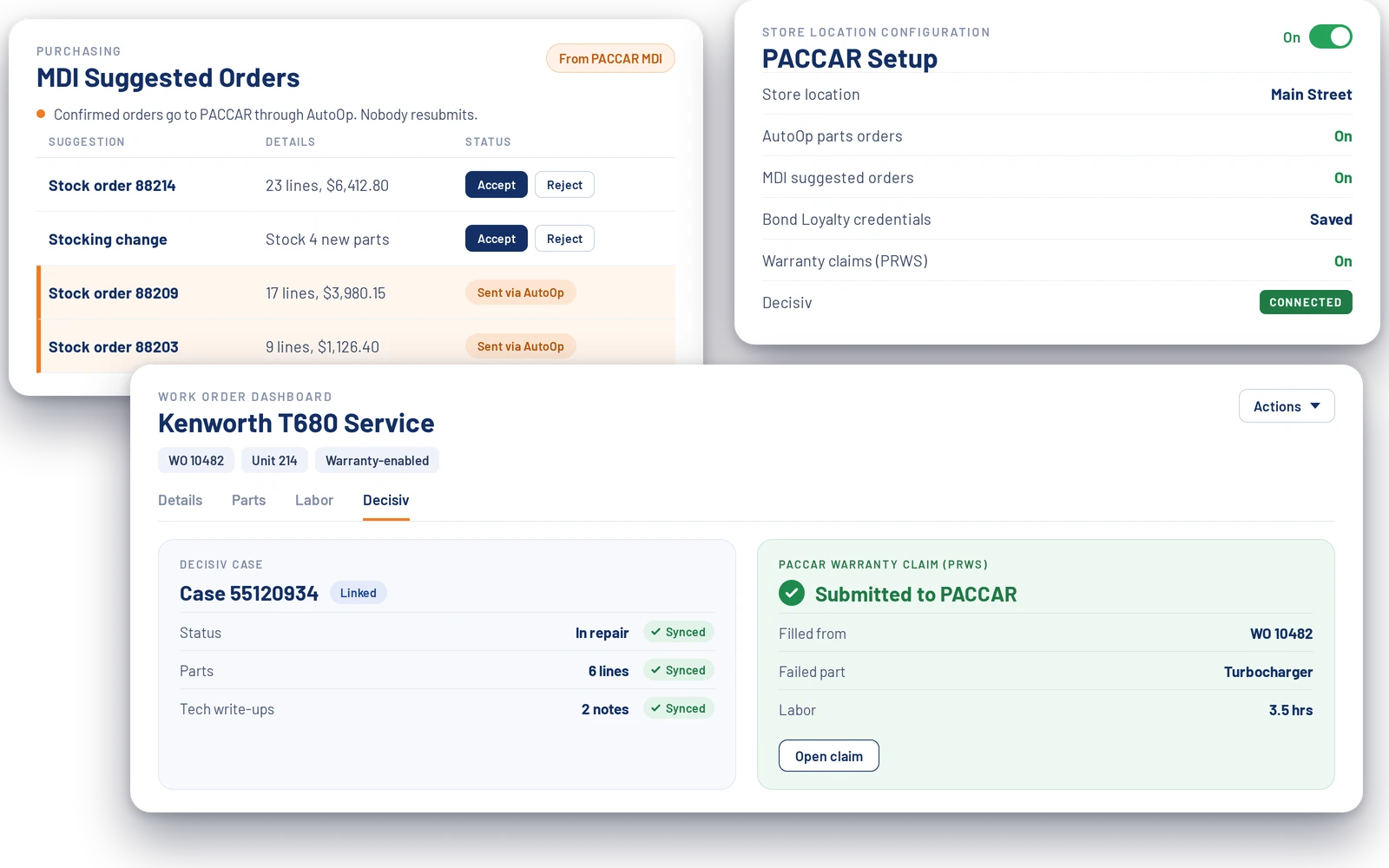
MDI and AutoOp work together, so a confirmed stock order reaches PACCAR without anyone retyping it.
MDI analyzes your inventory and sales data, then builds suggested orders and stocking changes for your store.
Suggestions show up in Purchasing. Staff accept what makes sense and reject what doesn't.
Once an order is confirmed, by PACCAR or by your team, it becomes an AutoOp submission automatically. Nobody resubmits it.
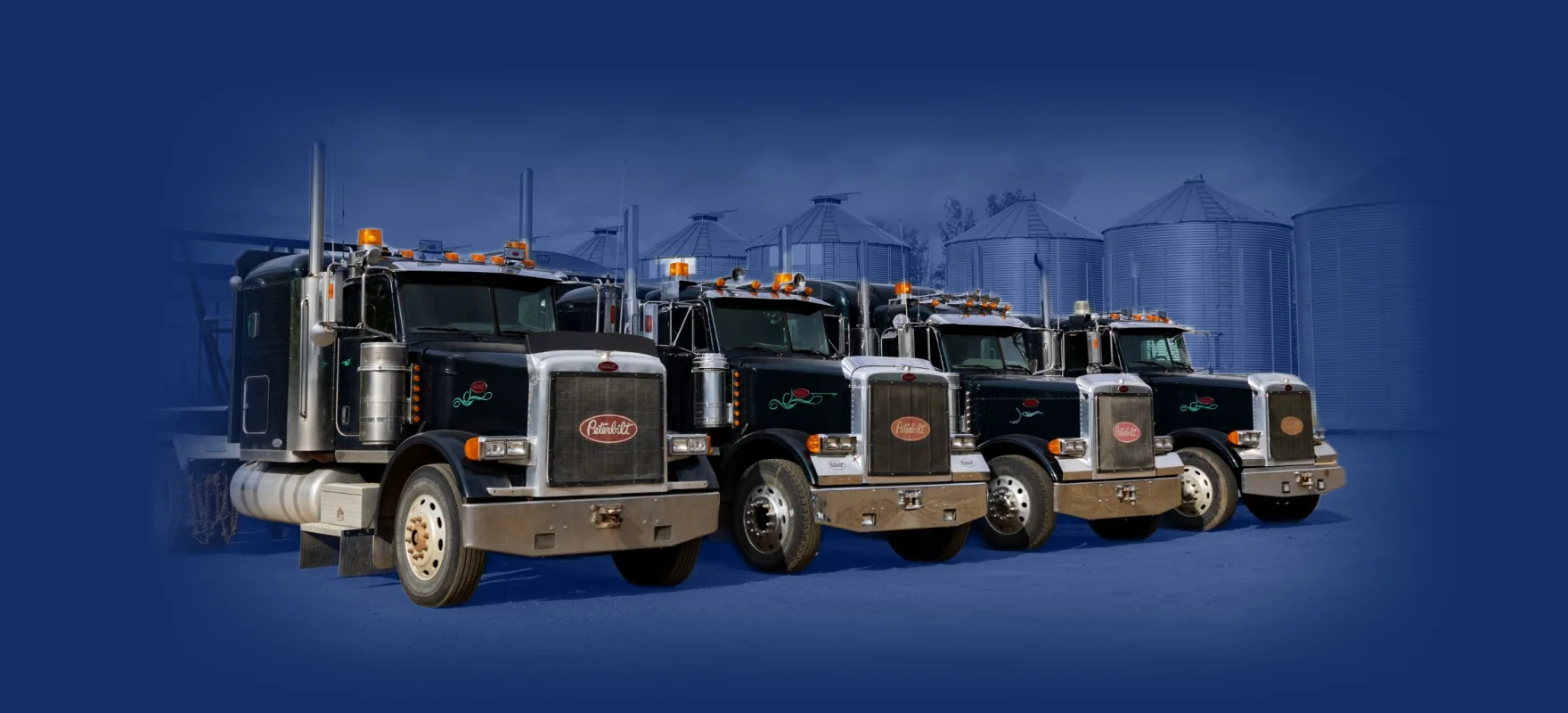
Flyntlok was founded by a former equipment dealer and built by the Peterbilt dealer for all of Alaska, so the PACCAR integration follows how truck dealers really run. The same platform runs the rest of your dealership, from the parts counter to the shop.
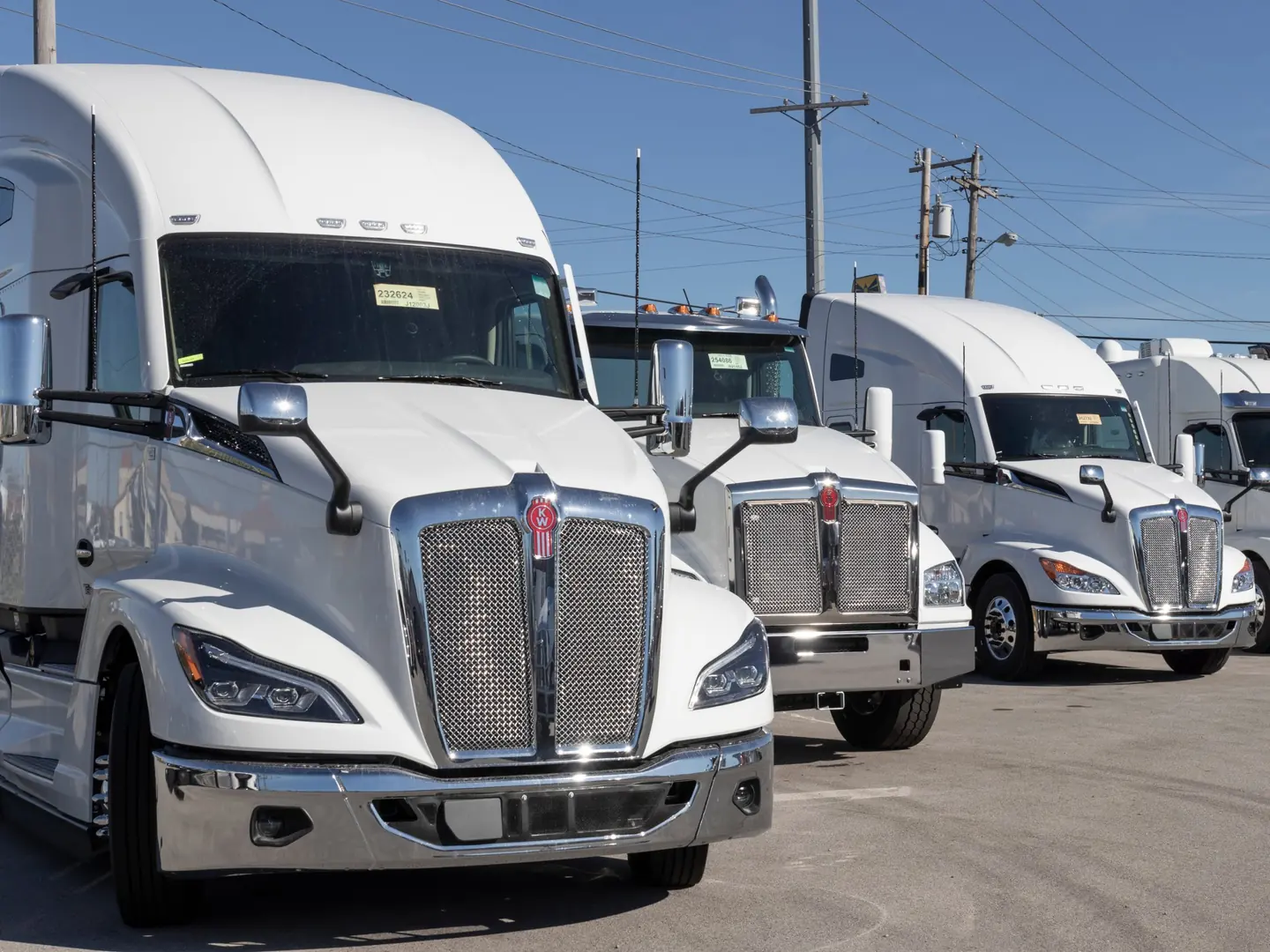
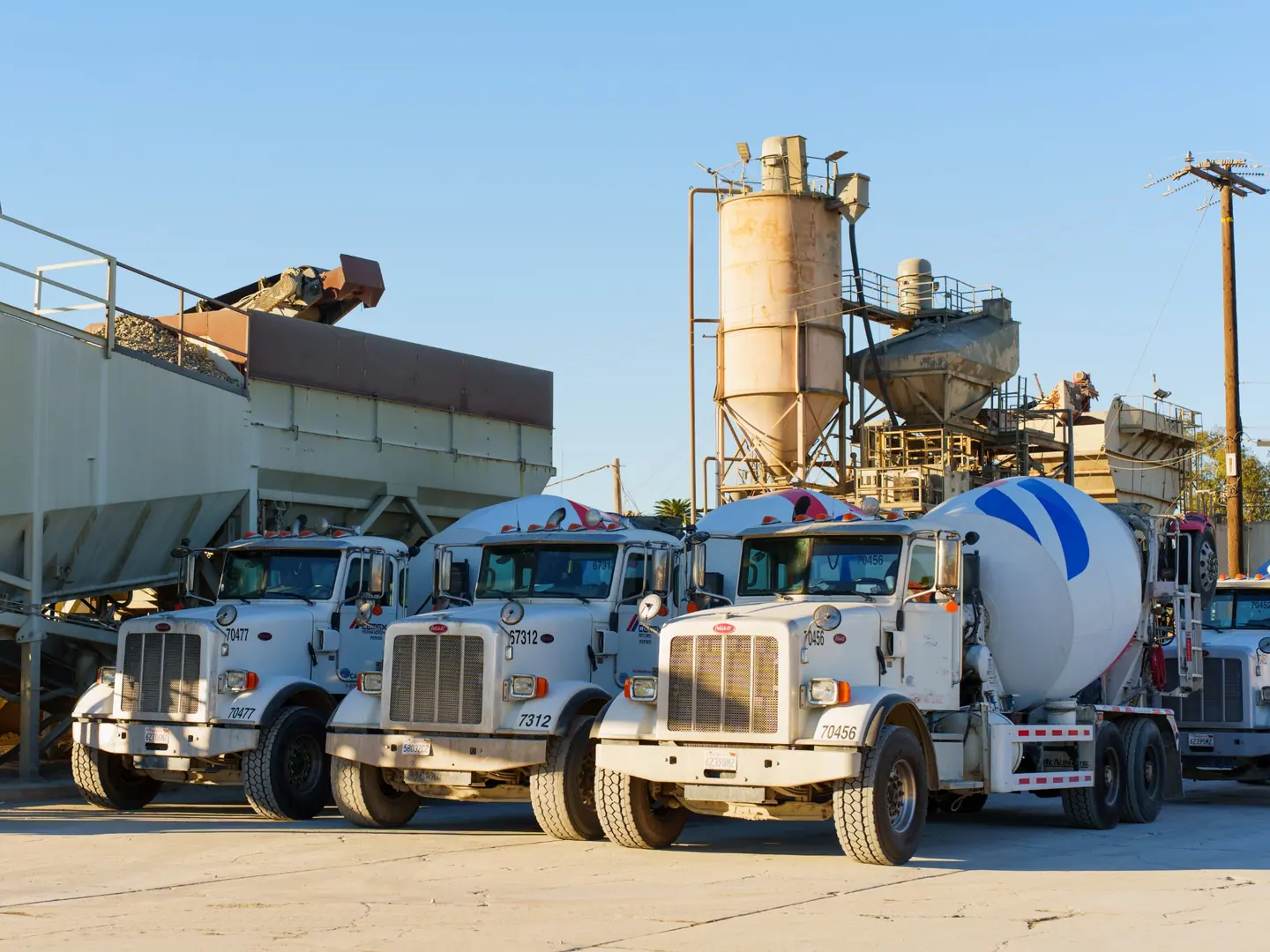


Flyntlok was founded by a former equipment dealer and built around how dealerships really run: the parts counter, the shop, and the lot.

Carry more than Peterbilt or Kenworth? Run parts, pricing, and customer data for every line you sell in one platform.

Run the counter, the shop, and the office from any browser. No server closet, no installs.
Voice-to-text tech notes, invoice checks at receiving, and customer lists pulled from your own data.
Seven PACCAR integrations and automatic price lists in one connected platform, next to every other line you carry.
See it in a demoBook time with our team. We'll walk through parts, service, and sales the way your dealership runs them, including AutoOp, MDI, warranty claims, and Decisiv.

Seven: AutoOp for parts POs, MDI (Managed Dealer Inventory) for suggested orders, Bond Loyalty for customer loyalty offers, MSTS Service Gate for fleet-card pricing, PRWS for warranty claims, Decisiv for service cases, and PACCAR's Online Parts Counter. PACCAR price lists load automatically too.
Yes. Peterbilt and Kenworth are both PACCAR brands, so the same integrations cover Peterbilt dealers, Kenworth dealers, and dealers who sell both.
MDI suggested orders and stocking changes show up in Purchasing for your team to accept or reject. Once an order is confirmed, by PACCAR or by your team, Flyntlok turns it into an AutoOp submission automatically, so nobody resubmits it.
Yes. On a warranty-enabled work order, choose Submit Warranty Claim from the Actions menu. The form fills in from Flyntlok data and goes to PACCAR through PRWS, PACCAR's Registration and Warranty System.
Open the Decisiv tab on the Work Order Dashboard and tie the service case to the work order. From then on, status changes, parts, and technician write-ups flow to the case automatically. It works both ways and supports PACCAR's Work Order Quote system.
PACCAR's price list loads into Flyntlok's Item Genome automatically. You control markups, exclusions, and units of measure, and you get an emailed report showing what changed.



