NEW!
Meet Flyntlok at Equip Expo 2026:
Look up Hitachi parts with live pricing and availability, send POs, and handle PIPs from one screen. A separate Global e-Service feed puts hours, miles, and GPS on your Hitachi machines overnight.
















Live pricing, price files, POs, PIPs, and warranty run through the Hitachi logistics system, on the same proven flow as our John Deere integration. Global e-Service telematics is its own connection, and a more secure telematics login is on the roadmap.
Every Hitachi parts lookup checks Hitachi HQ in real time for descriptions, current pricing, and warehouse availability. Equipment specs sync from Hitachi HQ too.
Hitachi pricing and substitution files load into the Item Genome automatically, at no extra cost. You control markups, and an emailed change report shows what changed.
Use the same Submit to Vendor flow and order-tracking panel as our John Deere integration. Submitted Hitachi POs turn orange, so they're easy to spot.
PIP recommendations and warranty for Hitachi machines work the same proven way as our John Deere integration, so your service team learns one process.
A daily Hitachi feed puts machine hours, odometer readings, and GPS location on the Machine Dashboard, with nothing to key in.
Global e-Service connects today with your dealership's username and password. Next up is a login-redirect flow, so you sign in on Hitachi's side instead. Ask us about timing in your demo.
Submitted Hitachi POs turn orange on your PO list, so they're easy to spot. Each Hitachi machine gets a meter history and its Last Known Location on the Machine Dashboard.
See it in a demo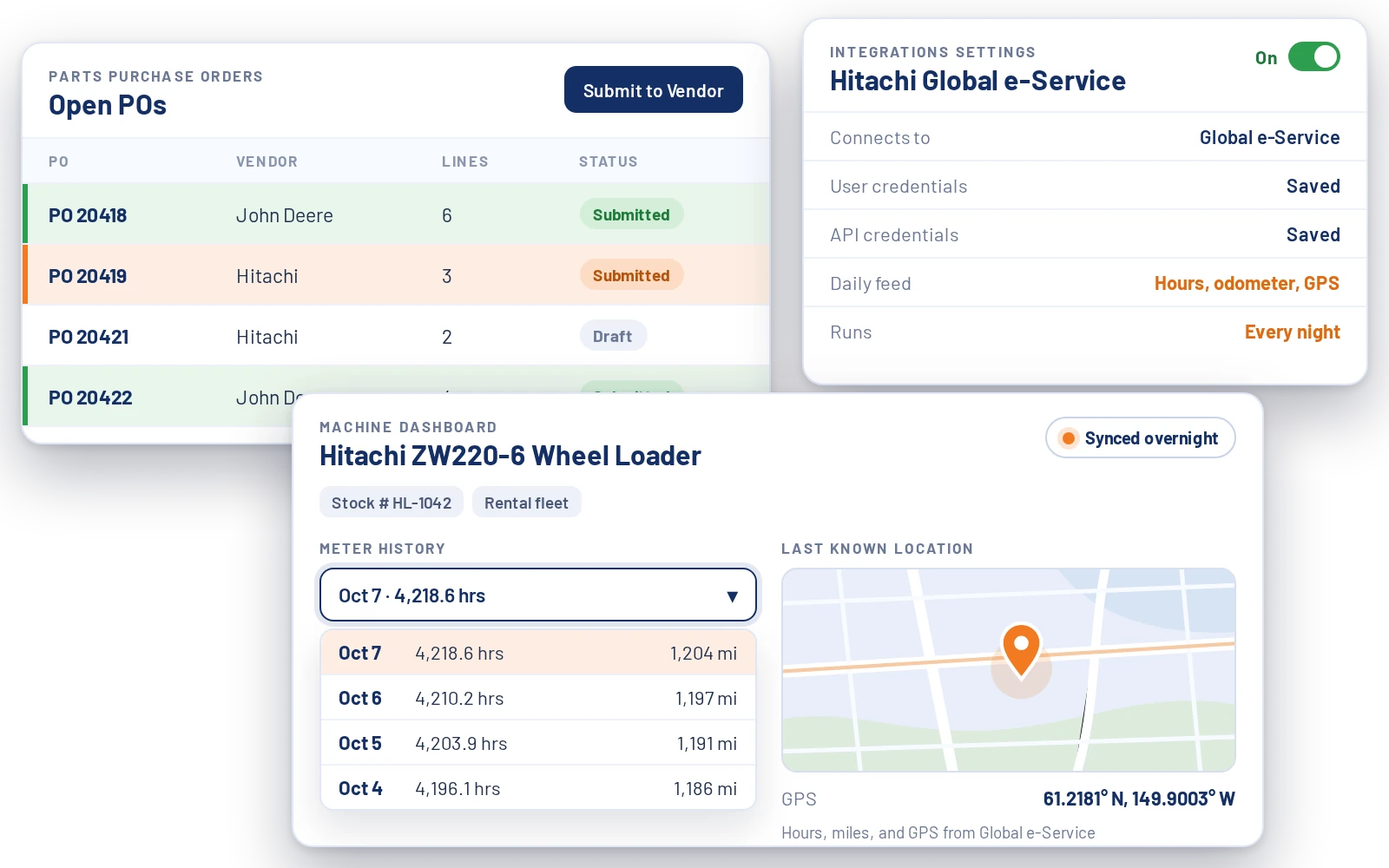
Global e-Service is Hitachi's telematics system. Flyntlok pulls from it every day, so hours and miles are current when it's time to bill a rental.
Add your dealership's Global e-Service login and Hitachi API credentials in Integrations settings. You only do it once.
Every night, Flyntlok pulls machine hours, odometer readings, and GPS location for your Hitachi machines.
Open a Hitachi machine to see hours and miles in the meter-history dropdown, plus its Last Known Location once GPS data is in.
One of Flyntlok's first customers was the Hitachi dealer for all of Alaska, so this integration is battle-tested. It's delivered through the Hitachi logistics system, machine data lands on the dashboard, and the same platform runs the rest of your store, from the parts counter to the shop.
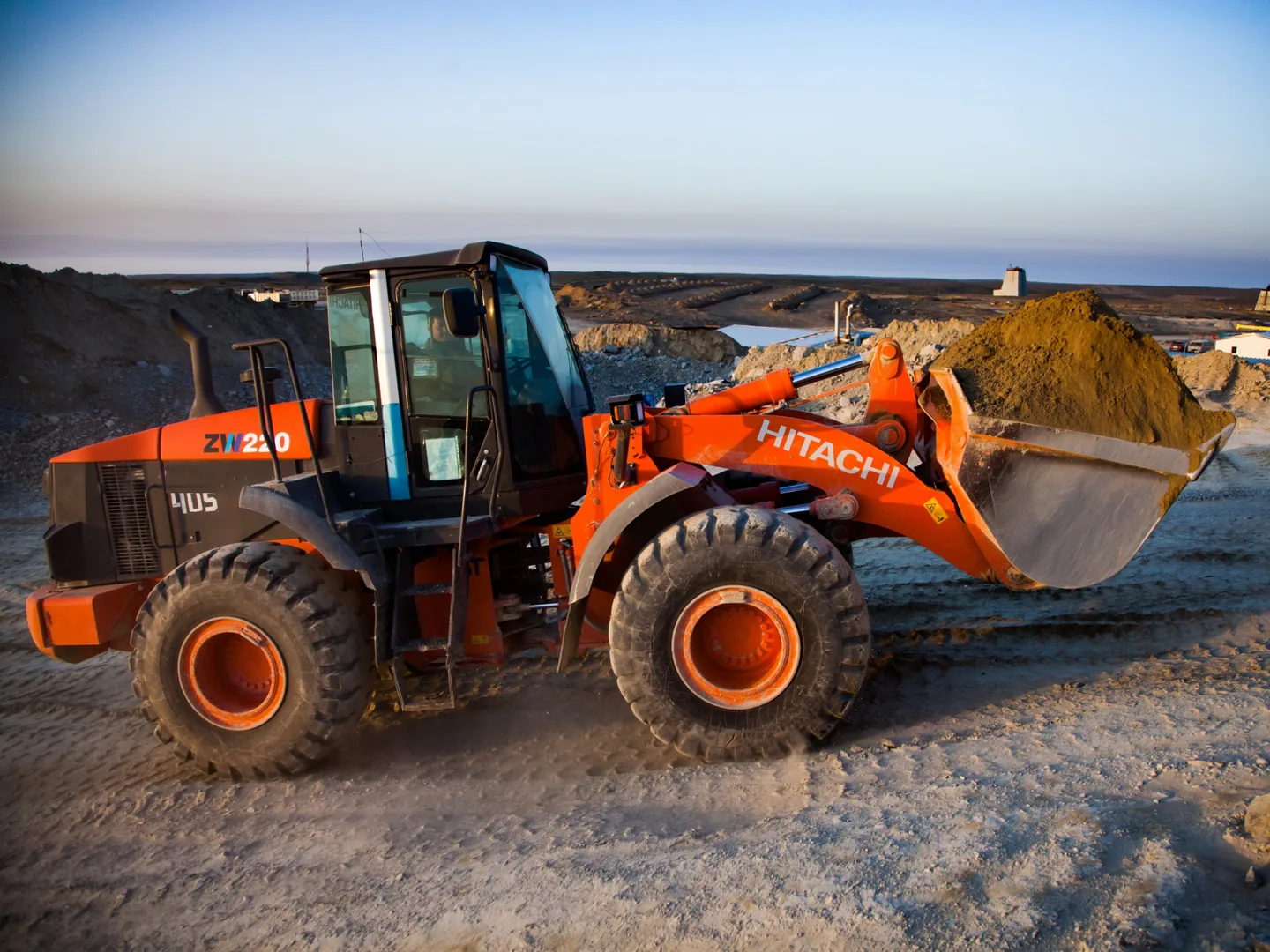
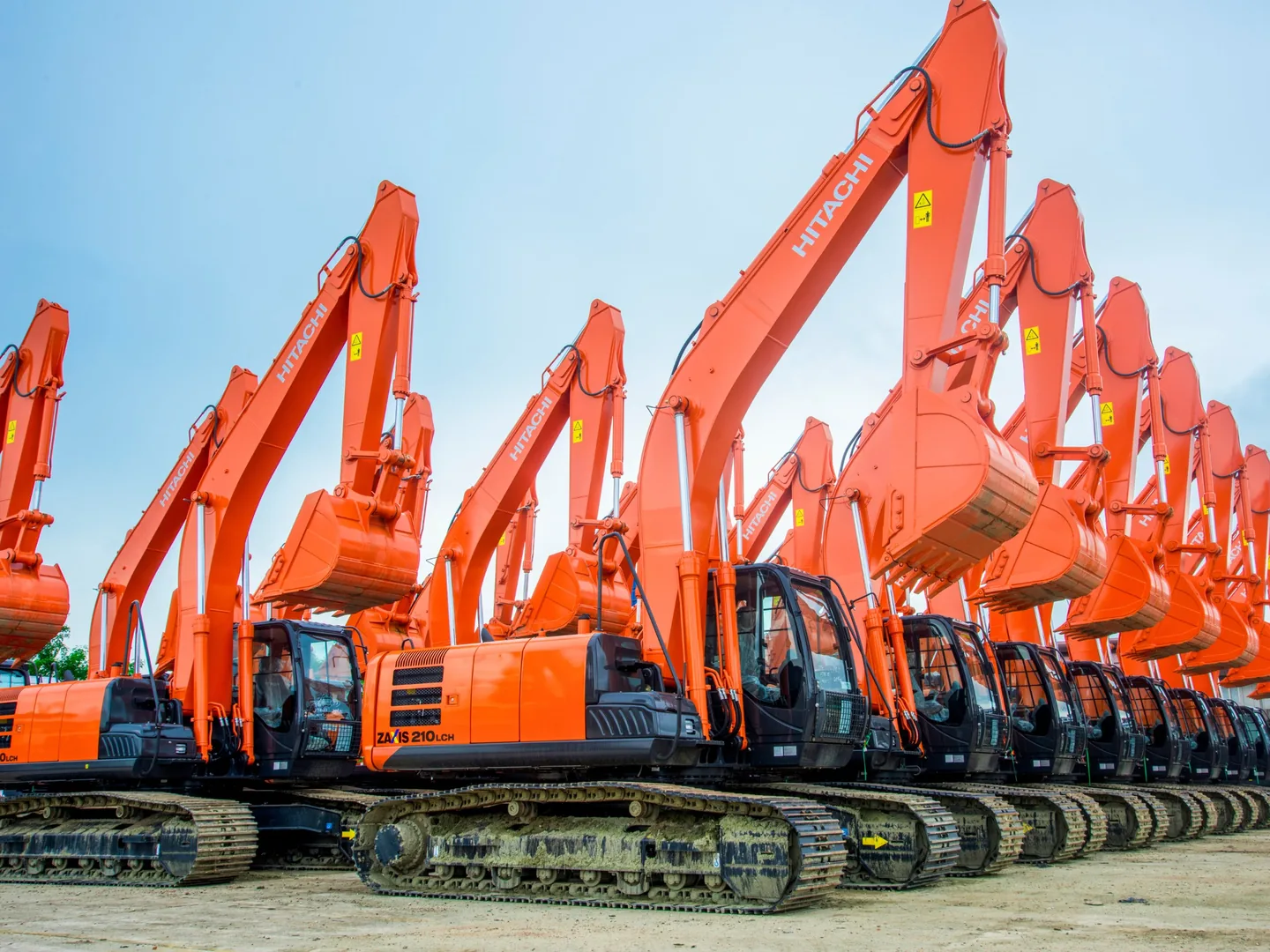
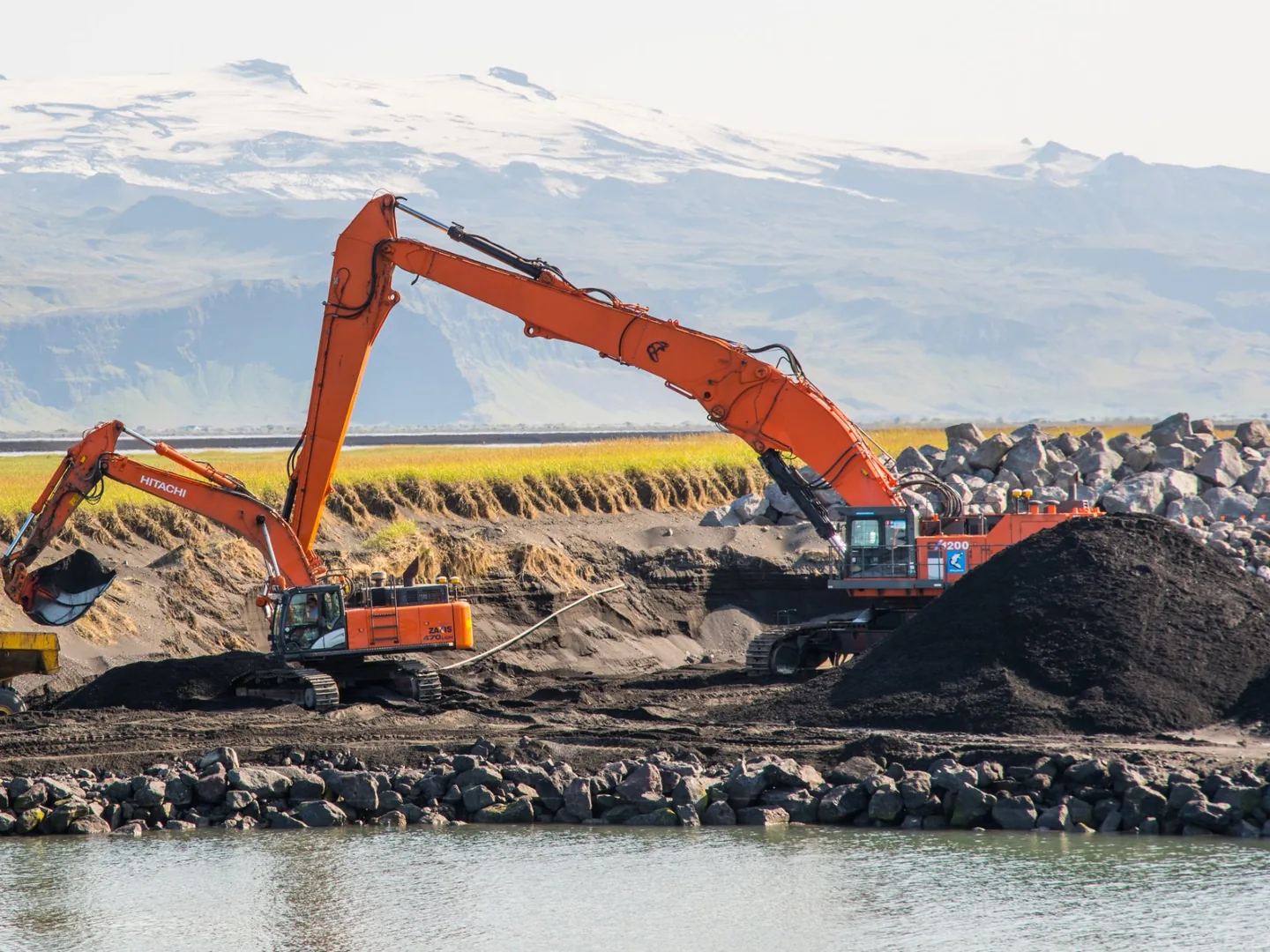

Flyntlok was founded by a former equipment dealer and built around how stores really run: the counter, the shop, the lot, and the rental yard.

Carry more than Hitachi? Run parts, pricing, and customer data for every brand you sell in one platform.
Run the counter, the shop, and the office from any browser. No server closet, no installs.

Voice-to-text tech notes, invoice checks at receiving, and customer lists pulled from your own data.
Live pricing, price files, parts orders, PIPs, warranty, and Global e-Service telematics in one connected platform, next to every other line you carry.
See it in a demoBook time with our team. We'll walk through parts, service, sales, and rentals the way your stores run them, including Hitachi parts orders and Global e-Service telematics.
It connects two ways. The parts side runs through the Hitachi logistics system: live pricing and availability from Hitachi HQ, POs, PIPs, warranty, and automatic price files. Separately, Global e-Service pulls machine hours, odometer readings, and GPS location onto the Machine Dashboard every day.
Yes. You don't need to carry John Deere. Hitachi parts orders, PIPs, and warranty run on the same proven flow as our John Deere integration, with the same Submit to Vendor flow and order-tracking panel. Submitted Hitachi POs are tinted orange so they stand out.
Every Hitachi parts lookup queries Hitachi HQ in real time for descriptions, current pricing, and warehouse availability, right in Flyntlok. Equipment descriptions and specs sync from Hitachi HQ too.
Hitachi pricing and substitution files load into Flyntlok's Item Genome automatically, at no extra cost. You control markups, exclusions, and units of measure, and you get an emailed change report each time pricing updates.
Machine hours, odometer readings, and GPS location, pulled in overnight. The meter-history dropdown shows hours and miles, and a Last Known Location field appears once GPS data is available, so you can bill rentals on accurate usage without a manual meter check.
Today, you add your dealership's Global e-Service username and password, plus Hitachi API credentials, in Integrations settings. A more secure login-redirect flow, where you sign in on Hitachi's side instead, is on our roadmap.



