NEW!
Meet Flyntlok at Equip Expo 2026:
Parts, service, sales, rentals, and your webstore in one cloud DMS, integrated with STIHL, Toro and Exmark, and Grasshopper, so your counter keeps up from the spring rush to the first snow.
Running dealerships across four countries





Your store changes shape four times a year. Here's where Flyntlok shows up for the people working each season.
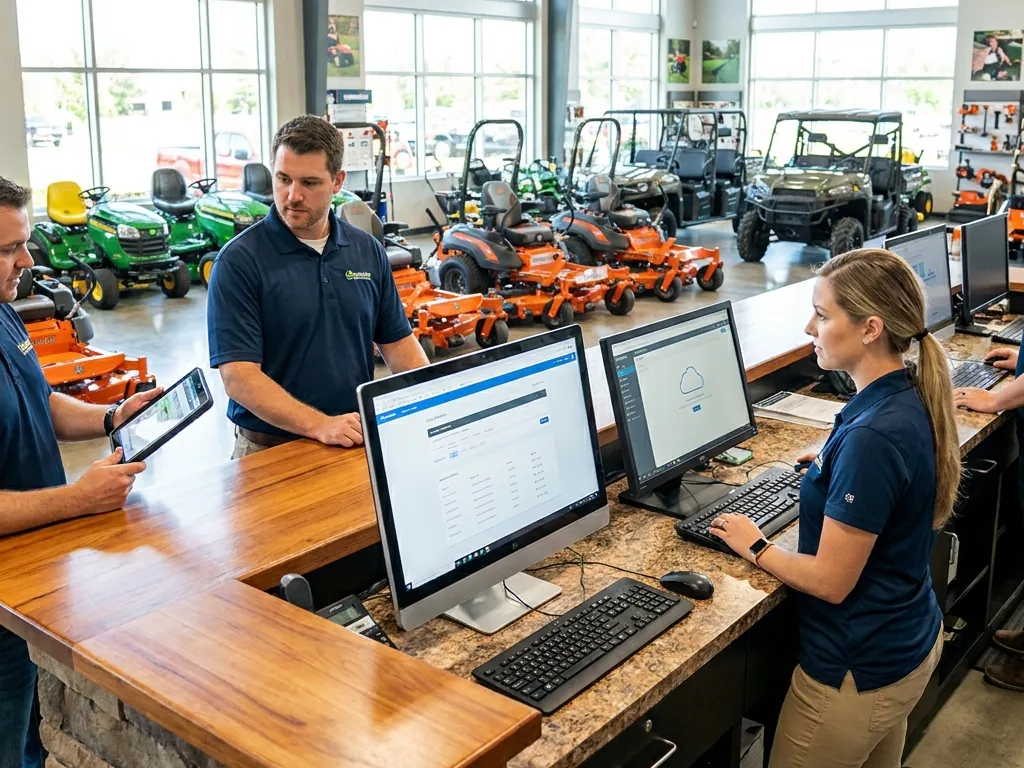
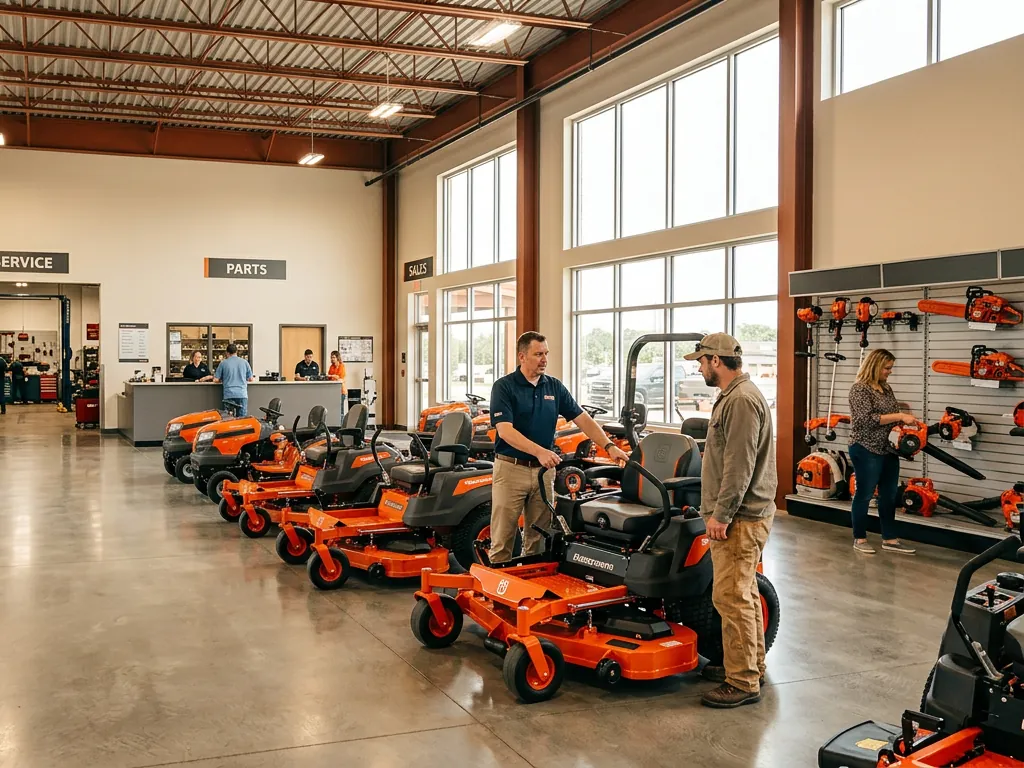
Three customers want the same zero-turn, and the parts line runs to the door.
Quote from live inventory, put the mower, parts, and accessories on one ticket, and register STIHL, Toro, and Exmark units as you sell them. Gravity Payments takes the card right at the counter.
See POS software
A landscaper's mower threw a belt with eight lawns left on the route and a crew waiting.
One search finds the part across every brand you carry, with stock at every location. The work order tracks the tech's time, and the customer gets a text when the mower's ready.
See service management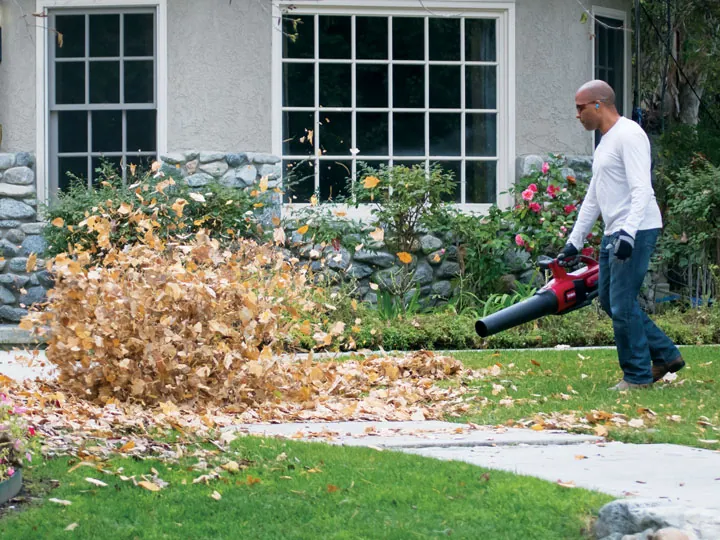
Blowers fly off the wall, and every snowblower in town still needs a tune-up.
Smart Campaigns pulls last year's snowblower buyers from your own data and drafts the reminder text. Your team reviews it, sends it, and answers the replies.
See Flyntlok AI
The mower side of the shop is quiet, but customers are still shopping for parts at 10 pm.
List parts, accessories, and machines on your Shopify store straight from Flyntlok. Prices and stock stay in sync, and web orders land at the counter as invoices.
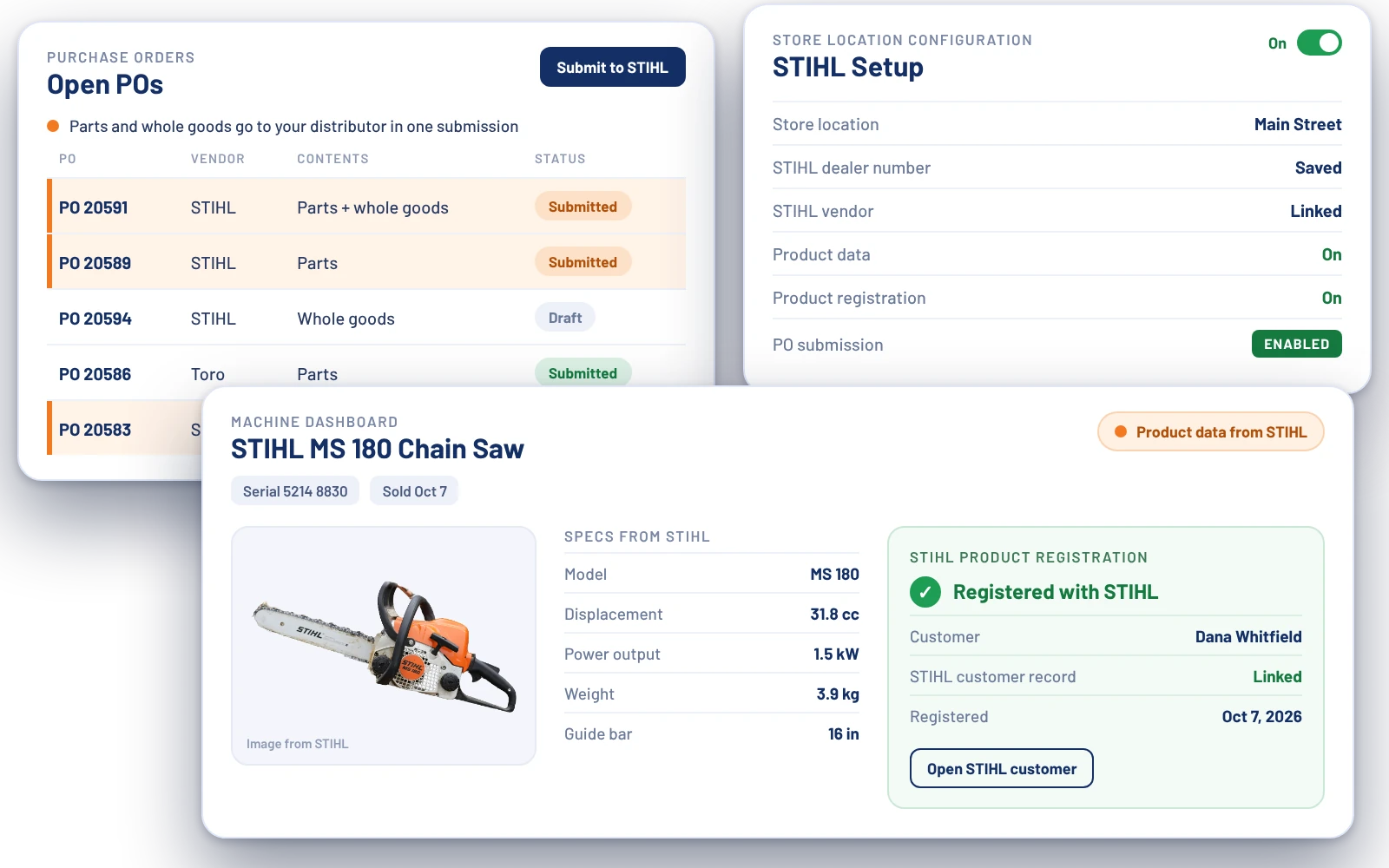
See the Shopify integrationFlyntlok connects to STIHL, Toro and Exmark, and Grasshopper, and keeps price files current for 400+ brands, including the shortlines on your wall. Each card shows exactly what's live.


Dedicated integrations for the other lines an OPE dealer carries.
 BobcatOnline Parts Counter stock and picklists
 John DeereParts orders, warranty status, and PIPs
 AGCONightly inventory to AGCO, upload-ready POs
 KubotaPrice files live, parts connections in development
List parts and machines on your own Shopify store, and take cards at the counter with Gravity Payments. Both run off the same Flyntlok records.
Pricing, supersessions, and substitutions load at no extra cost.
Look up parts across every line you carry, check stock at every location, register machines at the sale, and send OEM orders without leaving the purchase order.
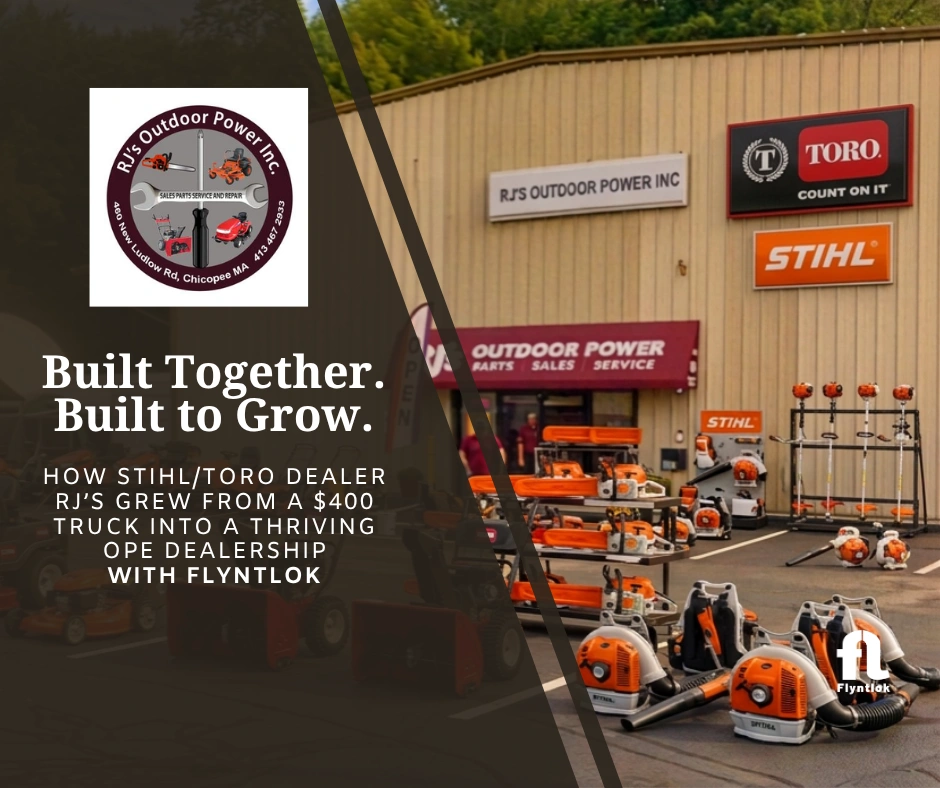
Bob and Judy Jennings started RJ’s Outdoor Power in 1996 with a $400 service truck and a loyal customer base. Today they run a STIHL and Toro dealership that averages about $1.5 million a year, on Flyntlok connected to QuickBooks.
“It’s clean. It’s streamlined, but yet robust. You can use as much or as little as you want.”
Bob Clements International trains dealership owners and department managers on service, parts, and sales, worked out on the floor instead of in a slide deck. When they see the same struggle in shop after shop, they bring it to us, and we build the fix into Flyntlok.


Flyntlok started at a dealer's own counter, and that is still who it's built for.
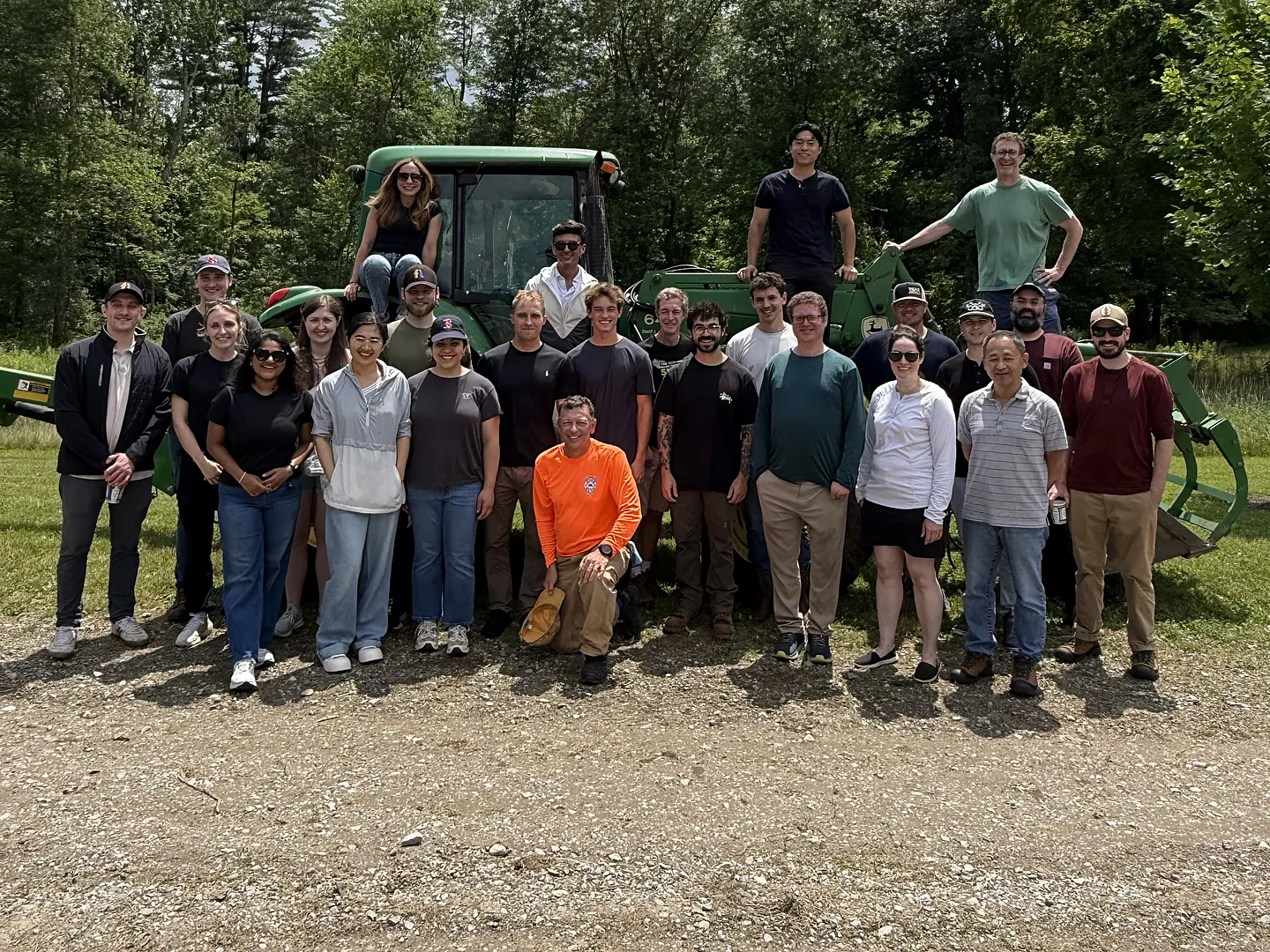
Flyntlok was founded by a former equipment dealer who needed software that kept up with his own stores. The team still builds that way, with new product updates every two weeks.
One login for the counter, the shop, the lot, and the office, at every store you run.
Run parts, pricing, and customer data for every line you carry, from your biggest lines to the shortlines.
See all OEM integrations
Run the counter, the shop, and the office from any browser, at every location.
See the cloud DMS
Voice-to-text tech notes, invoice checks at receiving, and customer lists pulled from your own data.
See Flyntlok AI
Sync to QuickBooks Online, Sage Intacct, or Xero. No bolt-on ledger to fight with.
See accounting and financeSpring is no time to learn new software. We set your dates around the slow months, connect your OEMs and your books, and train every role before the rush starts.
We learn your brands, locations, and accounting setup, then set dates that stay clear of the spring rush.
We connect your OEMs and your books, and migrate parts, customers, machines, and open work orders. Your team checks everything before go-live.
Training for the parts counter, the shop, sales, and the office, with our team on hand through go-live and after.
Single location, under 20 users
5 weeks
Fixed plan, including support after go-live
Larger groups
2 to 6 months
Custom plan, timed around your slow season
No fees to get set up or to move your data. It's included when you switch.
Run your own numbers, see what OPE dealers should look for in a DMS, and pick up playbooks for your marketing and your service data.
 ArticleWhat OPE Dealers Need in Dealership SoftwareThe parts, service, and texting features to put at the top of your list, and how to test them in a demo.Read
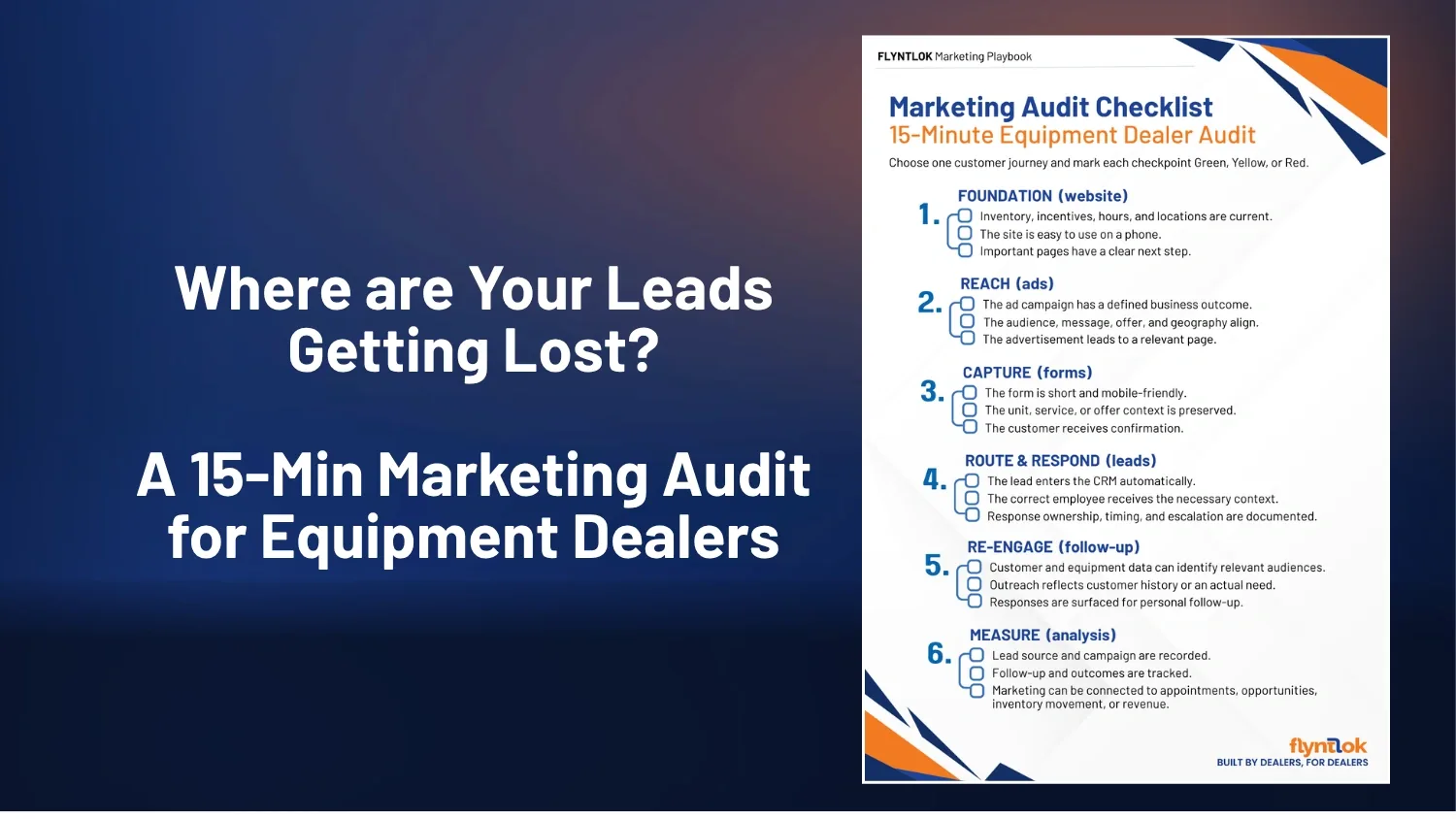 ChecklistEquipment Dealer Marketing AuditA 15-minute check to find where leads get lost, from your website to the follow-up.Read
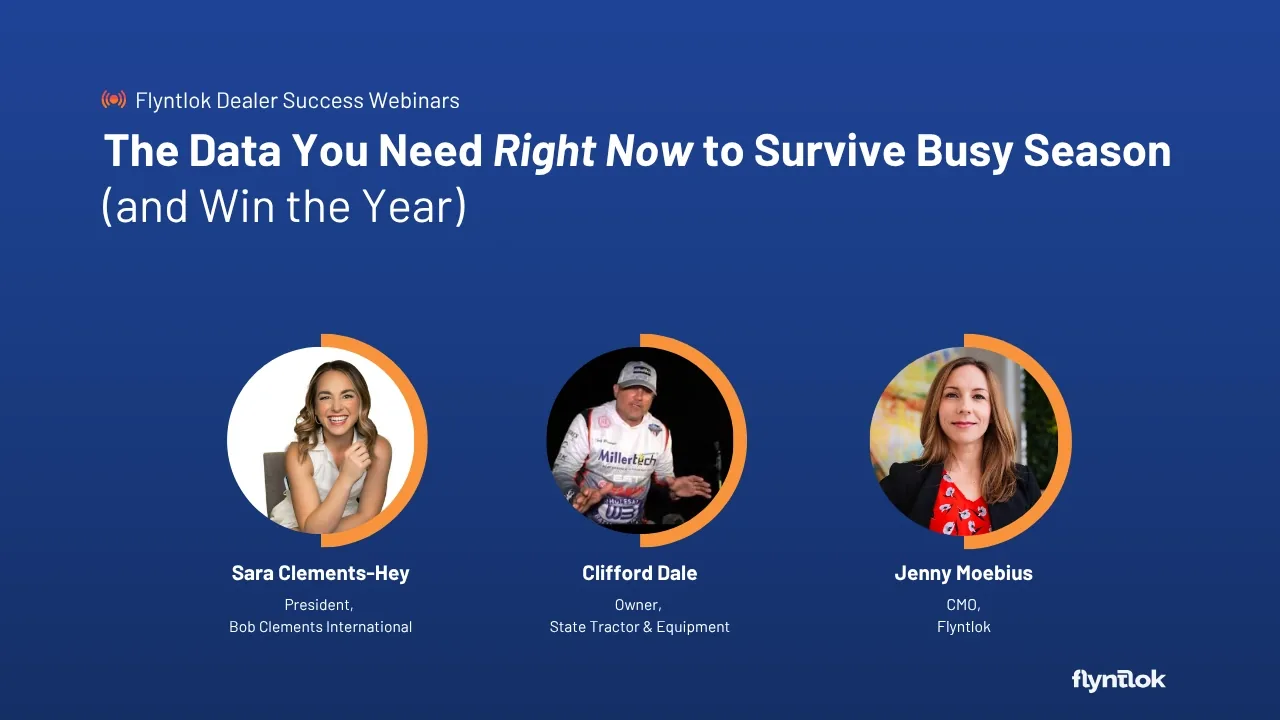 WebinarThe Data You NeedSara Clements-Hey of Bob Clements International and dealer Clifford Dale on the customer and service data to capture before busy season.Watch
Flyntlok runs every line you carry in one system, from compact tractors to lift trucks.
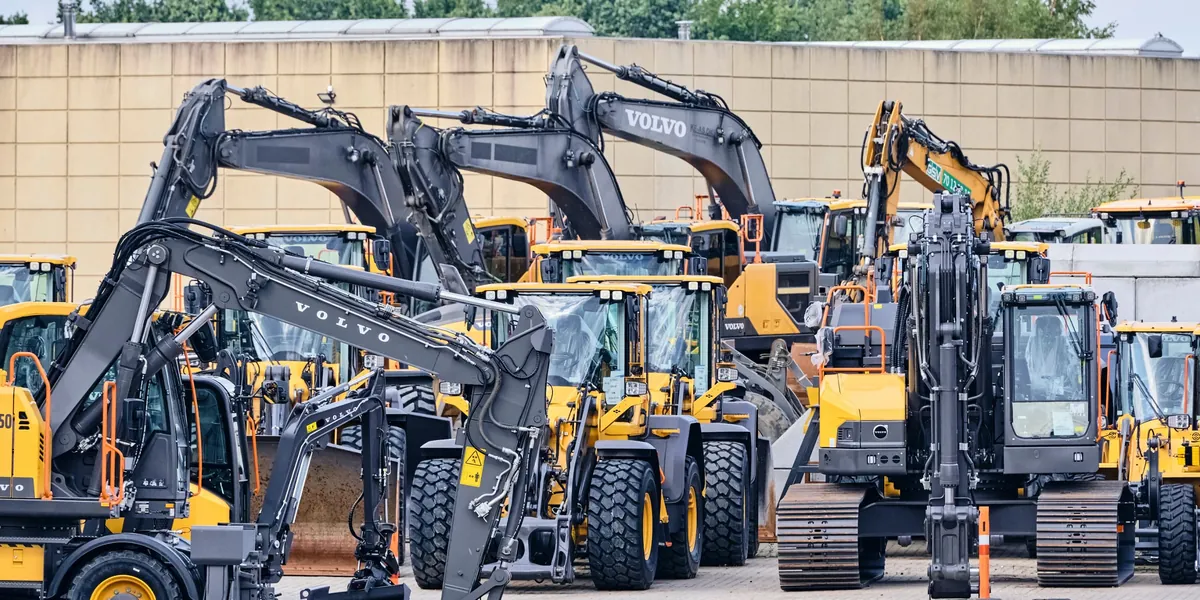 Construction & Heavy EquipmentKeep the rental fleet earning and machines working, with Volvo CE, Hitachi, and SANY connected.
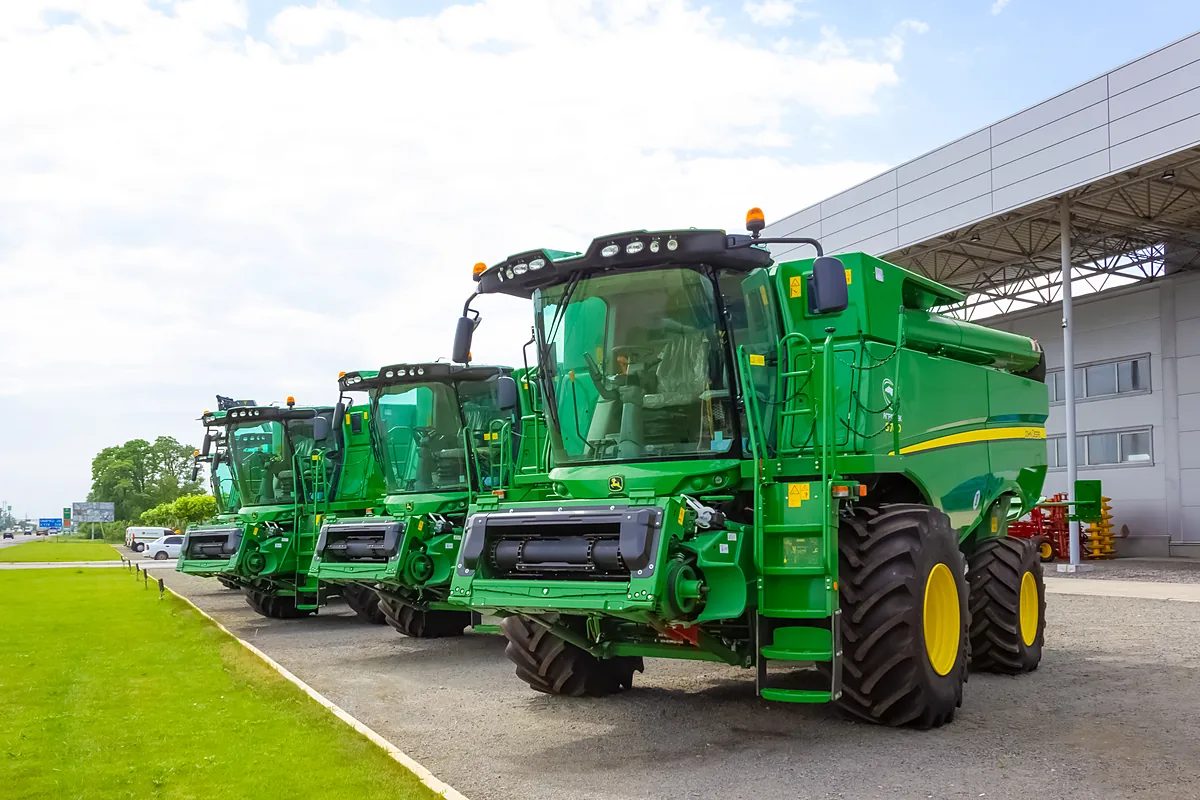 AgricultureGet planting and harvest parts on the shelf before the rush, with John Deere, Kubota, and AGCO in one system.
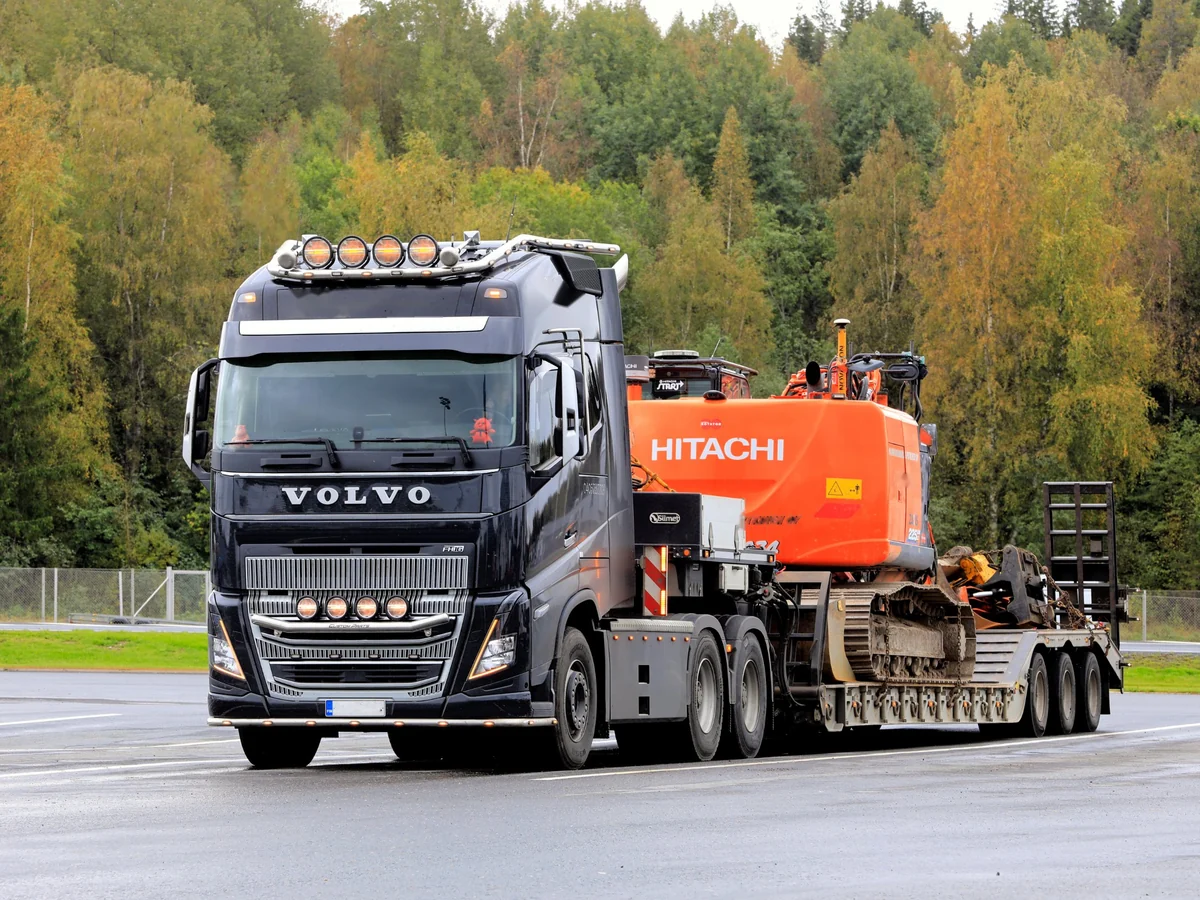 Heavy Truck, Trailer & BusKeep bays full and trucks rolling, with PACCAR and Volvo Trucks connected in one system.
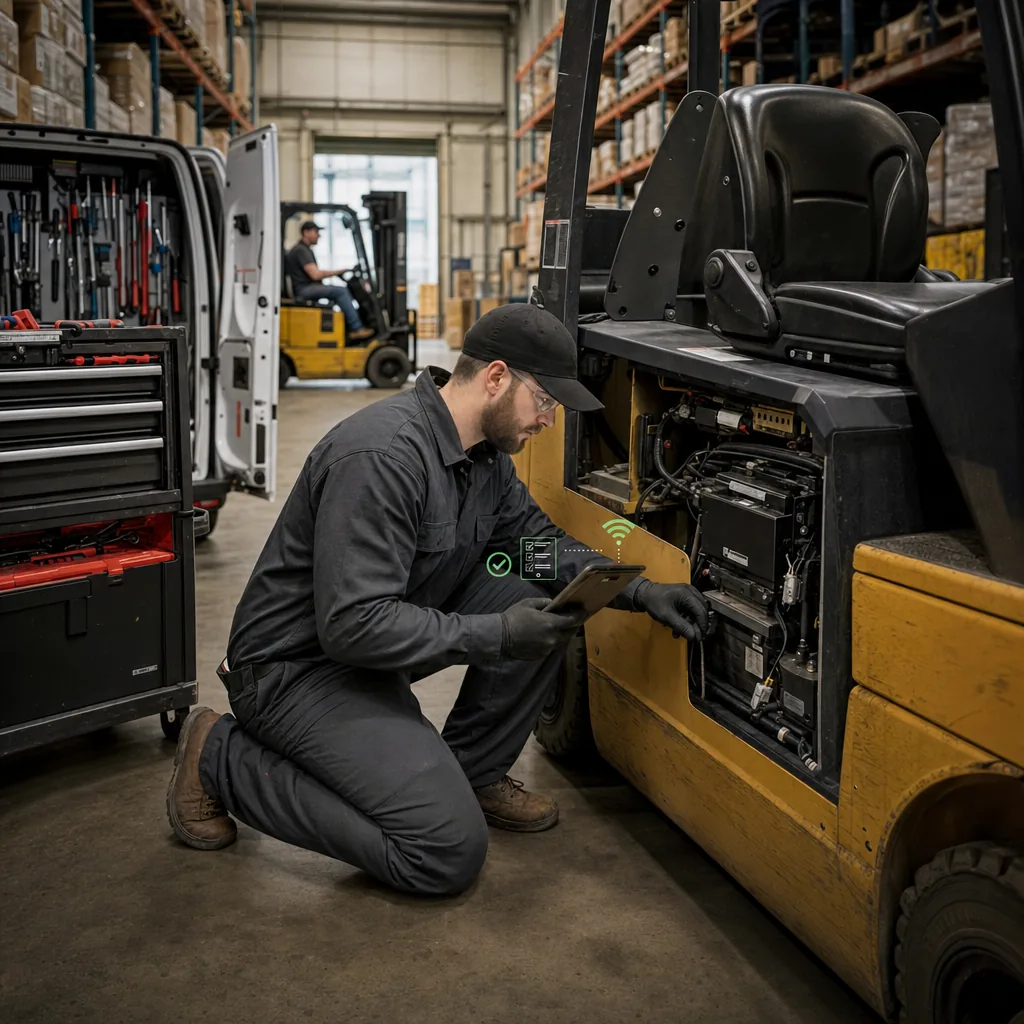 Material HandlingHit every PM on schedule and follow each lift truck through service, rental, and parts.
Book time with our team. We'll walk through the counter, the shop, and unit sales with the brands on your wall, from STIHL to Toro and Exmark.
A walkthrough built around your brands and locations
STIHL, Toro and Exmark, and Grasshopper connections, with exactly what's live today
Implementation and migration at no cost, with go-live set before the spring rush
Straight answers on OEM connections, selling online, the spring rush, and switching.
STIHL, Toro and Exmark, and Grasshopper have direct integrations. STIHL product data, registration, and price files are live, with PO submission where your distributor supports it. Toro and Exmark parts, pricing, registrations, and warranty claims run on one connection, and Grasshopper POs export in one click. Kubota, John Deere, Bobcat, and AGCO have their own integrations, and price files cover 400+ brands.
Yes. Flyntlok connects to your own Shopify store. List parts, accessories, models, and serialized machines from Flyntlok, keep prices and stock in sync, and bring web orders into the POS as invoices with the customer's info attached. Tracking syncs back to Shopify.
Price files load on their own, so quotes start from current numbers. Smart Stocking builds reorder suggestions from your sales history and seasonality, the counter sees stock at every location, and techs clock time to the work order so the service manager knows where every job stands.
Yes. Texting is built in. Send updates from the work order, let customers know from the POS when their parts arrive, and every message lands on the customer record.
No. Flyntlok syncs with QuickBooks Online both ways, so invoices, payments, and transactions post on their own. Sage Intacct and Xero are supported too. RJ's Outdoor Power runs Flyntlok with QuickBooks.
Flyntlok partners with Bob Clements International, a consulting and training firm for dealership owners and department managers. BCI works side by side with service, parts, and sales teams and brings us the struggles they see in shop after shop. We build the fixes into Flyntlok, so every dealer on the system gets them. BCI President Sara Clements-Hey also joined us for a live session on getting ready for busy season.
Single-location dealers under 20 users usually run a fixed five-week plan. Larger groups run a custom plan, typically two to six months, and we time go-live around your slow season whenever we can. Either way, there's zero cost for implementation and migration.
Yes. Flyntlok runs dealerships in the US, Canada, Australia, and New Zealand, and syncs to Xero for AU and NZ dealers.