NEW!
Meet Flyntlok at Equip Expo 2026:
Find the right part from a model number, see every machine's status at every location, and keep 400+ brands priced right without loading a file. Your counter and your lot move faster, and every sale keeps its margin.
Running dealerships across four countries






Every work order draws on parts. Rental returns come back needing them. Walk-ins buy chains, blades, belts, and filters all day. When the counter is fast and right, the shop keeps moving and nobody waits on a part.
One day at a dealership running on Flyntlok
Follow one day, from the first call at the counter to the margin check at close.


7:10 am at the counter
A contractor needs a fuel filter. All he has is the model number.
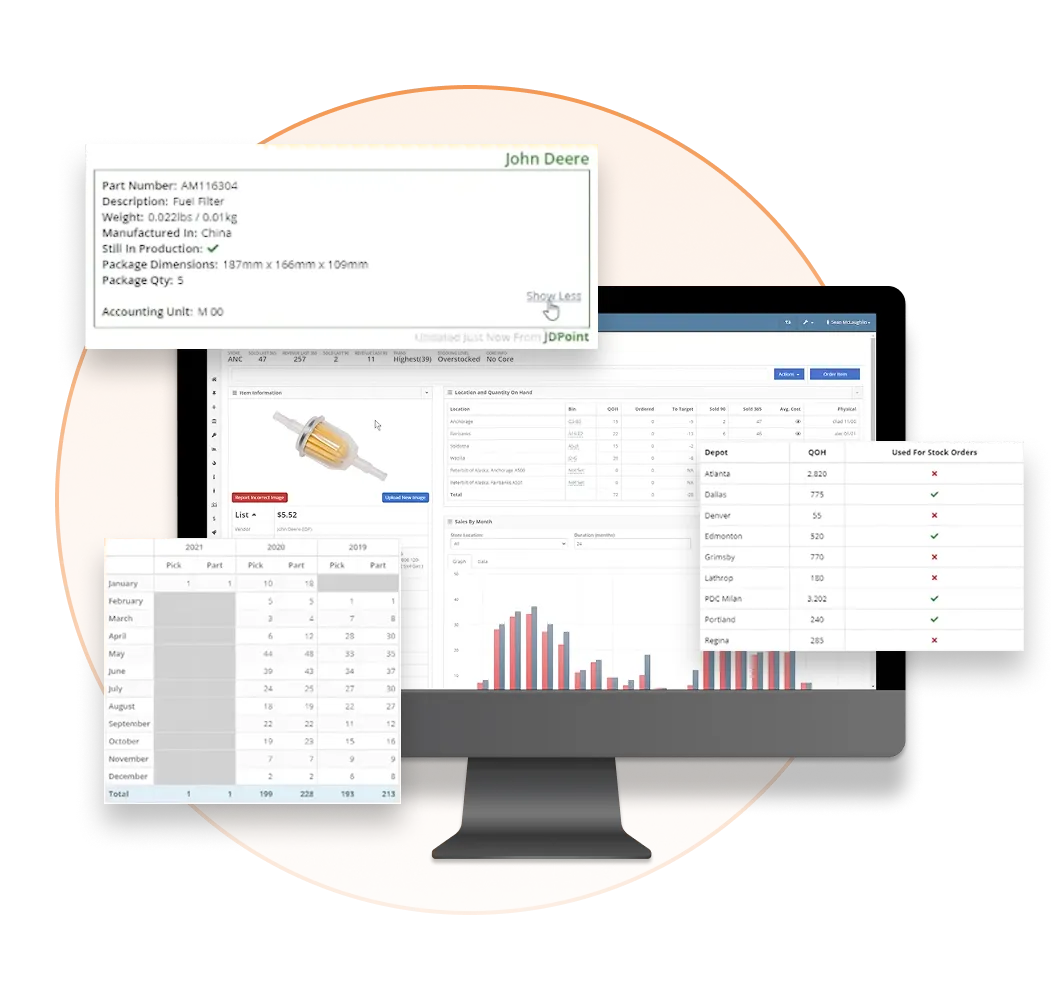
The Item Genome is the parts engine inside Flyntlok. It holds every part for the OEM vendors it covers, surfaces the right one from a model number or equipment type, and gets faster the more your team uses it.
Find it from the model number
Parts for covered OEM vendors, organized by make, model, and application.
Quick picks that know your customers
Quick-pick lists built from each customer's purchase history and your team's search patterns.
No dead ends on old numbers
Discontinued part numbers map to their current replacements automatically.
Notes the whole counter can use
Alternate descriptions and notes show at the counter, so anyone can identify the part.
Demand you can plan around
Demand tracked by equipment type, not just by part number.
Every part on one page
Each part's dashboard shows usage history, pricing, cost changes, stock levels, and alternatives.

9:30 am in the stockroom
Spring is six weeks out, and last year's order is the only plan.
Smart Stocking recommends what to order from your real usage, routes the order for approval, and sends it to supported OEMs electronically. No more forecasting in a spreadsheet.
Order what actually sells
Stock order recommendations built from your usage and demand.
Approval before it's sent
Orders route for approval before they go out.
No portal hopping
Send orders electronically to supported OEMs right from the purchase order.
Stocked for the season, not stuck with it
Plan with up to four seasonal indicators per part, so off-season stock doesn't pile up.
Cores that come back
Track clean and dirty cores for rebuild and exchange programs.
Cash off the shelf
Dead stock gets flagged, so you can see which parts are tying up capital.
Watch the demo
Watch the demo, then see stocking recommendations built from your own sales history in a walkthrough.
Book a walkthrough→
11:00 am at the dock
Twelve boxes, a packing slip, no invoice yet, and a tech waiting on one part.
Upload the packing slip and Smart Receive matches it to the purchase order, then receives the parts at the PO cost so they can sell today. When the invoice lands, AI reads it and checks it against the order.
11,000+
Invoices received through Smart Receive
$11.5M+
In inventory received through Smart Receive
Totals as of the July 23, 2026 release notes.

01
Smart Receive captures quantities, item costs, freight, tax, and other fees from the invoice.
02
Every line is checked against the purchase order, and differences are flagged for your team to review.
03
When a part is split across PO lines, special orders and part requests are filled before shelf stock.
04
Receivers review the work instead of re-entering it line by line, and costs stay accurate from the start.
May 2026
Live for every Flyntlok customer
June 2026
Picks up other invoice fees, not just freight and tax
July 2026
Matches more parts, even when vendor data is messy
September 2026
Fills customer orders first, and reads Atlas Copco and STIHL invoices better
October 2026
Packing Slip mode stocks parts before the invoice arrives
Watch the demo
Watch the demo, then bring one of your own vendor invoices or packing slips to a walkthrough.
Book a walkthrough→
“Having inventory and pricing automatically updated because my people are already doing that work in Flyntlok is what I wanted.”
Paul Sullivan, Owner, Alan's Lawn & Garden Center, on syncing his online store

1:00 pm at the register
A customer wants a belt today and two filters shipped to the jobsite.
The counter is where speed adds up: seconds saved on every sale multiply across a busy day. Flyntlok's point of sale runs on the Item Genome, so lookup, sale, and shipping happen on one screen.
Scan it and know it
A barcode scan pulls up the description, price, stock, and alternatives from the Item Genome.
Check every branch before you say no
See stock at your other locations, and move parts between them with documented transfers.
Know the customer at the register
Purchase history and equipment profile on screen while you ring them up.
Ship it from the sale
Live FedEx, UPS, and USPS quotes, label printing, and drop-ship to the customer.
Find it on the shelf
Bin locations show in item search and on the receiving voucher.
Online orders land here too
Customers order through Shopify or the Sparks self-service portal, and orders arrive at your counter.

3:00 pm on the lot
A buyer points at a loader and asks if it's really available.
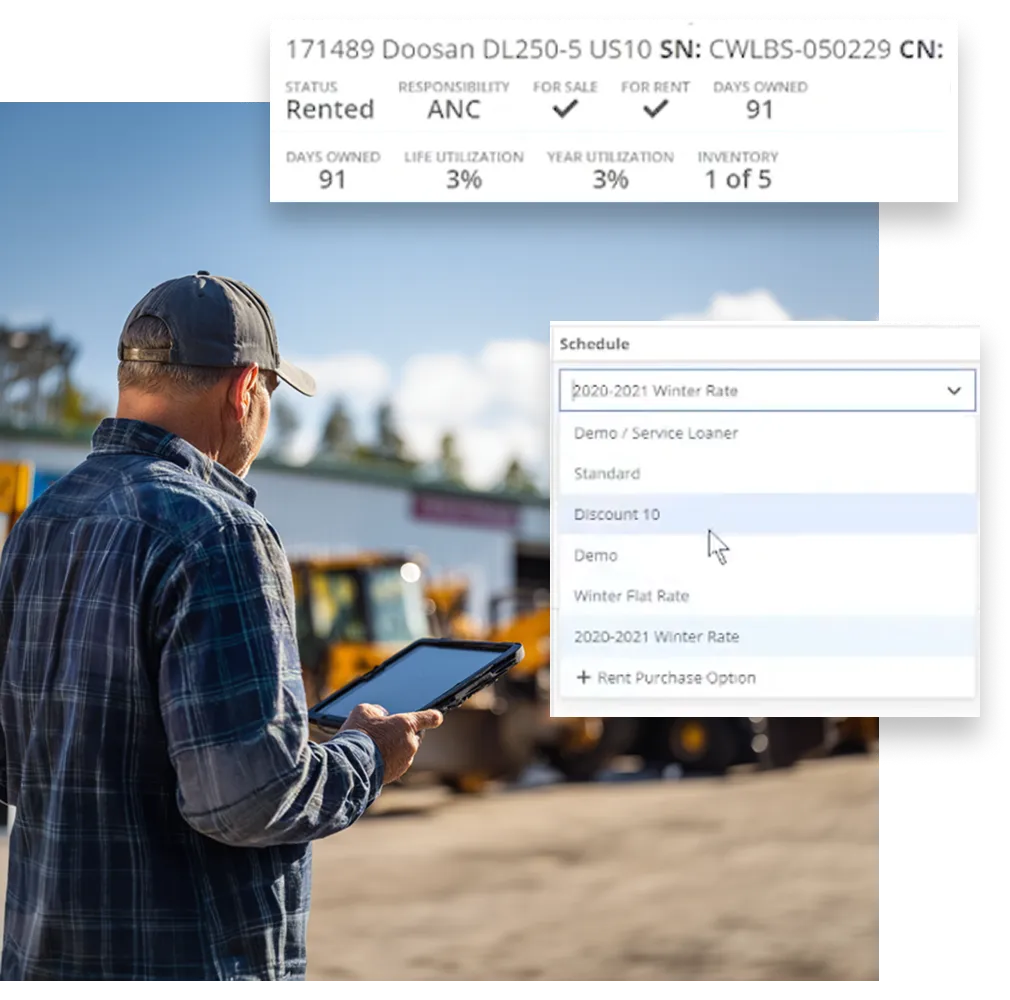
Each serialized machine carries its cost, status, location, and hours, whether it's on the lot, on order, or out on rent. Sales sees each unit across all your stores, so they sell the one that's actually there.
Order machines from the PO
Machine purchase orders for any vendor, with model options, costs, and list prices. Purchase Similar reorders from the machine's dashboard.
Cost each unit right
Receiving vouchers add the serial number and can capitalize fees into the machine's cost, with an audit log on cost changes.
Register it as you sell it
Register STIHL, Toro, and Exmark units with the OEM from the sale.
List online without overselling
Shopify listings update when a unit sells, so you never sell one that already left the yard.
Take trade-ins
Apply a used machine as credit toward new equipment.
Hours without a phone call
Telematics like Motive sync engine hours, mileage, and GPS location to the machine nightly.


4:00 pm in the yard
Friday's delivery just moved to Thursday, and the truckload was already planned.
Moves run the logistics for your machines: deliveries and pickups for customers, and transfers between your locations. The August 2026 redesign made every move editable: swap the machine, change the address, or move the date without deleting the move and starting over.
Edit any move after it's booked
Change the machine, the address, or the date in place.
Truckloads that keep up
Change an address and Flyntlok checks the truckload. Update truckloads after they're built.
Several machines, one move
Assign multiple machines to a single move.
Paperwork to the driver in one click
Email the move as a PDF to a driver or the customer, right beside the Print and Print Bill of Lading buttons, with a copy saved to the move's files.
Parts move between stores too
Search shows stock at your other locations, and transfers move parts between them with every transfer documented.
Start a move where you're working
From the sidebar, the Customer Dashboard, or the machine itself, with From and To contacts a tap away on mobile.

5:30 pm at the office
Three price files changed today. The owner wants to know if margin held.
Legacy systems make you fetch price files and charge you for them. Flyntlok retrieves, maps, and loads them for you, then reprices the parts already on your shelf.
See cost, list, and margin on each part as prices change, by brand, category, or customer type.
When a price file changes, in-stock parts move to current pricing, so margin holds.
Set default markups from list by brand, category, or customer type, with part-level exceptions.
Each price file update emails a report, so your parts manager sees exactly what moved.
Price file updates
$0
Extra cost, and zero imports for your team
We retrieve, map, and load every file, supersessions and substitutions included, so your team never imports a price file again.
185
Wholegoods OEMs
163
Parts & aftermarket
65
Distributors & suppliers
24
Engines & drivetrains
10
Batteries & electrical
Flyntlok connects to 12 OEMs. Each tile shows what's live today, what's in development, and what's on the roadmap, so you know exactly what you're getting.

John Deere
Parts POs with two-way confirmation, live John Deere pricing and availability, and warranty and PIP data by serial number.
Live
See the John Deere integration
→
Kubota
Kubota net pricing loads automatically. Parts Locator, Parts Order, and SmartSupply are in development.
Price files: Live
Ordering: In development
See the Kubota integration
→
AGCO
Inventory and sales sent to AGCO nightly through MDI, upload-ready parts orders, and AGCO pricing loaded automatically.
Live
PO submission: In development
See the AGCO integration
→
Bobcat
Live stock and picklists in Bobcat's Online Parts Counter, plus Bobcat pricing and part photos.
Live
Parts POs: On the roadmap
See the Bobcat integration
→
STIHL
STIHL pricing that updates itself, and parts and wholegoods sent to your distributor in one submission where your region supports it.
Live
See the STIHL integration
→
Toro & Exmark
Parts and wholegoods quoted from one screen, price files kept current, and machine registrations from the sale.
Live
See the Toro & Exmark integration
→
Grasshopper
A one-click PO export ready to upload, and a Grasshopper price file that stays current.
Live
See the Grasshopper integration
→
Volvo
Parts POs straight to Volvo, stock orders Volvo writes for you, and supersessions on a schedule.
Live
See the Volvo integration
→
PACCAR
Parts POs to PACCAR, MDI orders worked in Purchasing, and Online Parts Counter orders as sales orders.
Live
See the PACCAR integration
→
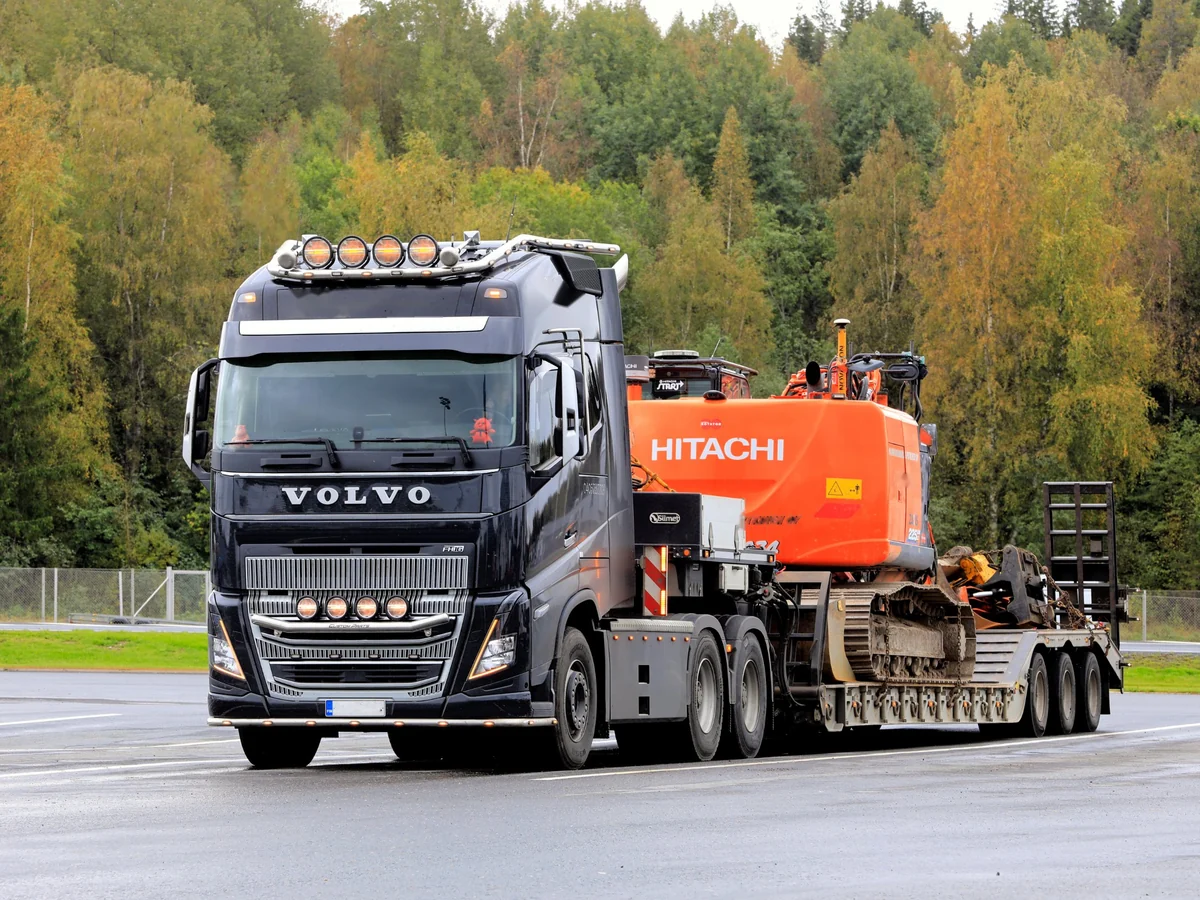
Hitachi
Automated parts POs, and live Hitachi pricing and availability on every parts lookup.
Live
See the Hitachi integration
→
Develon
Develon parts, current prices, and direct orders on your counter, without a second entry.
Live
See the Develon integration
→
SANY
Every SANY machine tracked by serial number, and Receive As rolls other makers' numbers up under one SANY part. SANY pricing and parts ordering are in development.
Machines and receiving: Live
Pricing and ordering: In development
See the SANY integration
→Carry a brand that isn't here? Its price file is probably already in Flyntlok.
See all OEMs and price files→Planting, spring mowing, a truck down on the highway. Every industry has a stretch that empties the shelf and the lot. Here's how Flyntlok fits yours.
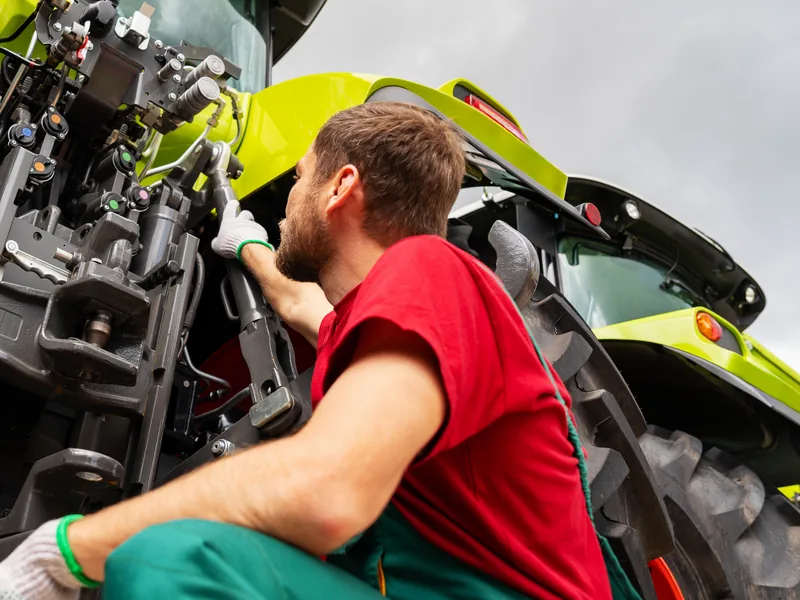
Planter and combine parts on the shelf before the rush, and John Deere orders sent from the PO.
Explore Agriculture
→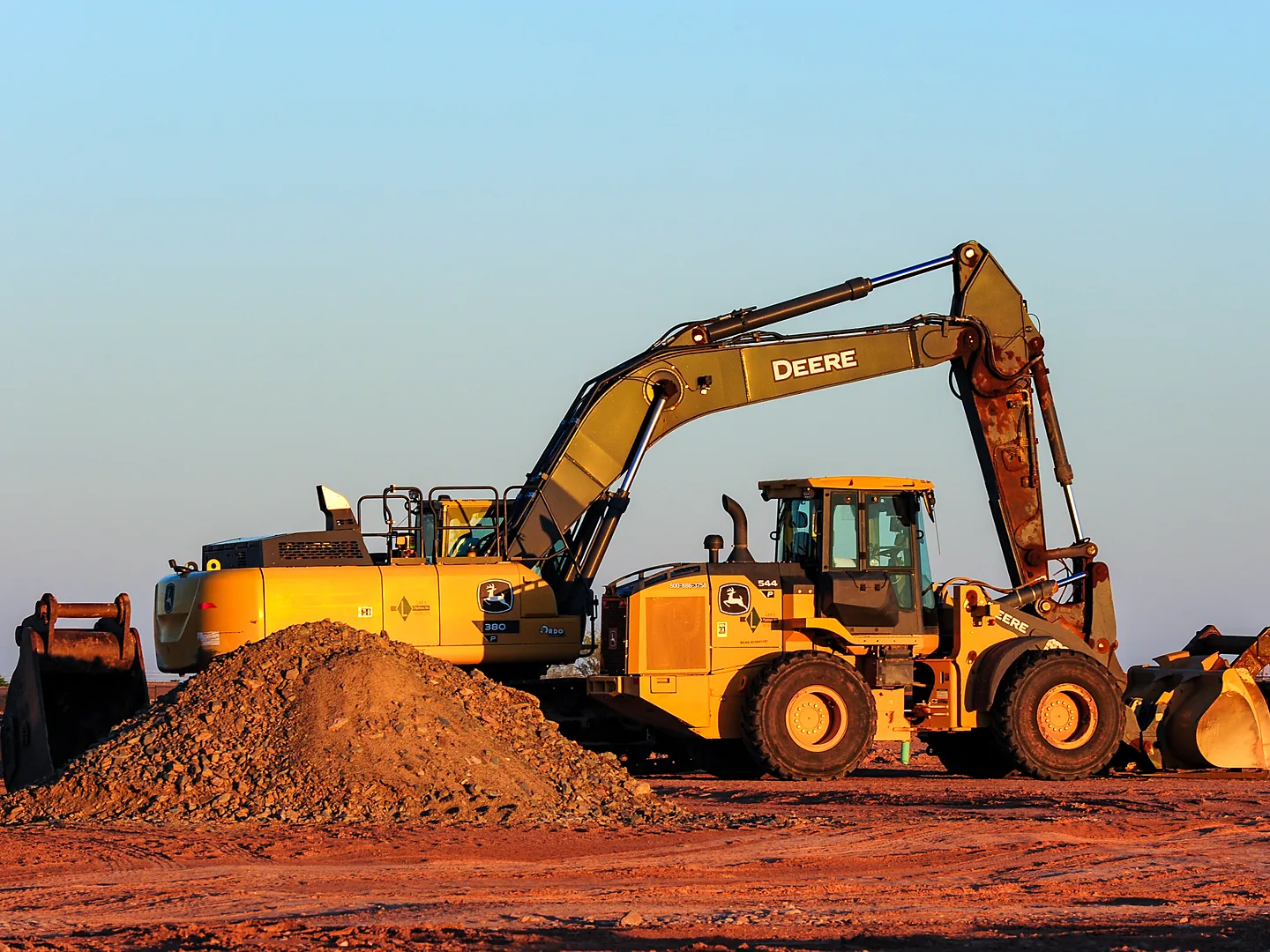
Volvo stock orders written for you, Hitachi pricing on each lookup, and serialized machines tracked.
Explore Construction
→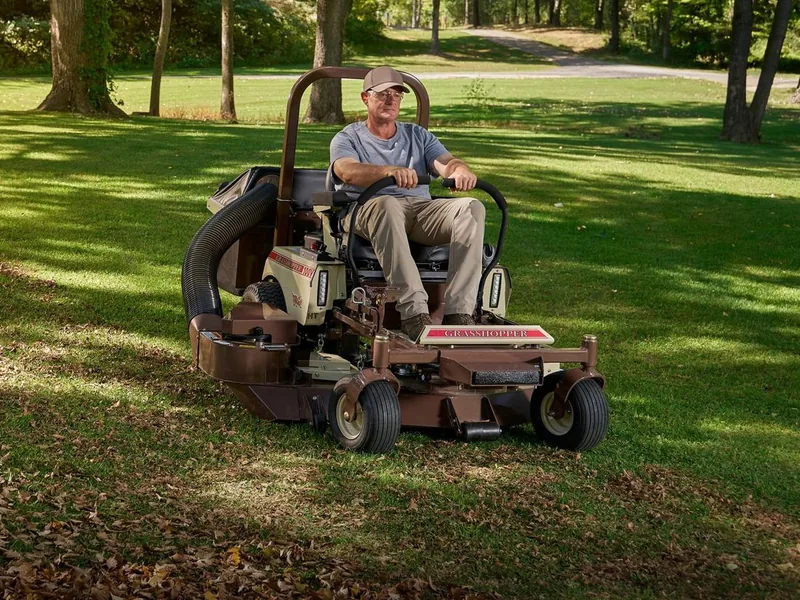
One search across every brand on the wall, and STIHL, Toro, and Exmark units registered as you sell them.
Explore OPE
→Parts orders sent to PACCAR from the PO, and MDI orders reviewed in Purchasing.
Explore Heavy Truck
→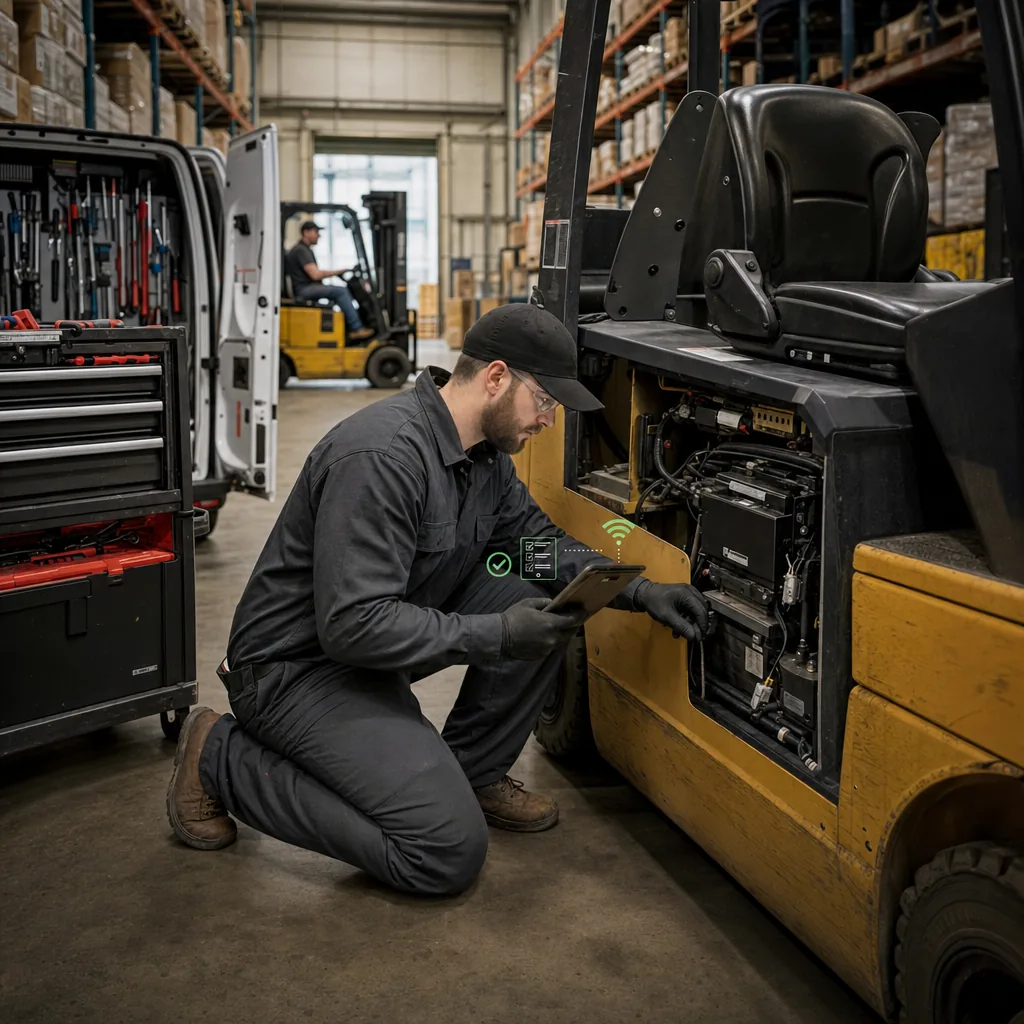
Parts ordered from the work order with live stock, so the tech arrives with the right part.
Explore Material Handling
→Every part and machine you sell, order, or bill touches another department. In Flyntlok it's one record, so nobody keys it twice.
Service Management
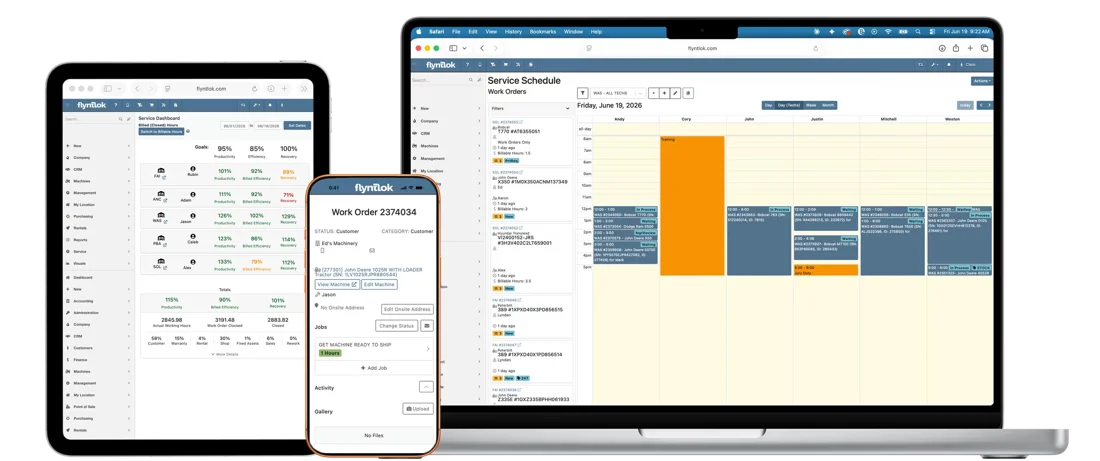
Techs see live stock at every location and pull parts onto the job without walking to the counter.
See service management
→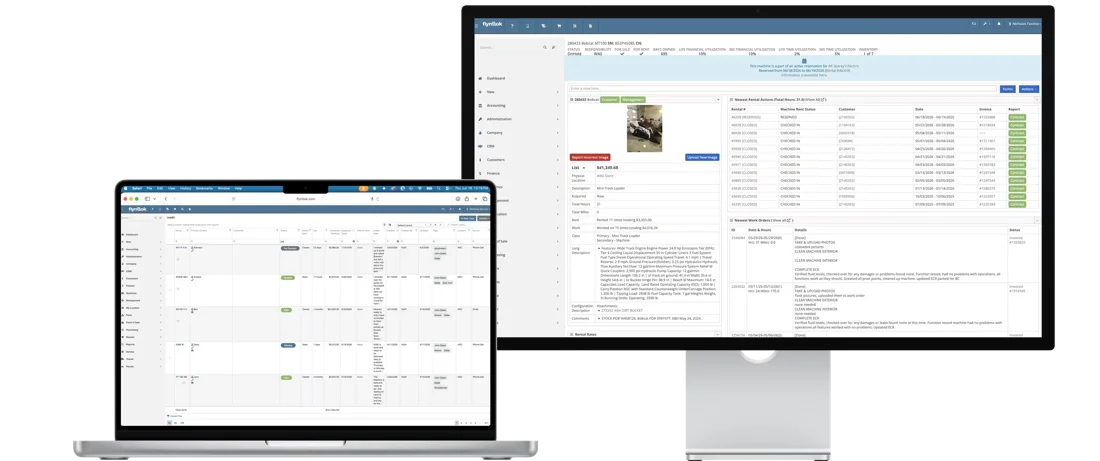
CRM
Sales sees each customer's machines, parts history, and service history in one place.
See CRM
→
Rental Management
A return triggers inspection, the work order pulls parts, and consumables bill to the rental.
See rental management
→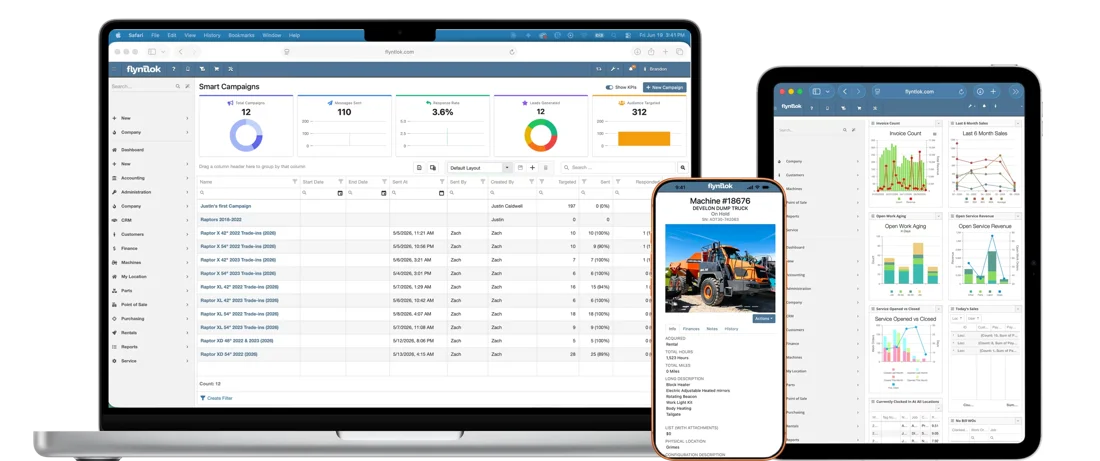
Flyntlok AI
Smart Campaigns finds customers who have gone quiet, and Smart Tech Notes turns a tech's voice into clean work order notes.
See Flyntlok AI
→Hear from dealers running Flyntlok and the people who set it up, then run your own numbers.

White's Tractor runs four Bobcat locations in North Carolina. With all four stores on one system, a salesperson can see which location has the only available machine, and the daily courier gets parts to customers and shops faster.
“We have a firmer grasp on our parts inventory currently than we have ever had.”
Drew Marsteller, Operations Manager, White's Tractor
4
stores on one system
100+
years in business
Daily
courier between stores

TraxPlus, SANY dealer
About $5 million in inventory across five locations today, with every transfer documented.
Read the TraxPlus story
→
Unlocked Ep.1
With Brandon Weaver, Customer Success Lead
How Smart Receive checks a vendor invoice against the PO, and why that means less leakage.
Listen
→
Unlocked Ep.2
With Dean Frederick, Senior Implementation Consultant
Why no part should sit on your shelf for a year unsold, and how stocking recommendations keep it moving.
Listen
→
Unlocked Ep.10
With Michael Holland, Product Manager, Accounting
How dealers match the parts inventory in Flyntlok to the financial record in their accounting system each month.
Listen
→Buyer tool
Put in your parts revenue, inventory on hand, and margin, and see what better stocking gives back.
Run your numbers
→Article
AI that matches vendor invoices to POs and flags pricing gaps and missing parts.
Read
→Article
How recommendations that update from real dealership activity protect your cash flow.
Read
→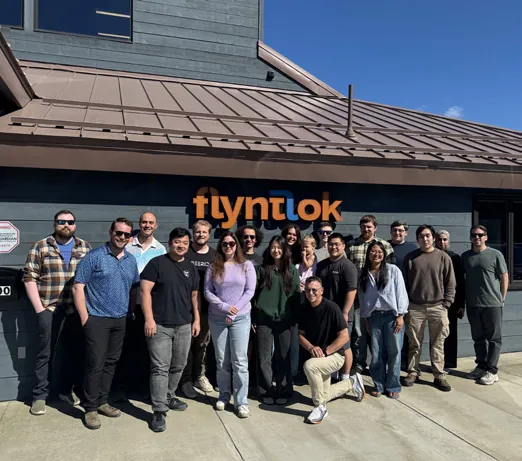
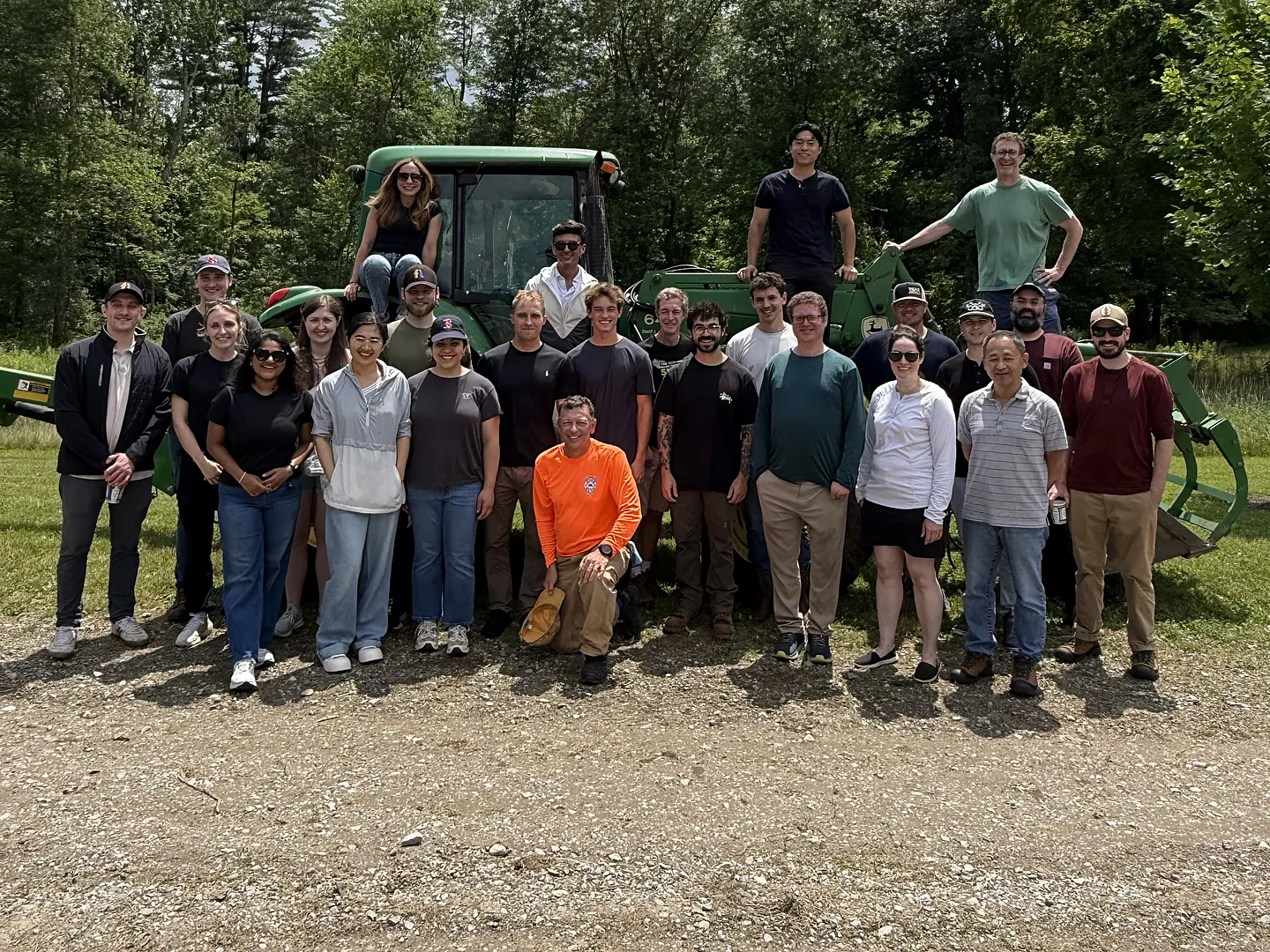
Flyntlok was founded by a former dealer who needed software that kept up with his own stores. The team still builds that way, with new product updates every two weeks, for parts and sales teams in the US, Canada, Australia, and New Zealand.
Former dealer
Founded by one, built for the counter
Bi-Weekly
New product updates
8/8 support
Response in 8 minutes, solved in 8 hours
Book time with our team. We'll walk through lookup, ordering, receiving, wholegoods, and machine moves with the brands you carry.
A walkthrough built around your OEMs and locations
Smart Receive and machine moves on your own workflows
Implementation and migration at no cost, plus plain answers on price files and switching
Straight answers on price files, ordering, receiving, wholegoods, and switching.
Yes. Flyntlok keeps price files current for 400+ manufacturer and distributor brands, including 185 wholegoods OEMs, at no extra cost. We retrieve, map, and load every file, supersessions and substitutions included, and email your team a change report on every update.
Parts POs are live with John Deere, Volvo, PACCAR, Hitachi, and Develon. AGCO orders export as upload-ready files, with direct submission in development; Grasshopper uses a one-click PO export, and STIHL goes through your distributor where your region supports it. Kubota and SANY parts ordering are in development, and Bobcat parts POs are on the roadmap.
The Item Genome is the parts engine inside Flyntlok. Price files for covered brands load into it, organized by make, model, and application, so your counter finds the right part from a model number. It resolves supersessions and builds quick picks from your own history.
Upload the vendor invoice and Smart Receive reads quantities, costs, freight, tax, and other fees, checks them against the PO, and flags differences for your team to review. If the shipment arrives first, upload the packing slip instead: Smart Receive matches the parts and receives them at the PO cost so they can sell today. Special orders and part requests are filled before shelf stock.
Smart Stocking recommends stock levels from your own sales history and seasonality, with up to four seasonal indicators per part. Dead stock gets flagged, and your team reviews every recommendation before it becomes an order.
Yes. Every serialized machine carries its cost, status, location, and hours. You order machines on machine purchase orders, receive them on vouchers that add the serial number and can capitalize fees, and register STIHL, Toro, and Exmark units as you sell them. Shopify listings update when a unit sells.
Request a move from the sidebar, the Customer Dashboard, or the machine, with From and To locations and contacts. Group moves into truckloads, print the bill of lading, or email the move as a PDF. Since the August 2026 redesign, you can edit a move after it's booked.
Yes. Every location works from the same live inventory. Search shows quantities at your other stores, and transfers move parts between them with every move documented.
Each part has its own dashboard with usage history, pricing, and cost changes, and department reports cover fill rates, turns, and margin by brand.
We migrate your parts, customers, machines, and open transactions, and your team checks everything before go-live. Implementation and migration are included at no cost.




