NEW!
Meet Flyntlok at Equip Expo 2026:
Send parts orders to Volvo from the PO and track them to the invoice. MMI stock orders land on their own, and Volvo pricing and supersessions stay current. Built for Volvo construction equipment and truck dealers.














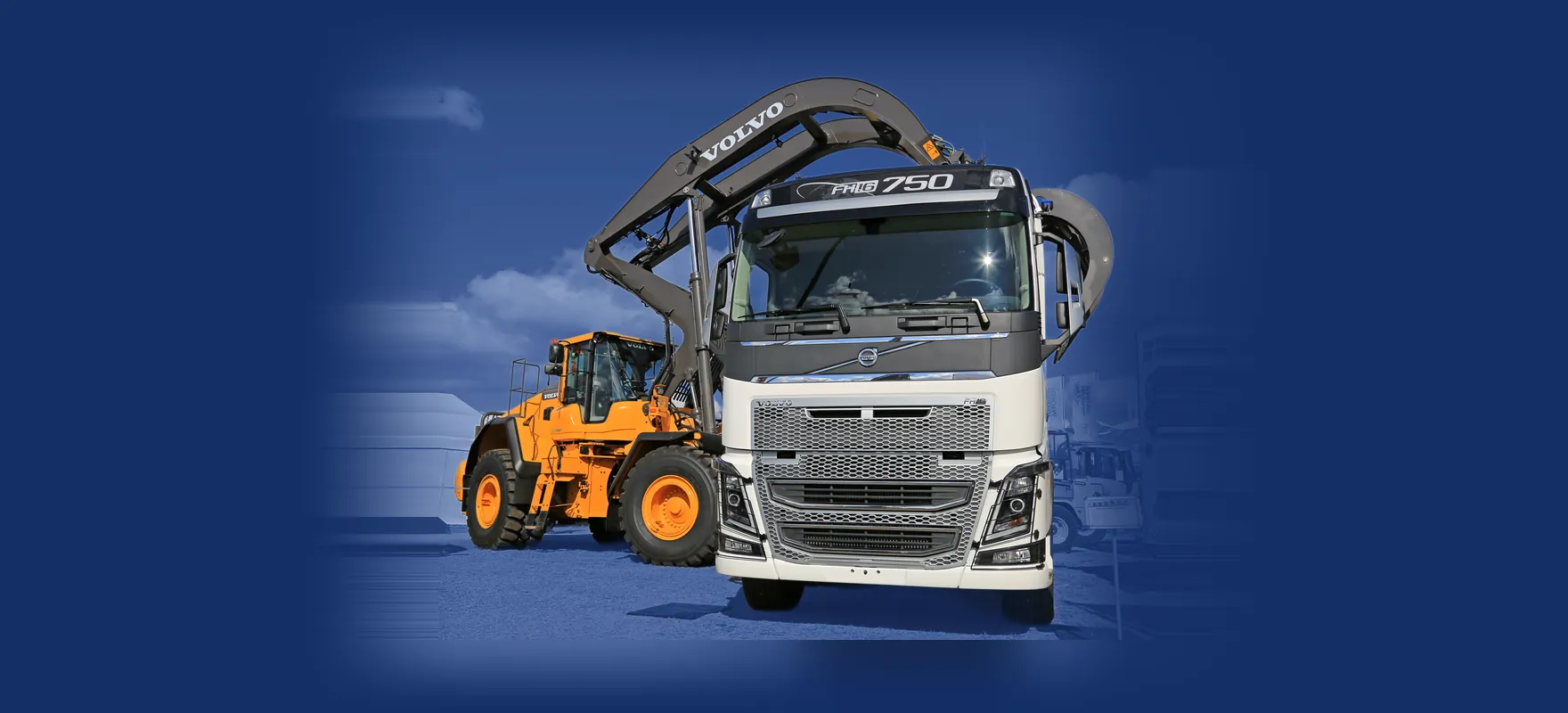


Once your location is set up, all five run on their own. Warranty claims from the work order are on the roadmap.
Send the PO to Volvo from the Flyntlok PO page. Acknowledgement, confirmation, shipment, and invoice details flow back into an order-tracking panel on that PO.
Volvo uses the inventory and sales data Flyntlok sends to create purchase orders for you. They land in Flyntlok already tagged, with nobody keying them in.
Volvo's part master, pricing, and supersession chains load on a recurring schedule, so the catalog your counter searches stays current.
Volvo CE machines send hours and GPS location to the Flyntlok Machine Dashboard continuously, so service works from current hours.
Every night, Flyntlok sends Volvo your invoiced work orders so Volvo can survey your customers on service quality. There's no screen and nothing to do.
We're building Volvo warranty claims into Flyntlok so you can file them right from the work order. Ask us about timing in your demo.
Set up each location once. After that, Volvo orders, MMI stock orders, pricing, and machine data show up on the screens your parts and service teams already use.
See it in a demo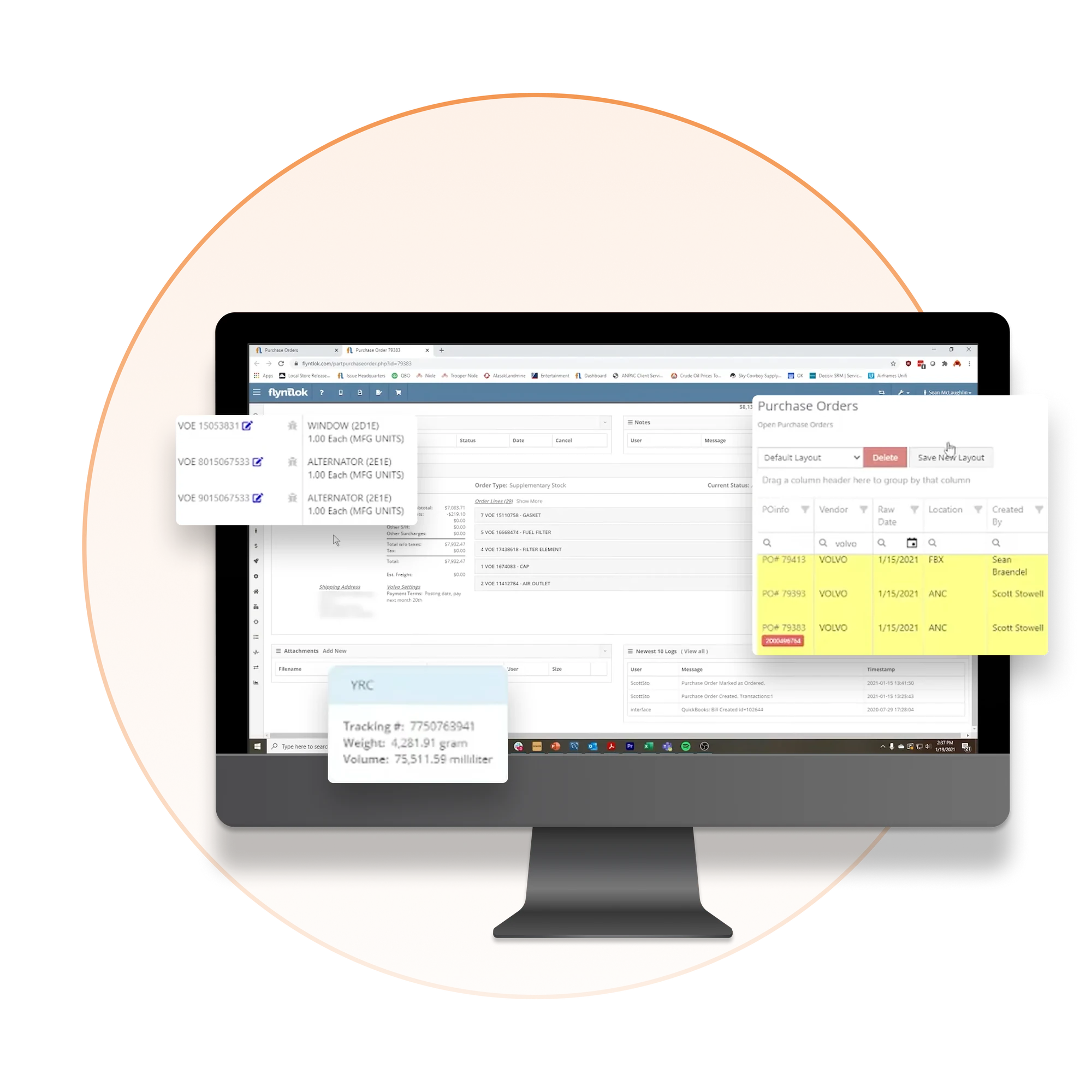
Manufacturer Managed Inventory (MMI) runs on data Flyntlok already sends Volvo. There's nothing to export, upload, or submit.
Your inventory and sales data goes from Flyntlok to Volvo, with no files to export or upload.
Volvo uses that data to create purchase orders on your behalf, based on what you stock and sell.
Each order shows up in Flyntlok tagged Volvo MMI Generated Purchase Order, so your parts team knows where it came from.
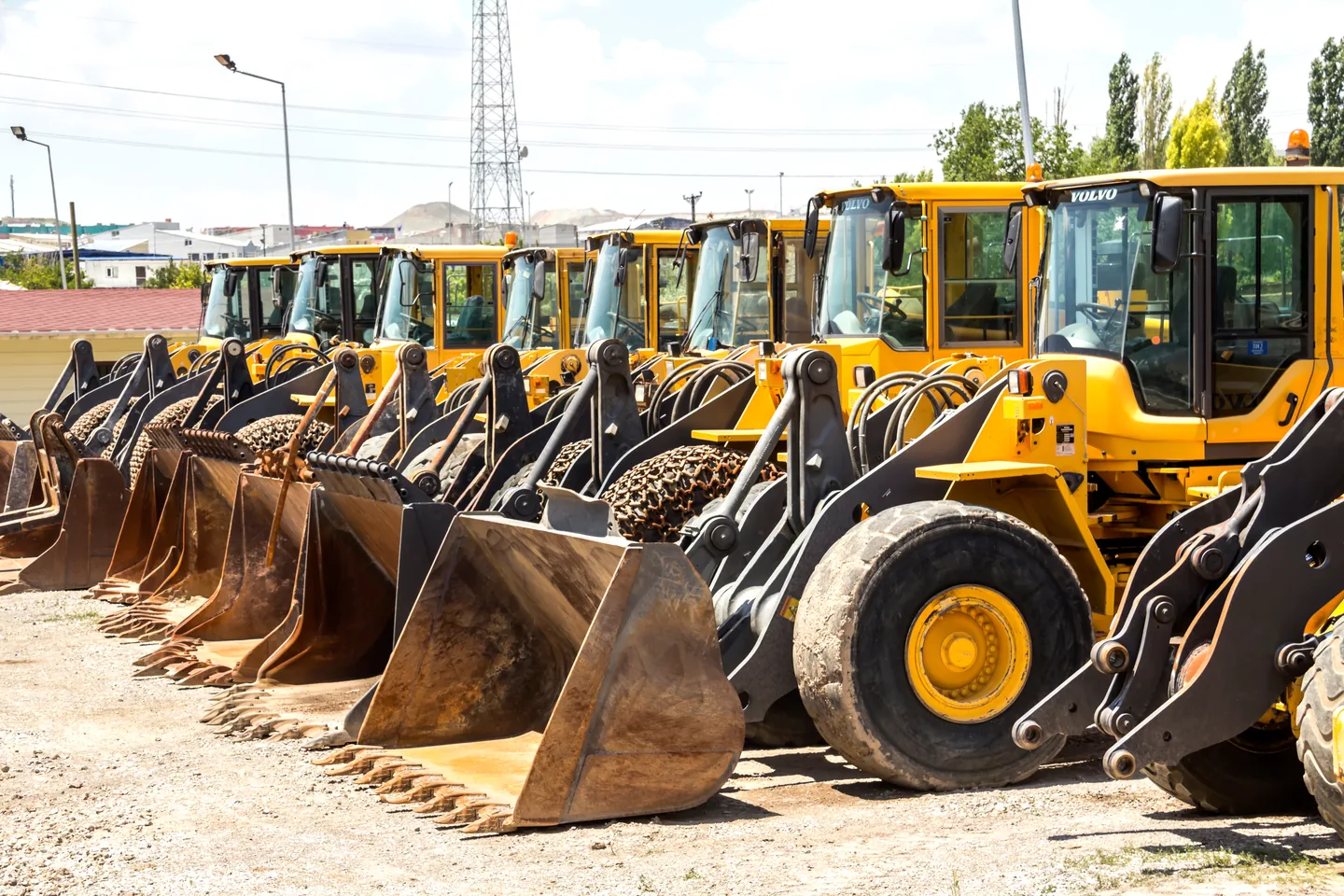
Volvo is Flyntlok's largest integration, and one of our first customers was the Volvo equipment dealer for all of Alaska. Sell Volvo machines, Volvo trucks, or both, and the same platform runs the rest of your store, from the parts counter to the shop.



Flyntlok was founded by a former equipment dealer and built around how stores really run: the counter, the shop, the lot, and the rental yard.
Carry more than Volvo? Run parts, pricing, and customer data for every brand you sell in one platform.

Run the counter, the shop, and the office from any browser. No server closet, no installs.
Voice-to-text tech notes, invoice checks at receiving, and customer lists pulled from your own data.
Parts orders, MMI, pricing, telematics, and service surveys in one connected platform, next to every other line you carry.
See it in a demo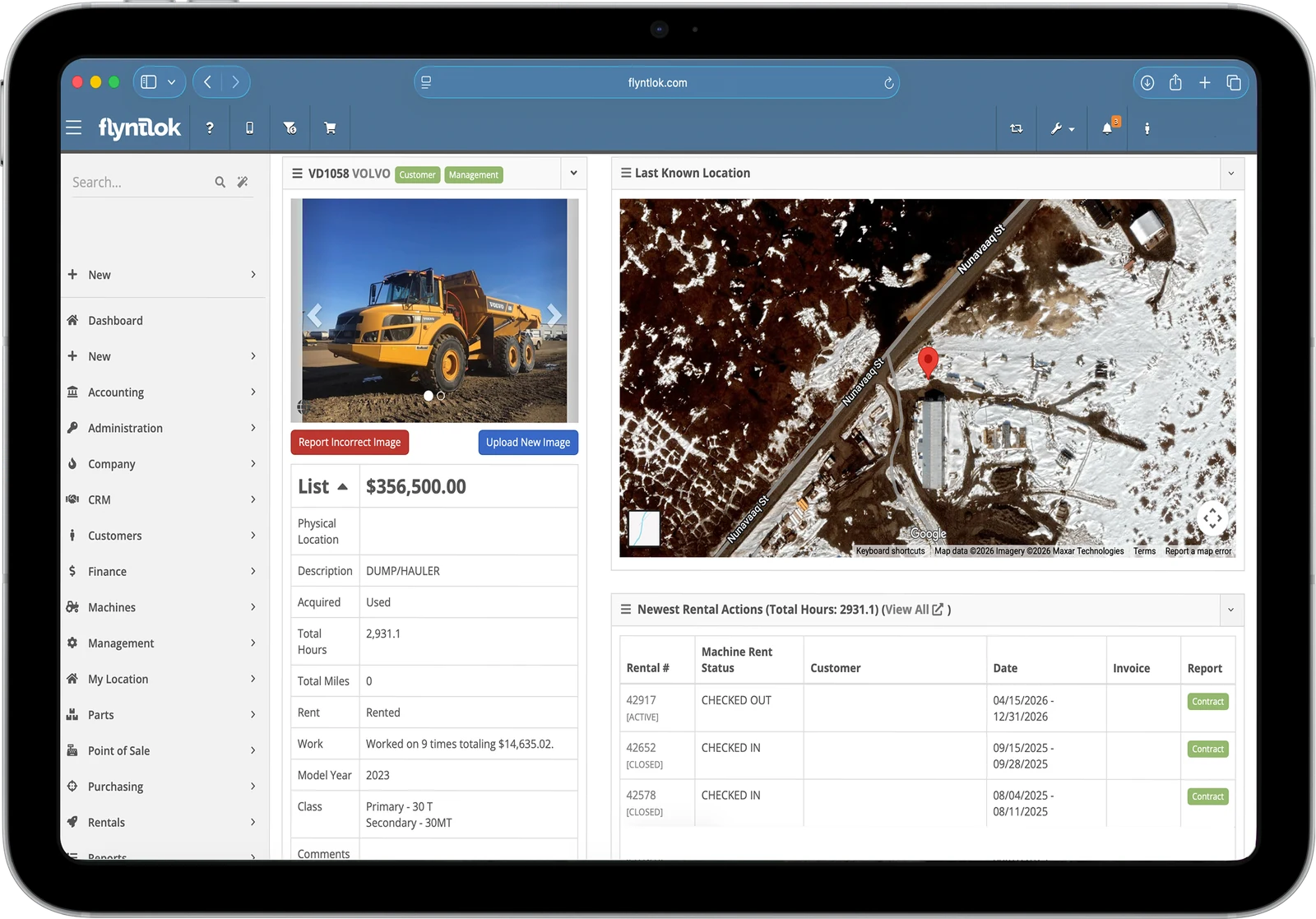
Book time with our team. We'll walk through parts, service, sales, and rentals the way your stores run them, including Volvo parts orders, MMI, and CareTrack.
It connects five pieces once a location is set up. Parts POs go to Volvo from the PO page, with acknowledgement, confirmation, shipment, and invoice details coming back. Volvo's MMI program creates stock orders that land in Flyntlok on their own. Volvo's part master, pricing, and supersessions load on a recurring schedule. CareTrack sends hours and GPS from Volvo CE machines, and invoiced work orders go to Volvo nightly for service surveys.
Yes. Flyntlok works with Volvo construction equipment dealers and Volvo truck dealers. CareTrack telematics covers Volvo CE machines, and we'll walk through which pieces fit your stores in a demo.
Submit the PO to Volvo from the Flyntlok purchase order page. Acknowledgement, confirmation, shipment, and invoice details flow back into an order-tracking panel on that same PO, so your counter can see where every order stands.
MMI stands for Manufacturer Managed Inventory. Volvo uses the inventory and sales data Flyntlok sends to create purchase orders on your behalf. Those orders land in Flyntlok tagged Volvo MMI Generated Purchase Order, so nobody has to enter or submit them by hand.
Yes. CareTrack sends hours and GPS location from Volvo CE machines to the Flyntlok Machine Dashboard continuously, so your service team works from current hours and knows where each machine is.
Not yet. Filing Volvo warranty claims from the work order is on our roadmap. Ask us about timing in your demo.



