NEW!
Meet Flyntlok at Equip Expo 2026:
Flyntlok AI reads vendor invoices, writes up repairs from a tech's voice, catches parts that never made it onto the job, and texts the customers who are due. It's built into the DMS, included with every account, and gets better every two weeks.
Running dealerships across four countries





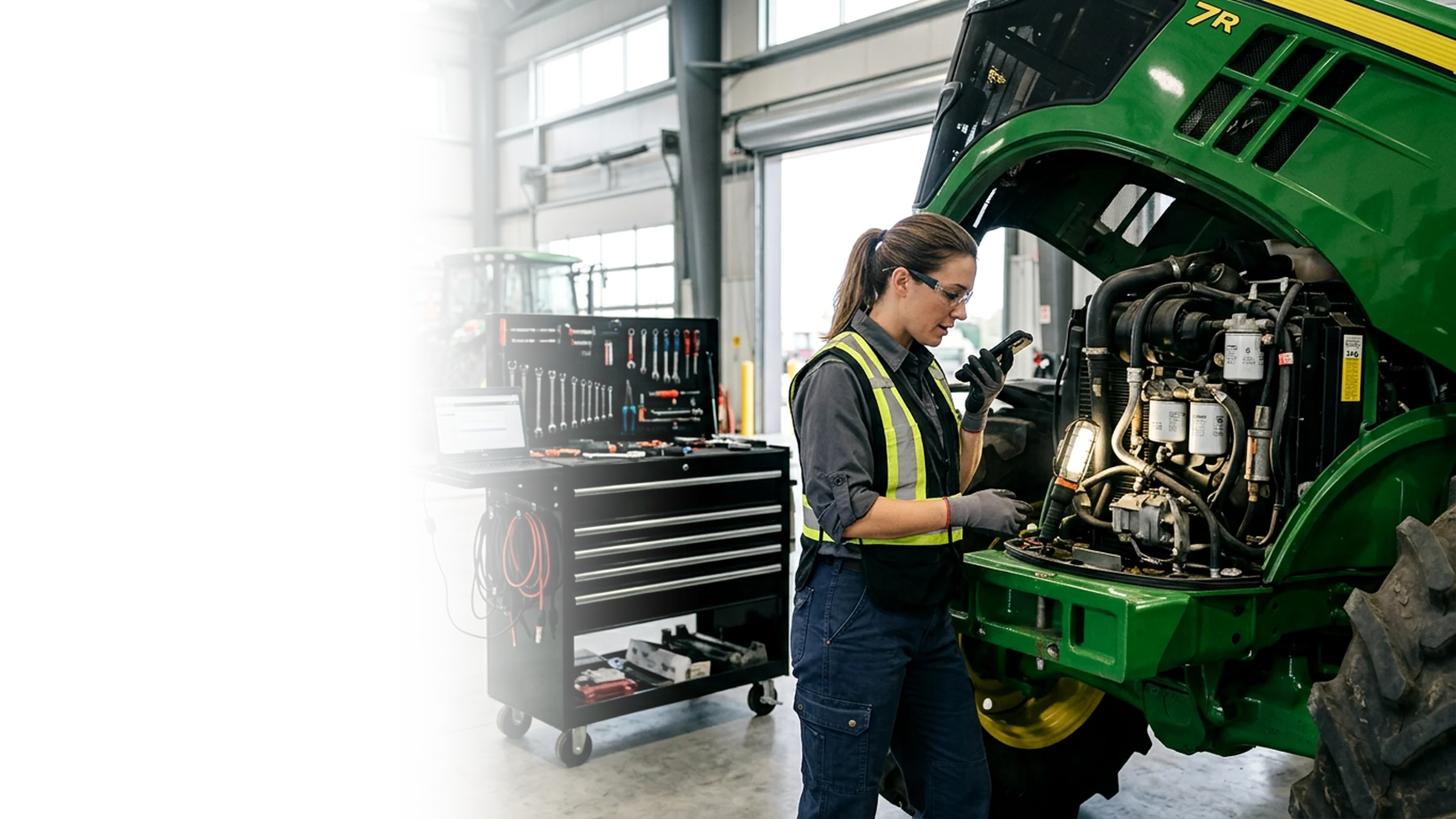
Most DMS AI answers questions. Flyntlok AI does the work: parts stops keying invoices, techs stop typing notes, service catches missed charges before the customer is billed, and sales gets a list of customers worth a text. Your people review it and make the call.
One day at a dealership running on Flyntlok
Follow one day and see where the hours and dollars come back.

7:30 am at the dock
A stack of vendor invoices, and every line still needs keying.
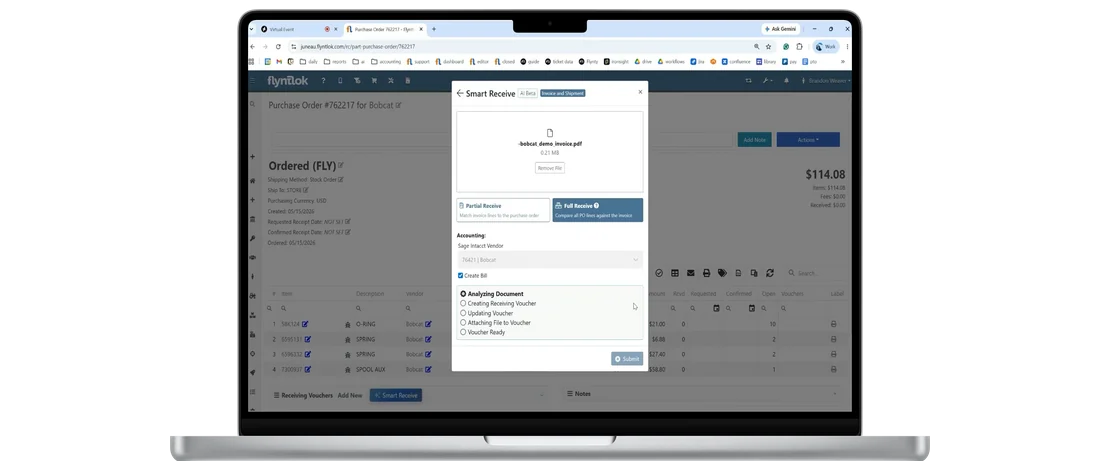
Upload a vendor invoice and Smart Receive reads the invoice number, dates, item costs, quantities, freight, tax, and other fees, then checks every line against the purchase order. No invoice yet? Packing Slip mode receives at the PO cost, so parts can sell the day they arrive.
11,000+
Invoices received through Smart Receive
$11.5M+
In inventory received through Smart Receive
Totals as of the July 23, 2026 release notes.

01
Smart Receive captures the invoice number, dates, quantities, item costs, freight, tax, and other fees.
02
Every line is checked against the purchase order, and differences are flagged for your team to review.
03
When a part is split across PO lines, special orders and part requests are filled before shelf stock.
04
Receivers review the work instead of re-entering it line by line, and costs stay accurate from the start.
May 2026
Live for every Flyntlok customer
June 2026
Picks up other invoice fees, not just freight and tax
July 2026
Matches more parts, even when vendor data is messy
September 2026
Fills customer orders first, and reads Atlas Copco and STIHL invoices better
October 2026
Packing Slip mode stocks parts before the invoice arrives
Watch the demo
Watch the demo, then bring one of your own vendor invoices or packing slips to a walkthrough.
Book a walkthrough→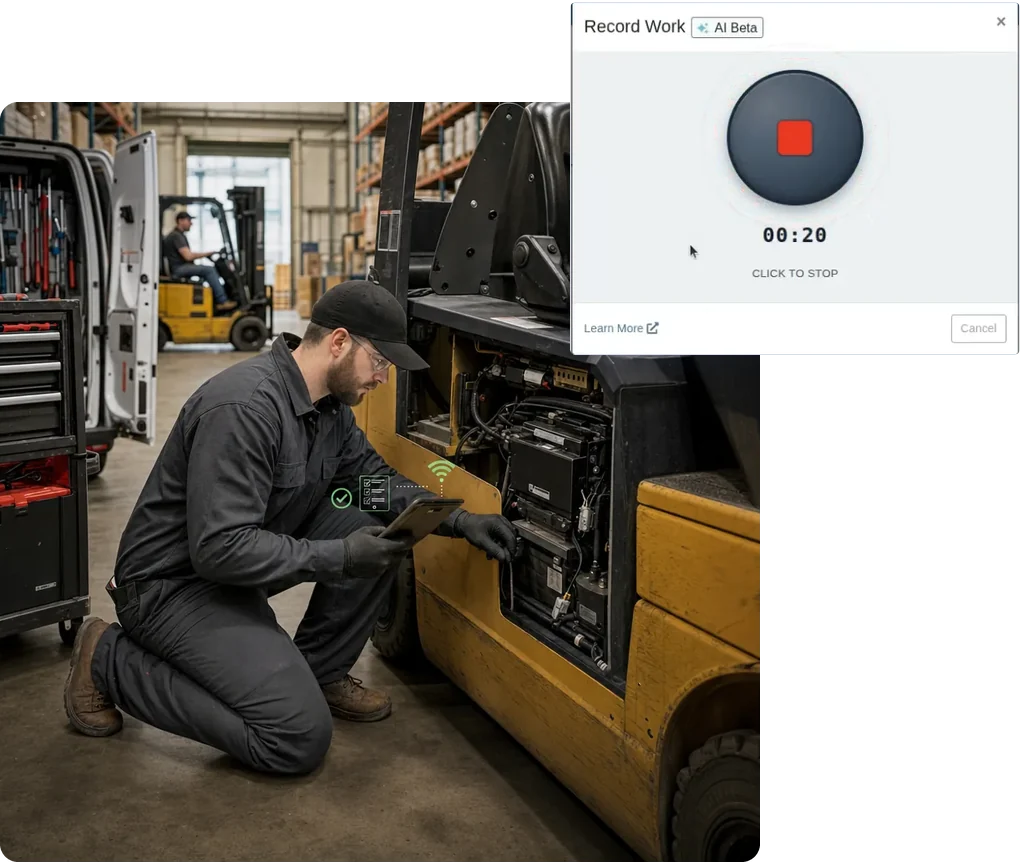

9:45 am in the shop
The repair is done. The write-up is the only thing between the tech and the next job.
Techs tap the mic on the job and describe the repair the way they'd tell a service writer. Smart Tech Notes turns it into a clean Complaint, Cause, and Correction. Part numbers, specs, and hour readings stay. The filler and false starts don't.
Complaint, Cause, Correction
Every note comes back in the format service writers, customers, and warranty auditors expect.
Nothing posts until it's reviewed
Append, replace, or edit the suggestion before it's written to the job. Locked fields stay locked.
Spanish in, English out
Techs can talk or type in Spanish, or mix both, and get clean English notes. Shop terms stay as-is.
Right at clock-out
Record and clean up notes in the clock-out window, on desktop and mobile.
Service writers get it too
Improve with AI cleans up notes techs already typed, before the work order is invoiced.
Multi-step jobs, easy to scan
When a note covers several tasks, the Correction comes back as a bulleted list.

Possible discrepancy: the notes mention hydraulic fluid and grease, but neither is on the parts list.
Example of an AI Review finding on a job

1:30 pm at the service desk
The notes say the tech topped off the hydraulic fluid. The parts list doesn't.
AI Review reads the complaint, cause, correction, and tech notes on a job, then checks them against the parts list. If the notes say the tech topped off fluid or used grease and it never made it onto the job, you'll see it while the work order is still open.
Reads the whole write-up
Complaint, cause, correction, and tech notes, checked against the job's parts list.
Flags what never got billed
Fluids, grease, and shop supplies that show up in the notes but not on the parts list get flagged as possible discrepancies.
Checks the other way too
Parts on the job that the notes never mention get flagged, so warranty claims tell the whole story.
Your team makes the call
Dismiss a finding that doesn't apply, update the job, and run the review again.
Before the customer pays
Catch the gap while the work order is open, not after the invoice is paid.
Right on the job
Run review sits on each job in the Work Order Dashboard. No extra app, no export.

About 100 trade-in texts. 25 replies. That's 25 sales conversations the dealer didn't have the day before.
One dealer's trade-in campaign, from Flyntlok Unlocked Ep.6.

3:00 pm in the sales office
Trade-in season is here, and the list of who to call lives in someone's head.
Tell Smart Campaigns who you want to reach in plain English, like Bobcat owners who haven't been in for service in three months. It builds the list from your own Flyntlok data, drafts the text, and turns every reply into a lead for your team.
Find customers in plain English
Search by equipment owned, service history, warranty dates, location, tags, and Google review ratings.
AI writes the text
Generate a message from a short description, then let AI check it for typos and tone before it goes out.
Every reply becomes a scored lead
Flyntlok sends one friendly hand-off reply, then creates a Lead with a score and a summary for your team.
Send it when it counts
Schedule sends for later, text yourself a test first, and get a cost warning before big sends.
See what it's worth
Reports track every response and the estimated revenue from the leads each campaign creates.
Reuse what worked
Start from a past campaign's list, filter by who responded, and export any list to CSV.
Flyntlok ships an update every two weeks, and the last eight in a row all made the AI better. Here's what landed, straight from the release notes.
Jul 9
Plain-English customer search, AI-written texts, and scheduled sends. Tech Notes opens for beta testing the same day.
Jul 23
Techs record from desktop or mobile, and Smart Receive matches parts even when vendor data is messy.
Aug 6
Multi-step repairs come back as a list you can scan, not one long paragraph.
Aug 20
No sign-up needed. Service writers can clean up existing notes with Improve with AI.
Sep 3
Smart Receive fills special orders before shelf stock, and Tech Notes works right at clock-out.
Sep 17
Techs talk or type in Spanish, and the work order gets clean English notes.
Oct 1
Smart Receive stocks parts at the PO cost before the invoice shows up.
Oct 15
Checks tech notes against the parts list to catch unbilled fluids, grease, and supplies.
Every update reaches every Flyntlok dealer at no extra cost. See every release note.
Most DMS vendors talk about AI now. These five questions separate the tools that take work off your team from the ones that just demo well.
A help bot that explains where to click still leaves your team keying invoices and typing notes.
It does the work. Smart Receive fills in the receiving voucher, Tech Notes writes the Complaint, Cause, and Correction, AI Review checks the job, and Smart Campaigns builds the list and drafts the text.
Pilots and waitlists don't help your shop this season.
Yes. All four tools are on for every Flyntlok dealer, and Smart Receive had received more than 11,000 invoices by July 2026.
Per-user AI add-ons and usage fees can turn a good demo into a budget fight.
No. Flyntlok AI is included with every account. Texting costs for Smart Campaigns depend on your dealership's needs.
AI that needs an export or a second app gets skipped on a busy day.
Yes. It works on your own Flyntlok records, right on the purchase order, work order, and CRM screens your team already uses.
AI should suggest. Your people should decide, especially on costs, customer records, and outreach.
Your team. Smart Receive flags discrepancies for review, Tech Notes waits for approval, AI Review findings can be dismissed, and campaign replies go to a person.
Comparing systems? The DMS Buyer's Guide Checklist covers the rest.
Get the buyer's checklist→Smart Receive has dedicated models for dozens of OEM and supplier invoices, and every AI tool works the same whether you sell tractors, excavators, mowers, trucks, or forklifts.
John Deere and AGCO invoices read by dedicated Smart Receive models, and seasonal service texts to owners before the rush.
Explore Agriculture
→
Dedicated invoice models for Bobcat, Volvo, Hitachi, Develon, and SANY, and clean Complaint, Cause, Correction notes for warranty.
Explore Construction
→
STIHL and Toro invoices read by dedicated models, and service texts to every mower owner who's due.
Explore OPE
→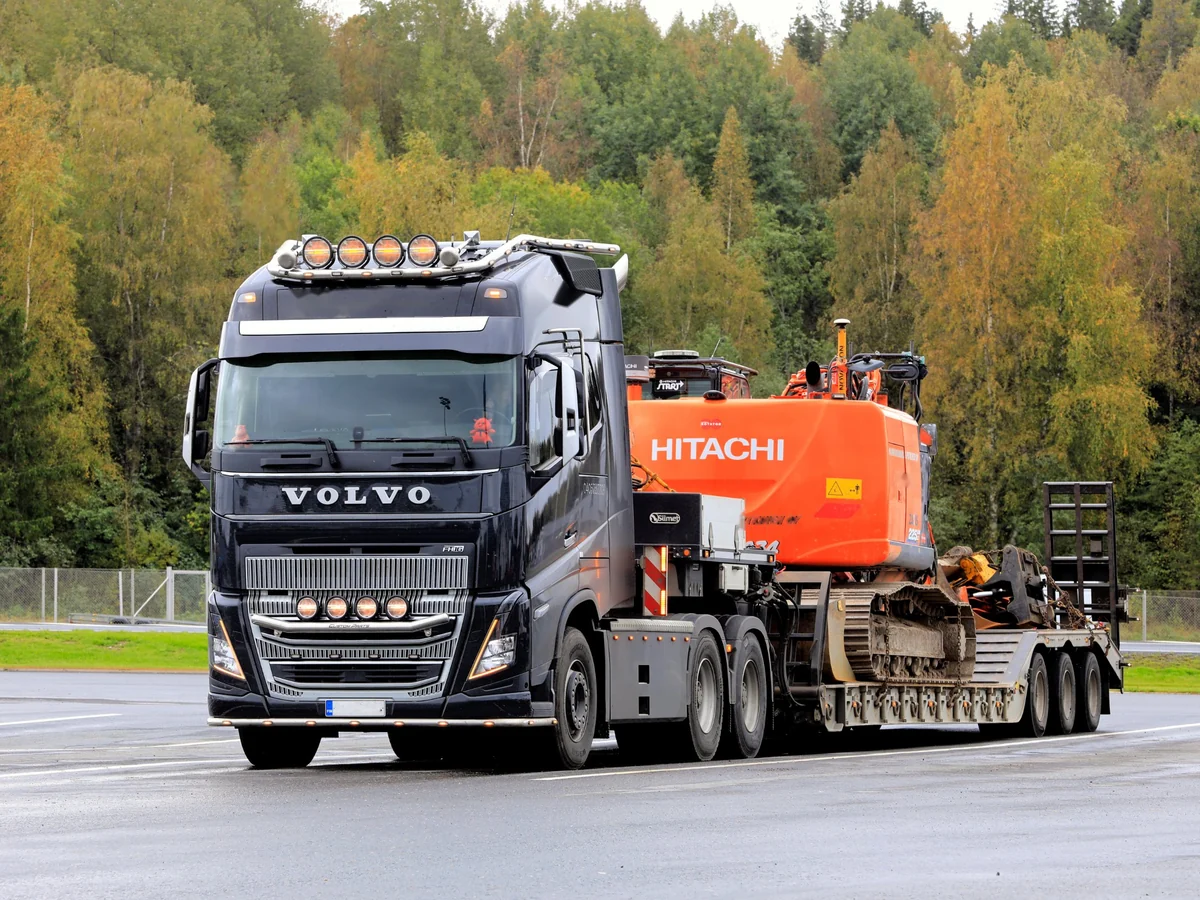
PACCAR and Mack invoices read by dedicated models, and AI Review checks every job for missed fluids and supplies.
Explore Heavy Truck
→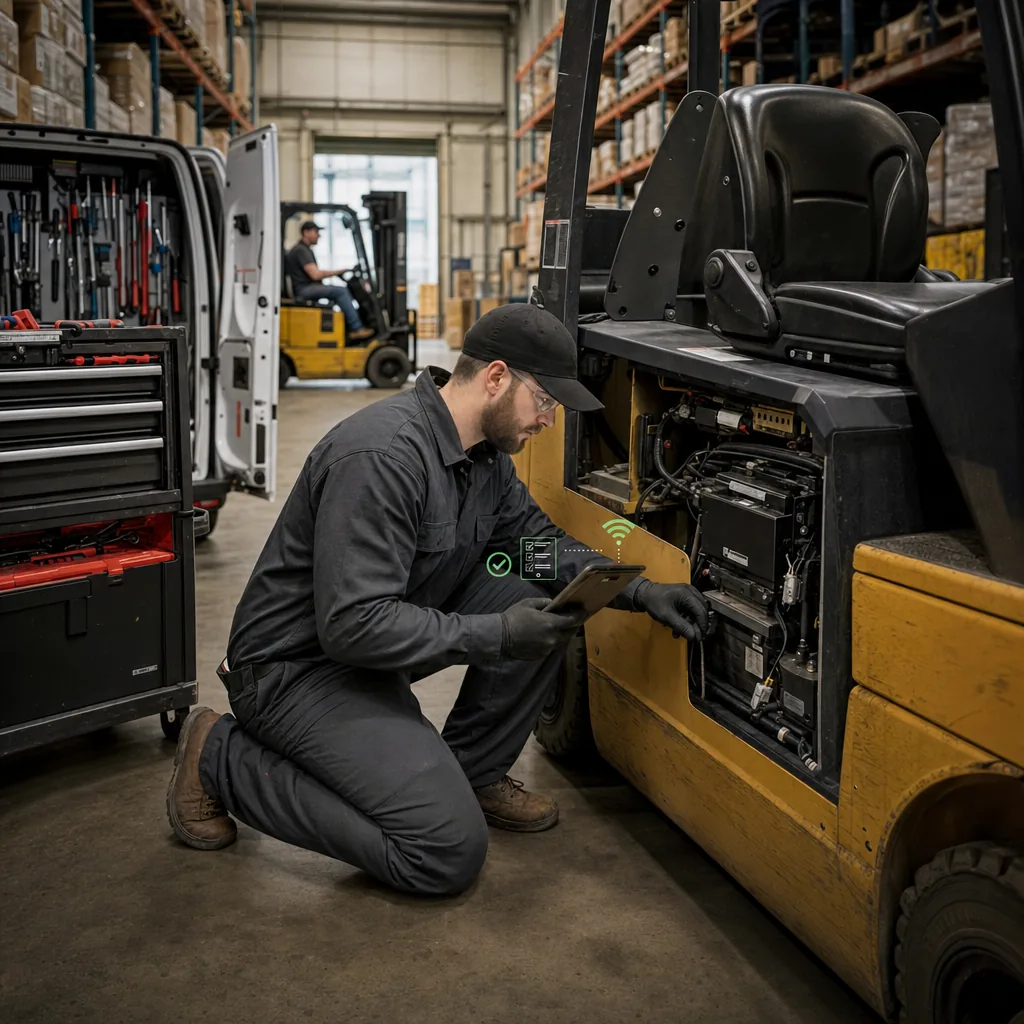
Field techs dictate notes from the forklift, and AI Review catches the hydraulic fluid nobody billed.
Explore Material Handling
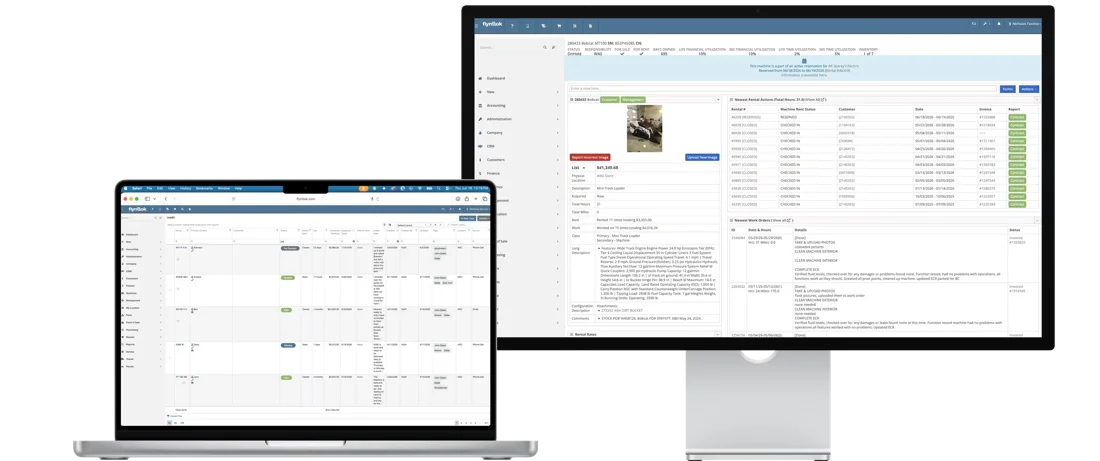
→Flyntlok AI can read the invoice, the work order, and the customer record because they all live in the same DMS. No exports and no add-on tools.
Parts & Inventory
Vendor invoices and packing slips read by AI, checked against the order, and received without keying every line.
See parts & inventory
→
Service Management
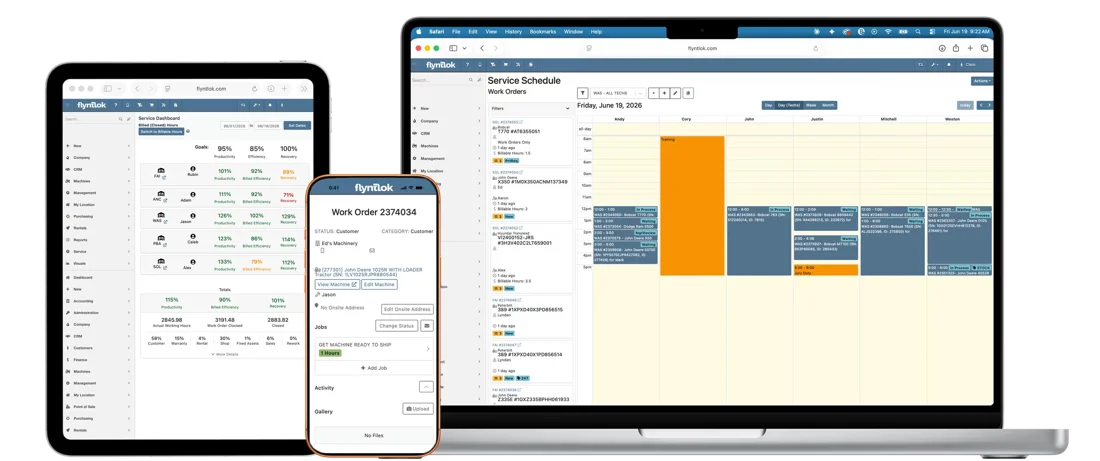
Clean write-ups from a tech's voice, and a check for unbilled parts before the invoice goes out.
See service management
→
CRM
Plain-English customer lists, AI-written texts, and every reply turned into a lead for sales.
See CRM
→
Rental Management
Smart Campaigns can find rental customers who haven't been back and text them an offer.
See rental management
→Podcast episodes, a webinar, and plain-English guides on how Flyntlok AI works in a real dealership.

Which dealership jobs AI handles well, where your people should keep the final say, and the questions to ask before you trust a vendor's AI.
“The goal is not to replace your team but to surface opportunities and handle routine work so your staff can focus on higher-value activities.”
From the guide, by the Flyntlok Team
4
jobs AI handles well
3
places people keep the call
3
questions to ask a vendor

On-demand webinar
How dealers connect their website, CRM, and AI-powered marketing to drive revenue, with True Radius Marketing.
Watch the webinar
→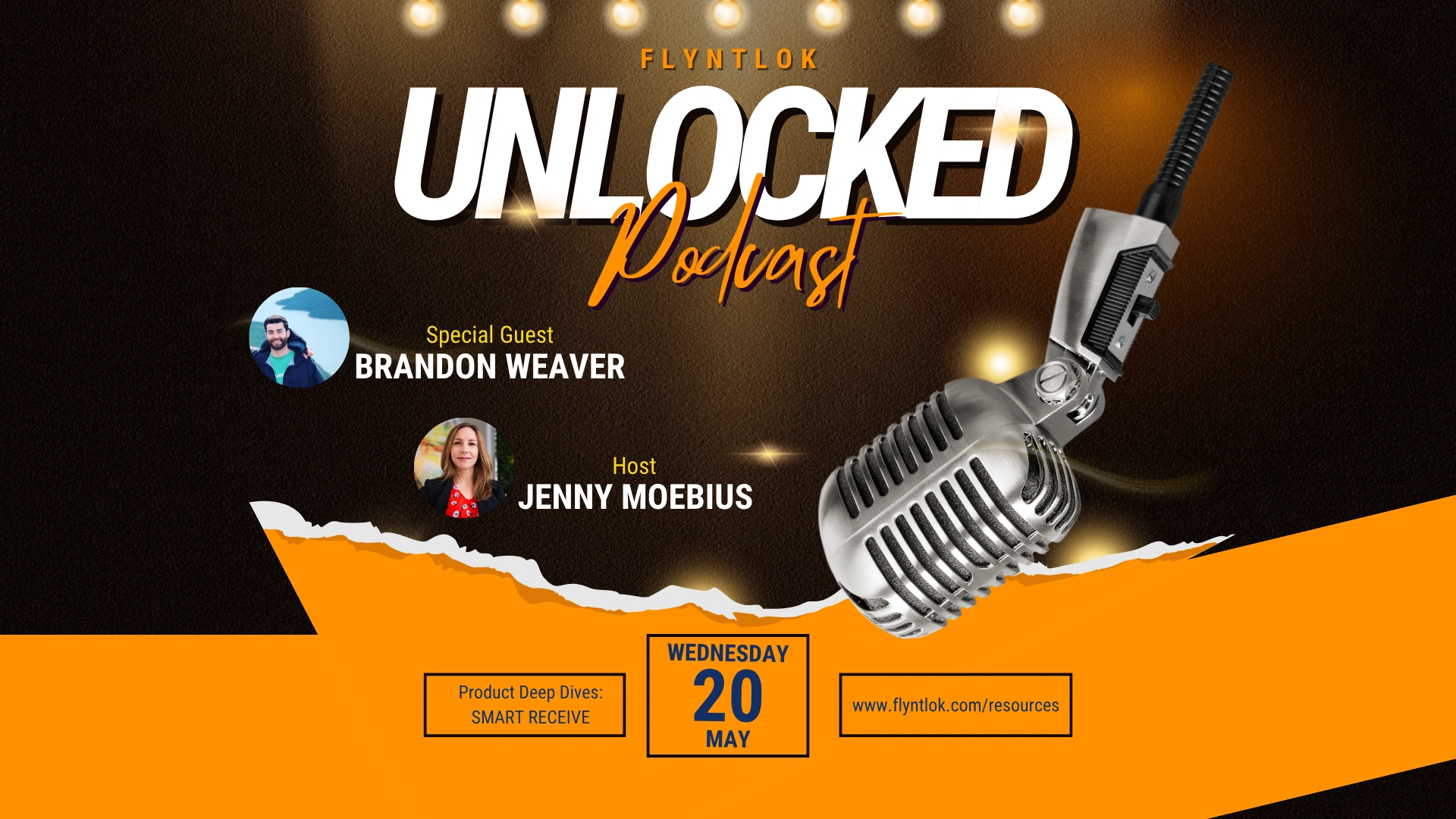
Unlocked Ep.1
With Brandon Weaver, Customer Success Lead
How Smart Receive checks a vendor invoice against the PO, and why that means less leakage.
Listen
→
Unlocked Ep.8
With Bomby Kitchpanich, Senior Software Engineer
How service teams get clean documentation from AI without slowing down the techs who drive service revenue.
Listen
→
Unlocked Ep.6
With Brandon Weaver, Customer Success Lead
How to turn the customer data you already have into texts that bring people back and leads your team can work.
Listen
→Buyer tool
Put in your parts revenue, inventory, and margin, and see what Flyntlok could give back to your dealership.
Run your numbers
→Article
AI that matches vendor invoices to POs and flags pricing gaps and missing parts.
Read
→Article
A step-by-step look at recording, cleaning up, and applying notes on a work order.
Read
→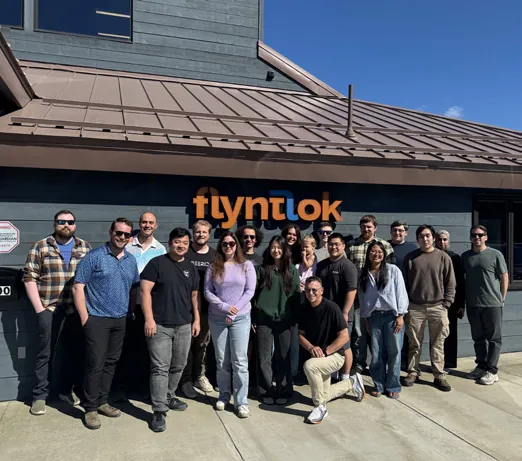
Flyntlok was founded by a former dealer who needed software that kept up with his own stores. In 2025, a $36 million growth investment from Mainsail Partners added more developers and support, and AI became a central focus. New updates still ship every two weeks, for dealers in the US, Canada, Australia, and New Zealand.
Former dealer
Founded by one, built for the shop floor
Bi-Weekly
New product updates
8/8 support
Response in 8 minutes, solved in 8 hours
Book time with our team. Bring a vendor invoice or a recent repair, and we'll show you what Flyntlok AI does with it.
A walkthrough built around your brands and your workflow
Smart Receive, Tech Notes, AI Review, and Smart Campaigns on real examples
Implementation and migration at no cost, plus plain answers on AI and switching
Straight answers on cost, data, approvals, and how each AI tool works.
Four, and they're live for every Flyntlok dealer. Smart Receive reads vendor invoices and packing slips, Smart Tech Notes turns a tech's voice into a clean Complaint, Cause, and Correction, AI Review catches parts and supplies missing from a job, and Smart Campaigns finds the right customers and writes the text.
No. Flyntlok AI is included with every Flyntlok account. Texting costs for Smart Campaigns depend on your dealership's needs.
Flyntlok AI works on your dealership's own data inside the DMS. Your data stays inside Flyntlok and is never shared with other dealers, used to train models for competitors, or sold to third parties.
No. Smart Receive flags discrepancies for your receivers to review, Tech Notes suggestions aren't written to the job until someone applies them, AI Review findings can be dismissed, and Smart Campaigns only sends when your team says so. Every AI tool has thumbs up and down buttons, and that feedback goes straight to our product team.
Upload the vendor invoice and Smart Receive reads the invoice number, dates, quantities, costs, freight, tax, and other fees, checks them against the PO, and flags differences for your team. If the shipment arrives first, upload the packing slip instead and the parts are received at the PO cost so they can sell today. Special orders and part requests are filled before shelf stock.
Yes. Techs can talk or type in Spanish, or mix Spanish and English, and Smart Tech Notes returns clean English notes. Shop terms like part names and repair abbreviations stay as they are.
AI Review reads a job's complaint, cause, correction, and tech notes and compares them with the parts list. Fluids, grease, or shop supplies the notes mention but the parts list leaves out show up as possible discrepancies, and parts on the job that the notes never mention get flagged too. Your team can dismiss a finding and run the review again after updating the job.
Any customer in Flyntlok you can describe in plain English, by equipment owned, purchase and warranty dates, service history, location, tags, or Google review ratings. AI builds the list, drafts the text, checks it for typos and tone, and turns each reply into a scored Lead for your team.
No. Flyntlok AI takes the keying, typing, and list building off your team's plate so they can spend more time with customers and machines. Your people review the work and make the call.
Flyntlok ships updates every two weeks, and every release since July 9, 2026 has included AI improvements. You can follow along in the release notes.