NEW!
Meet Flyntlok at Equip Expo 2026:
Bobcat's Online Parts Counter pulls your stock live from Flyntlok, and picklists come straight in with nothing to retype. Every night, your inventory goes out to Bobcat's Parts Trading Network on its own.















Bobcat's Online Parts Counter and Parts Trading Network are live today, and each one runs on your Flyntlok inventory. Bobcat parts orders and telematics are on the roadmap.
Bobcat's Online Parts Counter checks Flyntlok every time a part's page loads, so customers and counter staff see what's really on your shelf.
Send a picklist built in Bobcat's portal straight into Flyntlok, where it becomes a sales order or parts order. Nothing gets retyped.
Flyntlok emails Bobcat your inventory file every night, so you can buy and sell parts with other Bobcat dealers. Nothing to remember to export.
Sending parts orders to Bobcat and pulling Bobcat telematics are on the Flyntlok roadmap. Ask us about timing in your demo.
Set up each connection once in Integrations settings. After that, stock checks and the nightly file run on their own, and picklists wait on their own page.
See it in a demo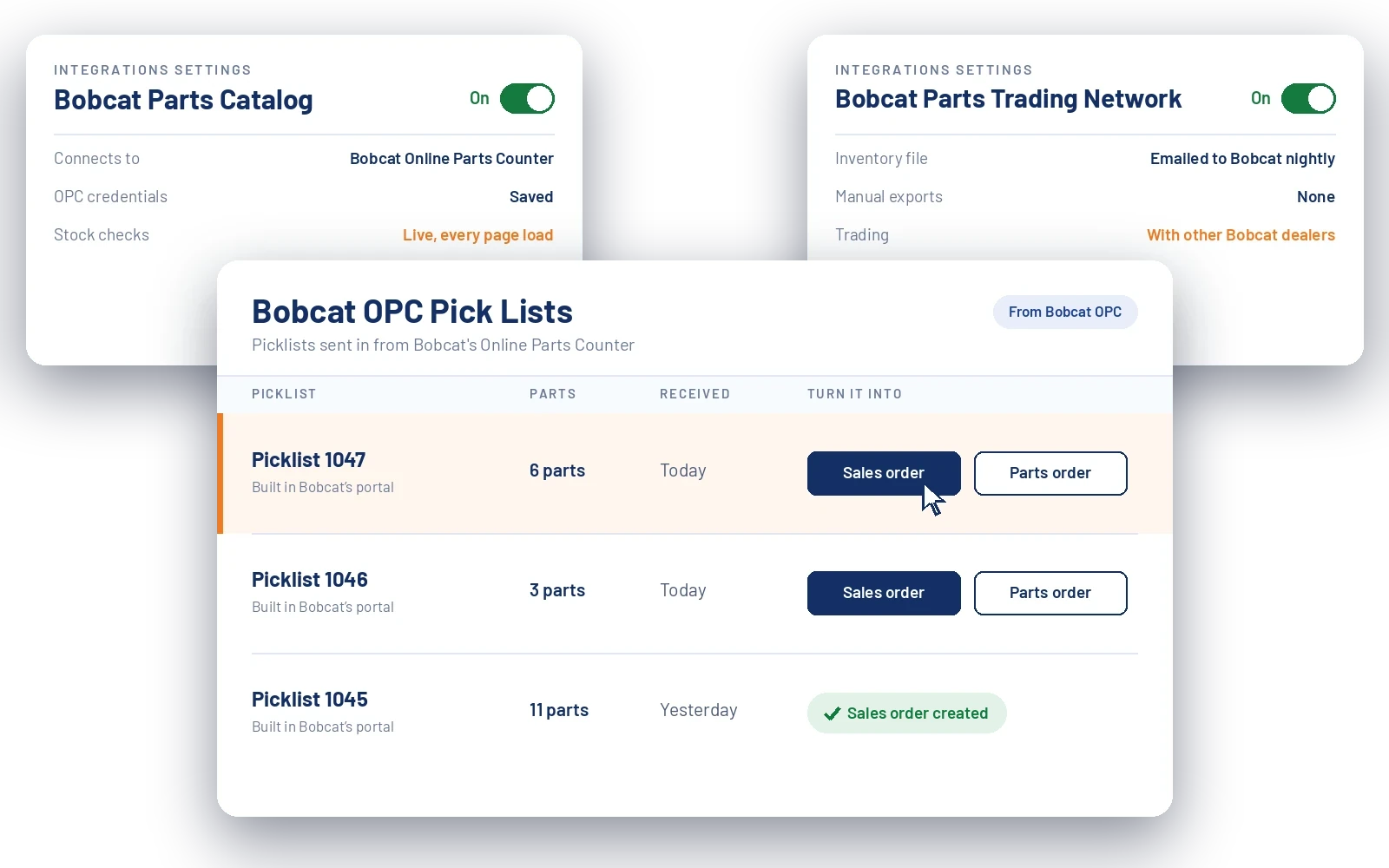
A picklist is Bobcat's shopping cart. Instead of retyping it at the counter, send it to Flyntlok and finish the order there.
A customer or your counter staff looks up parts in Bobcat's Online Parts Counter. Availability comes live from Flyntlok every time the page loads.
Parts added to a picklist in Bobcat's portal go straight to Flyntlok and show up on the Bobcat OPC Pick Lists page.
Make it a sales order or parts order in Flyntlok. Nothing gets typed in twice.
Beyond the two connections, Flyntlok keeps your Bobcat pricing current and fills in the catalog gaps, so the counter finds the right part faster.
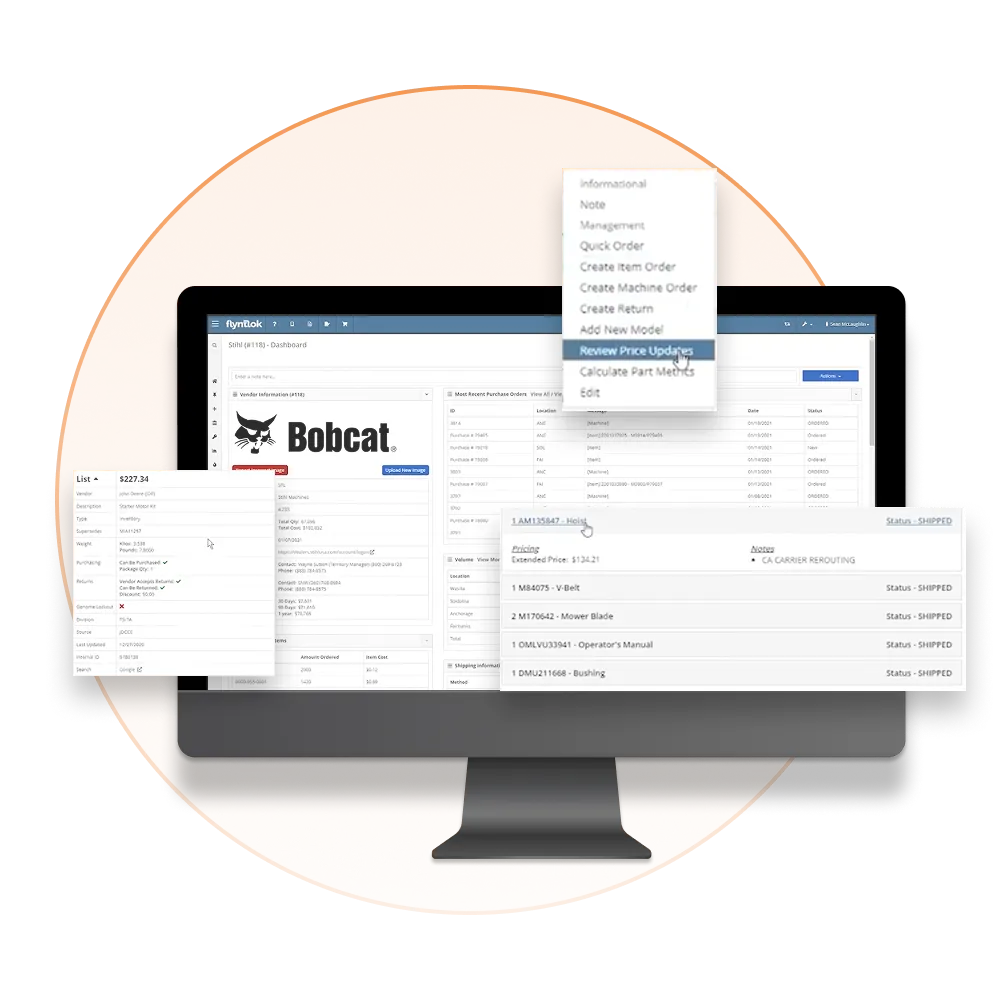
Flyntlok loads Bobcat's pricing and substitution files into the Item Genome automatically, at no extra cost.
Set markup rules, exclude specific parts, and choose units of measure. You get an email report every time pricing changes.
Images for Bobcat's 1,000 most common parts, plus model-level photos and descriptions for faster lookups.
We're building shared insights on parts usage by model, substitution patterns, and alternate parts across our Bobcat dealer network.
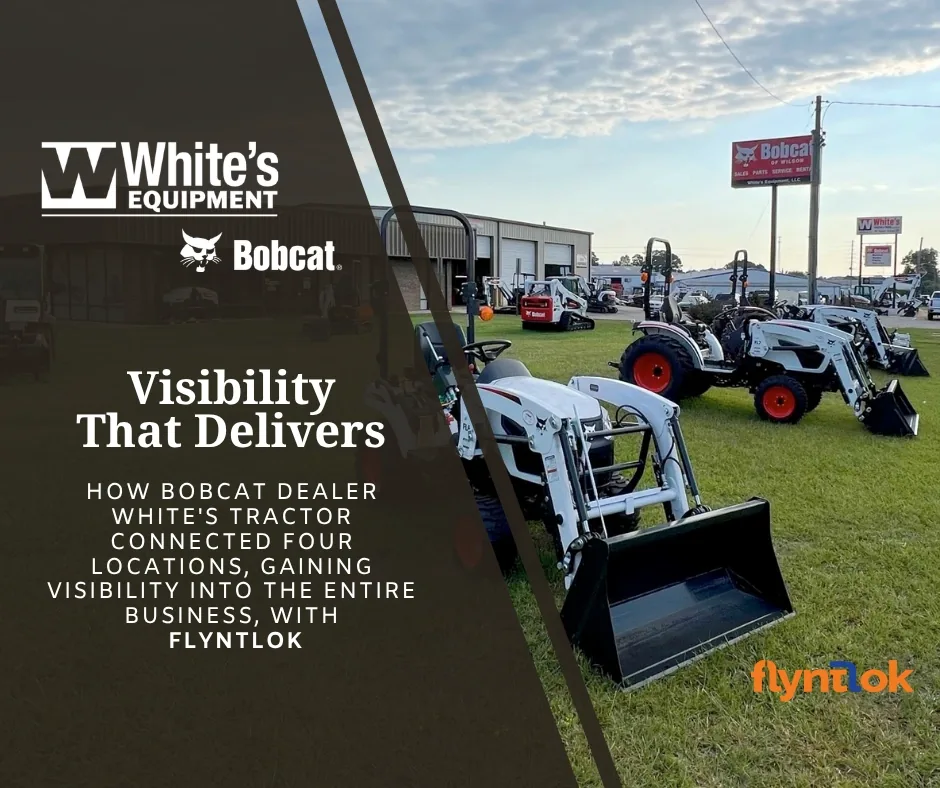
Bobcat dealer White’s Tractor connected four locations on Flyntlok and replaced three disconnected systems with one.
“It’s a snapshot of the entire company, not just your location.”
Flyntlok was founded by a former Bobcat dealer, so your stock, picklists, and pricing stay current without anyone exporting a file. The same platform runs the rest of your store, from the parts counter to the rental yard.
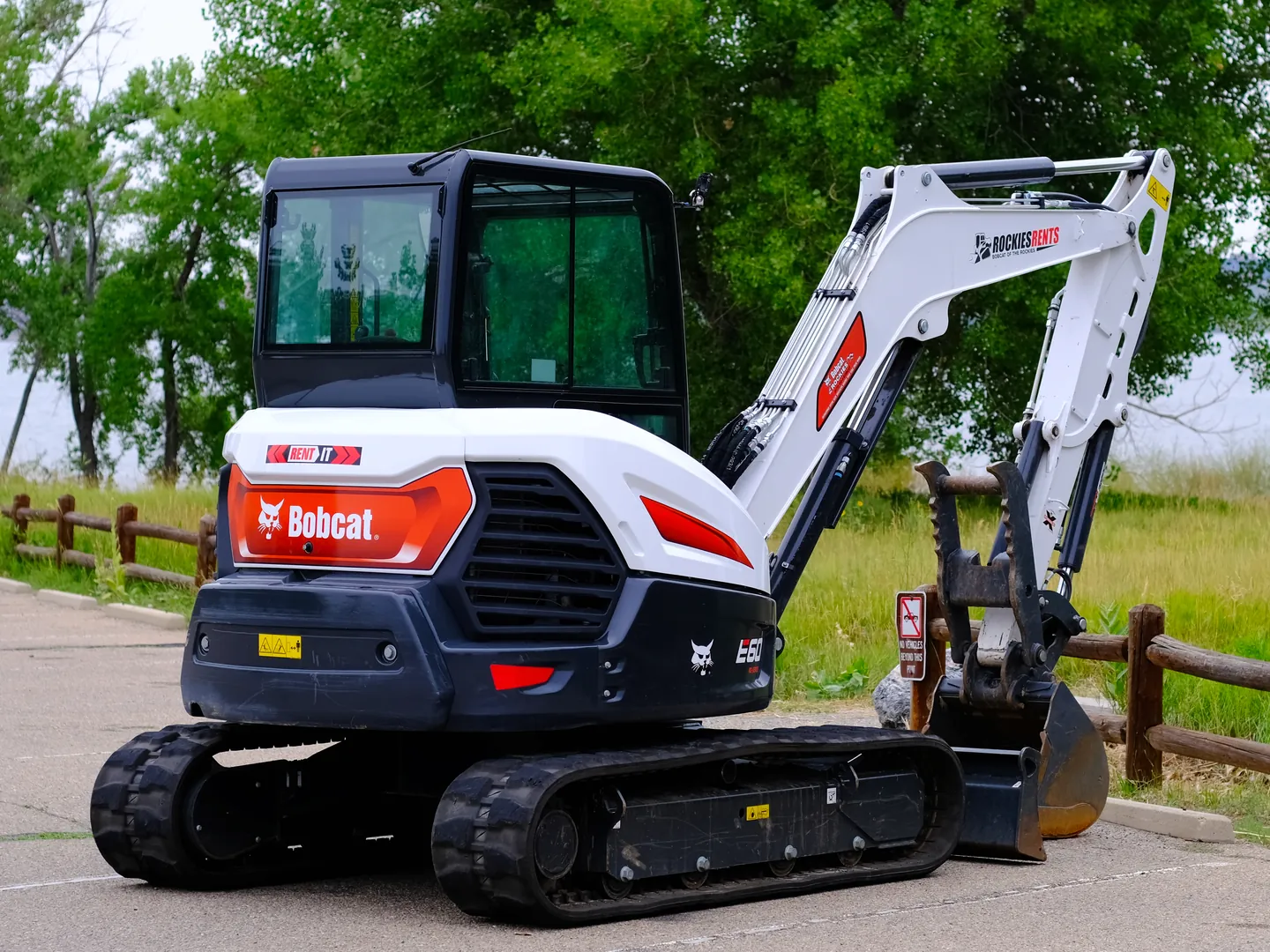

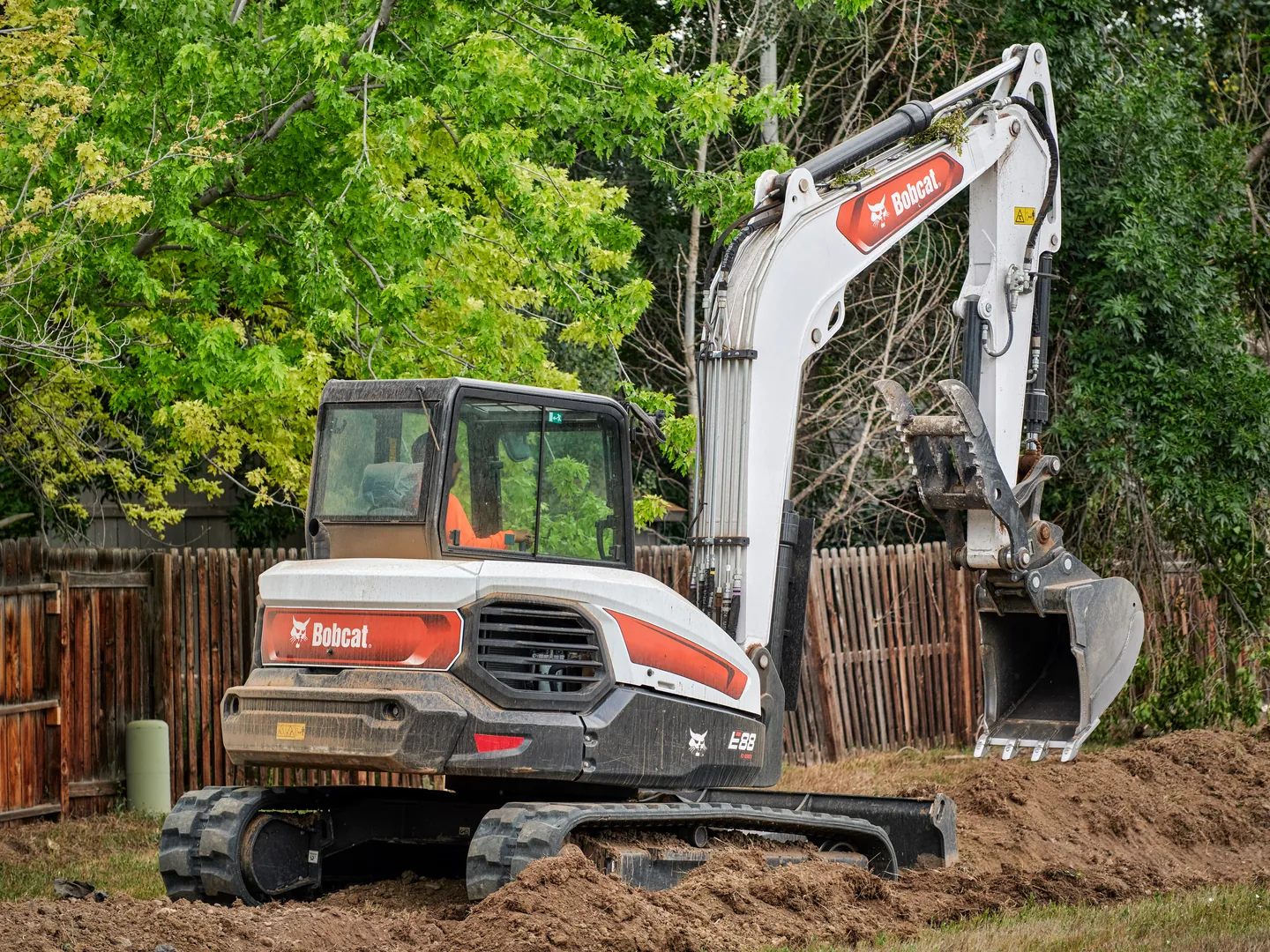

Flyntlok was founded by a former Bobcat dealer and built around how stores really run: the counter, the shop, the lot, and the rental yard.
Carry more than Bobcat? Run parts, pricing, and customer data for every brand you sell in one platform.
Run the counter, the shop, and the office from any browser. No server closet, no installs.
Voice-to-text tech notes, invoice checks at receiving, and customer lists pulled from your own data.
Live stock, picklists, the trading network, and Bobcat pricing in one connected platform, next to every other line you carry.
See it in a demoBook time with our team. We'll walk through parts, service, sales, and rentals the way your stores run them, including the Online Parts Counter and the Parts Trading Network.
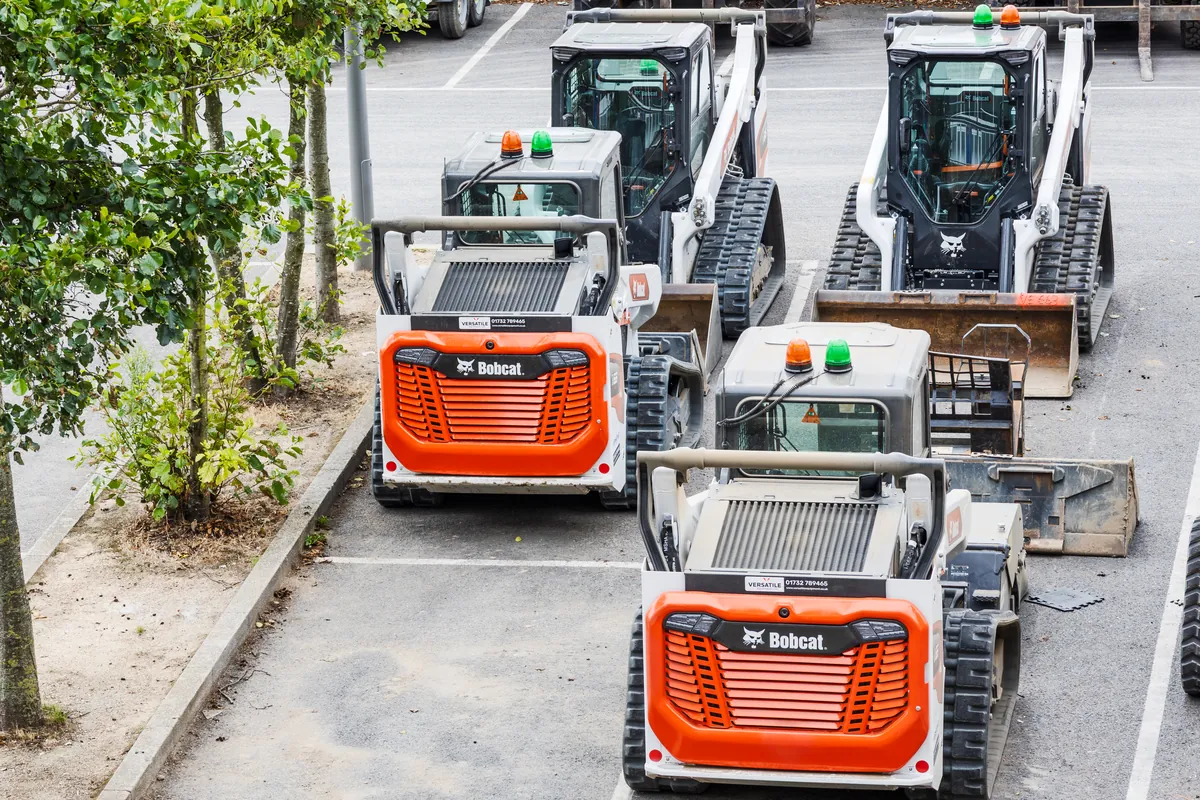

Get automated price list management, rich parts catalog data, and a modern cloud DMS that gives your Bobcat dealership capabilities the manufacturer's own tools don't offer
Flyntlok loads Bobcat's pricing and substitution files automatically into the Item Genome at no extra cost. Set your markup rules, exclude specific parts, choose your units of measure — and receive a detailed email report every time pricing changes.
Flyntlok has curated images for Bobcat's 1,000 most common parts, along with model-level equipment photos and descriptions — filling in the gaps that Bobcat's own dealer tools leave behind.
Using data across our Bobcat dealer network, Flyntlok is developing shared insights on parts usage by model, substitution patterns, and alternate part definitions to support smarter inventory decisions dealership-wide.
Bobcat currently doesn't offer APIs for automated purchase orders, warranty information, or PIP data. That leaves most dealers stuck with manual processes that waste time and create errors. Flyntlok was built to solve exactly this — using your pricing data, parts catalog, and customer history to run a more efficient operation.
.svg)
Automatic pricing file updates with change reports sent to your inbox
Full control over markups, exclusions, and units of measure without losing sync
Curated parts and model data to reduce lookup time across your team


"Why build a weaker version of something that already exists? We wanted best-in-class accounting, not a DMS bolt-on."

"With Flyntlok, the data flows freely... That means better service, smarter diagnostics, and more trust."
"They’ve been incredibly responsive. Any time we’ve needed a change or had a question, they’ve jumped in."
"Why build a weaker version of something that already exists? We wanted best-in-class accounting, not a DMS bolt-on."
"With Flyntlok, the data flows freely... That means better service, smarter diagnostics, and more trust."
"They’ve been incredibly responsive. Any time we’ve needed a change or had a question, they’ve jumped in."
"Why build a weaker version of something that already exists? We wanted best-in-class accounting, not a DMS bolt-on."
"With Flyntlok, the data flows freely... That means better service, smarter diagnostics, and more trust."
"They’ve been incredibly responsive. Any time we’ve needed a change or had a question, they’ve jumped in."
It's two separate connections. Bobcat's Online Parts Counter (OPC) reads your stock live from Flyntlok and can send picklists into Flyntlok, where they become sales orders or parts orders. The Parts Trading Network gets a nightly inventory file from Flyntlok, so you can buy and sell parts with other Bobcat dealers. Bobcat parts PO submission and telematics are on the roadmap.
Bobcat's portal asks Flyntlok for your stock every time a part's page loads. Customers and counter staff see current availability, not numbers from a periodic export.
It comes straight into Flyntlok and shows up on the Bobcat OPC Pick Lists page. From there, it becomes a sales order or parts order, with nothing retyped by hand.
Flyntlok emails Bobcat your inventory file every night. That puts your parts in front of other Bobcat dealers on Bobcat's trading network, with no manual export to remember.
Flyntlok loads Bobcat's pricing and substitution files into the Item Genome automatically, at no extra cost. You control markups, exclusions, and units of measure, and you get an email report when pricing changes. Flyntlok also has images for Bobcat's 1,000 most common parts, plus model-level photos and descriptions.
Not yet. Bobcat parts PO submission and Bobcat telematics are on the Flyntlok roadmap. If you need telematics today, Flyntlok connects to Samsara and Motive.



