NEW!
Meet Flyntlok at Equip Expo 2026:
For dealers in Australia and New Zealand, Xero is the accounting system your accountant already knows. Key business data syncs automatically between your DMS and Xero, so your team stops doing double entry and starts doing actual work.












Key business data flows automatically between Flyntlok and Xero, including customers, invoices, bills, and payments, with no manual exports, imports, or duplicate entries.
Sales, parts, service, rental, and purchasing activity posts to Xero automatically, including vendor bills, so your books stay current and month-end isn't a scramble.
Xero is the accounting standard for small and mid-size businesses in Australia and New Zealand. Your accountant already works in it, and your Flyntlok transactions land there ready for GST reporting.
For most equipment dealers in Australia and New Zealand, Xero is the right accounting platform. Flyntlok's integration keeps it that way. Your finance team doesn't change how they work, they just stop doing manual data entry.

Invoices, bills, and payments post to Xero automatically. No exports, no retyping.
Your accountant and bookkeeper already know Xero. No retraining on the accounting side.
Xero's bank feeds keep reconciliation moving, and Flyntlok transactions are there to match
GST work happens in Xero: BAS lodgment in Australia, GST returns in New Zealand, the way your accountant already does it
Access to Xero's app marketplace for payroll, expenses, reporting, and more
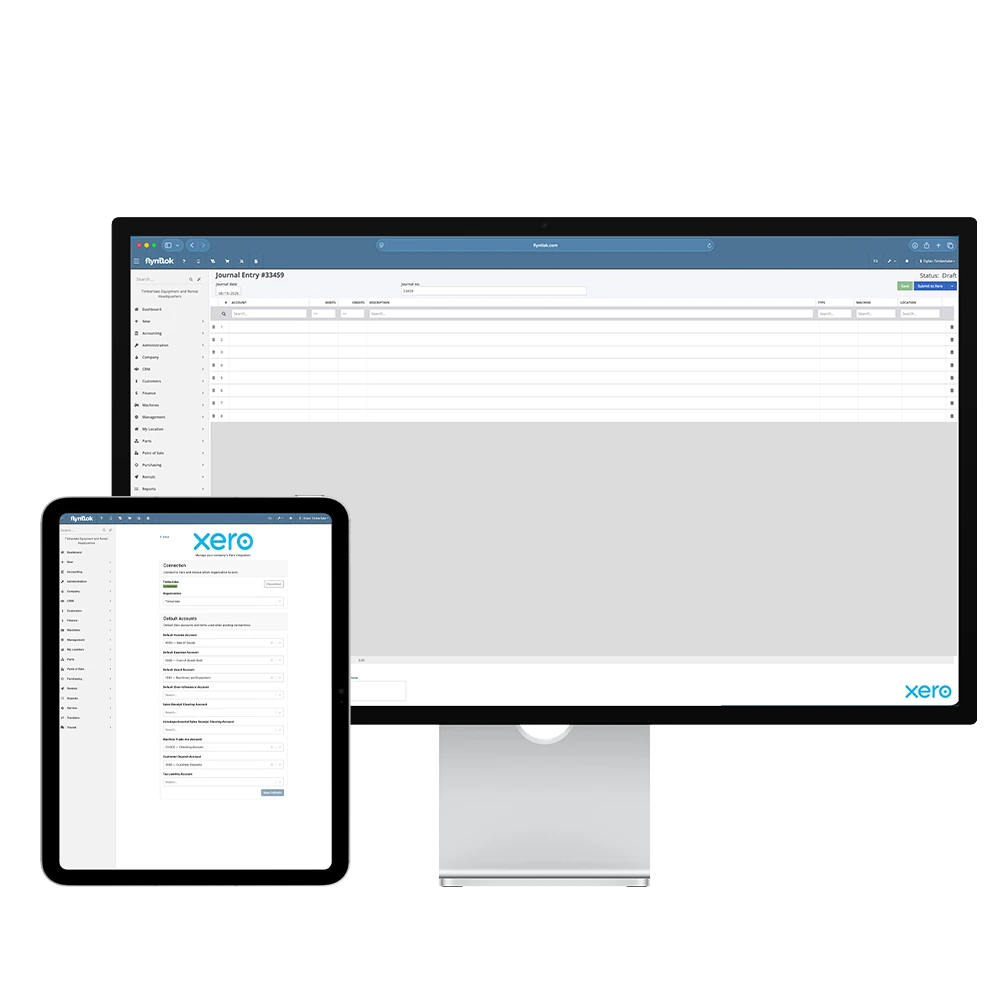
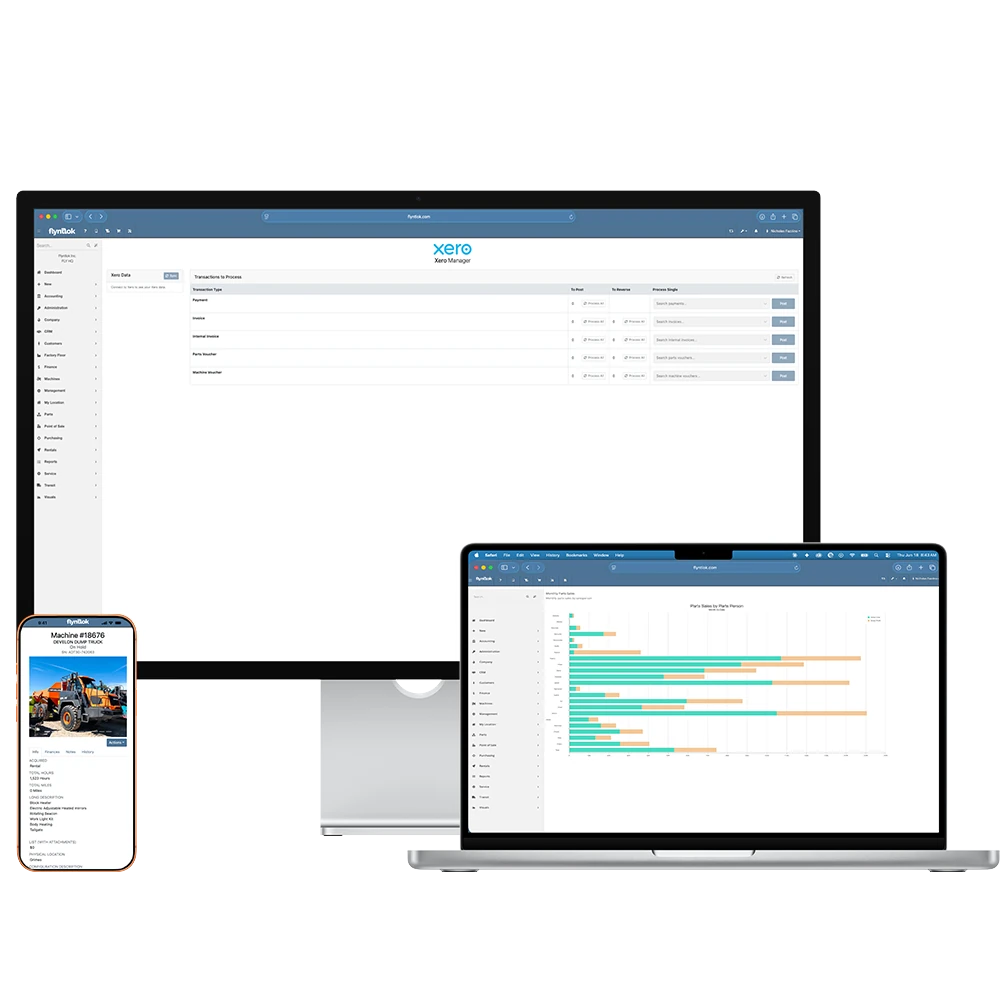
Xero powers small and mid-size businesses across Australia and New Zealand, backed by a deep accountant network and a broad app marketplace. Flyntlok's integration gives you the dealership-specific power of a purpose-built DMS alongside that accounting depth, without managing two disconnected systems.
Automatic sync eliminates duplicate entry across every transaction type, from customer invoices to vendor bills
Your books stay in the system your accountant already works in
Flyntlok's team connects and verifies the sync with you
Yes. Flyntlok and Xero share an automatic data sync. Key business records including customers, invoices, bills, and payments move between the two systems without manual exports or imports.
Sales, parts, service, rental, and purchasing activity, including customer invoices, vendor bills, and payments. Each transaction creates the corresponding entry in Xero, so there is no second round of data entry.
Yes. Xero is the accounting standard for small and mid-size businesses in AU and NZ, and Flyntlok's Xero integration is built for dealers in those markets.
Your Flyntlok transactions land in Xero, where GST reporting happens the way your accountant already works: BAS lodgment for Australian dealers, GST returns for New Zealand dealers.
Most integrations are configured during onboarding. Our team works directly with your dealership to make sure the connection is set up and data is syncing properly.




