NEW!
Meet Flyntlok at Equip Expo 2026:
Ring up parts and machines on one screen, and take cards, ACH, or a Text-2-Pay link through Gravity Payments. Shopify and Aurora Parts orders land in the same POS, and the counter sees stock at every store before the customer walks away.
Running dealerships across four countries






A walk-in at the counter, a call from a jobsite, a webstore order overnight, a machine deal on the lot. When each one runs through a different screen, someone retypes it and someone waits. In Flyntlok, every sale runs through one POS, on the same live stock and customer records.
One day at a dealership running on Flyntlok
Follow one dealership's sales from the first walk-in to the last delivery.
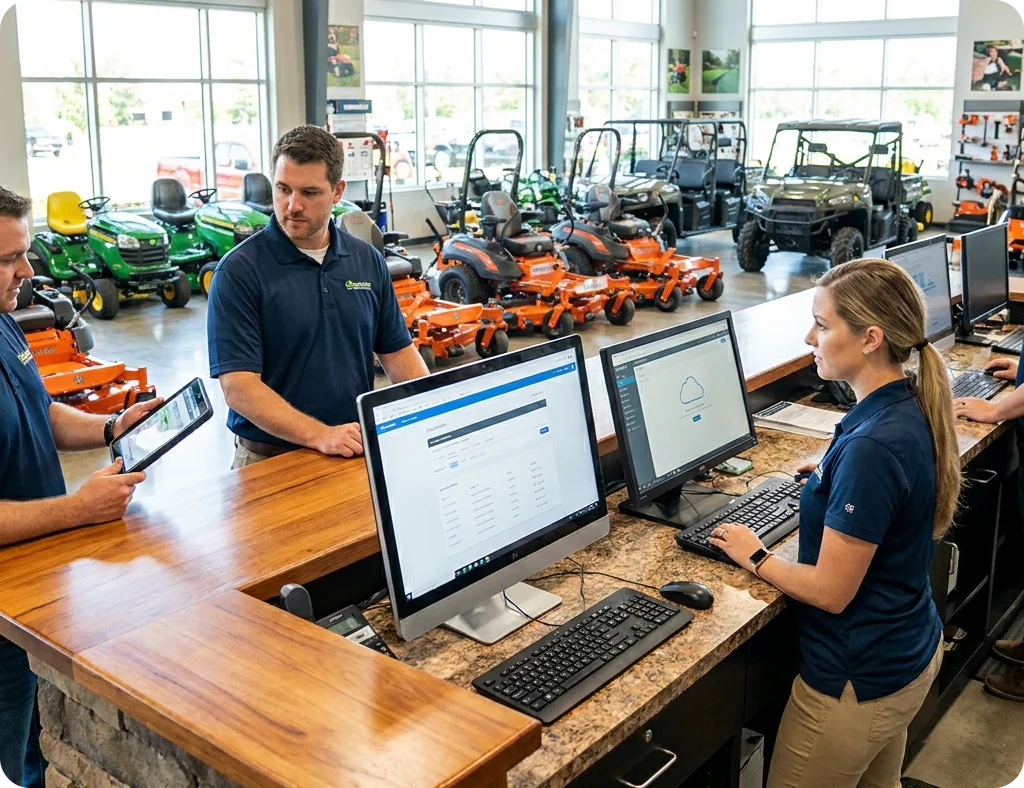
“Flyntlok is the least friction point that we deal with.”
Bob Jennings, Owner, RJ's Outdoor Power, on bringing on new hires

7:30 am at the parts counter
Five contractors are in line before the coffee's done, and every one of them is in a hurry.
Flyntlok's POS was built for a busy parts counter. Scan parts like a grocery checkout, keep your hands on the keyboard, and see supersessions, alternates, and stock at your other stores without leaving the sale.
Scan Mode checkout
Scan a part and it's on the Sales Order, like a grocery checkout. Serial numbers scan at checkout too.
Hotkeys, not mouse clicks
Hotkeys and tab flows keep counter staff on the keyboard, from search to payment.
Supersessions and alternates
Search shows what replaced an old number and lists the alternates, so the right part goes out the first time.
Stock at every store
A flag on the quantity shows when another store has more, and you can start a transfer from the sale.
The customer's usual parts
One click adds the parts this customer buys most, without a search.
Price and margin on every line
Customer discounts apply on their own, margin shows in dollars and percent, and a Loss flag appears if a line sells below cost.

8:20 am on the phone
A contractor needs his order run before his driver picks it up, and he can't come in to pay.
Flyntlok takes payments through Gravity Payments, right on the Sales Order. Customers tap or swipe at the counter, use a saved card, pay by ACH, or pay from a Text-2-Pay link on their phone. The payment lands on the sale, so nobody types the amount twice.
2021
Text-2-Pay at the Flyntlok counter since October 2021
1 step
To take the payment and process the Sales Order
Text-2-Pay launch from the October 20, 2021 release notes. One-step pay and process from the September 3, 2026 release notes.
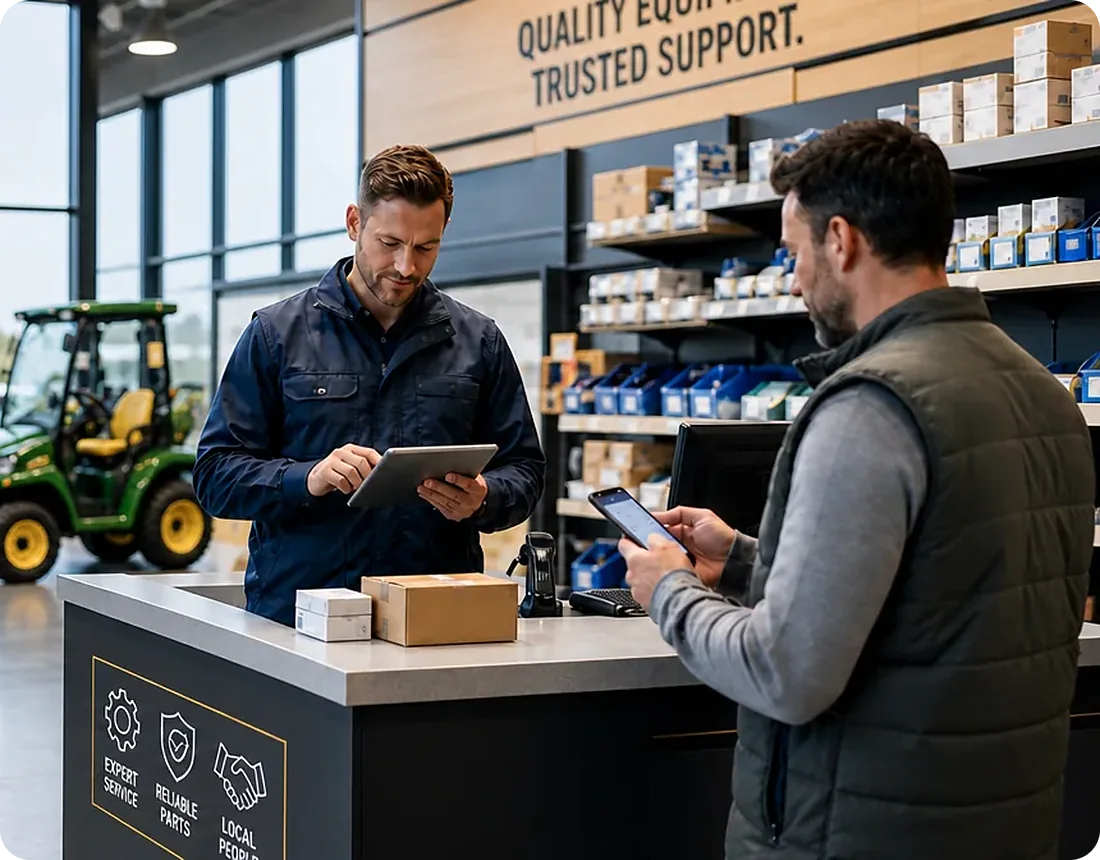
Text-2-Pay, step by step
How a pay-by-text sale works
Built for phone orders, field service, and deliveries.
01
Scan or search the parts, and the price, tax, and any card fee are figured on the Sales Order.
02
Card reader, saved card, ACH, Text-2-Pay, cash, check, or charge to the account.
03
The payment and the card signature stay with the Sales Order, and paying can process it in one step.
04
Card payments and deposits are approved on the Z Detail report, then post to your accounting system.
2021
Text-2-Pay sends the bill by text
2023
Card readers with signatures on the device
2024
Saved-card permissions, and pay and process by text
2025
IBS pays you at the time of sale
2026
ACH payments and a Waive Card Fee permission
“Having inventory and pricing automatically updated because my people are already doing that work in Flyntlok is what I wanted.”
Paul Sullivan, Owner, Alan's Lawn & Garden Center
9:45 am in the front office
Three webstore orders came in overnight, and one of them has to ship today.
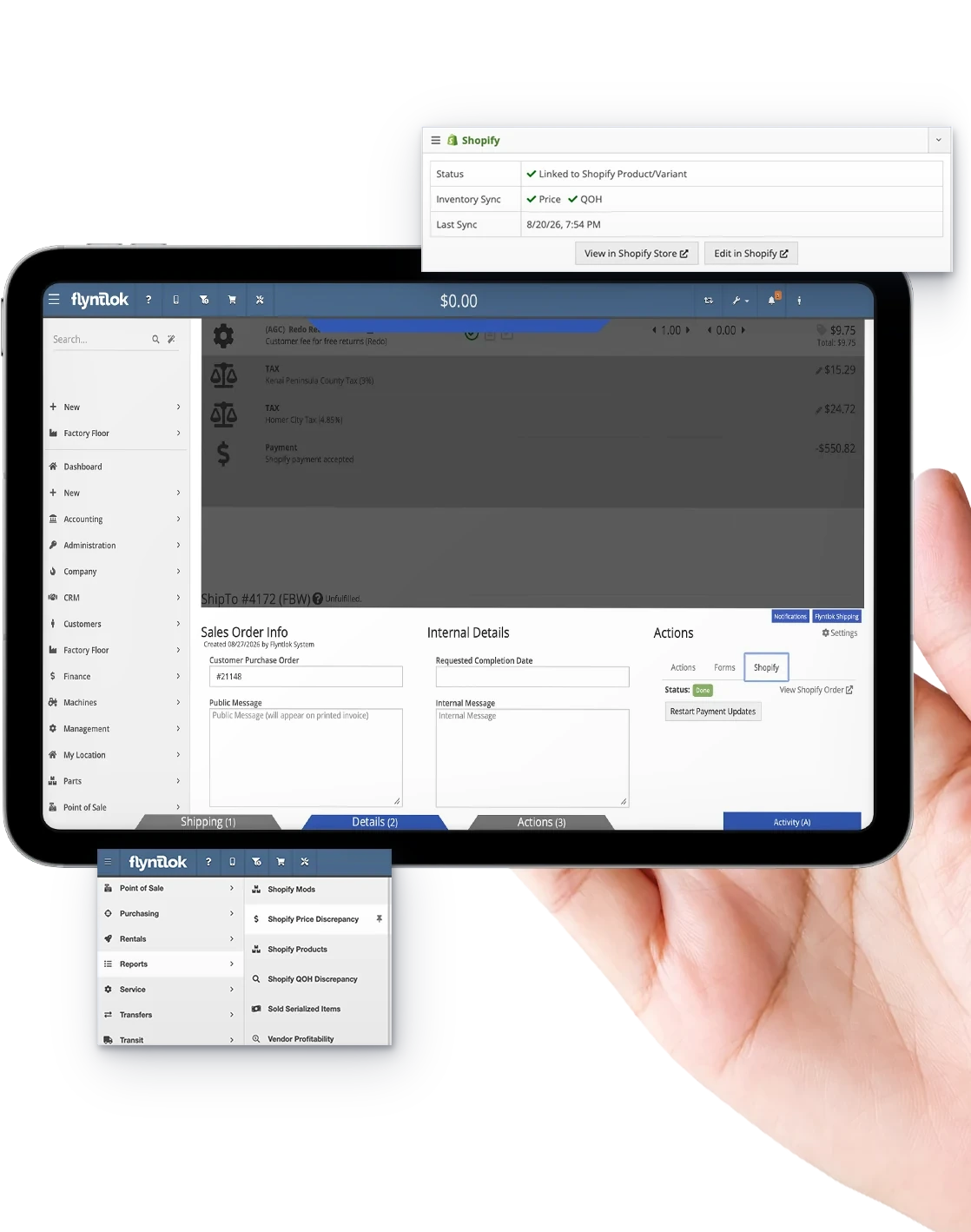
Shopify orders land in the Flyntlok POS ready to fill, and Aurora Parts marketplace orders import on their own. Price, weight, and stock sync to your Shopify store from Flyntlok, so you don't keep a second catalog or sell a part that already went out the door.
Shopify orders land in the POS
Online orders come in with the customer's details attached, ready to pick, ship, and close.
Price, weight, and stock sync
Flyntlok sends price, weight, and quantity on hand to Shopify on its own.
Sell machines online
List models and individual serialized machines, and the listing updates when the machine sells.
Shipping syncs back
Tracking goes back to Shopify, and orders update to Pickup or Delivered.
Aurora Parts orders, imported
Marketplace orders come into Flyntlok at regular intervals, so nobody retypes them.
Sparks for account customers
Customers order parts and check on their orders in the Sparks portal, and Sparks orders come in like any other sale.
“The speed at which you get what you're looking for, or are able to get the answer, is greatly improved in all aspects.”
Cody Savell, Director of Operations, TraxPlus, on getting answers faster

11:15 am on the sales lot
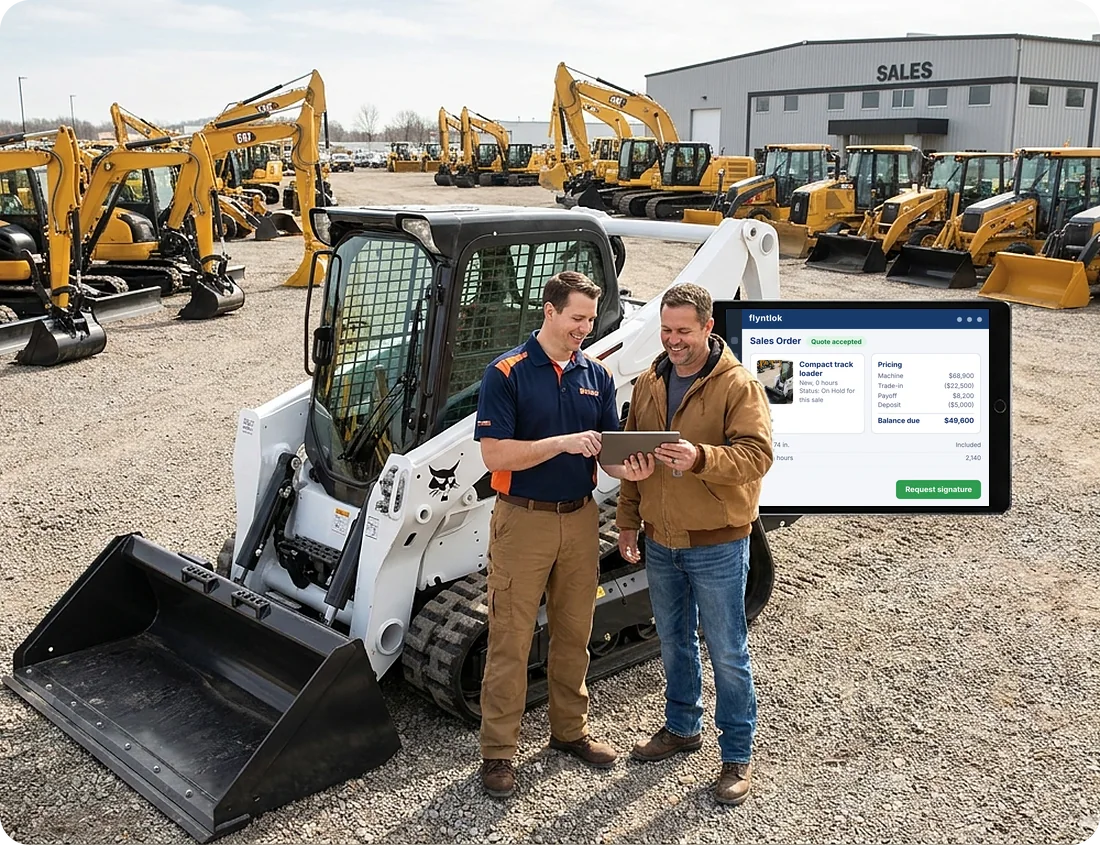
A customer wants the track loader on the lot, with his old one as a trade. He wants a number today.
Machines sell on the same Sales Order as parts. Quote one model or several, take the trade with its payoff, request the signature, and put the machine on hold so it can't be sold twice.
Quotes that become the sale
Quote one model or several, then swap the model for the real machine when the customer says yes.
Trade-ins with payoffs
Add the trade on the Sales Order, link it to the machine you sold them before, and enter the payoff.
Signatures by email
Send a signature request from the POS, and capture card signatures on the reader.
No machine sold twice
A warning shows when a machine is on another sale, and you can put sold machines On Hold for 7 days in one step.
Margin when you need it
Salespeople with permission see the margin right on the Sell Machines window.
Registrations and state forms
Send STIHL and Toro registrations with the sale's details filled in, and fill state forms like Utah's TC-466 from the Sales Order.

“You do it once in Flyntlok, and then it goes straight into QuickBooks. There's no need to redo the work twice.”
Nic Thamert, Lead Accounting Specialist, Flyntlok Unlocked Ep.5

1:30 pm at the front counter
A contractor wants to charge a big order to his account. Is he over his limit?
The counter sees the customer's balance, limit, and any hold at the moment of sale, so a charge doesn't fail halfway through. Every invoice, payment, and credit then posts to QuickBooks Online or Sage Intacct as its own document.
Balance on the payment screen
The customer's balance sits at the top of the payment window, and the invoice flashes a warning when they're over their limit.
Account Holds
Stop charge-to-account without shutting off the customer, with the reason shown at the counter.
Deposits, Available or Reserved
See which deposit money is free to use and which is held for a Work Order.
One payment, several orders
Take a single payment that covers several of a customer's Sales Orders.
Paid now with IBS
With Interstate Billing Service (IBS), you get paid at the time of sale while IBS collects on the customer's terms.
Posting you can check
The QuickBooks Online Manager shows what posted for every document, with links back to the sale.

3:00 pm at the receiving dock
The shipment came in short, and two customers are waiting on special orders.
Special orders don't get lost between the counter and the dock. Flyntlok tracks them from the sale to the shelf, fills customer orders before stock, and lets the customer know when everything is in.
Order any line for the customer, or drop ship it straight from your vendor with the Purchase Order made for you.
Mark an order urgent and it moves to the top of the outstanding queue, ahead of older orders.
Smart Receive fills special orders and part requests ahead of stock lines, so a short shipment shorts your shelf, not your customer.
The customer can get one text or email once every part on the order has arrived.
Smart Receive
11,000+
Vendor invoices received by AI
More than $11.5M in inventory received as of July 2026, with special orders filled first.
See Flyntlok AI for dealers

5:15 pm in the yard
The track loader sold this morning, and it has to be on the customer's jobsite by 7 am.
Moves schedules machine pickups, deliveries, and transfers between stores in the same system you sell from. Drivers see their trips on a phone, and the paperwork goes with the machine.
Pickups, deliveries, and transfers
Schedule every machine move in one place, from customer deliveries to store-to-store transfers.
Truckload Scheduler
Group moves onto one truck, and Flyntlok flags the truckload when an address changes.
My Trips for drivers
Drivers see their trips and notes on a phone, wherever they are.
Photos at pickup and drop-off
Drivers add photos when the machine is picked up and when it's delivered.
Bill of lading, printed or emailed
Print the bill of lading, or email the move document in one click.
Moves made for you
A pickup or delivery scheduled on a Work Order creates the move on its own.
Every release Flyntlok has published since January 29, 2025 improved the counter, payments, online orders, deliveries, or customer accounts. Here are the last nine, straight from the release notes.
Jun 25
Marketplace orders import on their own, and Out-the-Door Pricing now includes shipping.
Jul 9
Text delivery status shows on the Sales Order, and a tag icon marks discounted lines.
Jul 23
The invoice shows who created the Sales Order, and thermal receipts show part numbers.
Aug 6
Decide who can waive the card fee, and add your own footer to thermal receipts.
Aug 20
Edit moves, put several machines on one move, and catch truckloads when an address changes.
Sep 3
Applying a payment can process the Sales Order, and reserved deposits get a warning.
Sep 17
Stop charge-to-account without shutting off the customer, with the reason shown at the counter.
Oct 1
Packing Slip mode stocks parts before the invoice shows up, and only sellable parts appear on a sale.
Oct 15
See what posted for every document, and find bin locations right in Item Search.
Every update reaches every Flyntlok dealer at no extra cost. See every release note.
Most DMS vendors can ring up a part. These five questions show whether the POS saves your counter time, or just records the sale.
If payments run through a separate terminal or portal, someone keys the amount twice and matches it up later.
On the Sales Order. Applying the payment can process the order in the same step.
A second order screen means retyped orders and parts sold online that already left the shelf.
Yes. Shopify and Aurora Parts orders land in Flyntlok, and price, weight, and stock sync to Shopify on their own.
If shelf stock fills first, the customer who ordered and paid waits.
Your customers. Smart Receive fills special orders and part requests ahead of stock lines.
Deliveries planned on a whiteboard get missed, doubled up, or sent out without paperwork.
Yes. Moves schedules pickups, deliveries, and transfers, with a phone view for drivers.
A counter that changes once a year can't keep up with how your customers buy and pay.
Every release. The last 34 in a row improved the POS, each with public release notes.
Comparing systems? The DMS Buyer's Guide Checklist covers the rest.
Get the buyer's checklist→Every dealer gets the same POS, payments, and online orders, plus the OEM connections and pricing for the brands you carry.

Import AGCO parts orders onto a Sales Order, and keep John Deere and Kubota pricing current at the counter.
Explore Agriculture
→
Turn a Bobcat OPC pick list into a draft Sales Order, and sell machines with trade-ins on the same screen.
Explore Construction
→
Scan Mode for busy counters, Shopify orders in the same POS, and STIHL and Toro registrations from the sale.
Explore OPE
→
Check PACCAR fleet card pricing on the sale, and bring in Aurora Parts marketplace orders.
Explore Heavy Truck
→
Charge accounts with limits and holds, and machine deliveries scheduled in Moves.
Explore Material Handling
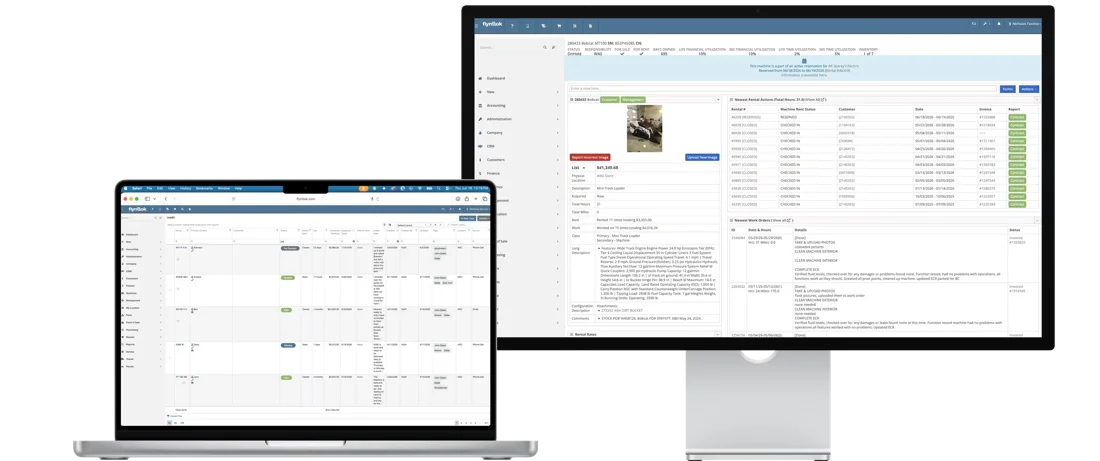
→Counter sales, service work, and online orders run through the same POS and the same customer record, so nothing gets retyped between departments.

Parts & Inventory
Search once to see what's on hand at every location, and keep 400+ brands priced right without loading a file.
See parts & inventory
→
Service Management
Techs clock in, request parts, and check out from a phone, and AI writes up the repair.
See service management
→
Rental Management
Send rental contracts to sign by text, and bulk check-ins keep dates and billing in sync.
See rental management
→
CRM
Calls, texts, tasks, and machines on one customer record, at the desk or on the road.
See CRM
→See how dealers sell across locations and online with Flyntlok, then run your own numbers.

White's Tractor ran parts and service, rental, and sales on three systems that didn't talk to each other. Now one parts lookup shows quantities, bin locations, sales history, and availability at all four Bobcat stores, and a daily courier gets parts to customers faster.
“Flyntlok gives us visibility into our parts departments across all four locations, so our daily courier can get parts into customers' hands, and into our shops, faster.”
Stephanie Smith, Owner, White's Tractor
4
Bobcat stores on one system
3 to 1
Systems replaced by one platform
Daily
Courier runs guided by live stock

RJ's Outdoor Power
STIHL and Toro dealer RJ's grew from a $400 service truck. Owner Bob Jennings says new hires are up and running in Flyntlok in about a week.
Read the RJ's story
→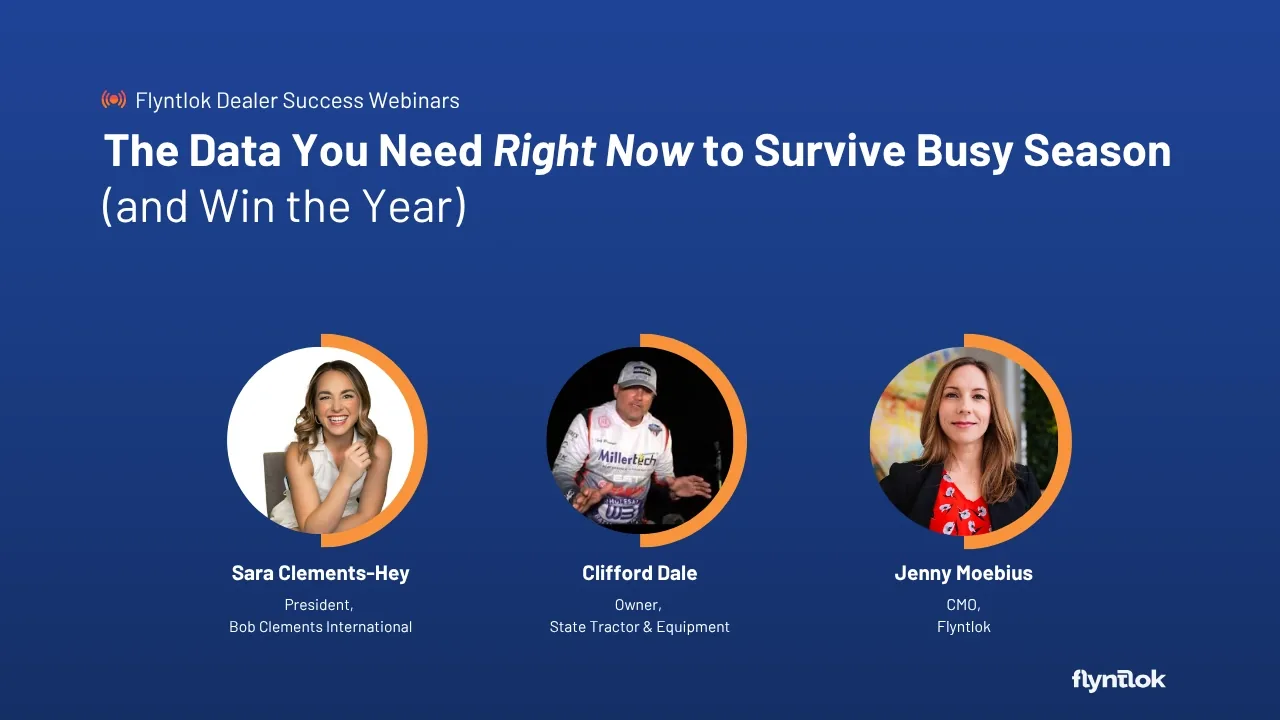
Webinar
With Sara Clements-Hey and Clifford Dale
The customer data to capture at every sale, and three questions that unlock upsell and repeat business.
Listen
→
Unlocked Ep.1
With Brandon Weaver, Customer Success Lead
How AI receiving keeps counter stock accurate, so in stock at the POS really means in stock.
Listen
→
Unlocked Ep.5
With Nic Thamert, Lead Accounting Specialist
Watch a parts sale charged to an account flow into QuickBooks, entered once in Flyntlok.
Listen
→Buyer tool
Run your dealership's numbers and see what Flyntlok could give back.
Run your numbers
→Article
How multi-location dealers share stock, transfer parts, and keep pricing consistent at every counter.
Read
→Article
How Avalara AvaTax checks sales tax rates across more than 13,000 U.S. jurisdictions.
Read
→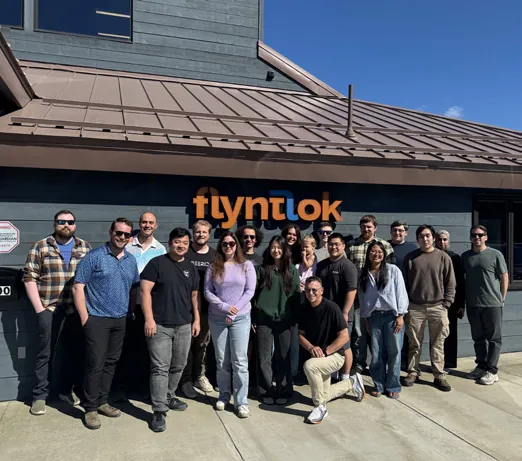
Flyntlok was designed inside Craig Taylor Equipment, an Alaska dealership, so the POS grew up at a real parts counter. When founder Sean McLaughlin was covering for an employee over Christmas, his wife Laura, who had never worked at the dealership, completed a sale on Flyntlok without any training.
Former dealer
Founded by one, built for the counter
Every 2 weeks
New product updates
8/8 support
Response in 8 minutes, solved in 8 hours
Book time with our team. We'll ring up a sale in Flyntlok, take a payment through Gravity, bring in a Shopify order, and show you how it all posts to your books.
A walkthrough built around your brands and your counter
Scan Mode, Text-2-Pay, and a Shopify order, start to finish
Implementation and migration at no cost, plus plain answers on switching
Straight answers on payments, online orders, special orders, taxes, and deliveries.
Yes. The point of sale is part of Flyntlok, not an add-on. Sales Orders, quotes, and payments run on the same customer, stock, and accounting records the rest of your dealership uses.
Through Gravity Payments, customers can tap, chip, or swipe a card at the counter, use a saved card, pay by ACH, or pay from a Text-2-Pay link on their phone. You can also take cash or a check, or charge the sale to the customer's account.
Text-2-Pay texts the customer a link to pay their bill by card from their phone. The payment lands on the Sales Order, and it can process the order in the same step. Flyntlok dealers have used it since 2021.
Yes. Shopify orders come into the Flyntlok POS ready to fill, and price, weight, and stock sync to your Shopify store on their own. You can list parts, models, and individual machines, and tracking and Pickup or Delivered status sync back to Shopify.
Yes. Item search flags parts on hand at your other stores, and you can start a transfer from the Sales Order. On-order quantities leave out parts already committed to another Sales Order.
Order any line for the customer, or drop ship it straight from your vendor. Special Order Priority moves urgent orders to the top of the queue, Smart Receive fills customer orders before shelf stock, and the customer can get one text or email once everything has arrived.
Yes. Machines and models sell on the same Sales Order as parts. Quote one model or several, take trade-ins with payoffs, send signature requests by email, and put sold machines On Hold so no one else sells them.
Invoices, payments, and credits post to QuickBooks Online or Sage Intacct as their own documents. Card payments and deposits are approved on the Z Detail report first, and the QuickBooks Online Manager shows the result for every document, with links back to the sale.
Tax rules follow the customer, the store location, the ship-to address, and the product type. Dealers who want more can connect Avalara AvaTax to calculate tax on each sale.
Yes. Moves schedules machine pickups, deliveries, and transfers between stores. The Truckload Scheduler groups moves onto one truck, drivers see their trips on a phone and add photos at pickup and drop-off, and the bill of lading prints or emails in one click.




