NEW!
Meet Flyntlok at Equip Expo 2026:
July 3, 2026
A DMS runs the dealership's daily operations: inventory, deals, service, parts, rentals, and accounting. A CRM runs the relationship side: leads, follow-up, and customer communication. The deciding factor in any dms vs crm decision is where your current bottleneck actually sits, in operations or in follow-up, because that answer points you toward which system to prioritize first. Most equipment dealerships end up needing both, whether as two connected tools or one platform that does both jobs.
That framing matters more than a dictionary-style definition, because the confusion dealer principals run into isn't really about what the acronyms stand for. It's about where one system's job ends and the other's begins, and what happens when nobody has answered that question clearly. A dealership replacing a legacy DMS, absorbing a new location after an acquisition, or cleaning up years of tribal knowledge in spreadsheets needs a working answer to "which system owns this data and this workflow," not just a glossary entry. The rest of this guide works through that distinction using real dealership scenarios, a side-by-side comparison, and the buying questions that competitor content on this topic tends to skip.
Here's a short worked example to make the distinction concrete before we go further. Say a customer calls an outdoor power equipment dealership asking about a used zero-turn mower and mentions they also need a Stihl chainsaw serviced. In a CRM-first workflow, that inbound call creates a lead: the rep logs the inquiry, notes both the mower interest and the service need, and sets a follow-up reminder. In Flyntlok's CRM Hub, a call like this can auto-create a lead directly from an unknown inbound caller through VOIP integration, pre-populating the phone number so nothing gets lost between the ring and the note (Flyntlok CRM features). The moment that lead turns into a real transaction, the mower needs to be checked against actual inventory, a sales order or work order needs to be created, and eventually the deal needs to hit the books. That's where the DMS side takes over: reserving the unit, generating the paperwork, opening a work order for the chainsaw, and syncing the resulting invoice to accounting. The constraint that makes this workflow succeed or fail isn't which system is "better," it's whether the lead data and the transaction data actually talk to each other without someone re-typing the customer's name a second time.
The short version: a DMS is built to run the business, and a CRM is built to run the relationship. One source describes a DMS as handling "inventory tracking, parts ordering, service billing, financial compliance, and reporting," while a CRM "ensures that every lead is captured and every prospect is followed up with" (LinkedIn, Do Dealerships Need Both a DMS and a CRM?). That split holds up across automotive and equipment dealerships alike, even though the specific workflows look different once you're managing rental fleets, multi-brand parts catalogs, or OEM warranty claims instead of car deals.
Where dealers get tripped up is assuming this is a clean either/or choice. It isn't. Plenty of dealer management systems today include CRM-style features, and plenty of CRMs try to bolt on inventory or service modules. The practical question isn't "which category does this tool belong to," it's "does this tool actually do the job I need it to do, and does it talk to the other systems in my dealership." That's the lens to keep through the rest of this comparison.
A DMS is the operational backbone: the system of record for inventory, deals, service work orders, parts, rentals, financing paperwork, and the accounting entries that come out of all of it. For an equipment dealer, that means tracking thousands of SKUs across multiple brands (Stihl chains, Husqvarna blades, John Deere belts, ECHO trimmer heads, and similar lines), keeping pricing and substitution data current, and making sure a part sold in the morning is reflected in inventory by the afternoon (Flyntlok, AI for Equipment Dealers). Running an outdoor power equipment dealership isn't like running a heavy equipment or automotive shop: spring brings a rush where homeowners and landscape contractors all need service, parts, and new units at once, and the DMS is what keeps that surge from turning into chaos (Flyntlok, Equipment Dealer Accounting Software).
The accounting layer is a good example of why DMS ownership matters. Flyntlok's DMS integrates with QuickBooks Online and Sage Intacct to give real-time visibility across sales, service, parts, and rentals, so a transaction posted on the shop floor doesn't sit in limbo before it reaches the books (Flyntlok, Equipment Dealer Accounting Software). That's a transactional, compliance-adjacent job. It belongs in the DMS because the DMS is the system built to hold the deal, the invoice, and the audit trail together in one place.
A CRM's job is capturing every lead, logging every interaction, and making sure follow-up doesn't depend on one salesperson's memory. That includes lead intake from calls, texts, and web forms, pipeline visibility for managers, appointment reminders, and marketing follow-up after a sale or service visit. Flyntlok's CRM Hub, for instance, organizes leads into categorized views like "My Leads," "New & Open," "Unassigned," and "All Leads," and logs every call, note, status change, and quote to a full interaction timeline tied to the customer record (Flyntlok, Equipment Dealer CRM Software).
It's worth naming a bounded overlap here: some DMS platforms, including Flyntlok's, build CRM functionality directly into the same system rather than requiring a separate license. In Flyntlok's case, CRM is bundled into every DMS subscription with no separate per-user fee and no standalone integration project, because it draws on the same customer, inventory, and service data already inside the platform (Flyntlok, Equipment Dealer CRM Software). That's different from running a dedicated CRM like Salesforce or HubSpot next to a separate DMS, where the two systems have to be connected after the fact. Neither approach is automatically correct for every dealership; the right fit depends on how much of your lead-to-sale workflow you want living in one place versus stitched together across vendors.
Reading two long definitions back to back doesn't answer the question dealers actually have, which is "who owns what, and where does data live." The table below lays out the practical split by purpose, users, authoritative data, workflows, integration needs, and risk if the system is missing. Treat it as a starting checklist for a vendor conversation, not a universal ranking of one category over the other.
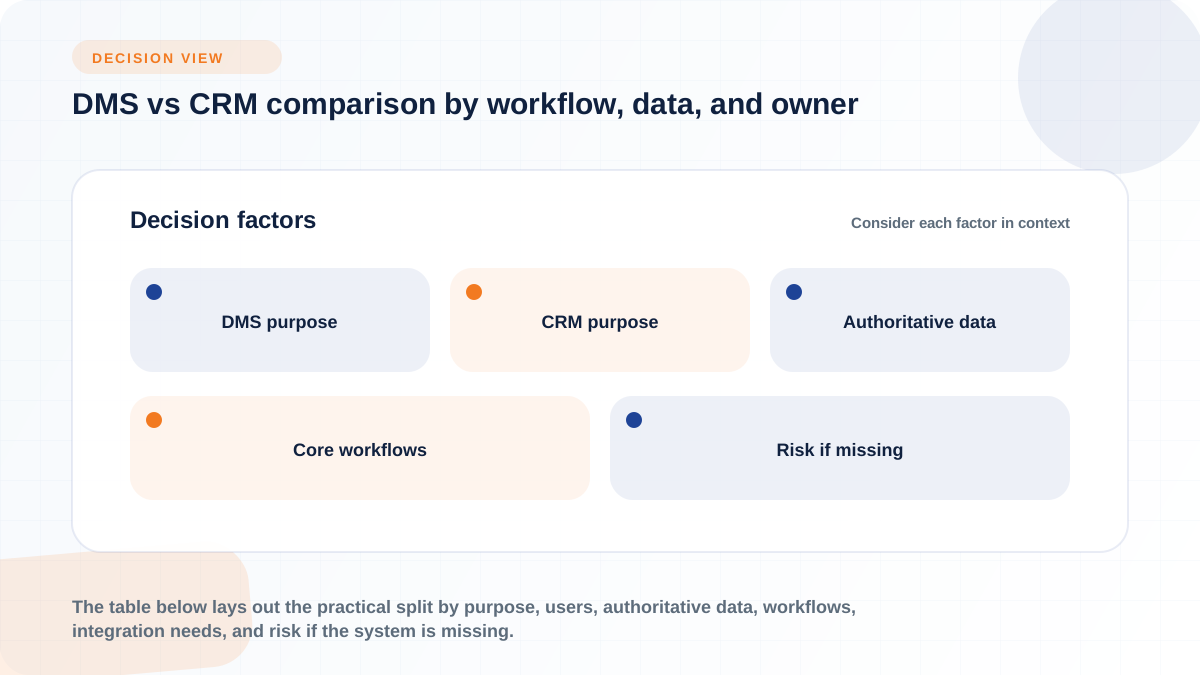
DimensionDMSCRMPrimary purposeRuns day-to-day operations: inventory, deals, service, parts, rentals, accountingManages relationships: leads, follow-up, communication, pipeline visibilityPrimary usersService managers, parts staff, accounting, F&I, inventory managersSales reps, BDC/internet sales, service advisors doing outreachAuthoritative dataInventory status, deal status, work orders, invoices, service historyLead source, communication history, pipeline stage, follow-up tasksCore workflowsDeal structuring, work order intake, parts ordering, accounting syncLead capture, call/text logging, appointment reminders, marketing follow-upIntegration needsOEM parts catalogs, accounting platforms, payment processingWebsite lead forms, VOIP/SMS, marketing tools, sometimes the DMS itselfRisk if missing or disconnectedManual re-entry, stale inventory, reconciliation errors, compliance gapsLost leads, missed follow-up, no pipeline visibility, inconsistent attributionBest-fit scenarioOperations are the bottleneck: paperwork, inventory, or service backlogFollow-up is the bottleneck: leads go cold, no visibility into rep activity
The takeaway from this table isn't that one column wins. It's that a dealership missing either column has a specific, predictable failure mode, which is the frame the rest of this article builds on.
The cleanest way to see the DMS vs CRM distinction is by role, because different departments genuinely spend their day inside different systems. A sales rep chasing a lead and a parts counter person fulfilling a Bobcat order are doing fundamentally different work, even though both actions might eventually touch the same customer record.
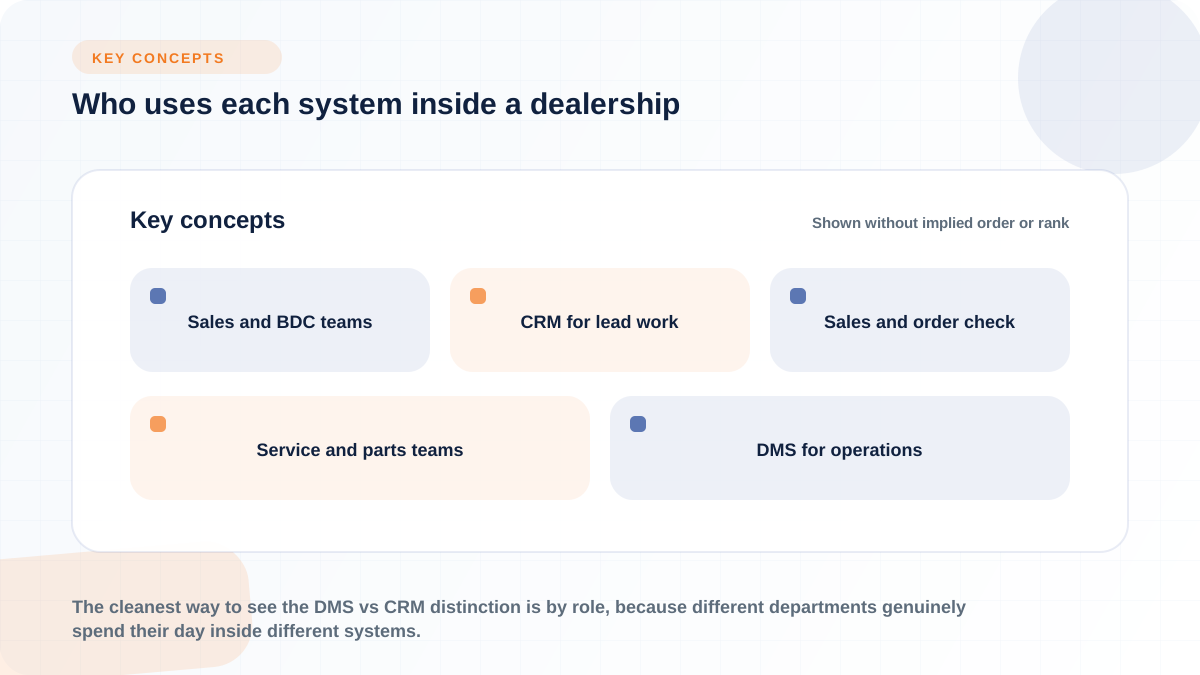
Sales and BDC staff live in the CRM for most of the day: logging calls, texting prospects, and moving leads through pipeline stages. Flyntlok's CRM Hub gives sales managers pipeline visibility filtered by category or equipment type, viewable from any device, so a manager can see where every open lead sits without pulling a rep off the floor to ask (Flyntlok, Equipment Dealer CRM Software). The moment a lead becomes a real opportunity, that changes. Once a rep needs to check whether a specific unit is actually in stock, build a quote against real pricing, or generate a sales order, the workflow crosses into DMS territory, because that's where the authoritative inventory and pricing data live. A tool that lets a rep create a sales order or work order directly from a lead's record, without re-entering customer or equipment data, closes that gap instead of forcing a second data entry step (Flyntlok, Equipment Dealer CRM Software).
Operational departments spend most of their time inside the DMS, because that's where work orders, parts availability, rental schedules, and invoicing actually live. A service manager needs technician productivity and work order status from intake to completion, not a lead pipeline view (Flyntlok, Dealership Management Software Features). Parts staff need effortless tracking, ordering, and inventory visibility across locations, since a dealer managing multiple brands and locations can't afford to guess whether a part is on the shelf at the other rooftop (Flyntlok, Dealership Management Software Features).
That doesn't mean CRM visibility is irrelevant to these teams. Service history feeding into a customer's record supports retention outreach and reminders, and a service advisor logging a conversation about an upcoming repair benefits from the same interaction timeline a sales rep would use. The department's day-to-day tool is the DMS, but the customer lifecycle view that ties service, sales, and parts together still runs through CRM-style data, whether that data lives in a separate CRM or inside a DMS's built-in CRM module.
Abstract definitions rarely settle a real argument between departments about who owns a piece of data. Walking through actual workflows does. The three scenarios below cover the handoffs that come up most often in equipment dealerships specifically.
A lead typically starts in the CRM: an inquiry comes in by phone, text, or a website widget, gets logged, and gets assigned to a rep or team. Flyntlok's Sparks portal, for example, is a customer-facing self-service tool included with every subscription that lets customers order parts, request service, or check rental availability without a rep touching the initial request (Flyntlok, Equipment Dealer CRM Software). Once that inquiry moves toward an actual transaction, the workflow shifts into DMS territory: checking real inventory, building a quote against current pricing, structuring financing, and generating the paperwork that becomes a deal. The handoff point is the moment a conversation turns into a transaction, and the systems that make this smooth are the ones where a sales order can be created directly from the lead record instead of retyped into a second screen.
Repeat business depends on service and repair history flowing back into customer communication, not sitting isolated in a work order log. A dealer who knows a customer's mower was serviced eight months ago has a concrete reason to reach out about a seasonal tune-up; a dealer whose service records never leave the DMS has no way to trigger that outreach automatically. Flyntlok's approach ties purchase history, equipment ownership, and service history into a single 360-degree customer view inside the CRM Hub, so a follow-up campaign or a re-engagement recommendation has actual service data behind it rather than a generic reminder (Flyntlok, Equipment Dealer CRM Software). Whether that view lives inside a DMS's own CRM module or gets synced from a DMS into a separate CRM, the underlying requirement is the same: service history has to be visible to whoever is doing the outreach.
Multi-location equipment dealers face a specific version of this problem: a part or rental unit sitting at one location is invisible to staff at another unless the DMS actively synchronizes inventory across the group. Flyntlok's integration with Bobcat, for example, automatically loads pricing and substitution files into its parts catalog at no extra cost, letting a dealer set markup rules and receive detailed reporting rather than manually reconciling OEM price sheets (Flyntlok, Bobcat Dealer Management Software). The platform also connects to John Deere, Stihl, Volvo CE, Hitachi, AGCO, PACCAR/Peterbilt, and Develon/Doosan for parts catalog and ordering data, which matters for equipment dealers running mixed-brand inventories across locations (Flyntlok, Dealer Software Integrations). None of that is a CRM function. It's core DMS territory, and it's the reason operations-heavy dealers often feel the DMS gap before they feel the CRM gap: a missing part or a rental unit nobody can locate creates an immediate, visible problem on the shop floor.
There's no universal answer to whether a dealership needs a DMS first, a CRM first, or both at once. The honest answer depends on where the pain is actually showing up today, which is why the sections below are framed as conditions rather than a ranked recommendation.
If inventory counts don't match reality, paperwork is backed up, service scheduling is chaotic, or accounting reconciliation eats hours every week, that's an operations problem, and a DMS priority is the more defensible call. One industry source frames this plainly: if you're "struggling with compliance, accounting errors, or operational inefficiencies," prioritize the DMS upgrade (Demand Local, DMS vs CRM: 5 Differences). For an equipment dealer specifically, this usually shows up as parts stockouts across locations, technicians sitting idle because work orders aren't flowing cleanly, or a founder discovering that the system running the dealership "hasn't evolved to support" the complexity of multiple locations, mobile service, and rentals (Flyntlok, home page).
If leads go cold, follow-up depends on one person's memory, or managers have no visibility into what sales reps are actually doing with inbound interest, that's a relationship problem, and CRM investment addresses it more directly. The same source notes that when a dealership is "losing leads, have poor follow-up, or lack customer insights," CRM is the place to start, and adds that CRM implementations often show positive returns within 12 to 18 months (Demand Local, DMS vs CRM: 5 Differences). That estimate comes from one industry source and should be treated as a general planning reference rather than a guarantee, since actual timelines depend on dealership size, adoption, and how much manual follow-up the CRM is replacing.
Most equipment dealerships eventually land here, not because it's the "correct" answer by default, but because operations and follow-up problems tend to surface together once a dealership grows past a single location or a single generation of ownership. The warning sign is duplicated entry: a customer's name typed once in the CRM and again in the DMS, a lead source that doesn't match the deal record, or a manager who can't get one clean report because sales data and service data live in systems that don't talk. Without integration, one source notes plainly, "information becomes scattered" (LinkedIn, Do Dealerships Need Both a DMS and a CRM?). At that point, the choice isn't DMS versus CRM anymore, it's whether to integrate two separate systems carefully or move to a platform where CRM and DMS share the same data model from the start.
Integration gets talked about as a feature bullet point far more often than it gets talked about as an ongoing operational responsibility. That's a mistake, because the risks below don't show up during a demo. They show up three months after go-live, when the first data conflict happens.
Before connecting a DMS and a CRM, a dealership needs a clear answer to a simple question: which system is the source of truth for each field? Customer name, phone, and email might be updated most often by whoever is on the phone, which could be either system depending on the call. Consent flags for texting or emailing a customer need one clear owner, since a mismatch can mean a customer gets contacted after opting out. Unit or inventory status, deal status, and service history are more naturally DMS-owned, since they're tied to transactions and compliance, while communication notes and lead source attribution are more naturally CRM-owned. Writing this ownership map down before integration, rather than assuming it will sort itself out, is the single most useful step a dealership can take to avoid the next problem.
When ownership isn't defined, the failure mode is predictable: duplicate customer records, mismatched IDs between systems, and staff manually re-entering the same information twice because neither system trusts the other's version. A rep who has to check both the CRM and the DMS to confirm whether a customer already has an open work order is doing reconciliation work that should have been automatic. Multiply that across every lead, every deal, and every service ticket, and the labor cost is real even though it never shows up as a line item on an invoice. This is the practical argument for either investing seriously in integration governance between separate systems or choosing a platform where CRM data and DMS data share the same customer and equipment records natively, since a shared record structure removes the reconciliation step by design rather than requiring a sync process to get it right every time.
Pricing conversations around DMS vs CRM tend to get reduced to a single number, which is misleading because the categories of cost are different and the right comparison depends heavily on dealer size and current tooling. As a general reference point, one industry estimate puts average DMS costs around $6,300 a month, while CRM platforms are estimated at $100 to $500 per user, with the same source citing an average CRM return of $30.48 for every dollar spent (Demand Local, DMS vs CRM: 5 Differences). Those figures come from one source and one methodology, so treat them as a rough planning anchor rather than a quote, since actual pricing depends on dealer size, module selection, and vendor.
Beyond the license fee, the categories worth evaluating in any vendor conversation include implementation and setup time, data migration from a legacy system, the number and complexity of integrations (OEM parts feeds, accounting sync, payment processing), training time per role, ongoing support responsiveness, and the adoption risk of asking staff to change how they've worked for years. A dealership evaluating whether to add a standalone CRM alongside an existing DMS should also weigh whether that creates duplicate functionality it's already paying for elsewhere. One vendor viewpoint on this: dealers running a separate CRM like Salesforce or HubSpot next to their DMS are often "paying for duplicate functionality" and fighting integration and adoption problems that a CRM built into the same platform as the DMS avoids by pulling quotes directly from live inventory and existing service history (Flyntlok, Equipment Dealer CRM Software). That's a real tradeoff worth putting on the table, though the right answer still depends on how well your current systems, whatever they are, are already talking to each other.
Buyers evaluating DMS vs CRM options tend to repeat a small set of avoidable mistakes. Naming them upfront is more useful than a generic warning to "do your research."
Each of these mistakes traces back to the same root cause: treating DMS and CRM selection as a feature checklist exercise instead of a workflow and data-ownership decision.
DMS is genuinely an overloaded acronym, and it's worth clearing up before a vendor conversation goes sideways. A Dealer Management System runs dealership operations: inventory, sales, and service scheduling. A Document Management System is a different category entirely, a digital filing system that captures, stores, and secures paperwork like contracts, service records, and vendor agreements across any industry, not just dealerships (Dokmee, Automotive DMS: Document Management System vs Dealer Management System). If a vendor pitch is using "DMS" to mean document storage rather than dealership operations, that's a different tool solving a narrower problem, and it's worth asking directly which one is on the table.
A handful of other terms show up in adjacent conversations and are worth naming briefly. A Customer Data Platform (CDP) centralizes and unifies customer data across systems for analytics purposes, which is a different job from either transactional DMS records or relationship-focused CRM activity. An ERP handles broader back-office functions like general ledger and HR that may extend beyond dealership-specific operations. Desking tools focus narrowly on deal structuring and financing math, a subset of what a full DMS handles. Marketing automation platforms focus on campaign execution and email or SMS sequences, which can overlap with CRM follow-up features but usually lack the pipeline and lead-assignment structure a dedicated CRM provides. None of these need to be a dealership's main focus in a dms vs crm evaluation, but knowing the boundary keeps a vendor conversation from drifting into an unrelated software category.
A vendor demo is designed to show a product at its best, which is exactly why a structured list of questions matters more than a general impression. The questions below are grouped by the areas this guide has covered, and they're meant to be asked out loud in a vendor call, not just checked against a spec sheet.
Getting straight answers to these questions in a first vendor call says more about fit than any feature list, because it forces the vendor to describe how their system actually behaves under the conditions your dealership will create.
DMS and CRM solve different dealership problems: one runs operations, the other runs relationships, and neither is a full substitute for the other. The right starting point depends on where your dealership's current bottleneck actually sits, whether that's inventory and paperwork chaos on the operations side or cold leads and missed follow-up on the relationship side. For dealerships where both problems are showing up at once, often the case after an acquisition, a location expansion, or years on a legacy system, the more important question shifts from "DMS or CRM" to "how well does data move between the two." Evaluate workflow fit and data ownership before vendor preference, and the DMS vs CRM decision becomes a lot more concrete than a definitions debate.