WATCH HERE:
Our Equip Expo AI Session is Now On-Demand!
There’s a newer version of this video. This one stays up for reference, and it no longer shows on product pages or in the library.
Watch the newest versionDescribe the customers you want. AI builds the list and writes the text.
Brandon Weaver, Flyntlok's Customer Success Lead, builds a service campaign with Smart Campaigns. A plain-English search finds Bobcat owners with no service in three months, AI writes the text, and an AI review catches a mistake before it sends.

Plays right here. No form to fill out.
This clip comes from Flyntlok Unlocked, Ep. 6, which aired in August 2026. Host Jenny Moebius talks with Brandon Weaver, Flyntlok's Customer Success Lead, who works with dealerships at every level, from owners and managers to service technicians.
Brandon builds a service campaign in the Flyntlok demo environment: a plain-English audience search, an AI-written text with a summer service offer, a phone preview, an attached graphic and an AI review before anything goes out.


Every update below shipped after this video was recorded. Each one links to its release notes.
Brandon Weaver built a Smart Campaign from a plain-English search to an AI-reviewed text.
A New Lead button in the SMS Inbox opens a lead already filled in with the phone number, contact and customer.
Hand a customer conversation to a salesperson, who gets a notification when the customer replies.
Flyntlok ships a release every two weeks. See every release note
Jenny opens with a problem close to her as a head of marketing. Your dealership already knows who bought a machine, whose warranty is close to expiring, who hasn't been back for service, what equipment customers own and which models they're interested in. That information sits in customer records, work orders, spreadsheets or a salesperson's memory, so turning it into outreach is slow, manual or doesn't happen at all.
Brandon calls Smart Campaigns a way to use your own data to get customers in the door. It finds the exact customer list you're looking for, then helps write a personalized message to that list. Campaigns can be as specific as you want, across service, parts, rentals and trade-ins.
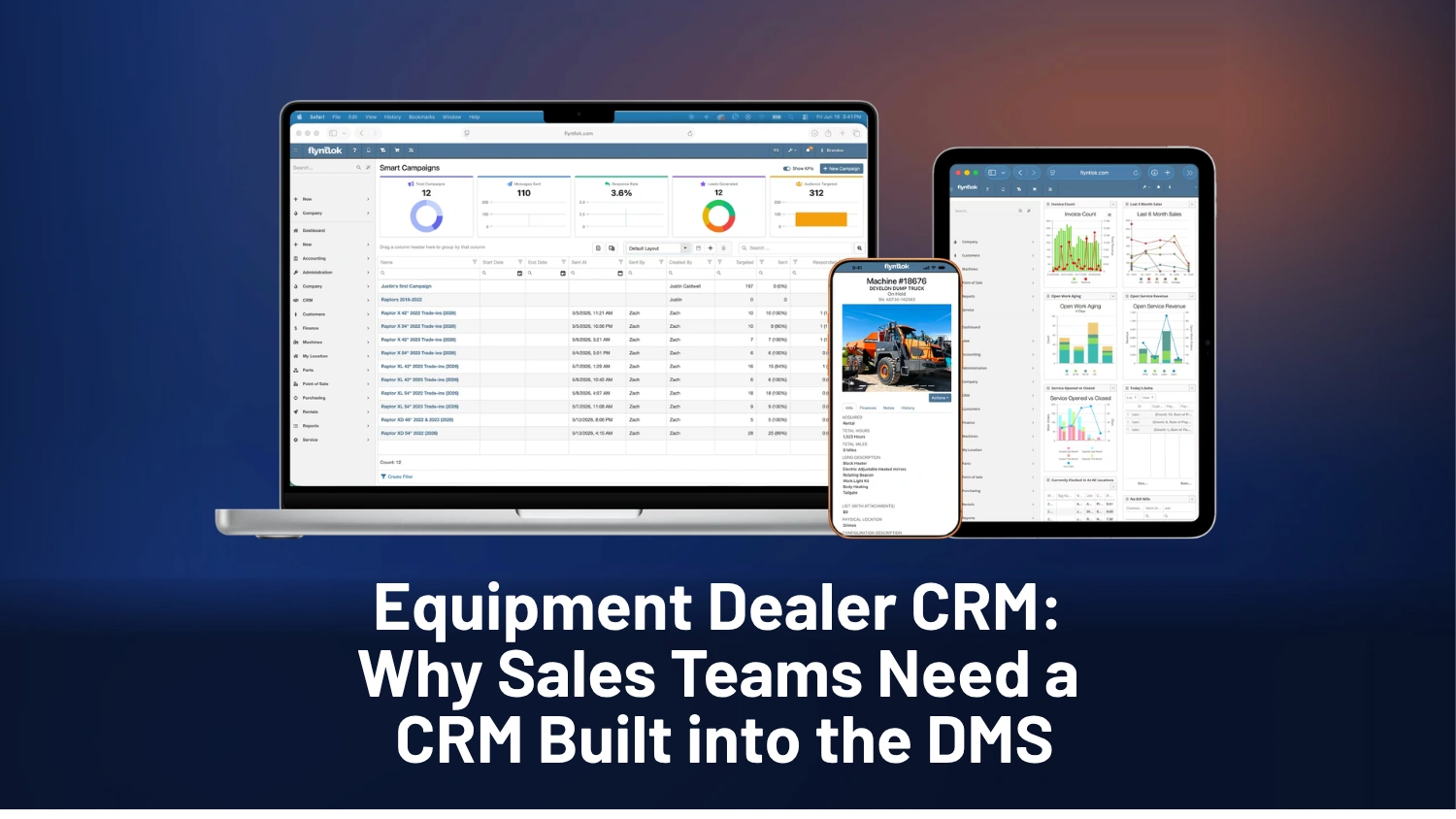
Smart Campaigns (beta) sits under the CRM menu. In the demo environment, the dashboard showed 141 campaigns run and over 400 messages sent, plus response rate, leads generated, a rating for each lead and audience targeted. Below that is every campaign with its date, sender and status.
Under target customers, the new AI search button lets you describe the audience in plain English, the way you'd describe it to a coworker. Brandon asks for customers who own a machine but haven't been in for service in three months. Smart Campaigns spells that out as customers who own at least one machine with no service completed in the last three months, adds the date, and returns 24 customers with phone numbers and the machine model each owns. Brandon adds Bobcat owners, searches again, and only Bobcat owners with no recent service remain.
On the campaign message step you can reuse saved templates, like a campaign that worked last year, or generate a new one with AI. Brandon types an offer of 10% off service for that exact machine this summer, about eight words. AI writes the full text with fields for the customer's first name, the sender's Flyntlok login and the machine model, and names the template Summer Service Discount. The phone preview shows the text for a Bobcat E40 excavator, and Brandon attaches a summer special graphic.
The preview listed E40 twice, which doesn't look professional. The AI review runs through each message that's about to go out, catches grammar mistakes and duplicate model names, and suggests a correction you can accept or edit. You can also send yourself a test message, which matters when a campaign goes to 100 customers.
Smart Campaigns uses the sales, parts and service history already in Flyntlok to find the right customers for your next campaign.

An AI tool in Flyntlok's CRM. It builds a customer list from a plain-English request, then writes a personalized text for that list from a short prompt.
Yes. In the demo, Brandon Weaver asked for customers who own a machine but have had no service in the last three months, then narrowed the list to Bobcat owners.
Yes. An AI review runs through each message, flags issues like grammar mistakes or a model name listed twice, and suggests a fix you can accept or edit. You can also text yourself a test.