WATCH HERE:
Our Equip Expo AI Session is Now On-Demand!
Give every customer promise an owner and a next step
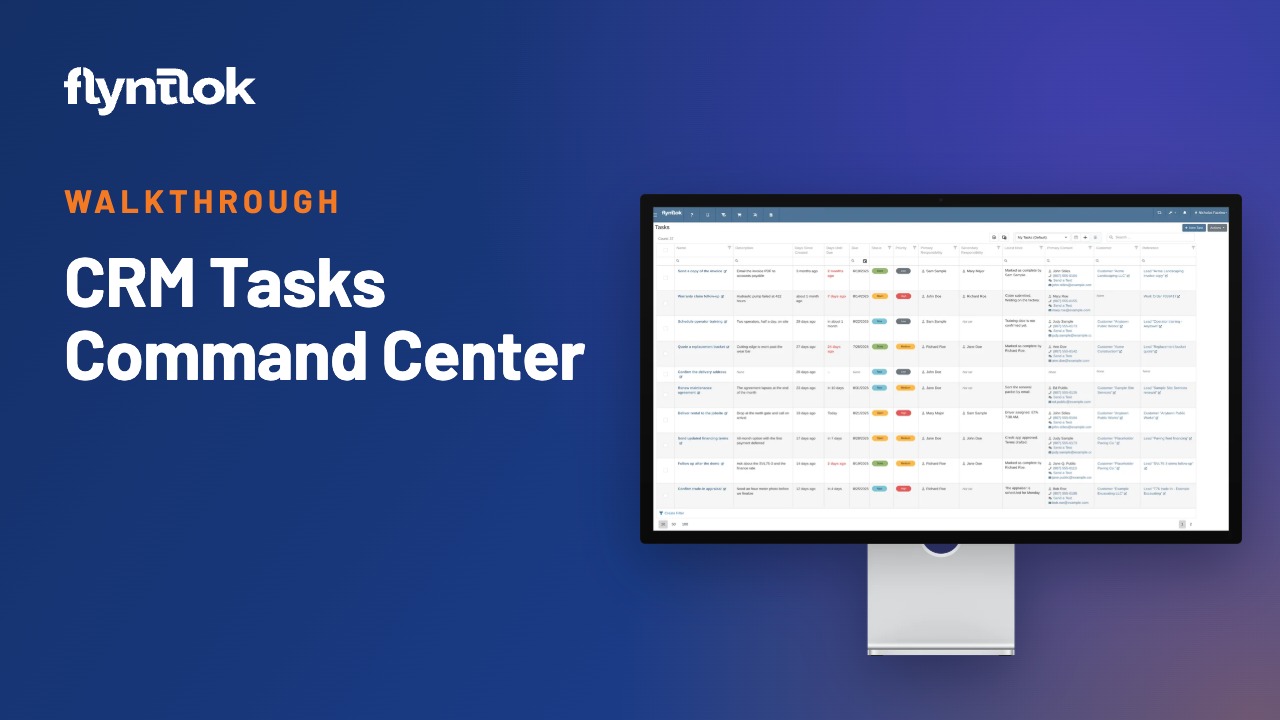
Jenny Moebius sits down with Flyntlok engineers Michael Sharp and Ula Lapkus to walk through the revamped CRM Tasks: a task list built around each salesperson, a task page with the full customer story, click-to-call, texting and a quick path from follow-up to lead.
Hosted by Jenny Moebius
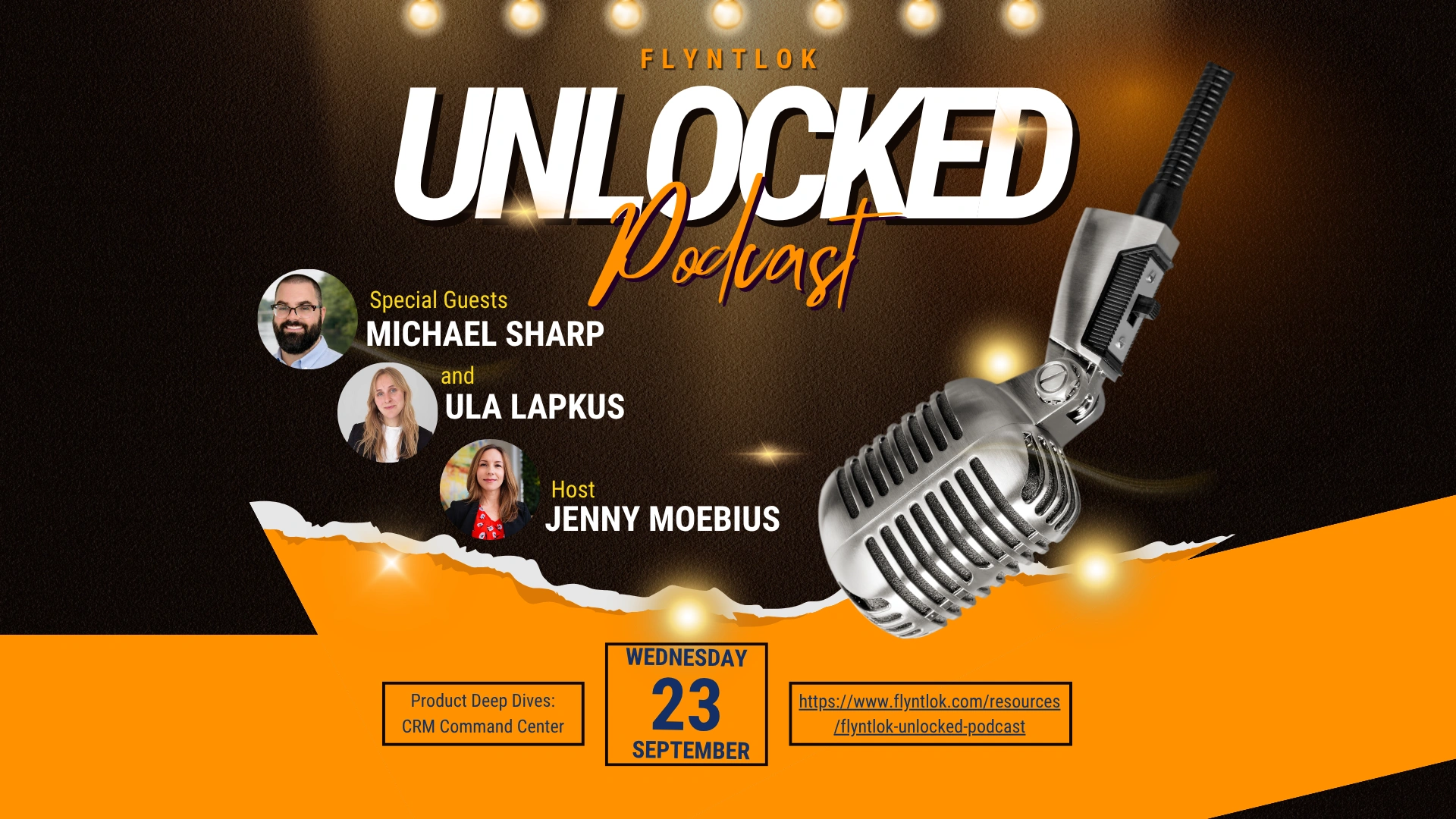
Plays right here. Free, with no form to fill out.
Every dealership makes promises all day: I’ll call you back, I’ll send you a quote, let me check on that machine. Multiply them across every salesperson, department and location, and hundreds of follow-ups compete for attention.
Ula Lapkus demos the revamped CRM Tasks, and Michael Sharp explains why the team calls it the Customer Relationship Command Center. Because it’s built into the DMS, every follow-up sits next to the machines, orders and history your team already works from.
Jenny Moebius hosts every episode of Flyntlok Unlocked.

The value isn’t the task. The value is what happens because somebody followed through on that task.
Jenny Moebius, host of Flyntlok Unlocked
Every equipment dealership makes promises all day long. On their own, none of them sounds complicated. Multiplied across every salesperson, department, location and customer, they become hundreds of follow-ups competing for attention, scattered across sticky notes, notebooks, phones and inboxes.
Ula hears it from dealers all the time: follow-ups on paper, on phones, in notebooks or in someone’s head, and one office covered in sticky notes. That works when a dealership is small. Add people and locations, and quotes go unanswered and opportunities go cold. Michael puts the cost plainly: lost revenue and a worse customer experience.
The new experience starts with two areas: a Task List that shows everything needing attention, and a redesigned Task Details page that brings the context and actions for each follow-up into one workspace. The list tells you what needs attention. The details page tells you why, and gives you the tools to act.
The Task List shows each task’s name, description, due date, status, priority and primary contact. Sort, filter, add or remove columns and save the layout that fits you. A salesperson asks what to do today. A manager asks which tasks across the team are overdue.
A task can start as simple as Call Jane back. Add a description, due date, priority, assignee, customer, contact, machine, make and model or related lead when it helps. Pick the customer and Flyntlok pulls up their contacts. Once the task has a due date, the follow-up chases the salesperson instead of the other way around.
The Task Details page shows the due date, status, priority, primary and secondary assignees, customers and contacts, machines, sales orders, work orders, leads, activity history, conversations and files. A secondary assignee stays in the loop if the salesperson is out, so the story doesn’t leave with one employee.
At an equipment dealership the equipment is part of the relationship. Because CRM Tasks live inside Flyntlok, a follow-up connects to the machine a customer owns, the quote they received and the work done on their equipment. A separate tool only knows a name and a list of activities.
Click-to-Call from the contact on a task opens the activity with the details already filled in. Texts sit in the task’s Conversations tab, with quick responses for common replies. Less jumping between tabs, less retyping and fewer did-you-put-that-in-the-CRM moments.
Every update, activity and conversation stays with the task. When a conversation from the start of the year matters again months later, the history is there, and managers can see whether calls are being made and quotes are moving.
Sometimes the task really is just Call John about his mower. If John says he’s ready to look at a replacement, promote the task into a lead with the details already filled in, then archive the task or keep working it. Conversation, follow-up, opportunity, sale.
Fewer opportunities go cold, less time goes to hunting for information, managers see the pipeline, and customers get a consistent experience. As Michael points out, customers who know a dealership is proactive and reliable are more likely to come back.
Ula’s hope: no more logging the call after the call, jumping between tabs, retyping what the system already knows or digging for customer history. A minute here and a few seconds there add up to more time with customers.
Michael is most excited about texting. Conversations that used to live in different parts of Flyntlok now sit right inside the customer workflow, easier to find and easier to keep going.
Relationships drive this industry, and they’re built on small things: remembering the callback, following up on the quote, knowing which machine the customer asked about. CRM Tasks put those promises in one place, connected to the customer and equipment already in the DMS.
Every change below comes from the Flyntlok release notes, which come out about every two weeks.
Update up to 20 Tasks or Leads at once instead of opening them one by one.
Hand a customer conversation to a salesperson, who gets a notification when the customer replies.
A closed beta of the new Flyntlok Mobile app for five users, with Sales and CRM first.
Want every change? See all release notes
CRM Tasks are built into Flyntlok, so every follow-up sits next to the machines, orders and service history your team already works from.

It’s what the Flyntlok team calls the revamped CRM Tasks: a Task List you can sort, filter and save your own way, and a Task Details page that puts the customer, contacts, machines, orders, conversations and history behind each follow-up in one place.
No. It’s built into Flyntlok, so tasks link to the machines, sales orders, work orders and leads already in your DMS.
Yes. Promote a task into a lead with its details filled in, then archive the task or keep working it.
Previous and next episodes
All episodes (the page script picks previous, next and related episodes from this list)