WATCH HERE:
Our Equip Expo AI Session is Now On-Demand!
There’s a newer version of this video. This one stays up for reference, and it no longer shows on product pages or in the library.
Watch the newest versionBring customers back with maintenance plans. Bill every hour you pay for.
Alex Clementi, Flyntlok’s Senior Pre-Sales Consultant, shows how prepaid maintenance plans bring customers back, then opens the Service Dashboard to track productivity, efficiency and recovery live across five locations.
Plays right here. No form to fill out.
This clip comes from Flyntlok Unlocked, Ep. 3, which aired in June 2026. Host Jenny Moebius talks with Alex Clementi, Flyntlok’s Senior Pre-Sales Consultant, who spent a decade working with service departments, including as a solutions engineer at Decisiv.
Alex covers two questions every service manager asks. How do you get customers back once the machine leaves the lot? Prepaid maintenance plans. And how do you know the hours you pay techs for are getting billed? The Service Dashboard, with productivity, efficiency and recovery for every location, live.


Every update below shipped after this video was recorded. Each one links to its release notes.
Alex Clementi walked through four ways Flyntlok grows service revenue.
Hours and miles entered on a work order can now update the machine record, so service history and machine dashboards stay in sync.
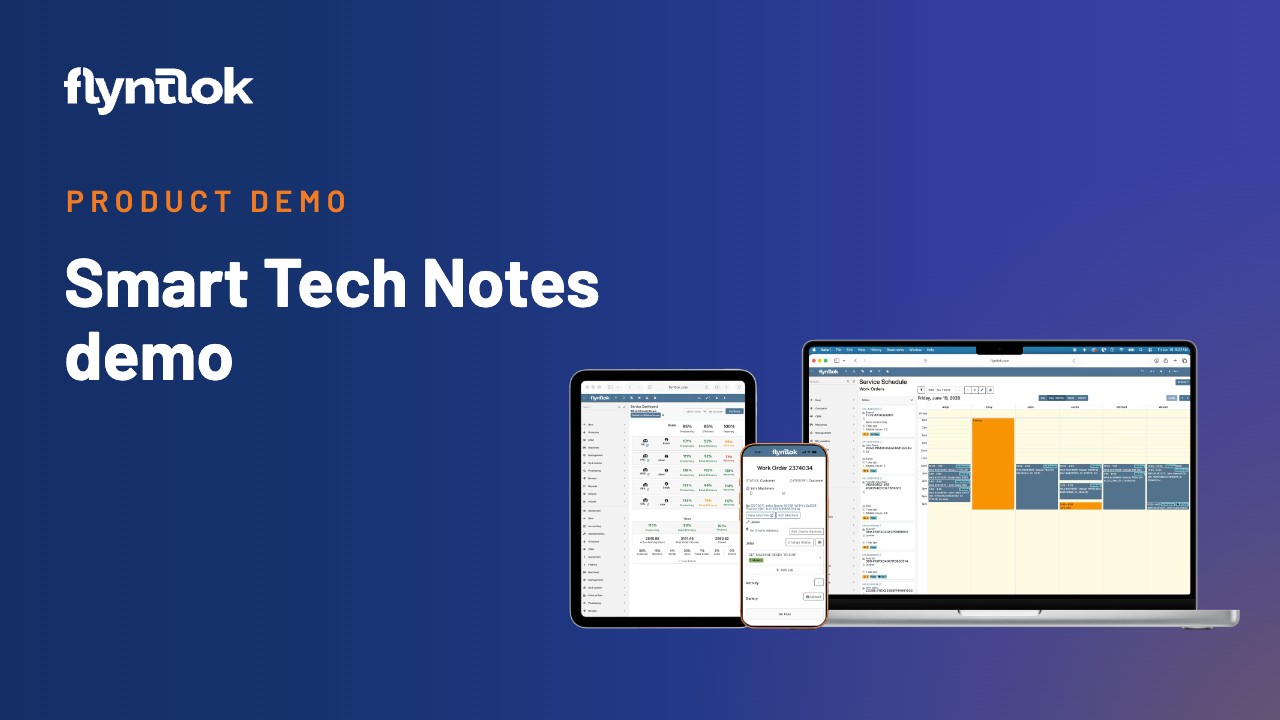
Send text confirmations and scheduled reminders for work orders on the service calendar, so fewer customers miss appointments.
New permissions let technicians add, edit and delete labor lines on work orders, limited to their own time.
Flyntlok ships a release every two weeks. See every release note
With additional work identified, Jenny turns to the next challenge: once equipment leaves the lot, how do you get that customer back for future service? A great service department is the first answer. Alex’s second one comes through sales.
Flyntlok already supports maintenance plans that can be structured and set up on equipment. As you sell a machine, you sell a maintenance package with it, paid for ahead of time. The plan is tied to that unit. A nightly update file highlights any equipment that’s due, so your team can reach out, schedule the customer, complete the interval and track when the next one is due.
Each maintenance visit is another chance to work with that customer. Pair it with the walk-around inspection and you get a reason to look at the unit, talk to the customer and catch anything else while it’s already in the shop. Your maintenance checklist can also be a digital inspection form, so the customer leaves with a maintenance sheet. Jenny’s take: you’re pre-booking future service business at the point of sale, and owners love that kind of predictable business.
Jenny asks what a service manager sees when they log in each morning. Alex says tech efficiency is one of the first things dealers ask about. Many still pull the numbers into an outside spreadsheet, clean them up, build formulas and present last month’s results to the team ten days into the new month.
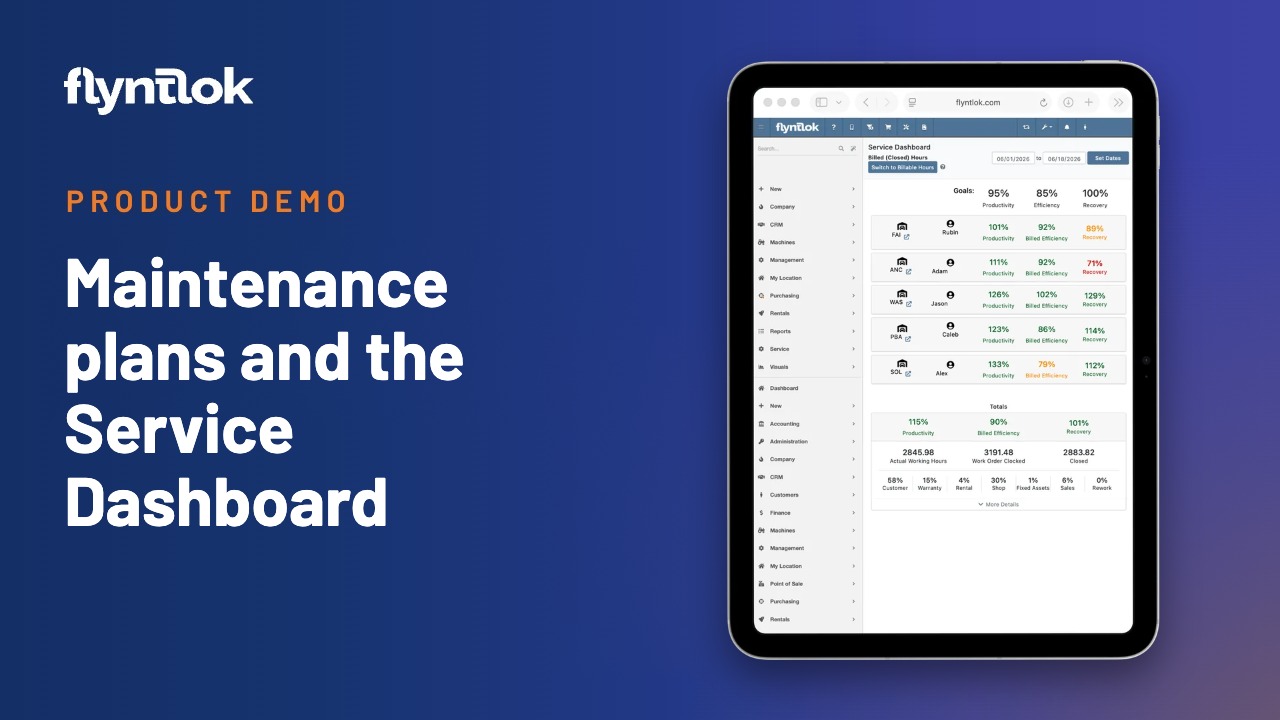
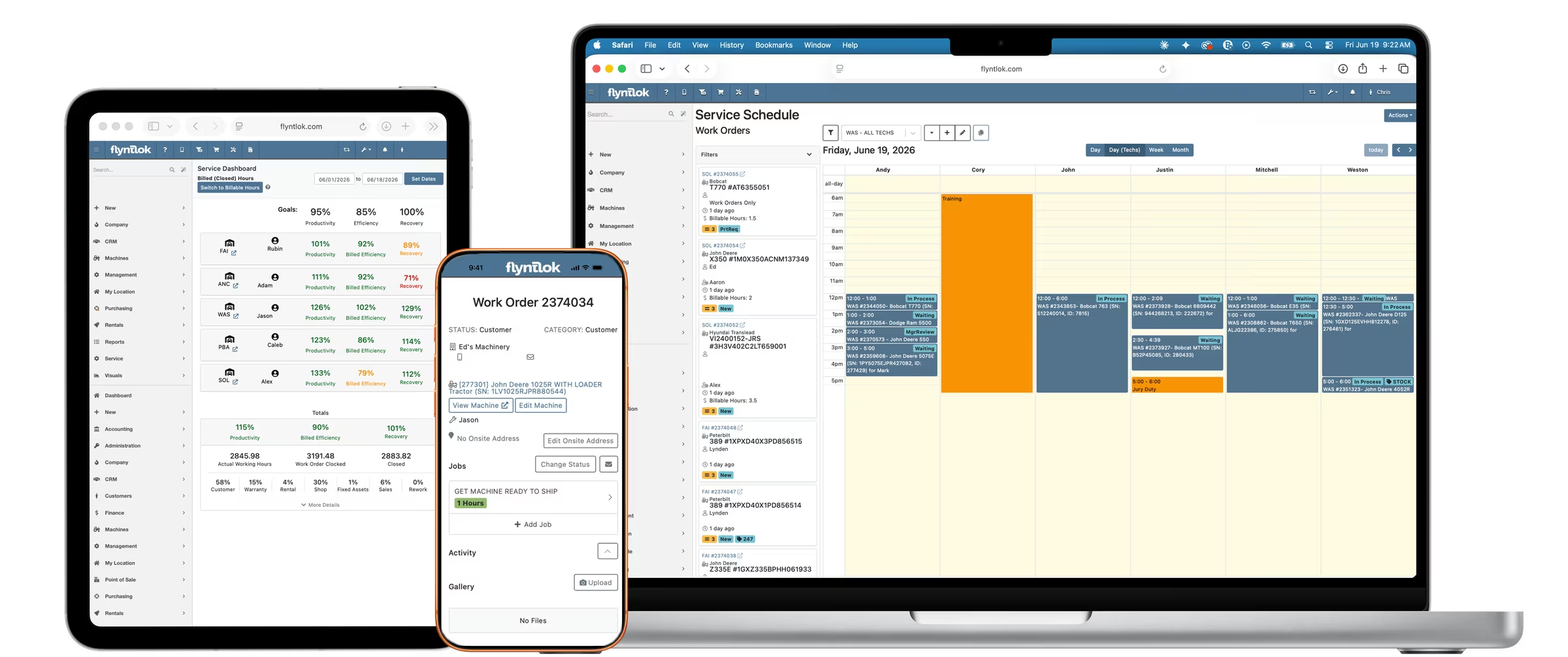
Flyntlok already has the underlying data. Every work order carries estimated, billable and actual hours by labor type, and those numbers make up your technician efficiency metrics. The Service Dashboard rolls them up for the whole department. In the demo, a five-location dealer group shows one row per dealership with three metrics side by side: productivity (hours clocked against hours available), efficiency (hours billed against hours clocked) and recovery (hours billed against hours available). You set baselines and goals, compare locations against each other, and drill into the reports behind each number. It updates in real time, so you can check it any day instead of waiting for month-end.
Recovery measures how many hours you bill against how many hours you pay your technicians for on payroll. It shows how well you’re using your techs’ time and your service department’s time. Alex puts every lost labor hour at $100 to $200 of revenue, probably close to $200. The more you keep techs in the bays working on equipment and billing their time, the more profitable the whole department gets. Jenny calls it the hidden profit metric: money you don’t realize you’re leaving on the table.
The Service Dashboard tracks productivity, efficiency and recovery live, by location, and maintenance plans keep customers coming back between sales.
It compares the labor hours you bill with the hours your technicians are on payroll. It shows how much paid tech time turns into revenue, and Alex Clementi puts every lost labor hour at $100 to $200 of revenue.
Productivity compares hours clocked on jobs with hours available. Efficiency compares hours billed with hours clocked. Recovery compares hours billed with hours available. Flyntlok’s Service Dashboard shows all three live, by location.
You sell the plan with the machine and collect it up front. The plan is tied to that unit, a nightly update flags maintenance that’s due, and your team calls the customer to schedule it.