WATCH HERE:
Our Equip Expo AI Session is Now On-Demand!
There’s a newer version of this video. This one stays up for reference, and it no longer shows on product pages or in the library.
Watch the newest versionEnter it once in Flyntlok. QuickBooks or Sage Intacct keeps the books.
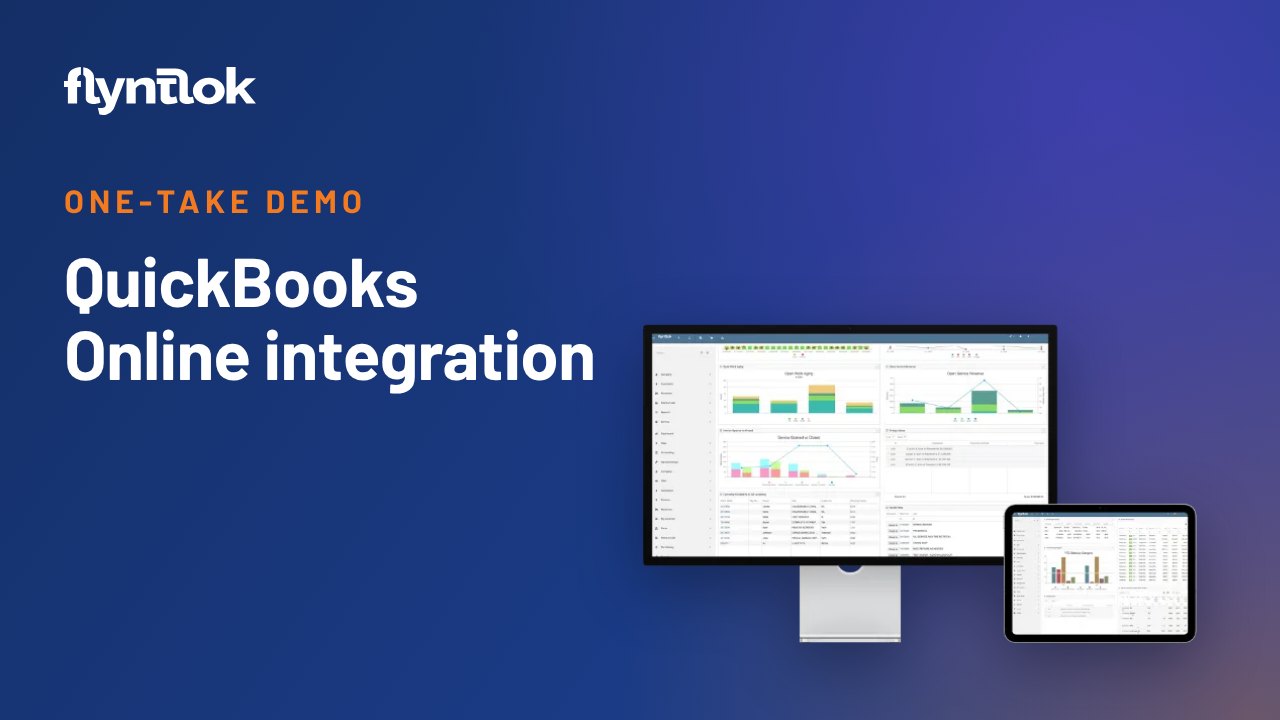
Nic Thamert, Flyntlok's Lead Accounting Specialist and a former dealership controller, tests three myths about running Flyntlok with QuickBooks Online or Sage Intacct: double entry, lost visibility and a harder month-end, with a live demo for each.

Plays right here. No form to fill out.
This clip comes from Flyntlok Unlocked, Ep. 5, which aired in July 2026. Host Jenny Moebius talks with Nic Thamert, Flyntlok's Lead Accounting Specialist. Before joining Flyntlok, Nic was financial controller at Northland Farm Systems, a farm and construction equipment dealer in Minnesota, where he ran Flyntlok alongside QuickBooks Online.
Nic opens the integration page, then puts three of the five biggest accounting myths to the test with live demos: entering every transaction twice, losing visibility when the general ledger lives outside the DMS, and a harder month-end close. The full episode covers all five, plus a bonus.


Every update below shipped after this video was recorded. Each one links to its release notes.
Nic Thamert took on the five biggest myths about running Flyntlok with QuickBooks Online or Sage Intacct.
Import from Sheet reads a spreadsheet, matches each row to your accounts, machines, locations and customers, and builds the journal entry draft.
The new QuickBooks Online Manager shows clear posting results for each document, keeps a posting history and links straight to the records that need attention.
Sage Controls now keeps the results of every posting run, so you can revisit past attempts and confirm each document posted.
Flyntlok ships a release every two weeks. See every release note
Jenny opens with one of the most common questions dealers ask when they evaluate Flyntlok: where is the accounting? Many legacy systems bundled accounting and dealership operations together. Flyntlok runs the operational side, what Jenny calls the dealership's operational heartbeat, while QuickBooks Online or Sage Intacct manages the financial books. The integration connects the two, so dealers use specialized tools without recreating the work.
Nic keeps it simple. Flyntlok handles the operational, point-of-sale side of the business, and QuickBooks or Sage handles the accounting. The two connect through an API. Flyntlok holds the operational detail, QuickBooks holds the financial books, and the integration moves the right accounting information between them.
The top of the integration page lists what Flyntlok syncs back from the QuickBooks database, so every Flyntlok user can see that data whether or not they have QuickBooks access. The table below holds the mappings that decide how each transaction gets pushed to QuickBooks: sales invoices, bills from receiving purchase orders, and bank deposits for the checks collected during the week. Each one hits the right spot on the P&L or balance sheet, and you control when and what gets pushed, to fit your reconciliation timing.
Busted. Nic sells a bolt to Atlas Tree and charges it to their account, so it sits in AR until they pay. The invoice in QuickBooks matches what was built in Flyntlok: bill-to and ship-to addresses, net 30 terms, invoice date, due date and each part on its own line. That detail is also in QuickBooks for customer statements. In Nic's words, you do it once in Flyntlok and it goes straight into QuickBooks.
Busted. On the customer record in Flyntlok, invoices marked paid are synced back from QuickBooks when payments are applied. A parts counter person without QuickBooks access can open the customer's profile and show them what's paid. Jenny's takeaway: dealers gain two levels of visibility, detailed operations in Flyntlok and purpose-built financial reporting in QuickBooks.
Busted. As a controller, Nic leaned on Flyntlok's machine inventory views, which break out the units on file and which ones have been paid, with the same breakdown for parts. For the bank, QuickBooks' AI bank feed brings in each day's bank and credit card transactions. Nothing posts until you direct each line to an account, which creates the expense and reconciles in real time. At month-end you enter the balance and you're done. What took Nic 2 to 3 hours took about two minutes. Jenny adds that mapping transactions correctly before go-live, which Flyntlok helps with, is what makes month-end easier.
QuickBooks Online is Flyntlok's main accounting integration, with Sage Intacct also supported.
No. You make the sale once in Flyntlok, and the integration creates the matching invoice in QuickBooks with the addresses, terms, dates and line items.
Yes. Payments applied in QuickBooks sync back to Flyntlok, so the parts counter can see a customer's paid invoices on their Flyntlok profile.
Not in Nic Thamert's experience as a dealership controller. Using QuickBooks bank feeds to match transactions daily, his bank reconciliation went from 2 to 3 hours to about two minutes.