WATCH HERE:
Our Equip Expo AI Session is Now On-Demand!
How Flyntlok works with QuickBooks Online and Sage Intacct
Jenny Moebius and Nic Thamert, Flyntlok’s Lead Accounting Specialist and a former dealership controller, bust five myths about running Flyntlok with QuickBooks Online or Sage Intacct, plus a bonus, with a live demo along the way.
Hosted by Jenny Moebius

Plays right here. Free, with no form to fill out.
Accounting is one of the first questions dealers ask when they look at a new DMS. Will we enter everything twice? Will finance lose visibility? Will month-end get harder?
Nic Thamert ran Flyntlok alongside QuickBooks Online as controller at Northland Farm Systems before joining Flyntlok. He takes on the five biggest myths, plus a bonus, and shows how the two systems split the work. For owners, controllers and bookkeepers.
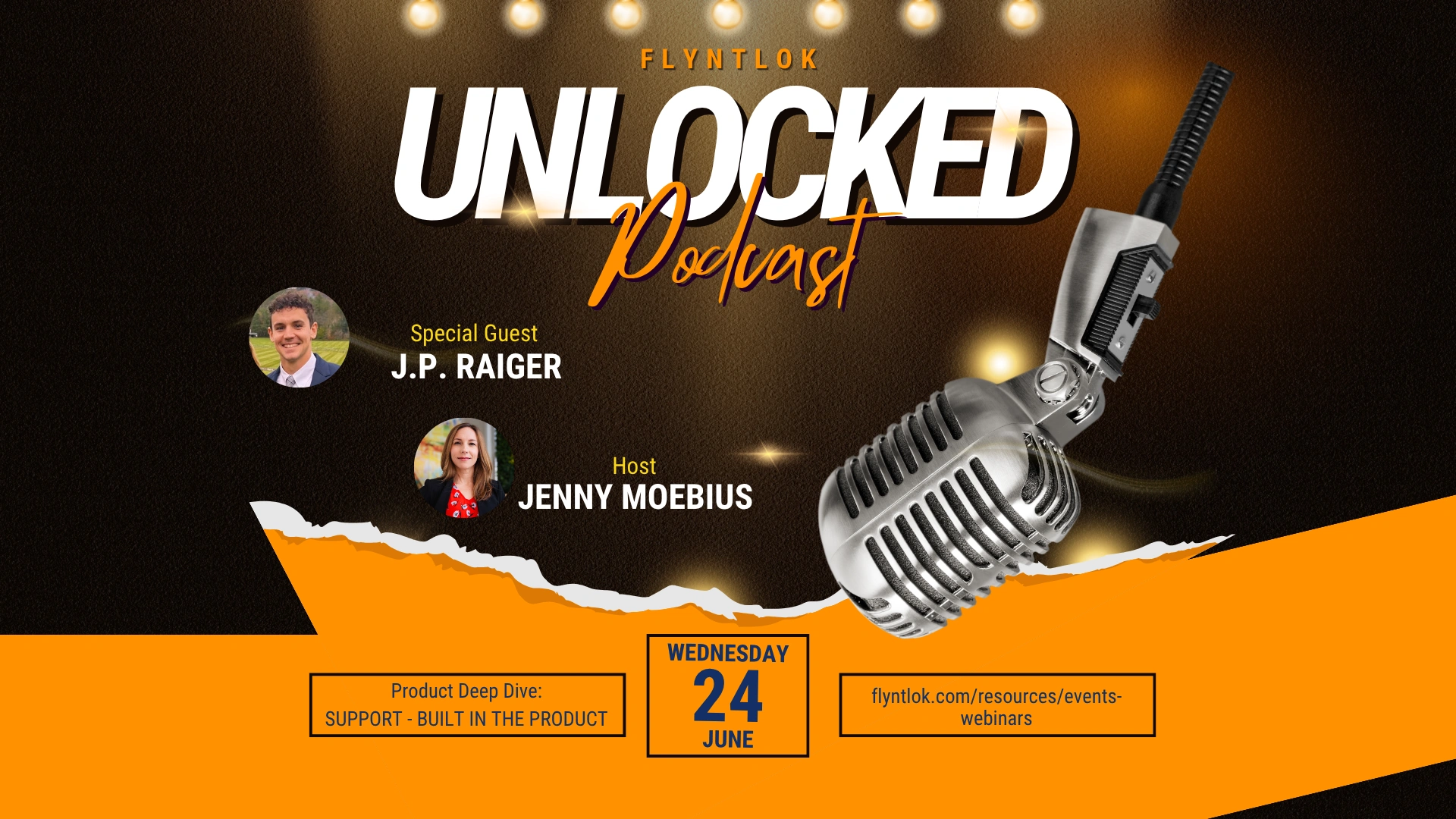
Jenny Moebius hosts every episode of Flyntlok Unlocked.


You do it once in Flyntlok, and then it goes straight into QuickBooks. There’s no need to redo the work twice.
Nic Thamert, Lead Accounting Specialist, Flyntlok
For many equipment dealerships, accounting is one of the biggest questions when they evaluate a new dealer management system. Many legacy systems bundled accounting and operations into one platform. Flyntlok runs the dealership’s operations and connects to QuickBooks Online or Sage Intacct for the general ledger.
Before Flyntlok, Nic was financial controller at Northland Farm Systems, a farm and construction equipment dealer in Minnesota, where he used Flyntlok with QuickBooks Online. He has seen the integration from both sides: as the controller and as the person now helping dealers set it up.
Flyntlok manages the operational side of the dealership: selling equipment and parts, sales orders and invoices, customers and receivables, purchase orders, inventory and equipment. QuickBooks Online or Sage Intacct manages the financial ledger.
No. Nic sells a bolt in Flyntlok and charges it to the customer’s account. In QuickBooks, the invoice shows the bill-to and ship-to addresses, invoice and due dates, terms, line items, amount owed and receivable status. As Nic puts it, you do it once in Flyntlok, and then it goes straight into QuickBooks.
Flyntlok holds the operational detail behind each transaction, and QuickBooks holds the financial records and reporting. A parts counter employee can see a customer’s invoice history and what’s been paid right in Flyntlok, while finance runs the ledger and statements in QuickBooks.
Nic found the opposite as a controller. Flyntlok shows equipment, parts, acquisition types and the payment status of each machine. QuickBooks bank and credit card feeds let accounting review and match transactions as they come in, so reconciliation moves along during the month.
The split can strengthen internal controls. Techs, parts staff and salespeople work in Flyntlok with permissions set by department, role or person, while QuickBooks access stays with accounting and owners. That helps prevent unauthorized journal entries.
QuickBooks is widely used, so it’s easier to find bookkeepers who know it. Flyntlok adds the dealer-specific pieces: warranty work billed partly to the customer and partly to the manufacturer, floor plan liabilities by lender with each unit’s paid status, multi-location reporting without a separate chart of accounts for every branch, and unit-level tracking of new, used and fixed-asset machines, with depreciation schedules.
Dealers don’t want to call Flyntlok, get sent to QuickBooks and get sent back. Nic’s answer: Flyntlok takes ownership and supports the integration as one process, from setup and account mapping through validation and training.
A faster point of sale, clearer visibility into machines and acquisition types, detailed operational reporting without an overcomplicated general ledger, and easier tracking of equipment, parts, warranties and customer activity.
The question isn’t whether accounting matters. It’s whether one platform can be the best at both dealership operations and financial accounting. Flyntlok runs the dealership, and QuickBooks Online or Sage Intacct gives finance the controls and reporting it already knows.
Every change below comes from the Flyntlok release notes, which come out about every two weeks.
Import from Sheet reads a spreadsheet, matches each row to your accounts, machines, locations and customers, and builds the journal entry draft.
The new QuickBooks Online Manager shows clear posting results for each document, keeps a posting history and links straight to the records that need attention.
Sage Controls now keeps the results of every posting run, so you can revisit past attempts and confirm each document posted.
Want every change? See all release notes
No. Flyntlok runs the dealership’s operations and connects to QuickBooks Online or Sage Intacct, which keep the general ledger, financial statements and accounting controls.
No. You make the sale once in Flyntlok, and the integration creates the matching transaction in QuickBooks with the addresses, dates, terms, line items and balance.
Yes. Flyntlok maps floor-planned units to the right liability account by lender, shows which units are paid, and splits warranty billing between the customer and the manufacturer.
Previous and next episodes
All episodes (the page script picks previous, next and related episodes from this list)