WATCH HERE:
Our Equip Expo AI Session is Now On-Demand!
There’s a newer version of this video. This one stays up for reference, and it no longer shows on product pages or in the library.
Watch the newest versionSean McLaughlin shows what syncs, what you review and what stays in Flyntlok.
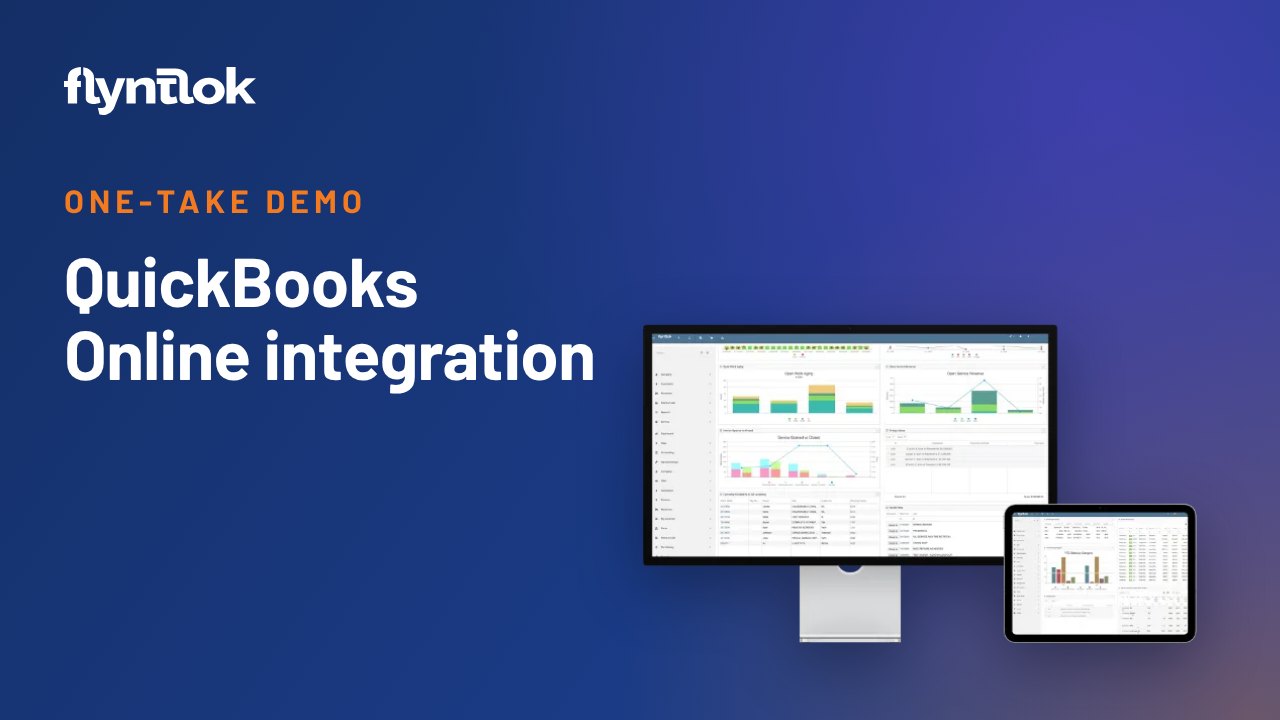
Sean McLaughlin, Flyntlok's founder and CEO, gives a one-take tour of the QuickBooks Online integration on demo data: connecting the two systems, default accounts, each transaction type Flyntlok sends, customer and vendor mapping, and what comes back.
Plays right here. No form to fill out.
The second video in Sean McLaughlin's one-take demo series, recorded in May 2024. Sean, Flyntlok's founder and CEO, explains why Flyntlok connects to an accounting system instead of building its own, then tours the QuickBooks Online control page using a made-up dealer, Nelson Power Equipment.
He covers connecting the two systems, default accounts, each type of transaction Flyntlok sends, reviewing them before they post, mapping customers, parts and vendors, and what QuickBooks sends back. He also explains when larger or more complex dealer groups move to Sage Intacct instead.

Every update below shipped after this video was recorded. Each one links to its release notes.
Flyntlok ships a release every two weeks. See every release note
Sean is talking about QuickBooks Online, not QuickBooks Desktop or Enterprise. Most Flyntlok dealers run their accounting in QuickBooks Online. Sean's own six-location dealership moved to Sage Intacct, which costs more but suits dealers with 10, 15 or 20 locations or complex ownership between stores. Flyntlok wants to be a dealer management system first and let an accounting company build the accounting.
From the wrench menu, go to Accounting, then QuickBooks Online, and click Connect to QuickBooks. Once connected, Flyntlok pulls down customers, income items, the chart of accounts, vendors, classes and terms, and uses them to match records across both systems. Defaults tell Flyntlok where things like customer deposits and trade-ins land on the balance sheet.
Flyntlok sends invoices, internal sales orders that move costs between departments, vouchers from its parts and machine purchase orders, payments on account taken at the counter, and a daily journal entry by store for customer deposits and payments, split into cash, checks and cards, so accounting can reconcile to the bank feed each day. Custom cases cover special booking needs, and a troubleshooting tool helps consultants check the connection.
Nothing posts on its own. Accounting can open each batch, check margins and mapping, then click Process All. At Sean's dealership, the accountants post yesterday's transactions first thing each morning. About five of his 100 employees use QuickBooks Online, and everyone uses Flyntlok.
Only customers with terms get their own QuickBooks record. Cash and card customers roll up into one standard customer, which keeps QuickBooks fast. Posting accounts can be set on a part or machine, but most dealers set them once per vendor. QuickBooks confirms every transaction, sends back changes to customers and account balances, and tells Flyntlok when an invoice is paid. Flyntlok stays the book of record for parts and machine inventory.
QuickBooks Online is Flyntlok's main accounting integration, with Sage Intacct also supported.
QuickBooks Online. In this demo Sean is clear he's talking about QuickBooks Online, not the older desktop versions, and that most Flyntlok dealers run their accounting there.
Invoices, internal sales orders, vouchers from parts and machine POs, payments on account, and a daily journal entry by store for customer deposits and payments. Accounting can review each batch before it posts.
No. Only customers with terms get their own QuickBooks record. Cash and card customers map to one standard customer, which keeps QuickBooks running fast.