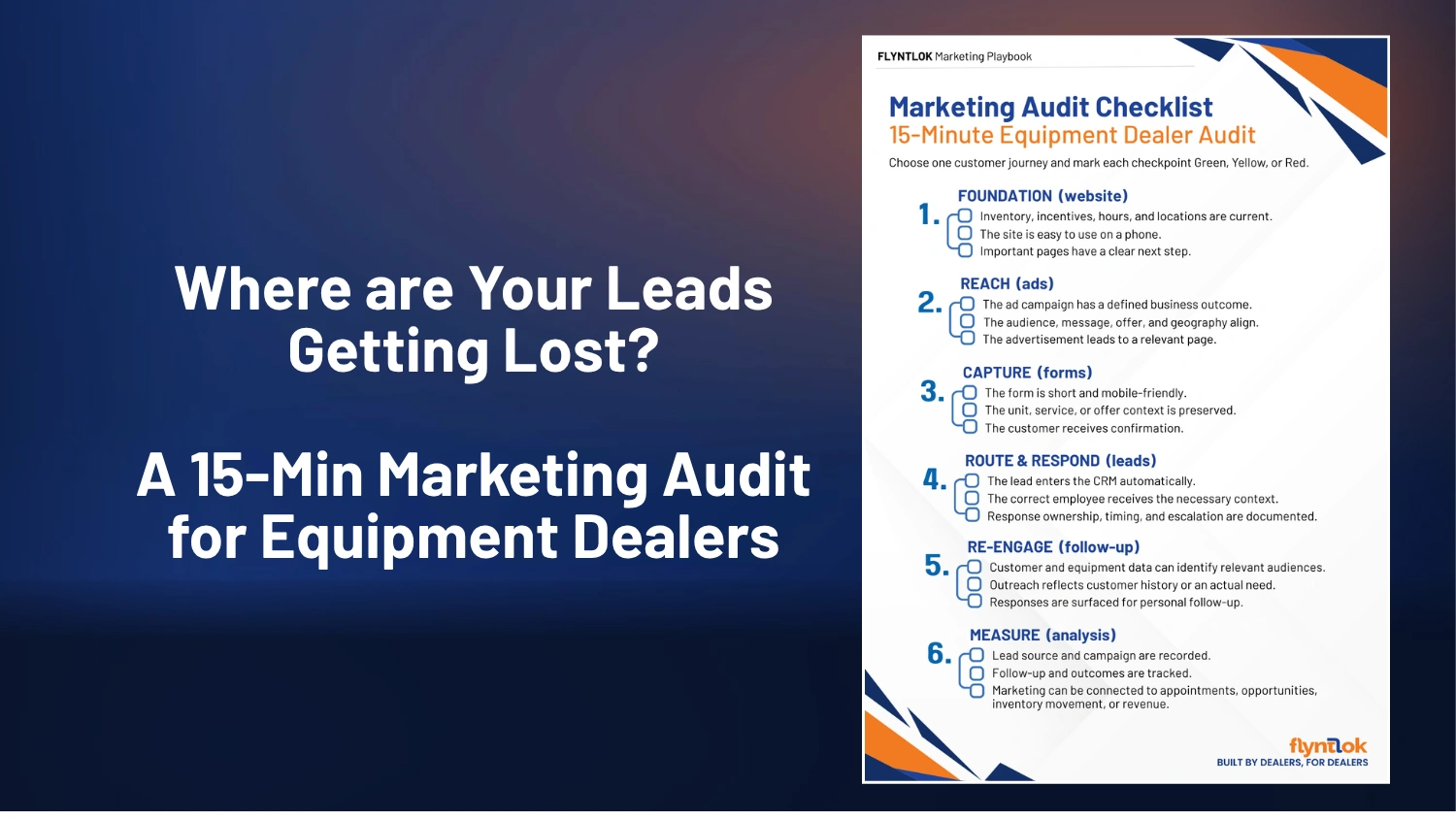
WATCH HERE:
Our Equip Expo AI Session is Now On-Demand!
There’s a newer version of this video. This one stays up for reference, and it no longer shows on product pages or in the library.
Watch the newest versionSend orders, quotes and contracts, and see what was delivered.
A one-minute walkthrough from January 2021 of email in Flyntlok: sending sales orders, purchase orders, rental contracts and quotes, automatic invoice emails to a customer's accounting team, and a history of every email sent.
Plays right here. No form to fill out.
A short walkthrough from January 2021 of the email built into Flyntlok for sales orders, purchase orders, rental contracts and quotes.
On an invoice, blue boxes show that the customer wants automatic emails sent to their accounting department and that the invoice has already gone out. Recipients fill in from past emails on the account, a copy can go to your company inbox, and the email history shows whether each message was accepted or rejected.
Every update below shipped after this video was recorded. Each one links to its release notes.
Flyntlok ships a release every two weeks. See every release note
Sales orders, purchase orders, rental contracts and quotes, to one or many recipients, with a copy to your company email if you want one.
Yes. Flyntlok keeps a history of everything it emailed for you and shows whether each email was accepted or rejected.