WATCH HERE:
Our Equip Expo AI Session is Now On-Demand!
There’s a newer version of this video. This one stays up for reference, and it no longer shows on product pages or in the library.
Watch the newest versionA John Deere stock order, from recommendation to submit.
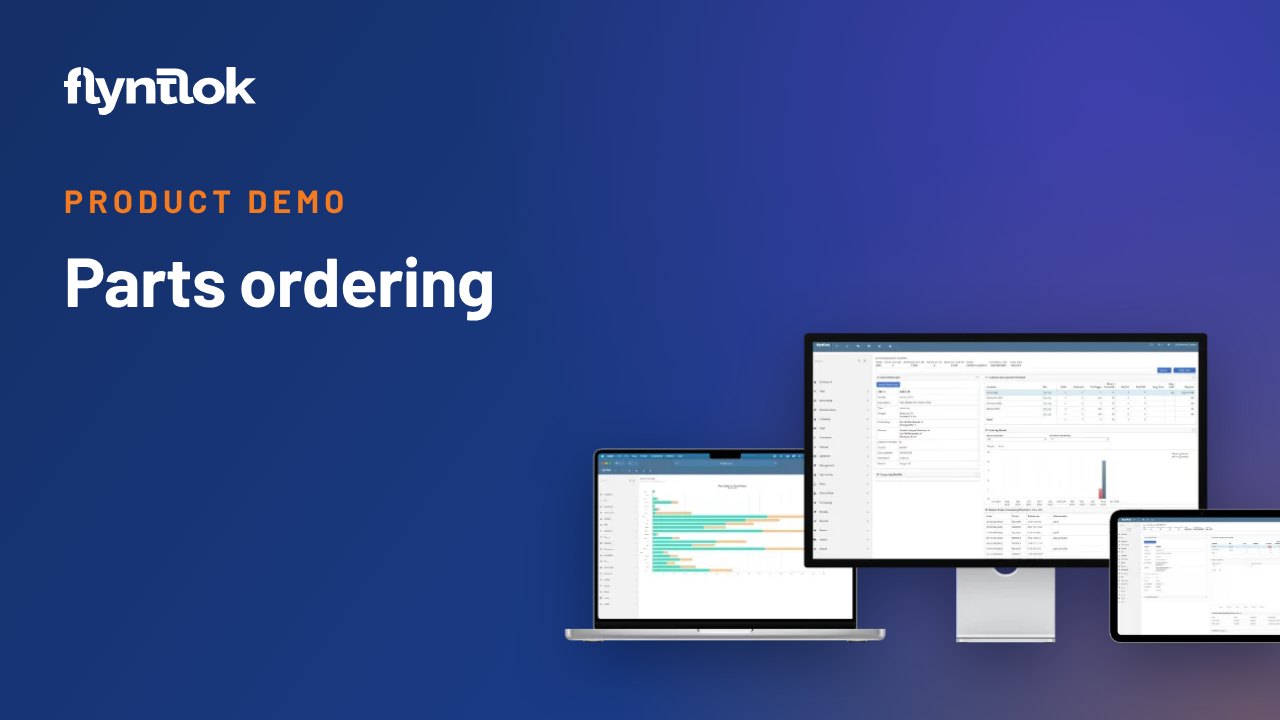
A one-minute screen recording from January 2021 of the Flyntlok Vendor Dashboard. It builds a John Deere stock order for one of a dealer's six stores, from recommended quantities to manager approval and electronic submission.
Plays right here. No form to fill out.
A short screen recording from January 2021, set to music with no narration. It shows the Vendor Dashboard and purchase order creation, using John Deere as the vendor and a stock order for one of a customer's six stores.
Flyntlok recommends the stock order, and the order can be saved, forwarded to a manager for approval and, with many vendors, submitted electronically. Today those recommendations come from Smart Stocking. For the current version, watch the Smart Stocking demo.
Every update below shipped after this video was recorded. Each one links to its release notes.
Flyntlok ships a release every two weeks. See every release note
Smart Stocking recommends what to stock from your sales history and seasonality, and your staff approve every order.
Yes. In this 2021 demo Flyntlok recommends a John Deere stock order for one store. Today that's Smart Stocking, which works from your sales history and seasonality, and your staff approve every order.
Electronic POs are live with John Deere, Volvo, PACCAR, Hitachi and Develon, so an approved order goes to the vendor without re-keying it.
Yes. In the demo the stock order is saved and forwarded to management for approval before it's submitted to the vendor.