WATCH HERE:
Our Equip Expo AI Session is Now On-Demand!
There’s a newer version of this video. This one stays up for reference, and it no longer shows on product pages or in the library.
Watch the newest versionStock orders built from your own sales history, updated every day.
Dean Frederick, Flyntlok's Senior Implementation Consultant, builds a Bobcat stock order with Smart Stocking. He walks the worksheet column by column and shows the sales history and seasonality behind every recommended quantity.
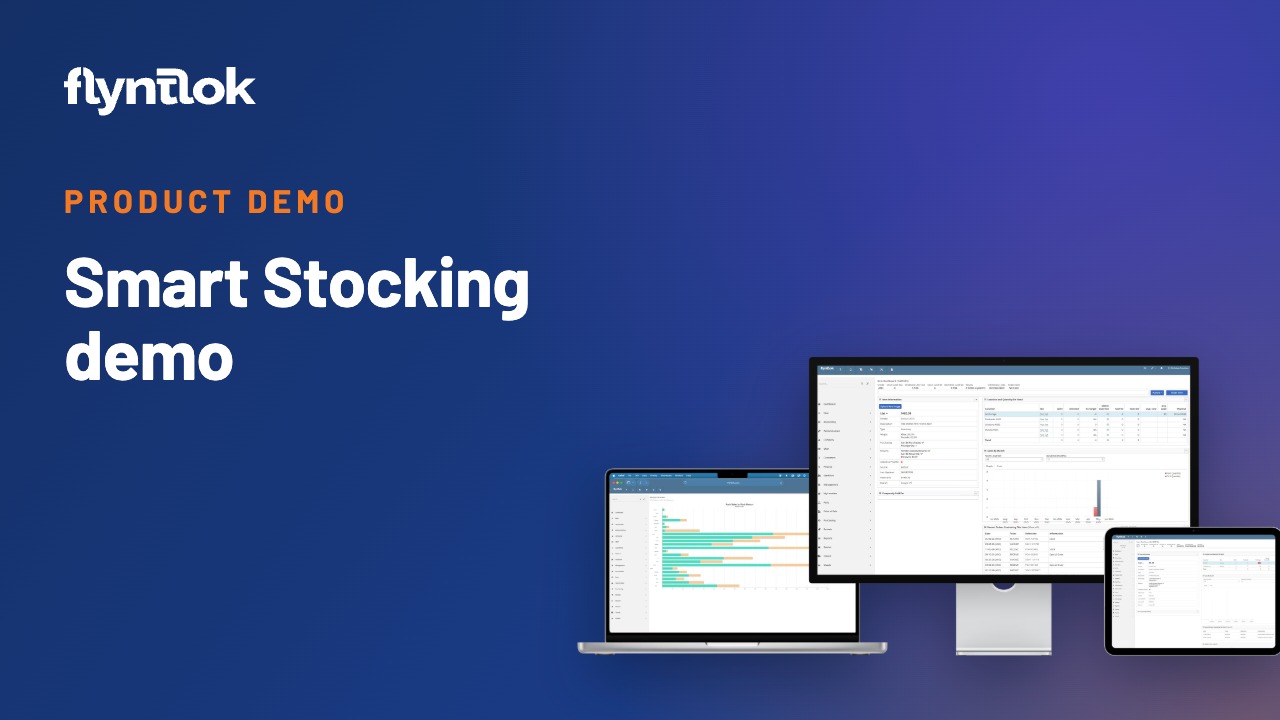
Plays right here. No form to fill out.
This clip comes from Flyntlok Unlocked, Ep. 2, which aired in May 2026. Host Jenny Moebius talks with Dean Frederick, Flyntlok's Senior Implementation Consultant and a former Business Development Manager at heavy equipment dealer Barry Equipment, who has been closely involved in rolling out Smart Stocking.
Dean opens the Purchasing Hub, creates a draft stock order for Bobcat and walks the worksheet column by column, including the math behind every recommendation.


Every update below shipped after this video was recorded. Each one links to its release notes.
Flyntlok ships a release every two weeks. See every release note
Jenny opens with the problem every dealership knows: run out of a critical part in peak season, or walk past shelves of parts nobody has touched in a year. Most purchasing decisions still run on spreadsheets, tribal knowledge and gut instinct. Her takeaway: better stocking decisions lead to better cash flow and better margins.
Dean calls it a math equation. Flyntlok looks at all of your parts sales history and works out, vendor by vendor, how much to stock for every part number in your system. The recommendations update every day, so tomorrow's numbers account for what sold today, and seasonality is built in.
Smart Stocking lives under Parts, in the Purchasing Hub. The screen lists every location with its vendors and recommended stock order, so one buyer can handle stock orders for every store. Dean creates a draft stock order for Bobcat at one location.
The draft opens as a worksheet. Every Bobcat part number the location has sold is listed with its description, quantity on hand and cost, then the recommended quantity, the order quantity you fill in and a running total. Sold 90 is the quantity sold in the last 90 days, and Sold 90 I is how many invoices it sold on, so 100 bolts sold to one customer don't turn into a recommendation to stock 100.
Sold 90 PY and Sold 90 PY I bring in the same window from the previous year. In September, for example, Smart Stocking looks at what sold the previous October, November and December. The goal is healthy turns, which Dean puts at around three to four a year, without parts sitting on the shelf for more than a year.
For dealers with five or ten manufacturers and huge parts catalogs, the recommendations give buyers an assist. Nothing gets ordered for you. Your team reviews every number and decides, whether that means a few more filters or skipping a transmission that sold three times last year.
Smart Stocking recommends what to order from your real usage, routes the order for approval, and sends it to supported OEMs electronically.
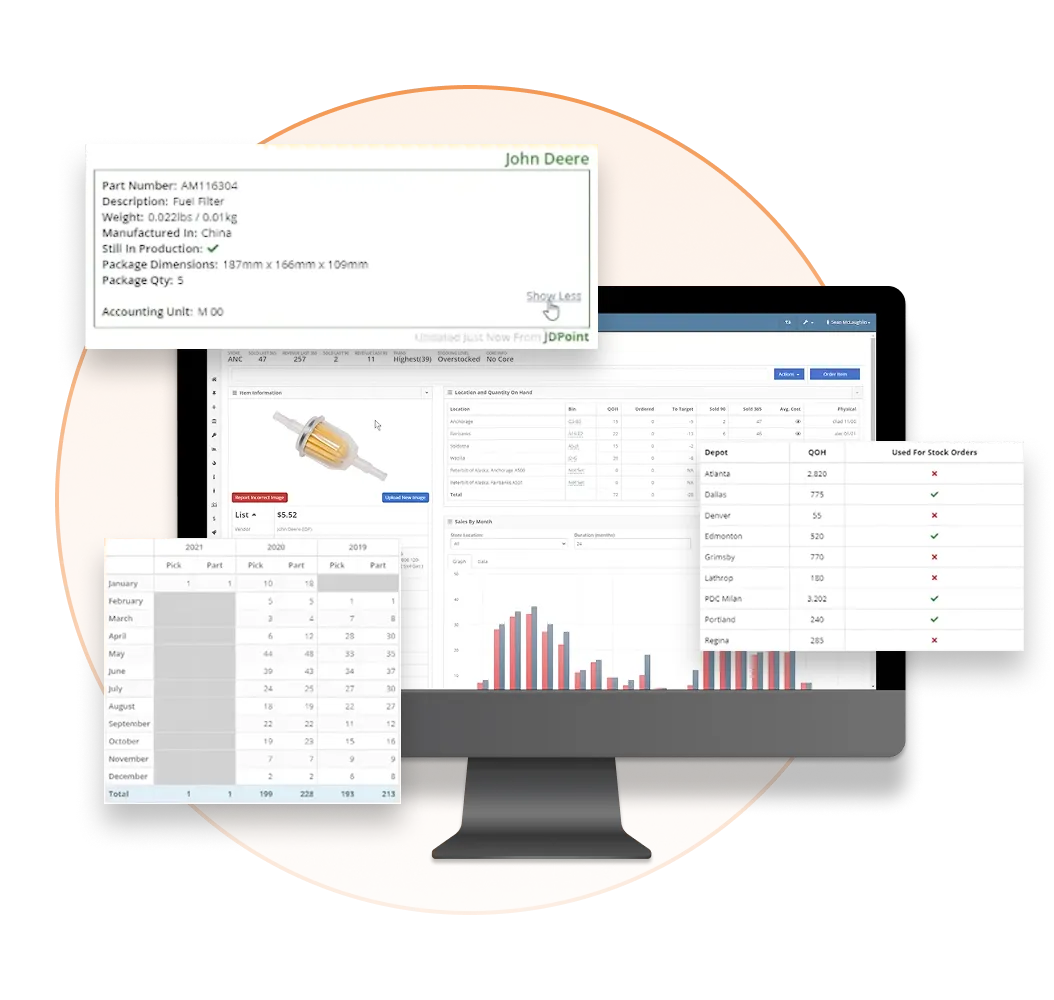
Smart Stocking is Flyntlok's stock order recommendation tool. It looks at your parts sales history and recommends how much of each part to stock, vendor by vendor, and the recommendations update every day with seasonality built in.
No. Smart Stocking fills recommended quantities into a draft stock order, and your team reviews and changes them before anything is ordered.
Next to the last 90 days of sales, the worksheet shows the coming 90 days from the previous year. In September, for example, it looks at what sold the previous October, November and December.
.svg)



%20(2).webp)


