WATCH HERE:
Our Equip Expo AI Session is Now On-Demand!
There’s a newer version of this video. This one stays up for reference, and it no longer shows on product pages or in the library.
Watch the newest versionA work order from scheduling to billing.
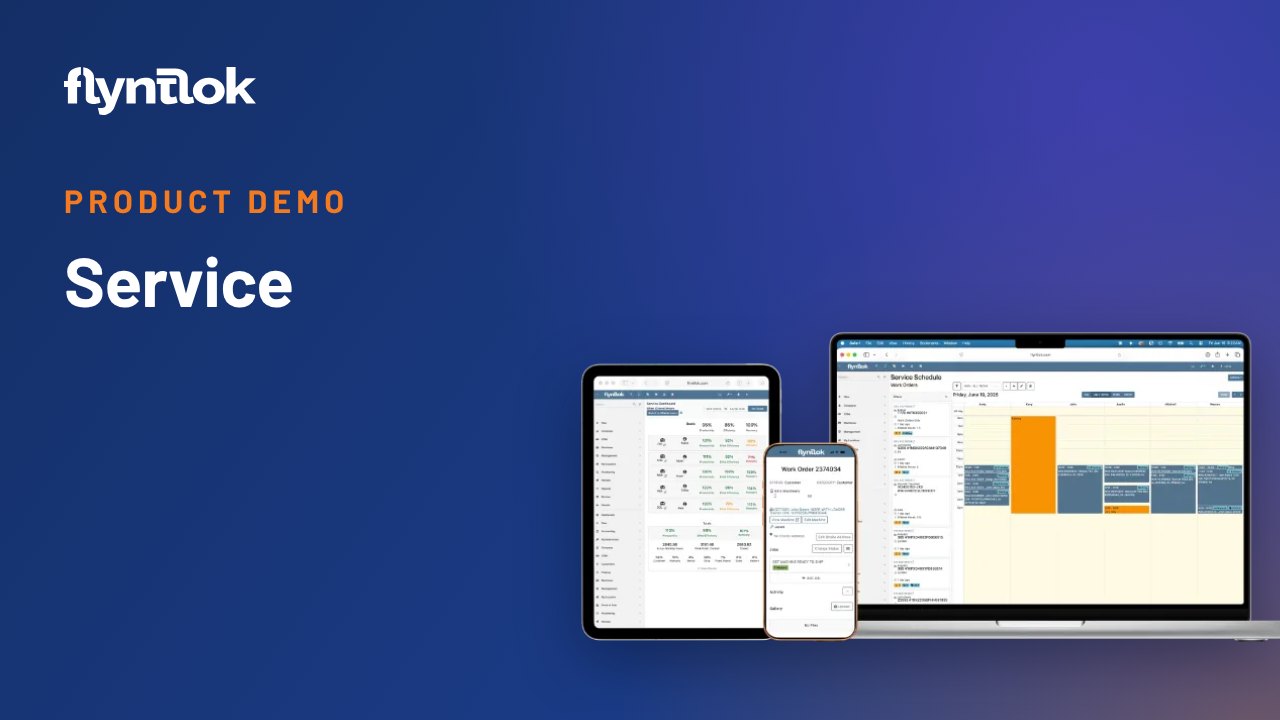
A one-minute screen recording from January 2021 of Flyntlok service: scheduling, check-in, estimates, techs clocking into work orders, parts lookups, notes and escalations, through to billing and warranty claims.
Plays right here. No form to fill out.
A short screen recording from January 2021, set to music with no narration. It follows a work order through Flyntlok service, from scheduling to billing, warranty claims included.
Checking a machine in starts the clock on your service KPIs. Once an estimate is approved, techs clock into the work order, see the machine's full history, order parts, check stock and special-order availability, write notes and escalate changes to a manager. Today customers approve estimates job by job by text or email, and techs can do much of this from a phone.
Every update below shipped after this video was recorded. Each one links to its release notes.
Flyntlok ships a release every two weeks. See every release note
The Service Scheduler sends text confirmations and reminders, customers approve estimates job by job by text or email, and techs clock into the exact job.
Schedule the service, check the machine in and build an estimate. Once it's approved, techs clock into the job, see the machine's history, order parts and record notes, and the work order carries through to billing.
Yes. Flyntlok handles warranty claims as part of service, and warranty and customer pay sit on one work order.
When the machine is checked in. In this demo, check-in starts the clock on the dealer's service KPIs.