WATCH HERE:
Our Equip Expo AI Session is Now On-Demand!
There’s a newer version of this video. This one stays up for reference, and it no longer shows on product pages or in the library.
Watch the newest versionEverything about one part, on one screen.
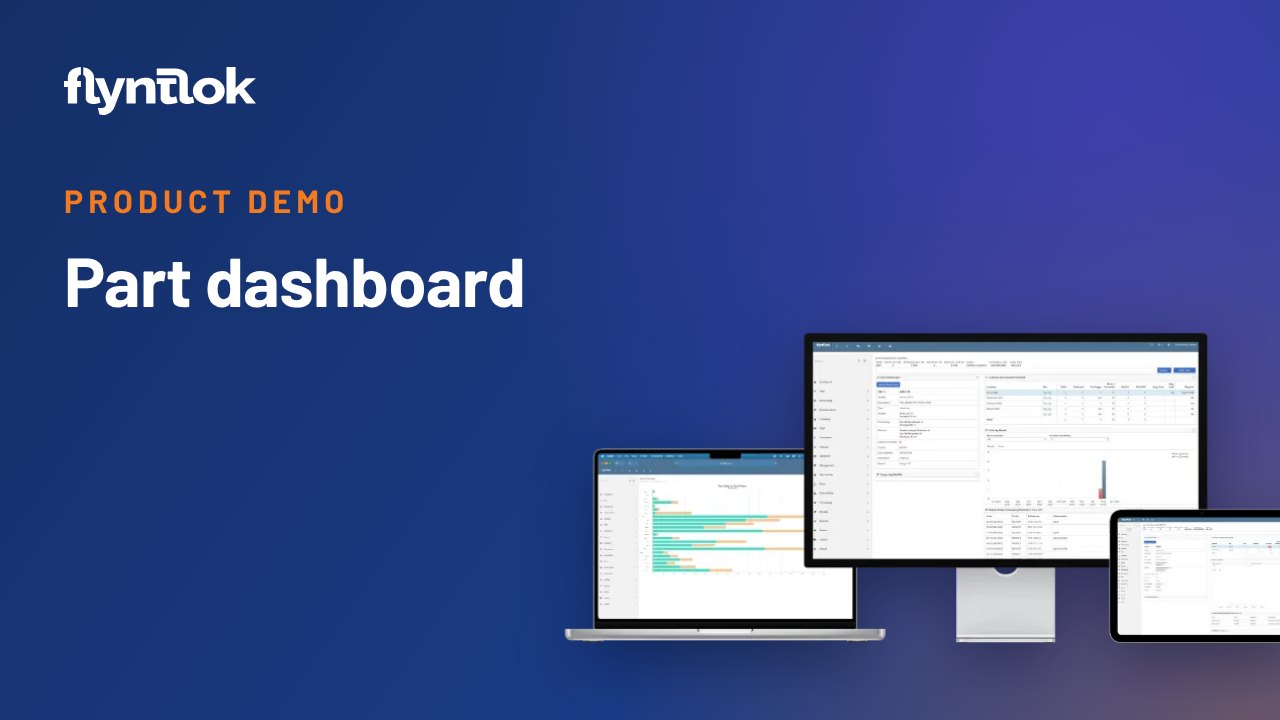
A 50-second screen recording from January 2021 of the Flyntlok part dashboard: usage history, pricing, list and cost changes, stock against your inventory model, alternate part numbers, substitutions, item groups and cores.
Plays right here. No form to fill out.
A short screen recording from January 2021, set to music with no narration. It opens the part dashboard, the page Flyntlok keeps for every part.
The dashboard shows usage history, pricing and a history of list and cost changes, whether you're over or under stocked against your inventory model, and the alternate part numbers, substitutions, item groups and core details you can view or edit. With releases about every two weeks since, some screens have changed.
Every update below shipped after this video was recorded. Each one links to its release notes.
Flyntlok ships a release every two weeks. See every release note
The parts dashboard shows usage history, pricing, cost changes, stock levels and alternatives for any part.
Usage history, pricing, cost changes, stock levels and alternatives for any part. In this 2021 demo it also shows list price history, substitutions, item groups and core information.
Yes. The part dashboard checks stock against your inventory model, so you can see whether you're over or under stocked on that part.
Yes. In the demo, alternate part numbers, substitutions, item groups and core information can be viewed or edited right on the dashboard.