NEW:
Save Technician Time and Drive More Service Revenue with Voice-to-Text, AI-Powered Tech Notes
Check out the latest updates to the Flyntlok Equipment Dealer Management System.
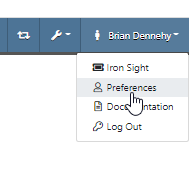
All users subscribed will now receive notification(s) when a parts request is made. To set your notification preferences, select your username in the top right corner ->Preferences->Notifications->Parts Requested. Previously this had to be configured by the Flyntlok support team.

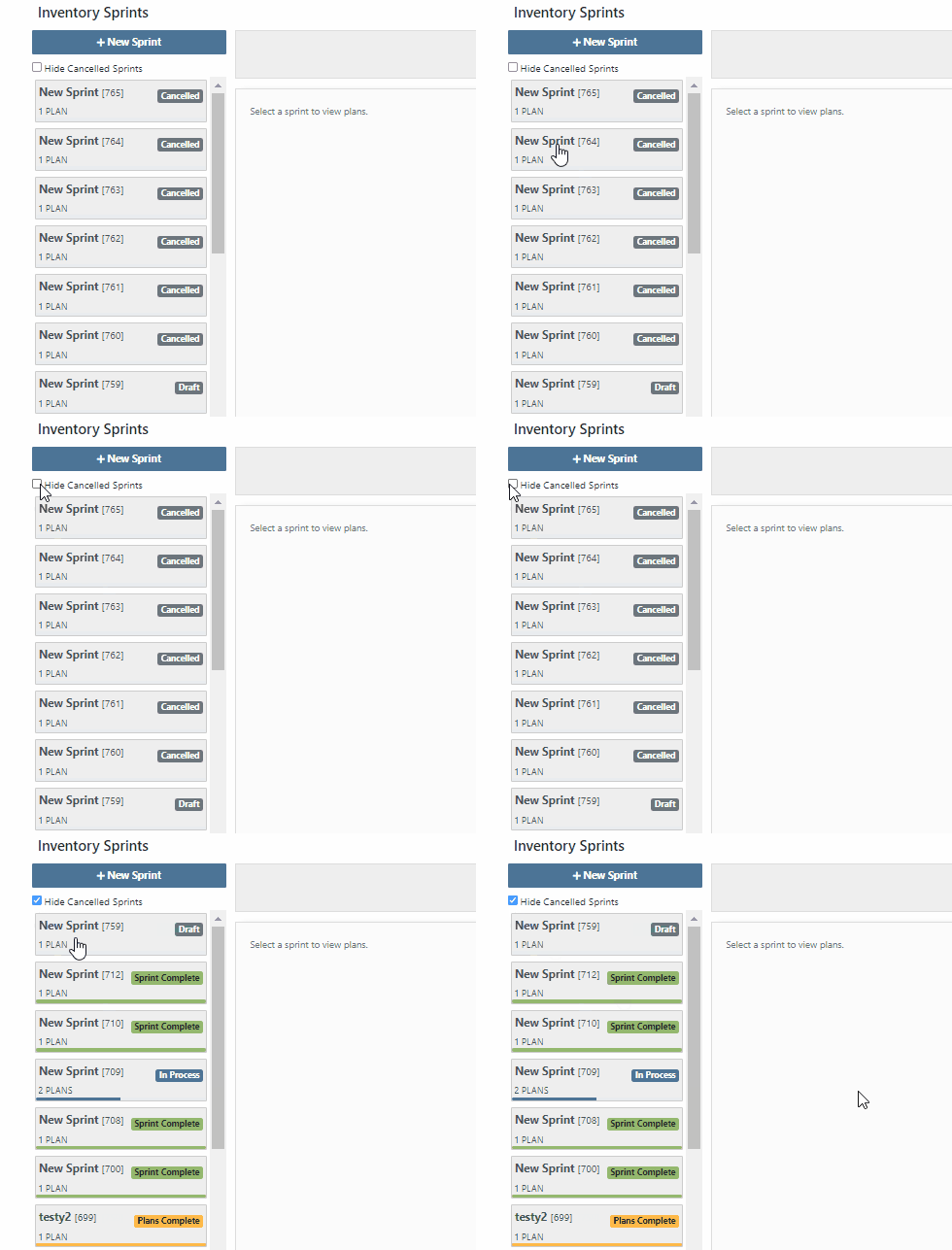
We have implemented a filter on the inventory sprints list to hide canceled sprints.
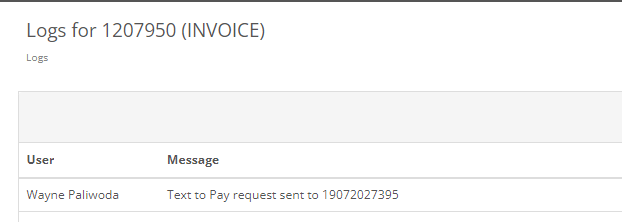
You can now see the dates requested when text2pay has been sent to a customer in the audit log of the Sales Order. To access these logs select the blue Activity tab -> Audit Logs.
When you add fees/credits to a machine voucher, we will now automatically allocate them to all machines on the voucher. The default allocation strategy is cost relative.
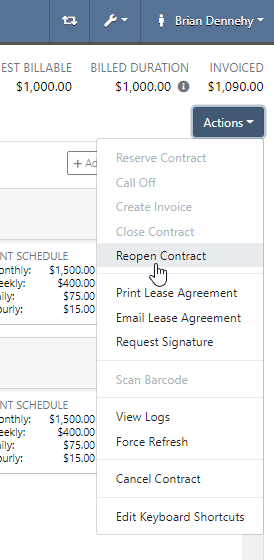
You can now reopen a closed rental contract. From the rental dashboard, click Actions -> Reopen.
If a machine is deleted by mistake, you can now reinstate that piece of equipment. From the machine dashboard, head to Actions -> Reactivate.
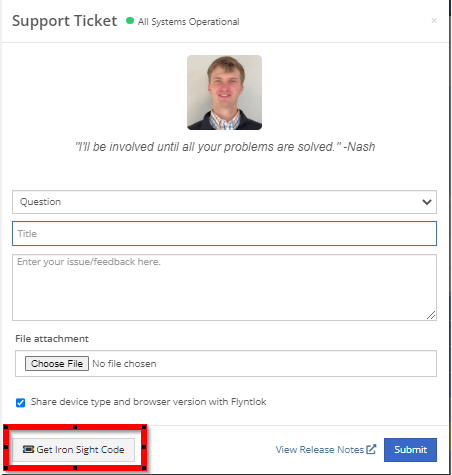
You can now access Iron Site from the support ticket. To receive an iron site code, you will click the support ticket question mark and see the new icon at the bottom left of the support ticket.
We have added a hotkey that switches scanners from scan to search mode. This will be helpful to all users scanning items in at a parts or sales counter.
New hotkeys:

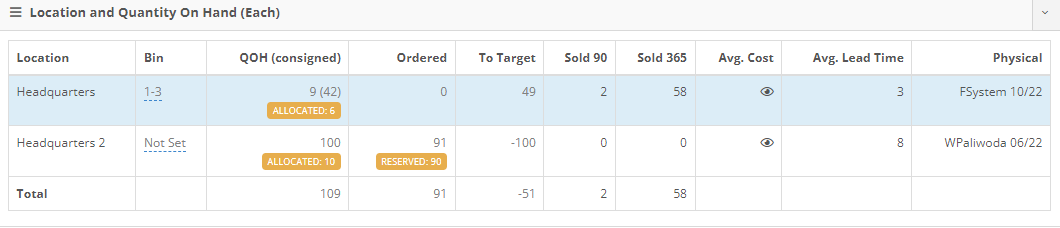
Flyntlok will now calculate average lead time by location and display on the items dashboard. This will give the individual purchasing parts an idea of how long it took for parts to arrive. Lead time is calculated by taking the average duration between date ordered and date fully received.
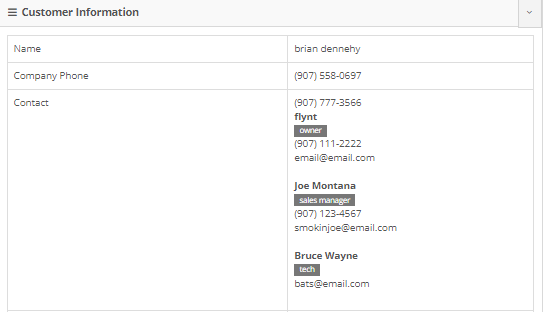
In the contact cell, in the customer information section, of the customer dashboard we have added a field to classify customer contacts. You can now indicate which contact is the primary for that customer, as well as any additional Tags that belong to that Contact.
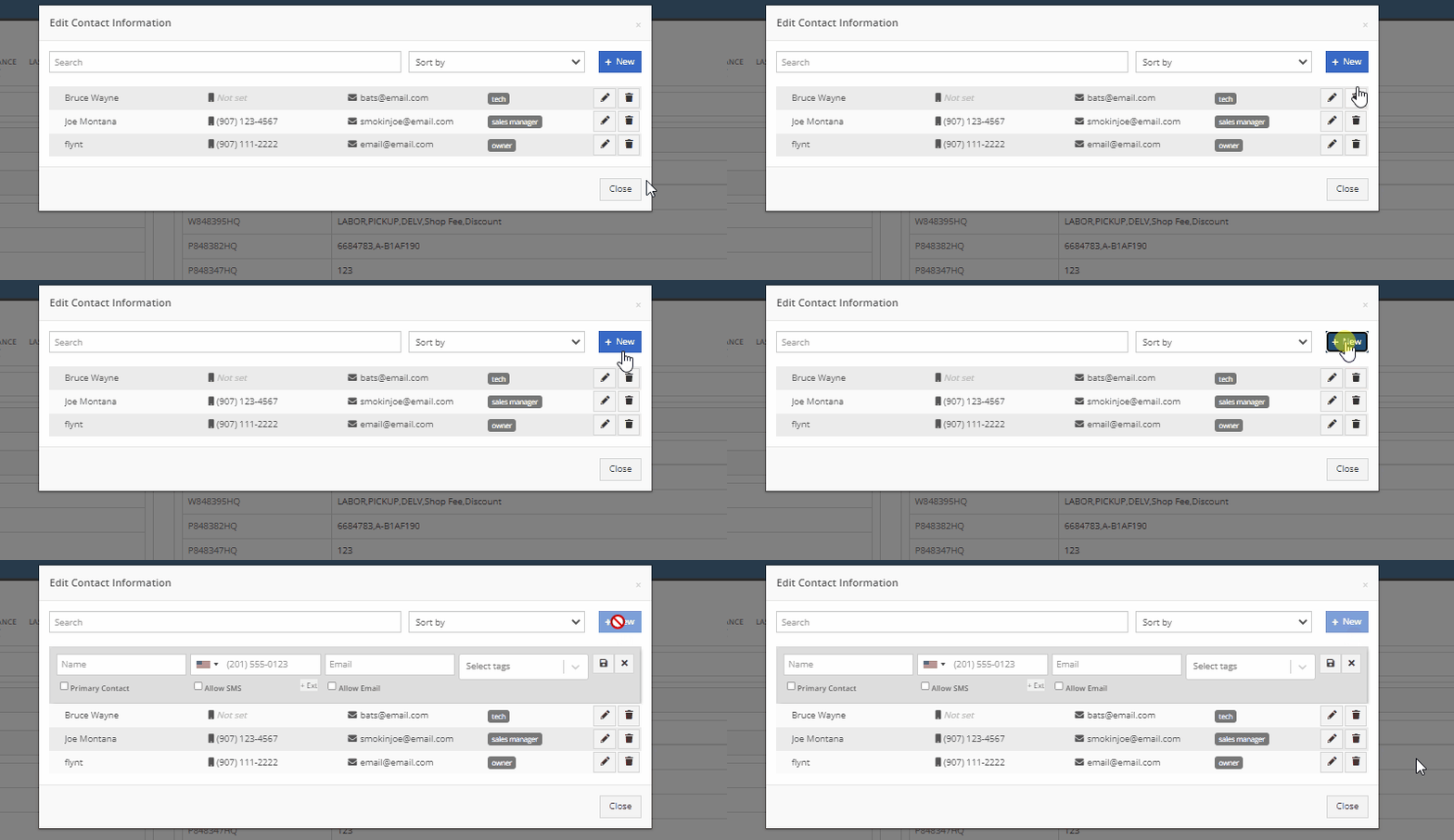
Add or edit this field from the customer dashboard select the Actions Button -> Contacts.
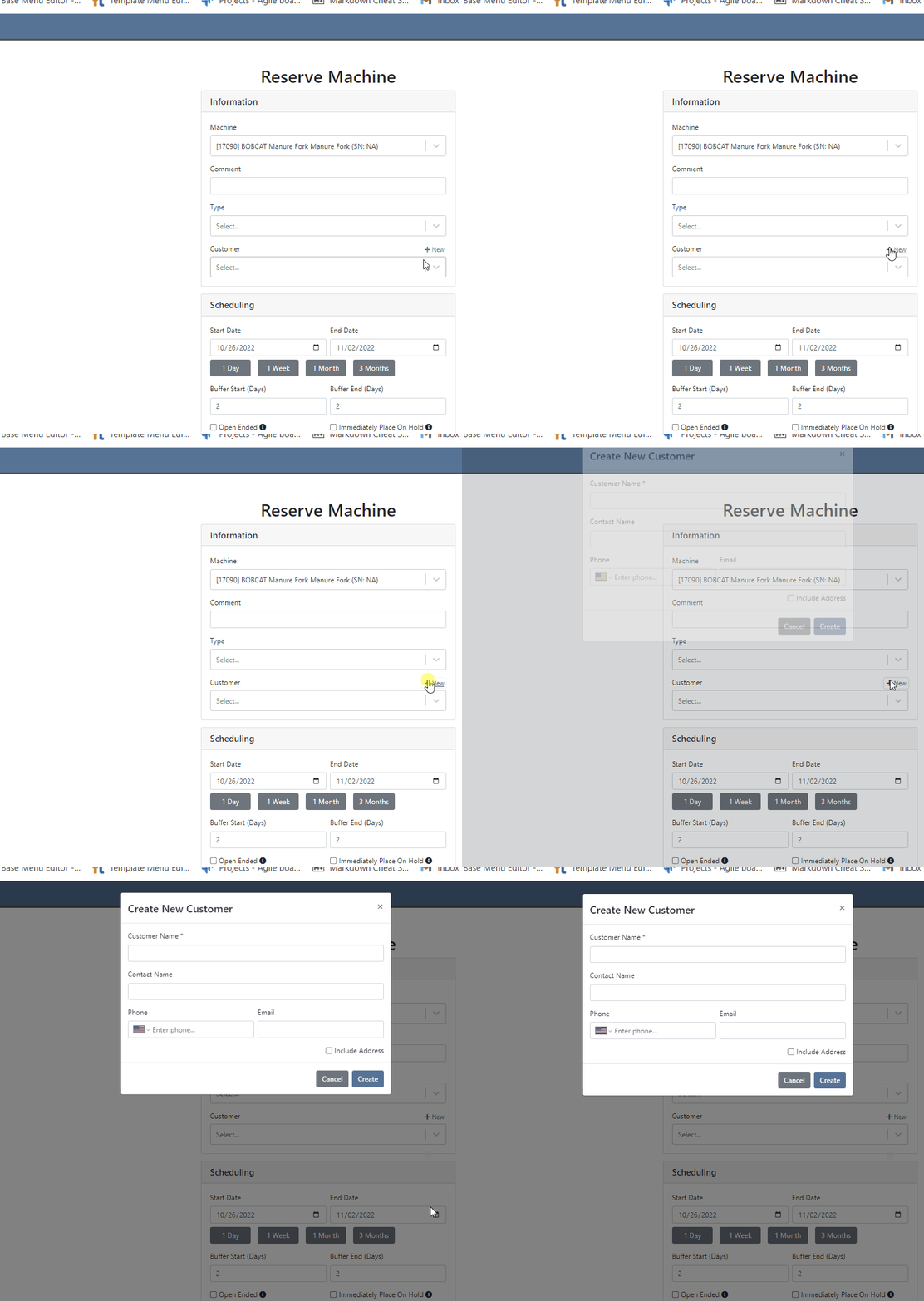
You can now create a customer on a new reservation. That customer will be immediately selected on the create reservation form.
Customers can be automatically marked as a problem customer when they exceed their credit limit. To enable this feature, click the Wrench -> Flyntlok -> Flyntlok Details-> Sales Section.

There were a few dead ends that sales orders and purchase orders would end up in, if we attempted to post them and there were no lines that needed to be generated. Reversing these would fail and always require Flyntlok assistance. You will now be able to reverse these documents.
We have added a “Terms” selector to the existing “Create QuickBooks Online Customer” form.
When printing an invoice in Flyntlok that has been marked as paid in QBO, we will now show the Balance Due as $0.
October 12th, 2022 Release Notes
Learn More at Flyntlok Dealer Management System
Check out our Flyntlok YouTube channel for more highlights of the application!






