NEW:
Save Technician Time and Drive More Service Revenue with Voice-to-Text, AI-Powered Tech Notes
Check out the latest updates to the Flyntlok Equipment Dealer Management System.
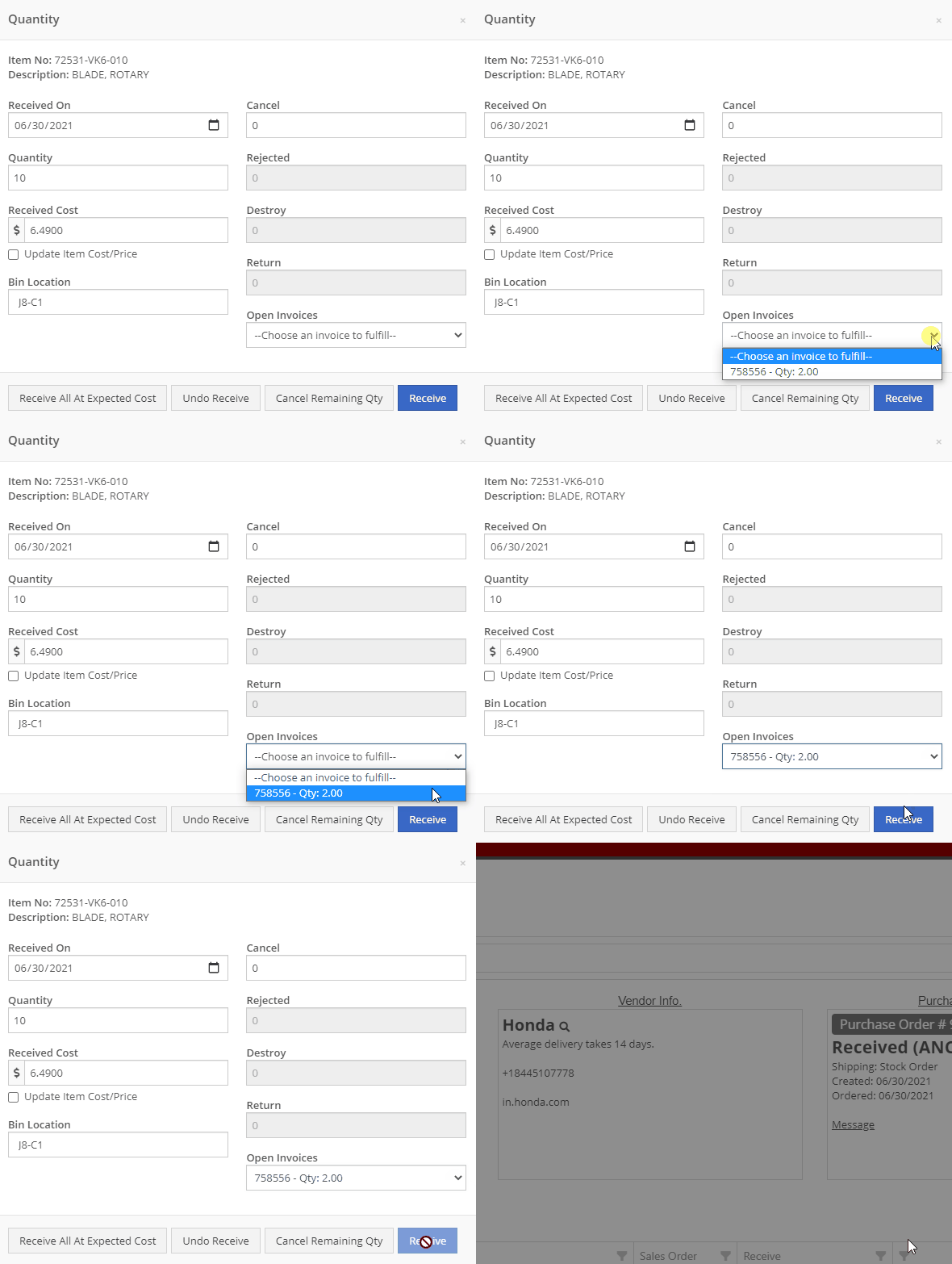
When stock orders are received, Flyntlok will help find where they will be used best. If you have outstanding special orders for the same part; you will be able to move the stock order part onto the special order from the receiving pop-up.
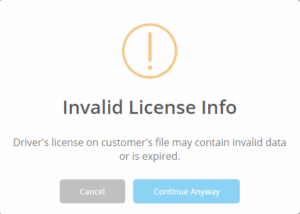
Flyntlok now automatically checks to see if your rental customers' licensing is up to date. You can continue with the rental on a case-by-case basis.
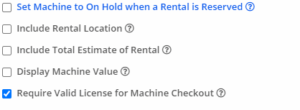
To implement this check at your business go to the Wrench->Flyntlok->Flyntlok Details. Then under the rental section make sure "Require Valid License for Machine Checkout" is selected.
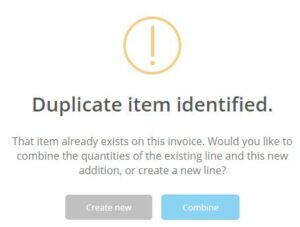
Flyntlok now displays a warning if you add a duplicate item to a sales order. Choose to either combine the item with an existing line item or create a new line item.
We expanded the End of Day report to further break down the data. We Added 2 columns in the parts sold section:

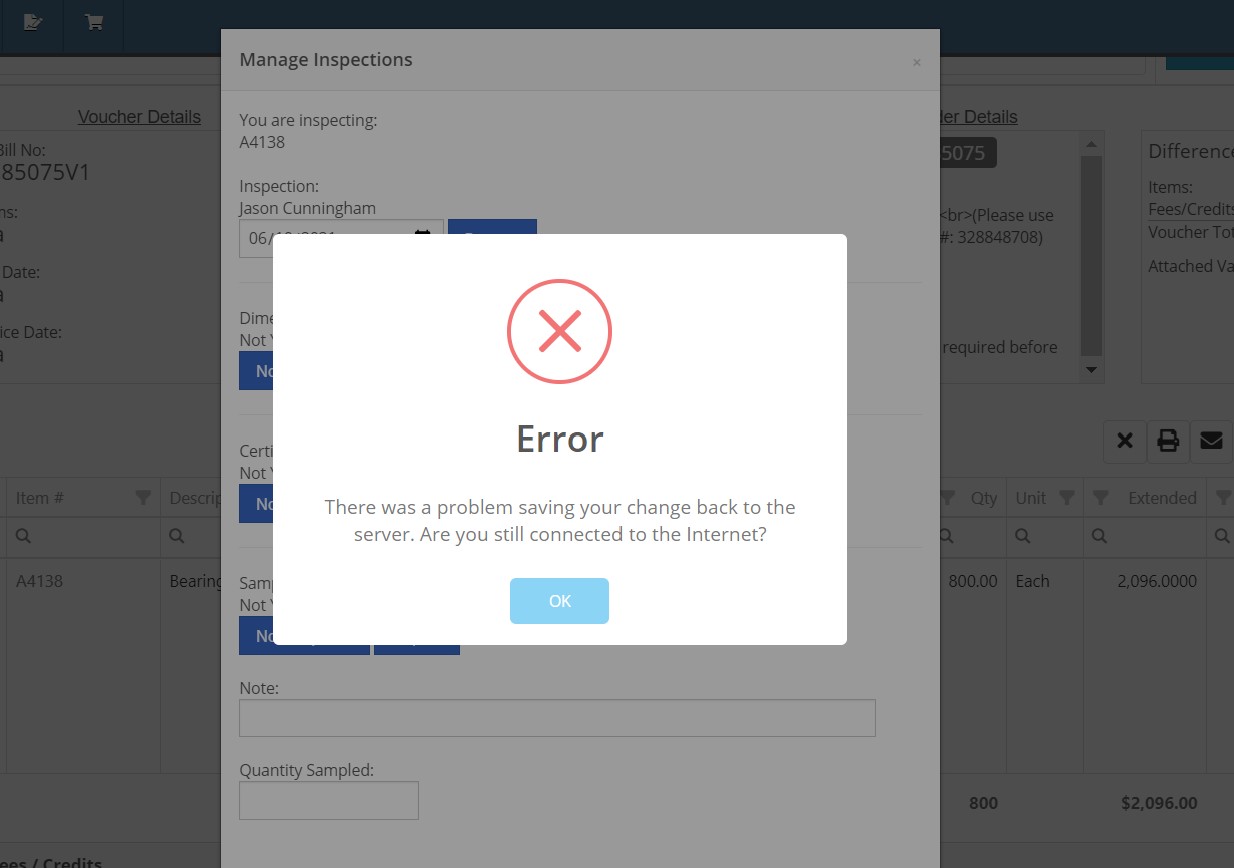
When inspecting parts on ERP vouchers the below error would occur. This has been fixed on all vouchers created after 6/30/2021.
After a Voucher has been closed it will be "locked down". Users will not be able to add or delete attachments, edit attachment values, or make changes to fees and credits. We remove the buttons altogether, see below!


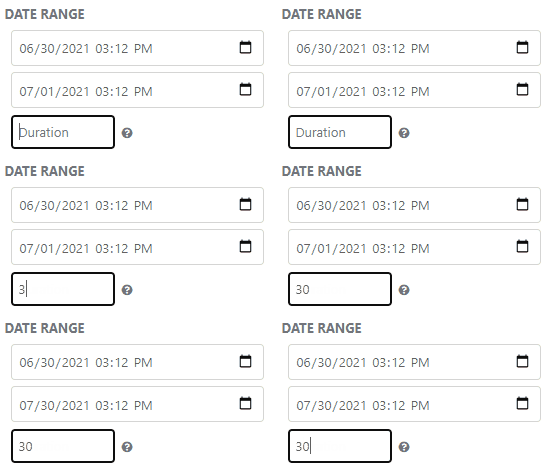
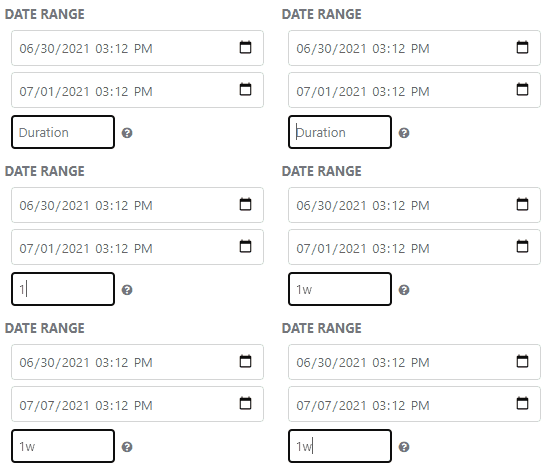
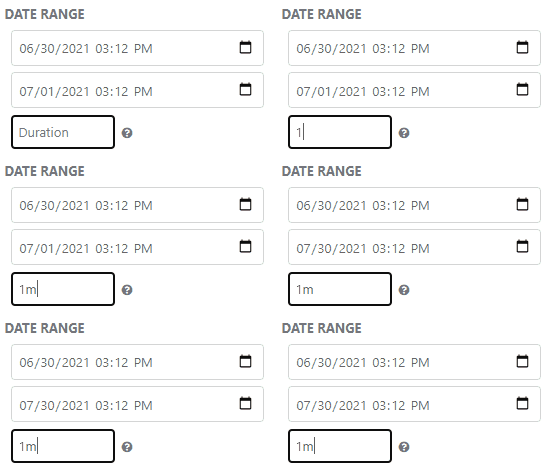
Flyntlok will assume you are inputting days when a number is typed into the rental duration text box. You can still use "w" after a number to set weeks and "m" to set months.
Flyntlok had been setting the default salesperson to the first person shown in the dropdown; which is ordered alphabetically. The default first salesperson will now automatically be set to the user that is signed in.
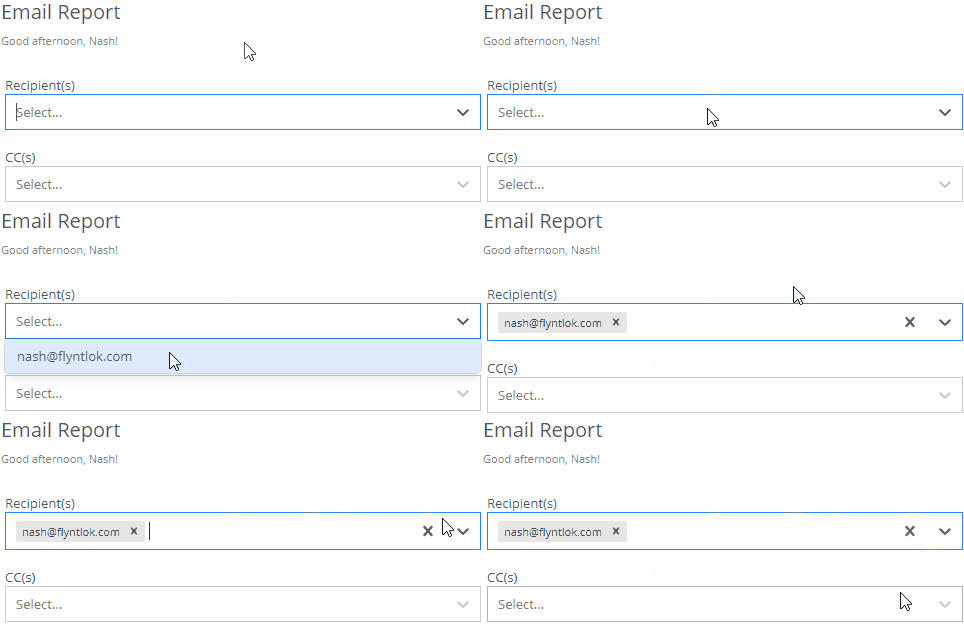
The beta work order dashboard was not filling the Recipient(s) dropdown with customer emails. Flyntlok will automatically fetch emails associated with the company listed on a sales order. The system will then show the emails in the Recipient(s) dropdown on the "Email Report" page. This will make it faster to email quotes and receipts to customers.
Learn More at Flyntlok Dealer Management System
Check out our Flyntlok YouTube channel for more highlights of the application!






