NEW:
Save Technician Time and Drive More Service Revenue with Voice-to-Text, AI-Powered Tech Notes
Check out the latest updates to the Flyntlok Equipment Dealer Management System.
We have continued to add functionality to our new work order page. If you are interested in participating in the beta testing for this section of the application, please reach out to a consultant via a support ticket!

This is the current default case in Flyntlok. When this option is selected, we will charge the total amount of billable time on a work order.
Selecting "Charge Estimated Hours" will result in an invoice that only bills for hours you have estimated on a job. For example, if you set a job to be a 4-hour estimate at your shop rate, but your technician clocks 4 hours of shop, and 4 hours of OT, Flyntlok will still only bill for the 4 hours of shop time.
Choosing the Flat Rate option for billing will wrap up all the parts and labor charges into one lump sum that you set on the job.

An additional actions button was added to allow users to delete or transfer individual jobs. We will continue to expand on the actions available here.


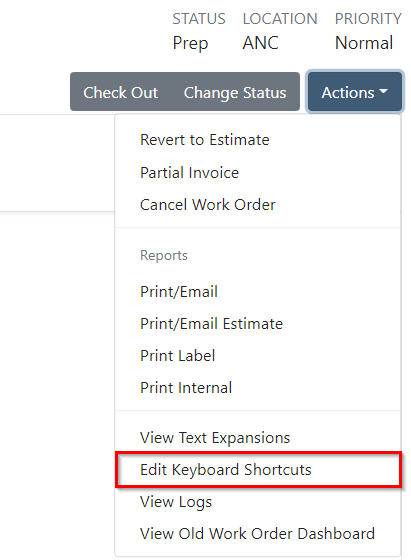
Custom keyboard shortcuts can be added to expedite your workflows. Also, you can use CTRL + ENTER to save any field when you are editing.

Rearranging jobs keep everything organized.

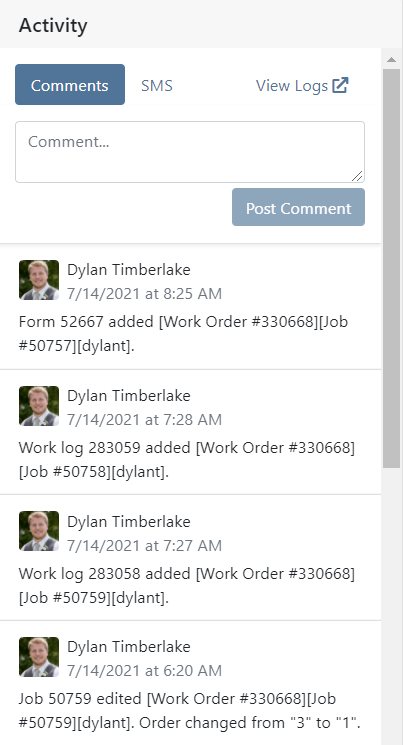
The new audit log allows users to view past actions that have been taken on a given work order. Comments can also be added to this section.
Shop managers can view a finance section in each work order. Thus, making it easy to identify high and low-profit jobs.

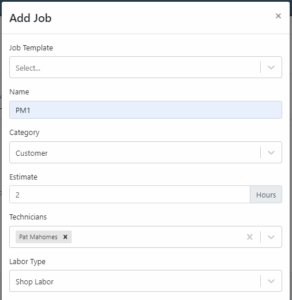
Shop managers can assign technicians to individual jobs. Note: This is just informational at this time. We will be updating reports/dashboards in the coming weeks.
Job forms have been moved to their own section.

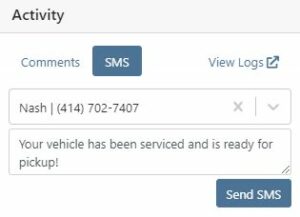
You can send text messages directly to customers. This feature can be accessed through the activity tab at the bottom of the screen.
You can now control whether or not you require comments when a technician changes the status of a work order.

We added a badge to let you know if the labor entries you are looking at are already billed out/
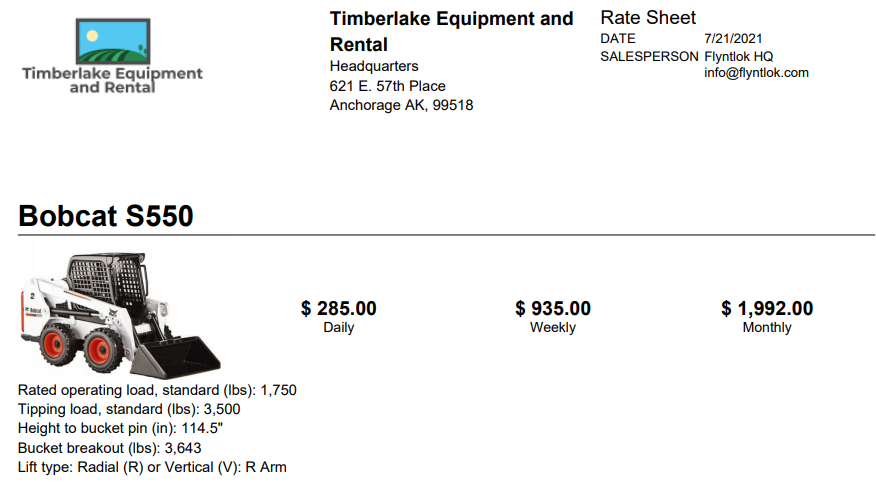
If a customer calls in to check on rental rates, you can now quickly select the machines they are interested in renting and supply them with a PDF of your default rates. This requires a default template to be selected on each model you rent. Note that if a customer gets special rates with your business, you will have to generate a formal quote contract.
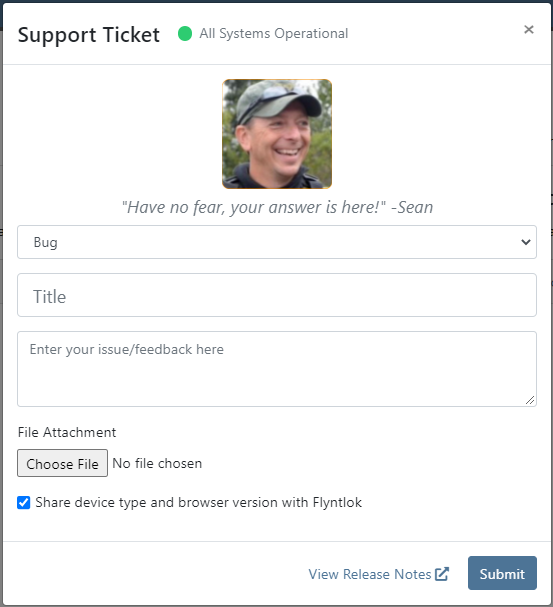
A few changes have been made to the ticket submission pop-up. We will now ask for a category to be chosen when submitting a ticket and ask for the ability to view your browser's information when the issue is submitted. This will allow us to help assist you faster!
Learn More at Flyntlok Dealer Management System
Check out our Flyntlok YouTube channel for more highlights of the application!






