WATCH HERE:
Our Equip Expo AI Session is Now On-Demand!
There’s a newer version of this video. This one stays up for reference, and it no longer shows on product pages or in the library.
Watch the newest versionSean McLaughlin runs Flyntlok on his own dealership, in one take.
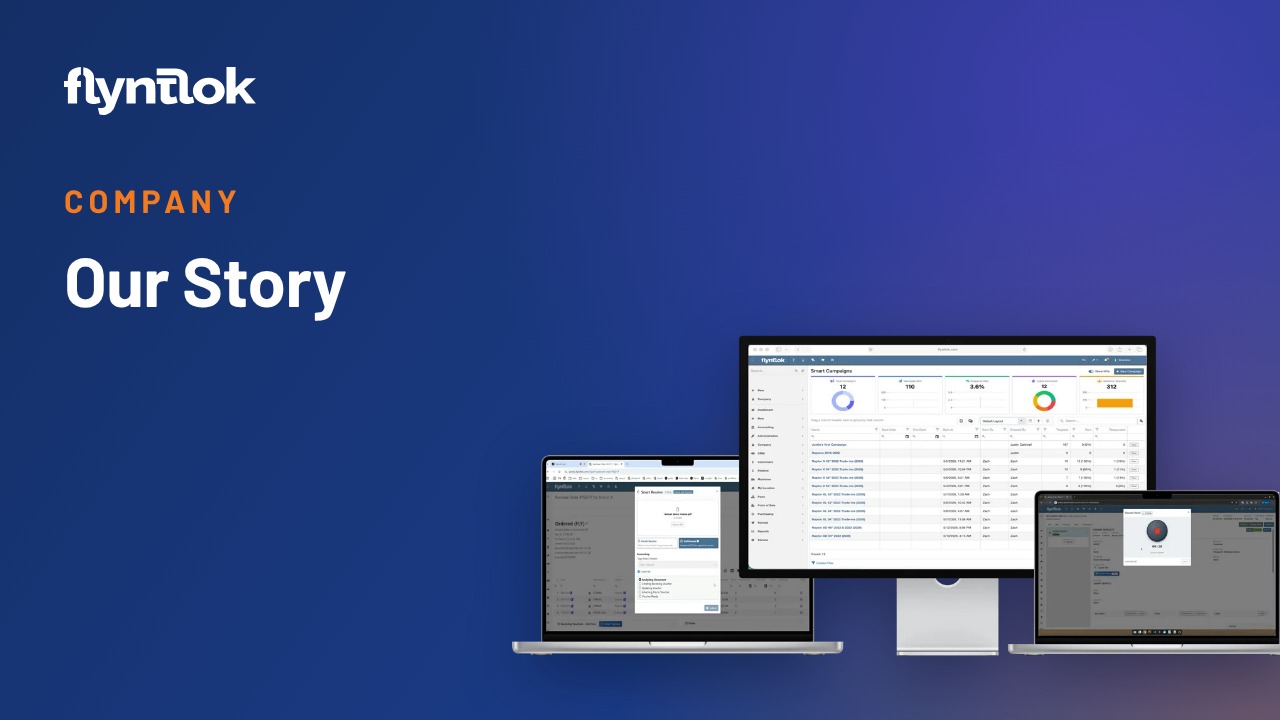
Sean McLaughlin, Flyntlok's founder and CEO, gives a one-take tour of Flyntlok on live data from Craig Taylor Equipment, his dealership in Alaska. He covers logging in, the main screen, support, mobile mode, grids and the machine, customer, parts, work order and rental dashboards.

Plays right here. No form to fill out.
The first video in Sean McLaughlin's one-take demo series, recorded in May 2024. Sean is Flyntlok's founder and CEO, and he also owns Craig Taylor Equipment in Alaska, so he runs the demo on that dealership's real data to show what a normal day in Flyntlok looks like.
He starts at the login page, tours the main screen, then works through the grids and dashboards behind machines, customers, parts, work orders and rentals. Some screens have changed since, and the October 29, 2026 release notes announced a native Flyntlok Mobile app entering closed beta, starting with Sales and CRM.

Every update below shipped after this video was recorded. Each one links to its release notes.
Flyntlok ships a release every two weeks. See every release note
Flyntlok runs in a browser on any PC, phone or iPad with an internet connection. Sean starts on flyntlok.com and points out two buttons dealers can put on their own websites: Sparks, the customer portal where business customers look up invoices, reorder parts, check inventory and schedule service, and a contact button that drops website inquiries straight into Flyntlok's leads page. Login supports two-factor by email or text.
Flyntlok runs on Google Cloud next to partners like Twilio for messaging, Shippo for shipping and QuickBooks for accounting, and a green light shows they're all up. The main dashboard can be built per role, like a two-column service manager view. The question mark opens support: Flyntlok packages what you were doing and sends it to a consultant, under an 8-in-8 promise to respond within eight minutes and solve it within eight hours. If needed, the consultant co-browses with you using an Iron Sight code.
On a phone, Flyntlok switches to mobile mode. Techs use it to clock into jobs, fill in notes with speech to text and take as many photos as they need for warranty and for customers. Shared files, like manufacturer documents, SOPs or the shop's holiday calendar, live in the Google cloud. Signature Hub collects on-screen signatures, though the first choice is the Clover device from Gravity Payments, or a signature request sent by text or email.
Everything else works as grids and dashboards. Sean filters his rental fleet to available Doosan units, opens a DL250 and walks the machine dashboard: rental transactions, work orders, financing, an income statement and balance sheet for the unit, meter history and every file tied to it. For brands like John Deere, STIHL, Volvo and Hitachi, warranty information comes straight from the vendor.
A phonetic search finds Hurdle Rate Capital, Sean's property company and a customer of the dealership. Its customer dashboard lists sales orders, contacts, rentals and machines. A sales order can be emailed with attachments, noted and texted from the same screen. The parts dashboard shows stock at every location and part data Flyntlok builds from work order history across its dealers. Work orders group by status, and the rental dashboard shows 51 active contracts with the expected billable revenue.
Flyntlok ships new features every two weeks, and every release includes something for mobile and for CRM.
Flyntlok runs in your web browser on Google Cloud, on one platform every dealer shares, so every store, phone and tablet sees the same live numbers.
In this one-take demo, Sean McLaughlin logs in from a browser and works through grids and dashboards: lists of machines, customers, parts, work orders and rentals, and a dashboard with everything about each one.
Yes. Flyntlok runs in Chrome, Edge, Firefox or Safari on a phone, and in this demo it switches to a mobile mode techs use to clock in, take notes and add photos. A native Flyntlok Mobile app is entering closed beta, starting with Sales and CRM.
Click the question mark on any screen and your question goes to a consultant with what you were doing. Flyntlok's 8/8 Support Guarantee promises a response in 8 minutes and a fix in 8 hours.