Support Articles

How can a customer electronically sign an invoice?

by
Dylan Timberlake
February 20, 2021

Lorem ipsum dolor sit amet, consectetur adipiscing elit. Suspendisse varius enim in eros elementum tristique. Duis cursus, mi quis viverra ornare, eros dolor interdum nulla, ut commodo diam libero vitae erat. Aenean faucibus nibh et justo cursus id rutrum lorem imperdiet. Nunc ut sem vitae risus tristique posuere.
This is some text inside of a div block.
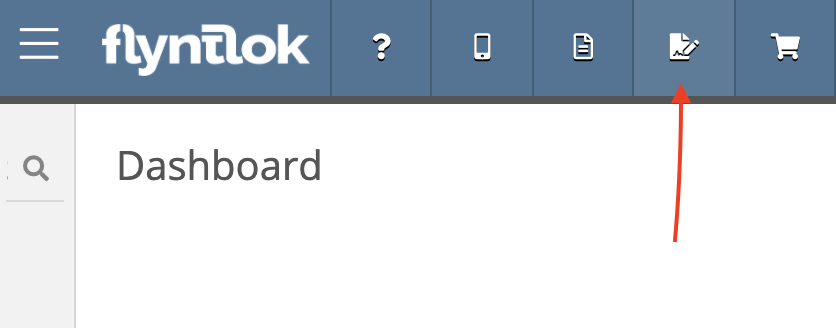
  1. From anywhere in Flyntlok, click the Signature Hub icon.
sig hub1 for Flyntlok Website
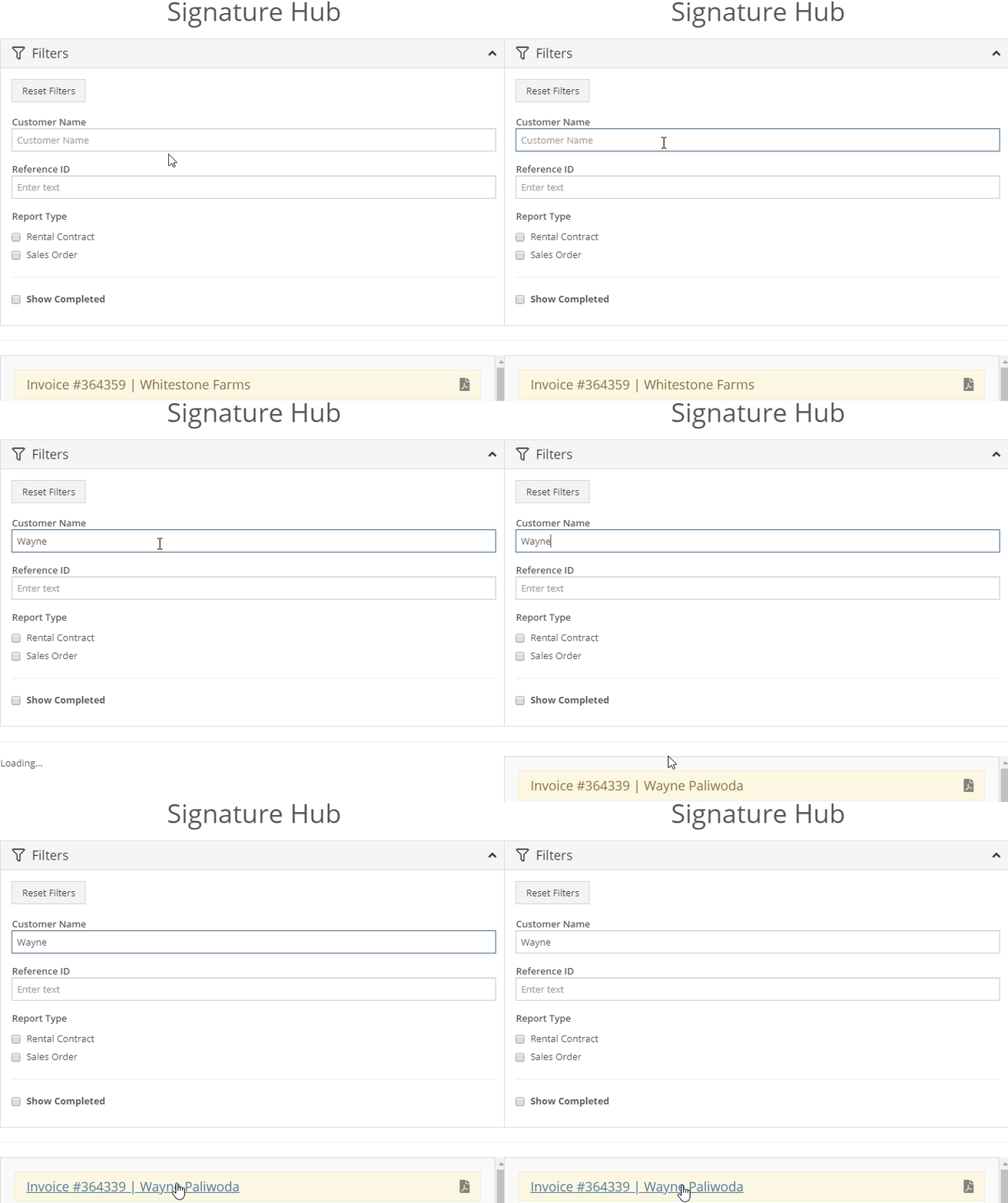
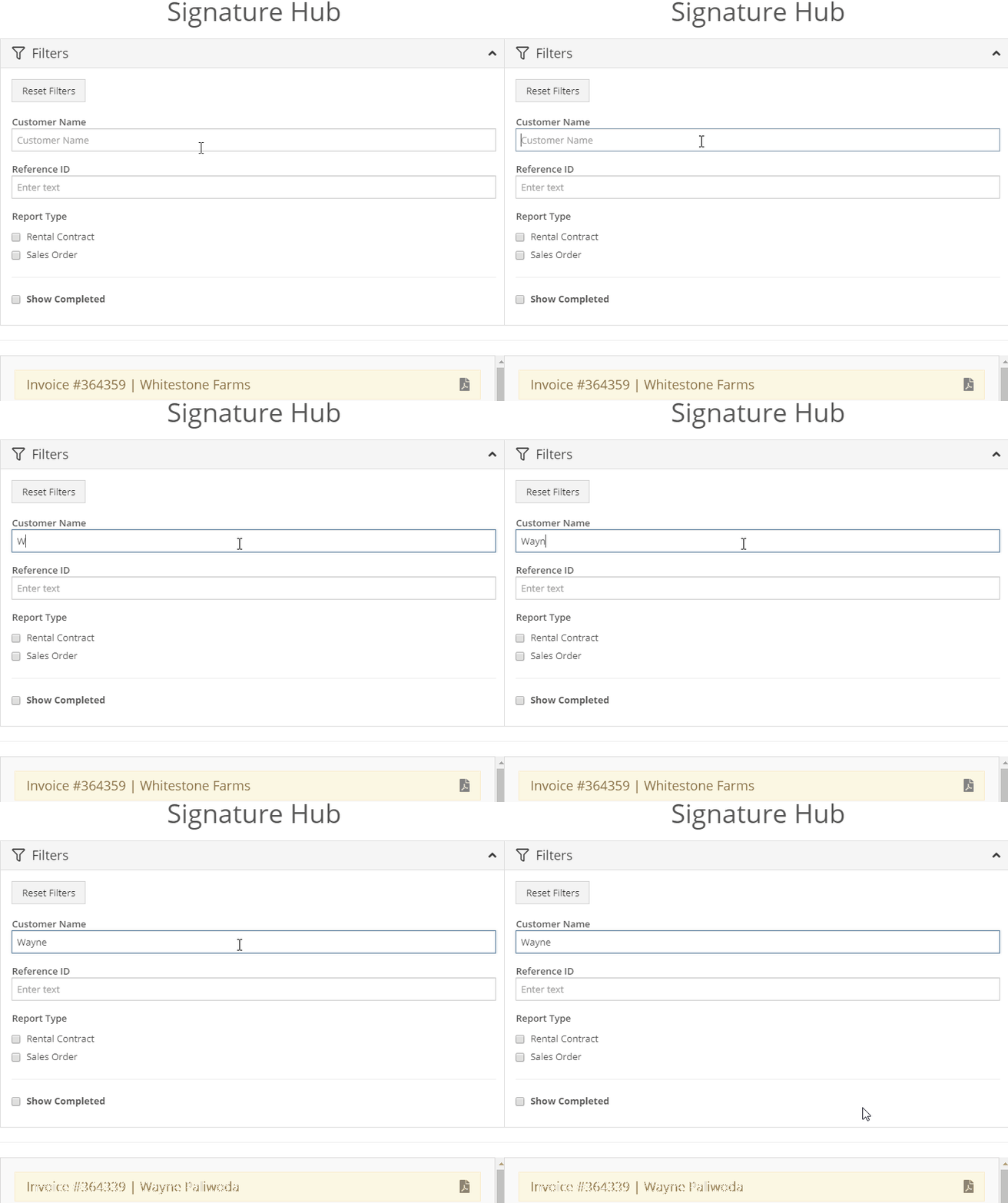
  1. Next, search for the invoice using either the customer's name or the invoice number.
sig hub2 for Flyntlok Website
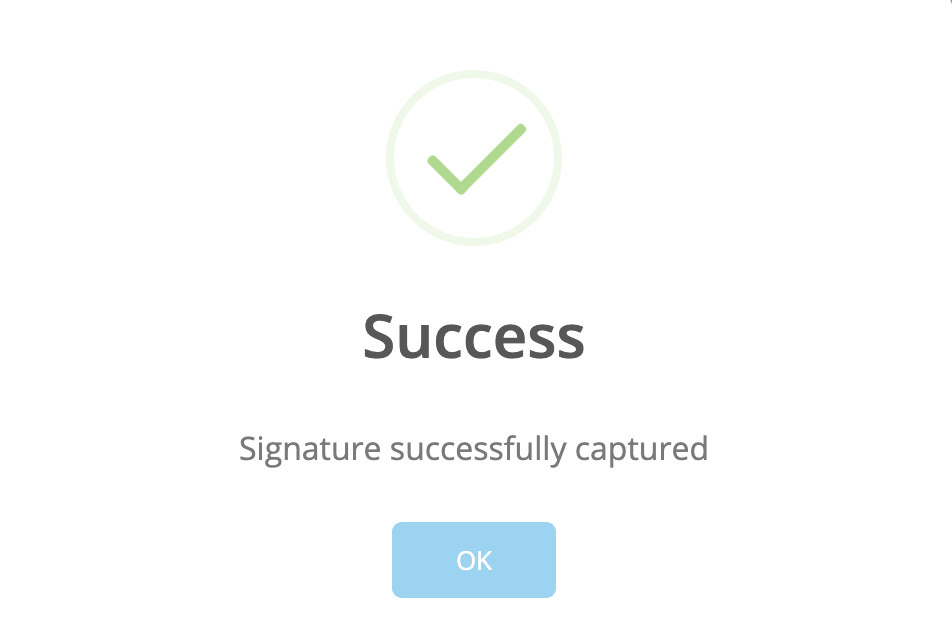
  1. Click the customer's name to open the signature box. Here the customer can use the mouse to sign their name or their finger if they're using a touch screen tablet. Click Submit.
sig hub3 for Flyntlok Website
sig hub4 for Flyntlok Website
Table of Contents
Related Posts
Smart Receive Guide
Tax System Update
Bobcat Online Parts Counter Integration Setup Guide