NEW:
Save Technician Time and Drive More Service Revenue with Voice-to-Text, AI-Powered Tech Notes
Check out the latest updates to the Flyntlok Equipment Dealer Management System.
Between today, May 27th, 2021, and June 9th, 2021, we want to reduce unnecessary mouse clicks within the application. Submit a support ticket with your idea to reduce clicks. As a team, we will determine the most impactful request, implement the changes, and reward that user with a $25 visa gift card!
If you have ever wanted to gauge customer satisfaction in real-time then we have the feature for you! We are adding the ability for you to automatically email surveys to your customers after certain actions in the system. For example, after you close a sale with a customer.If you have interacted with Flyntlok’s help desk recently, you may have received a survey in your inbox almost instantly. While this alone is great, we wanted to take this feature a step further by building “triggers'' that will allow you to send the surveys either instantly, or after a delay chosen by your business. This tool will not only make your dealership look modern and professional, but also provide you with instant feedback from your customers.We have teamed up with Survey Monkey as a partner for this feature. This allows Flyntlok to trigger actions for surveys and manage data necessary to tailor your survey. Survey Monkey manages the survey configuration and provides tooling and reporting around your surveys. The Flyntlok consulting team can assist with all of the setups.This ad-hoc feature can be configured for you for a cost of 10 cents a survey. If you are interested in utilizing this, please contact us at consulting@flyntlok.com or submit a ticket within the application, and we will set up a time to discuss.
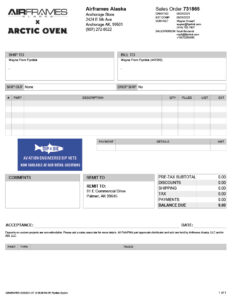
We are happy to announce that we are launching a new version of the Invoice/Sales Order PDF. We will be adding this feature by customer request in the coming weeks! A Flyntlok consultant will reach out to your management team for approval before adding your business to the beta test. This new sales pdf will soon become the standard within Flyntlok.Biggest Improvements:
Over the course of the next two weeks, we will be working on a new implementation of the work order dashboard. This will be a job-centric dashboard with screen space optimized for tablets and laptops. Starting 06/09 we will launch a closed beta for this feature and open that beta to customers who are interested in trying out this new dashboard in late June.
Since we are making updates to our work order system, we will take this opportunity to update the job template editor as well. This will be finalized and out with our release 06/09!
Due to popular demand, we have added a new hotkey to our sales order page. “F” can now be pressed to fulfill as many items as possible on the sales order. We continue to encourage ticket submissions with click reduction ideas!View Updated Hotkey Cheat Sheet
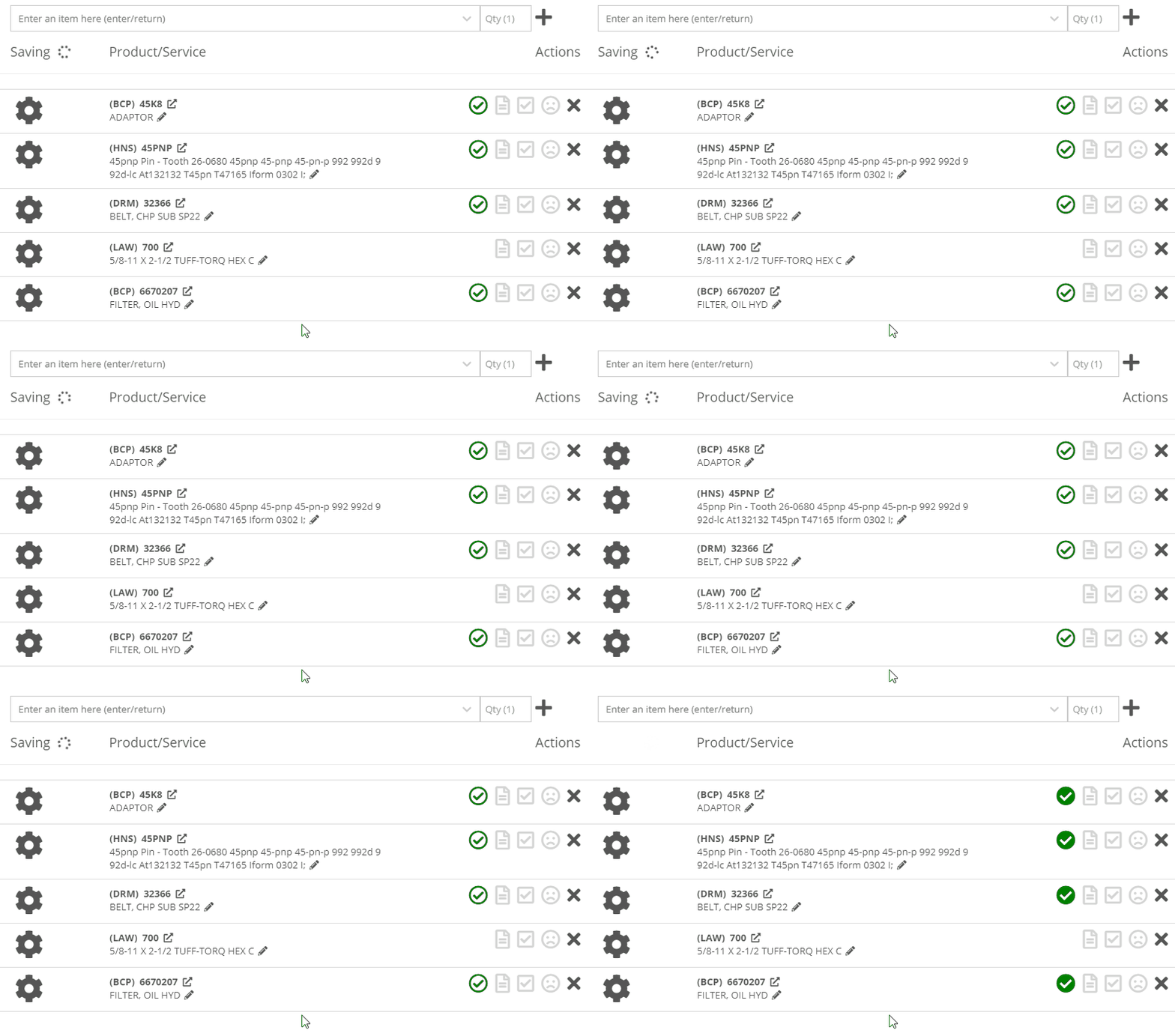
After using the mouse to select parts from the parts searcher drop down, the cursor will automatically move to the quantity field.

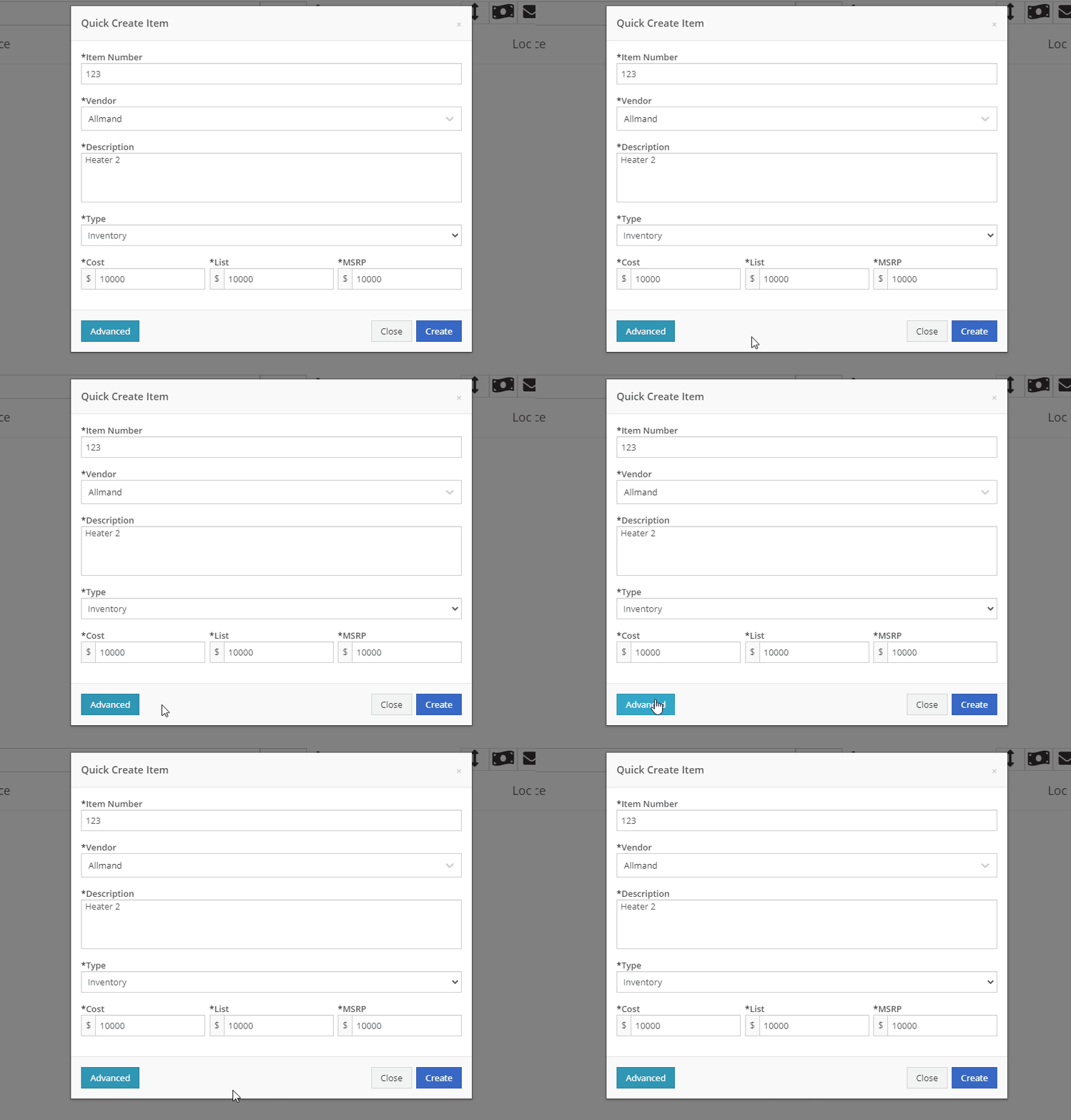
We added a link from the POS item quick add dialog to the full new part creation form. If you had some data already entered into this form, it will be saved and you will continue to edit the newly created part in a new tab. Just remember, the form has to be completely filled out before clicking the advanced button.
We will also start checking for duplicate customers. This should help prevent quickly adding customers that are already in the system.
Sparks Orders were being created with a user set to ”Flyntlok System”. In order to support downstream workflows (like purchase requests), we will assume the user clicking “accept order” will be responsible for that sales order moving forward.
We fixed a bug causing sparks machines photos to be different than Flyntlok DMS ones. This occurred when a machine's picture was updated from its original version.
We optimized this page for laptop uses. Since consignment locations are often remote or on service trucks, we made some layout changes that should give laptop users a better experience. Specifically, any action button should be accessible without the need to side scroll.
We added a button to remove out-of-stock items when transferring quantities to consignment locations. When this button is clicked, we will reduce the transfer amount to the max quantity available to get you closer to your target quantity. Previously, we removed the whole transer.

We realized the redirecting between work orders and internal quotes was choppy. We have implemented better redirects to help streamline the process. Upon completing an internal quote you will now be redirected back to the work order you started on. The system will behave exactly as if you bought the parts from an internal account; eliminating clicks and allowing you to enter additional work order data.
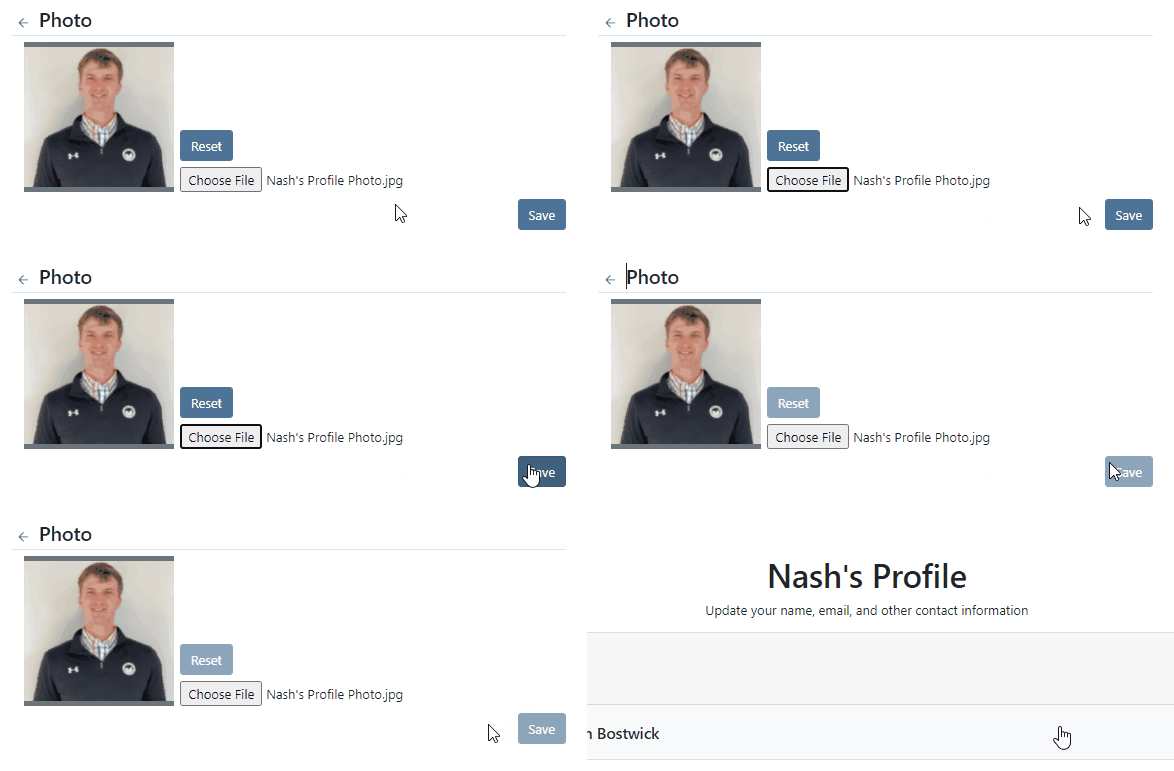
You might have run into an error while editing/saving your user settings (such as updating your personal photo) and not realized it. We have now updated that page to communicate errors to you, should one occur.
Being able to put a face to a name is more important now than ever. We made sure that all users are able to add a user photo. No permission is now necessary.
Users were mistakenly grading a work order before signing it as assembled or signing the first article inspection. Now, a work order must be signed as assembled before the option to grade the work order will be made available. If a work order requires first article inspection, that must also be completed before the option to grade will be made available.
This submission came from Gabe K during our click reduction contest. If your mouse left the space on the screen where the modal (pop up) was, the modal would automatically close. We understand that can be frustrating so we made sure that the modal stays open until you choose to click close or save.
We give an extensive breakdown of costs on ERP work orders. We went ahead and added them up for you! This can be found on your ERP work order dashboard.
If you have the user setting enabled to open your QuickSearch results in a new tab, we were not leaving the input after you submitted your search. When you returned to that tab, the QuickSearch guide would overlay over the page and block your view, requiring a click to close it. We have handled that for you now.
It is important that closed sales orders remain closed and not changed. A few users found that our new hotkey improvements worked a little too well; allowing notes to be added to sales orders after they were closed. “N” will now only add notes to work orders in draft status.
We have continued to improve on last week's core-focused improvements. You will now be able to find newly created cores in the parts searcher immediately after they are created. This will allow you to connect cores to parts immediately, smoothing your workflow.
We have added the ability to update, search and link machines to work orders based on the customer-supplied unit number. Previously, the technician had to supply the Flyntlok unit number.
Learn More at Flyntlok Dealer Management System
Check out our Flyntlok YouTube channel for more highlights of the application!






