NEW:
Save Technician Time and Drive More Service Revenue with Voice-to-Text, AI-Powered Tech Notes
Check out the latest updates to the Flyntlok Equipment Dealer Management System.
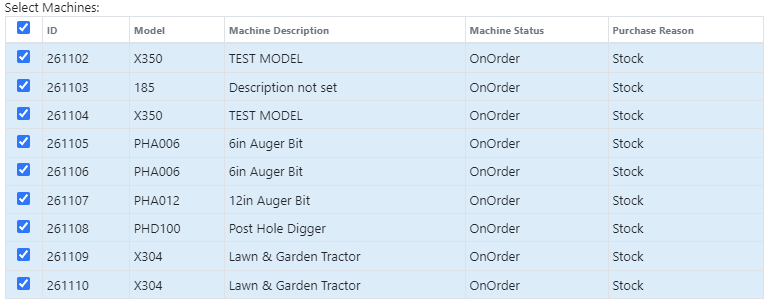
We have added model information to the machine selection page.
Machine Purchase Order Vouchers now include machine options data. The cost and the list price of the model option will be added into the cost and list price of the machine.
Machine Purchase Order Vouchers support posting each machine on a separate bill in QuickBooks.
We have added more information to each line on a rental contract. Billable Duration is still the amount of time the machine will be rented. Est. Billable is the amount of income the line item is expected to earn. Billed, is the amount of income the line has generated so far.

We have added a way to switch the location of a rental contract during creation. After you have selected the machines that are going out on rent. The next page, will have a location selector at the bottom of the form.

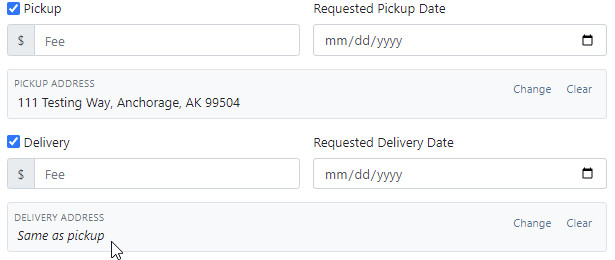
We have added a "Same As" feature to the pickup and delivery inputs on the work order creation page. If you add a pickup address, then check the delivery box, we will use the same address that you put into the pickup field unless you change it.
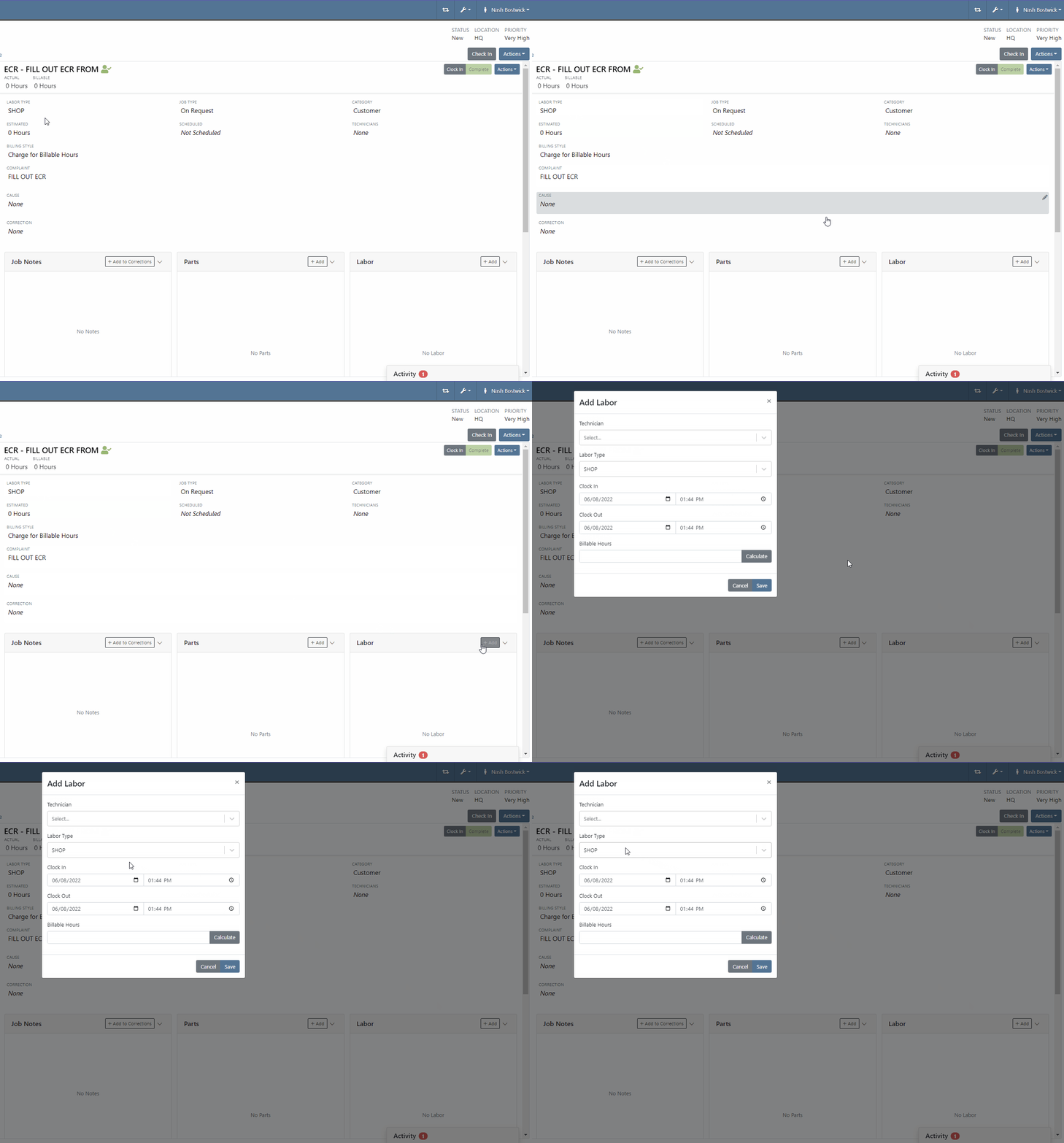
When you add labor to a job, we will autofill the labor type that is on the job.
Along with receiving MFA Codes in your email, you can receive them on your phone. To set this up, go to Login & Security section on your Preferences page.

Then add/change your phone number.

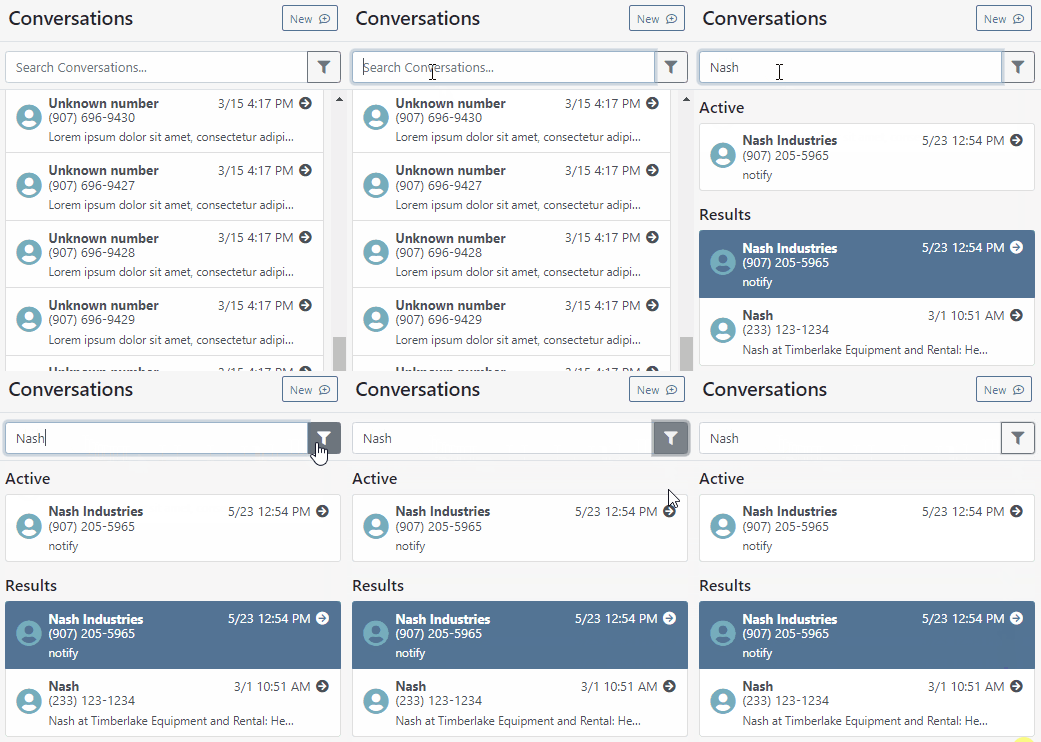
We have added a way to search and filter your conversations!
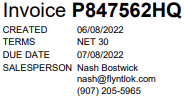
If you have an account customer with terms, please set their terms on their customer profile in QuickBooks! Once you reload your customers in Flyntlok, customers' terms and due date will appear on their invoices.
Learn More at Flyntlok Dealer Management System
Check out our Flyntlok YouTube channel for more highlights of the application!






