NEW:
Save Technician Time and Drive More Service Revenue with Voice-to-Text, AI-Powered Tech Notes
Check out the latest updates to the Flyntlok Equipment Dealer Management System.
Customers can approve or reject estimates via email. First, send them an estimate!

Once Send Request is clicked, the customer will get an email where they can approve or reject each job on the work order. If the estimate it Approved, the approve icon will appear on the estimate.

The customer can also Reject the estimate, and they now have the option to provide you a reason for rejecting.


Once a customer has taken action on an estimate, the user that sent the estimate will be notified.

We have introduced icons to the estimate list.

Each individual estimate also has icons:


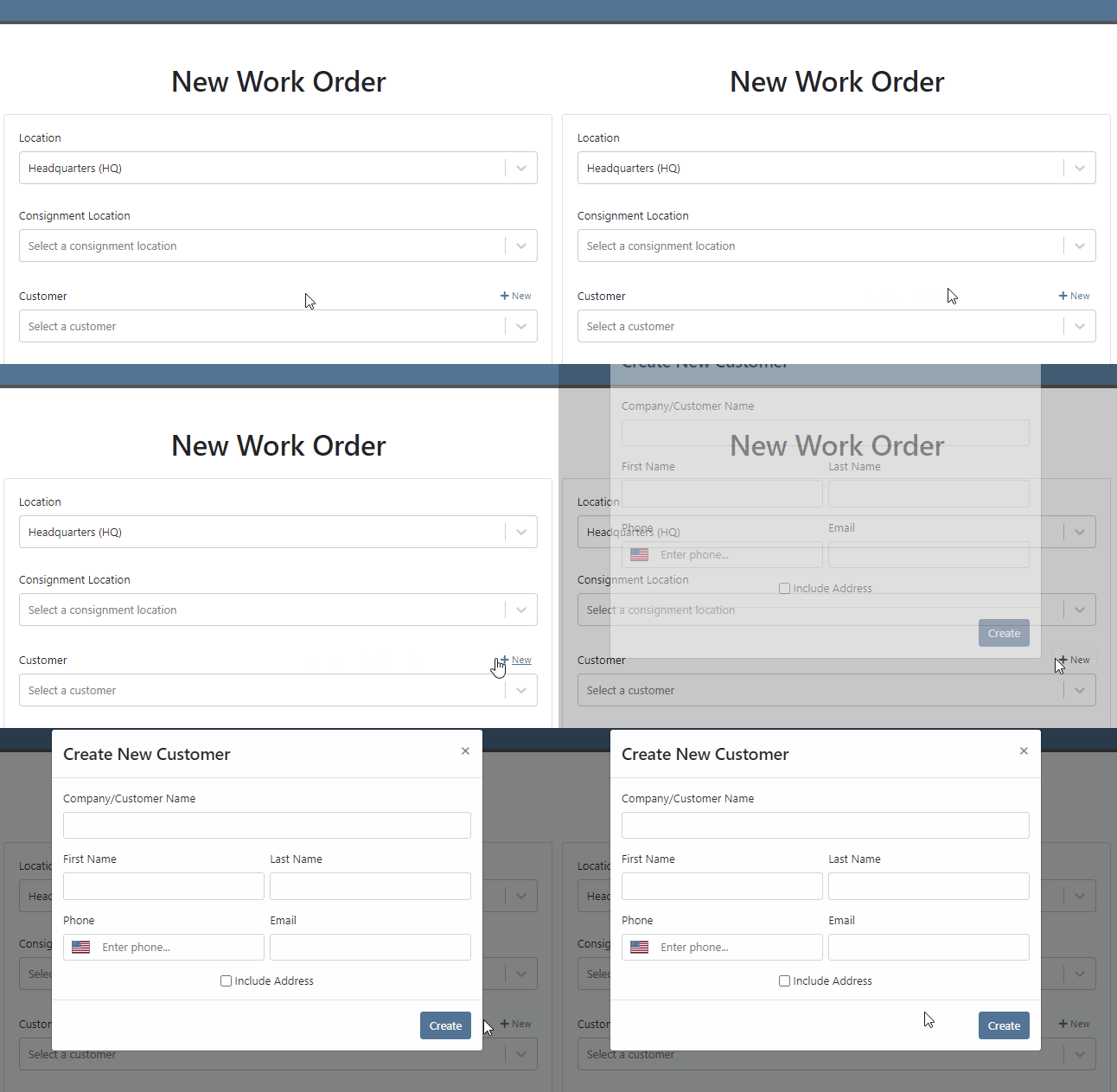
It is easier to add a customer during work order creation!
You can change service department goals on the dashboard.

Recovery Rate, an important metric, has been added to the Service Dashboard. The calculation: Billable Hours / Actual Hours

For a work order to count as rework, set the job category as rework. Rework percentage is shown on the service dashboard!

A total section has been added to the bottom of the service dashboard. If your business has multiple locations, a company average will be shown in this section.

The note field headings have changed. We are working to standardize our names and add better descriptions!


The general section has been rearranged. It will be easier to view on small screen. Scheduled Start, Scheduled End and Work Period have been combined into one line: Scheduled. The rest of the section has been split into two columns.

When you edit the information. The box will expand, allowing you to enter the data!

When a work order is generated from either the machine or customer dashboard, we will prefill as much form information as possible. Creation will now take place on the new work order form instead of the pop-up.
If you are renting items, you will see a badge on the item dashboard letting you know how may items are currently on rent.

The Actions Tab has an icon showing you unread notifications. Once you open the tab, this icon will disappear.

Text2Pay will default to the contact on the sales order.

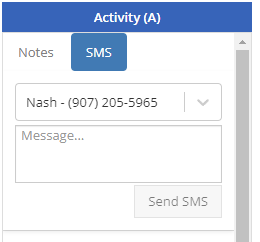
The SMS field will also default to the contact on the sales order.
An All Offers tab has been add to the bond loyalty tab. The search bar can be used to filter results.

Labels printed from a PO will print a label for every part on the PO. Labels printed from a voucher will only print labels received on that voucher!

A returnable column has been added to the stock order form. If an item is not eligible for return, select no! If an item has been set as Non-Returnable on the item dashboard, the field will will default to no.

Item number editing requires special permission. If you see a greyed out box, you do not have permission to edit item numbers.

December 1st, 2021 Release Notes
Learn More at Flyntlok Dealer Management System
Check out our Flyntlok YouTube channel for more highlights of the application!






