NEW:
Save Technician Time and Drive More Service Revenue with Voice-to-Text, AI-Powered Tech Notes
Check out the latest updates to the Flyntlok Equipment Dealer Management System.
By request, we have been moving users over to the new work order system. Thank you for all the great feedback! Please submit a ticket if you would like to start using the new system.
After creating a work order for a John Deere or Hitachi machine, we will look for open PIPs. If any are found, they will be listed just below the Add Job button in the new Recommended section of the work order.
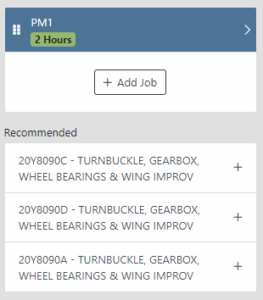
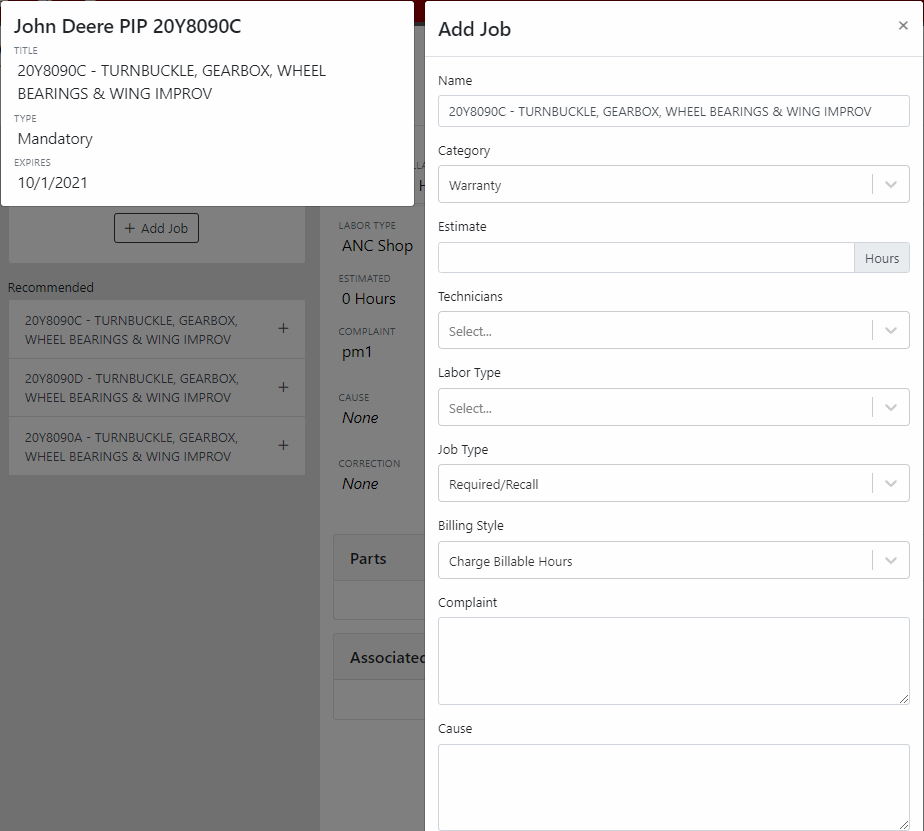
Once you select a recommended job, we will pull information directly from John Deere like the PIP title, type, and even the items needed for PIP. If you choose to create the job, we will also create the internal parts order with the required parts for the job.
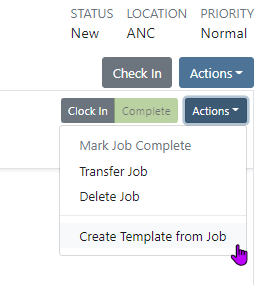
In order to save you time on creating templates for common jobs, you can now create a job template directly from a job you have on a work order.
In our new work order, we have moved away from work requested and work done on jobs to a complaint, cause, and correction structure. This gives the opportunity to input the customer's complaint, then the technician's analysis of what caused the problem. The correction field will be used to communicate the work done. Only complaint and correction are required.

Description labels appear when a button is disabled to give insight as to why the button is disabled.

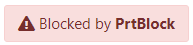
Banners are back! After getting a new look, banners are being reintroduced to update you on important information.
We will soon be adding more customers to the new rental system. Here are some of the new features that will be available!
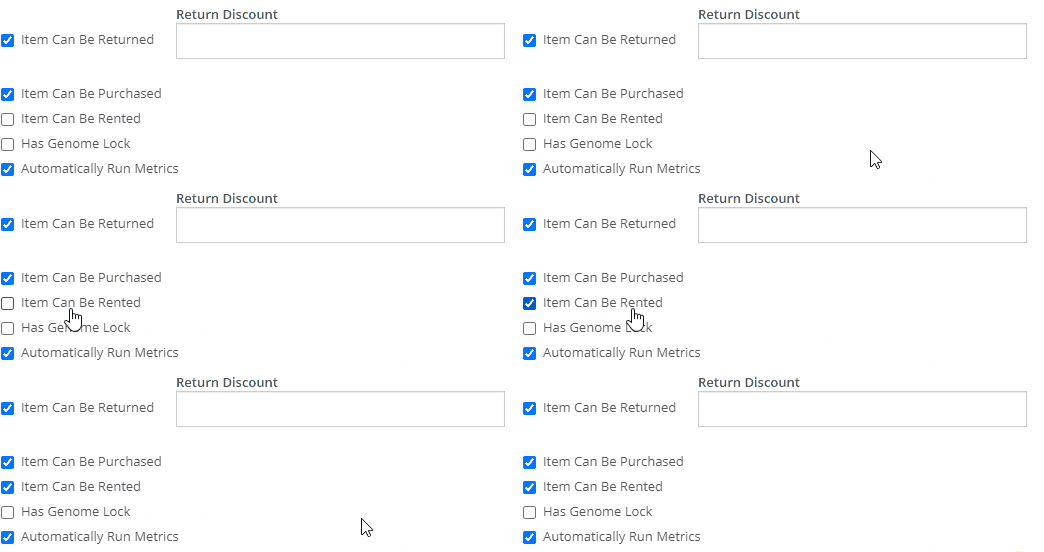
We now support renting out items. To make an item rentable, you will need to edit the item and check the Item Can Be Rented box.
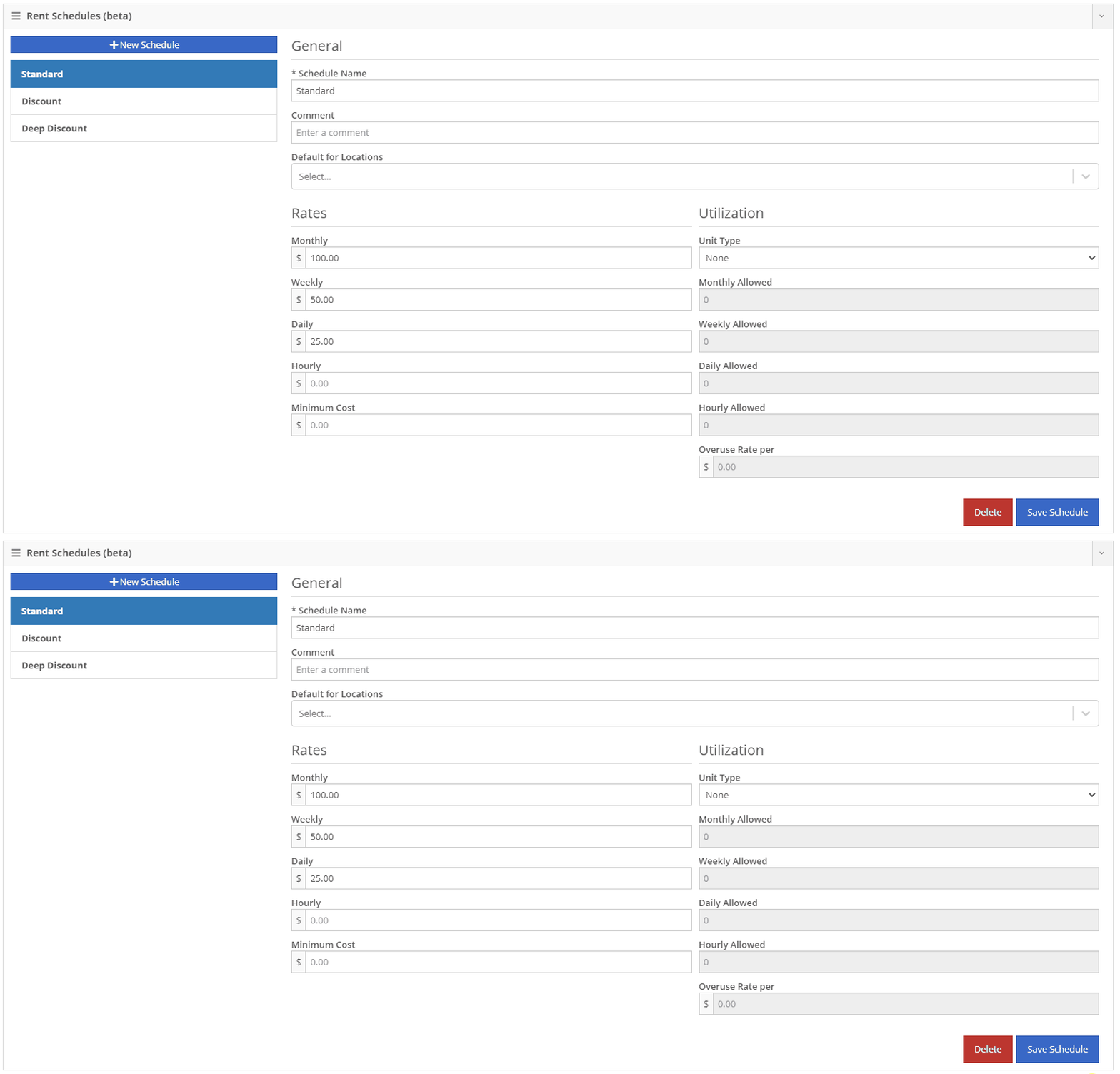
While you are there, you can add rent schedules to cover all of your pricing structures.
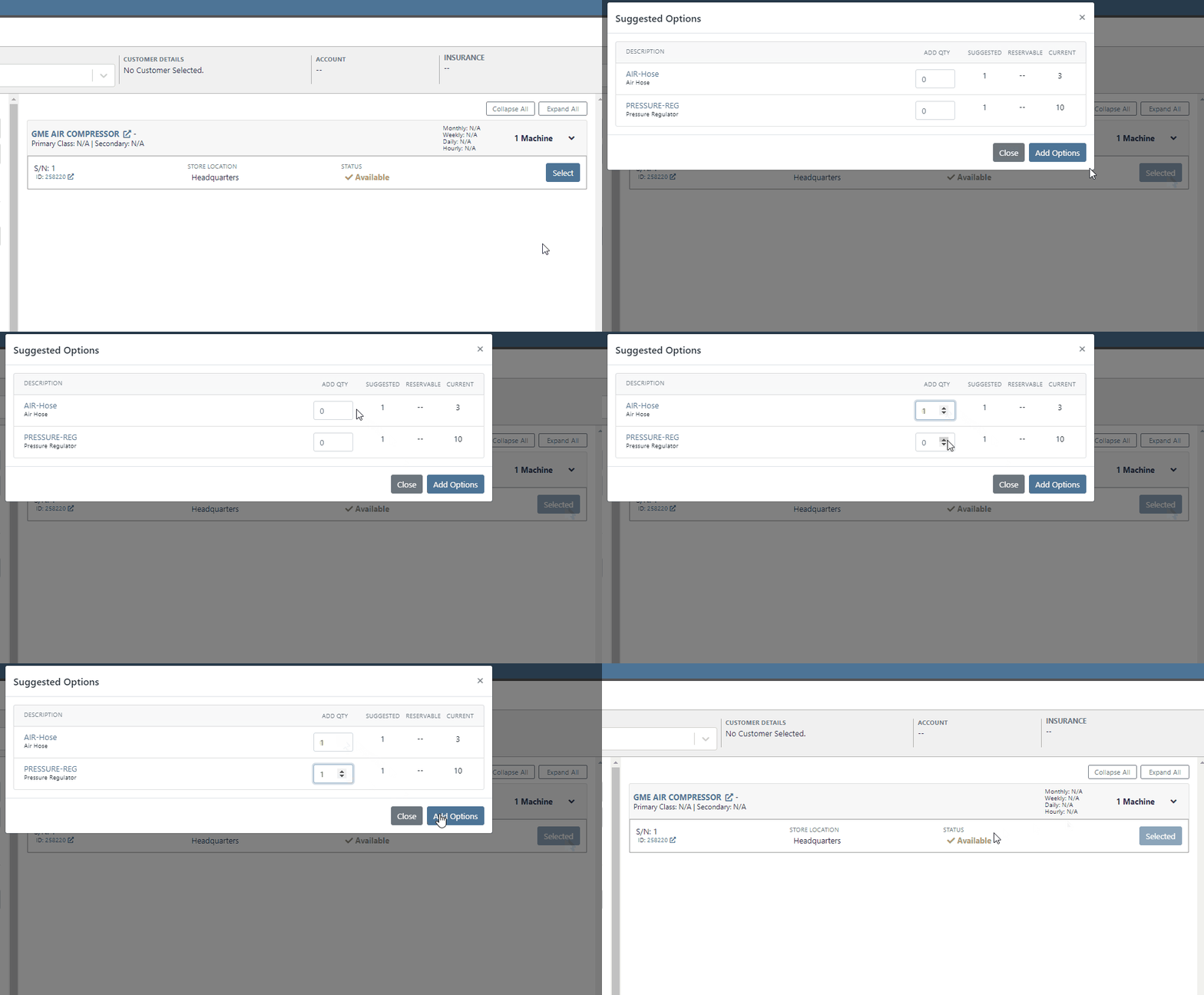
A rental kit consists of one machine and a group of items that must be rented together. An example of this is renting a serialized air compressor with a hose and pressure regulator. The air compressor is the serialized machine, while the air hose and pressure regulator are optional items. When adding the machine to the rental, you can choose the amount of each item you will rent with the machine. These items will then be pulled from inventory when checked out, then added back to inventory when checked in.
We now support customized email templates on each survey template that you send out. If you are interested in adjusting your email template or learning more about our survey system, please reach out to consulting@flyntlok.com!
If you are a multi-store company, you can now configure your surveys to only send when the sale is closed at a certain store.
Learn More at Flyntlok Dealer Management System
Check out our Flyntlok YouTube channel for more highlights of the application!






