WATCH HERE:
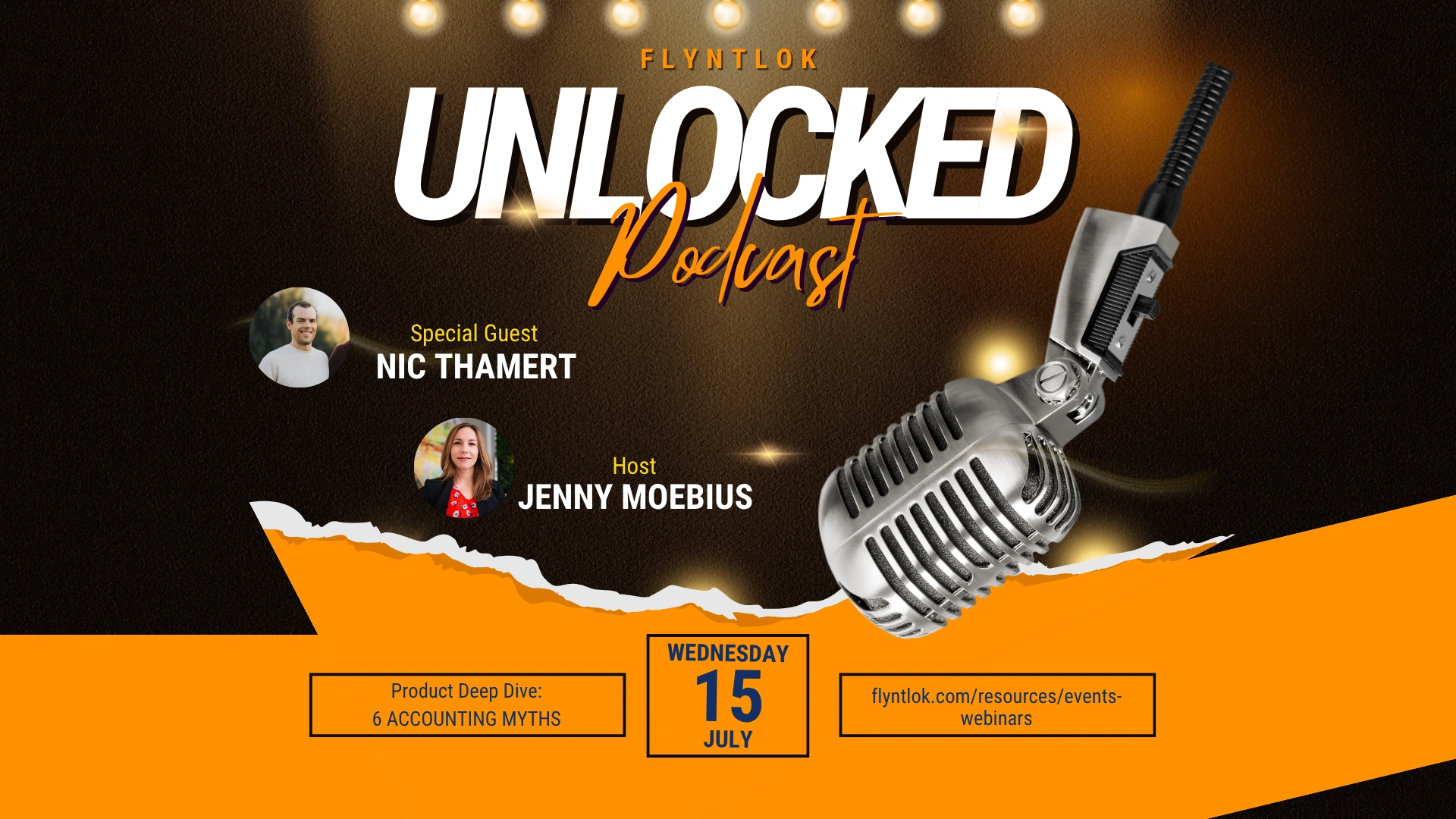
Our Equip Expo AI Session is Now On-Demand!
From the Flyntlok team
Flyntlok release notes
Check out the latest updates to the Flyntlok Equipment Dealer Management System
When creating a stock order, you now have the option to consolidate all of your sales data across your locations. When this option is selected, we will sum up all of the stocking levels and historical sales per item. The PO will still be for an individual location.

We will now default price updates with the current margin of the price by default. This should save you some time and thought when you update the cost of a part if your margins are not changing!

From a machine dashboard, you can now print a report that includes the specifications of the machine and the service history of that machine. To print this report, click the "Customer" in the basic information section.

We will now attempt to assign a class to items that do not have a class assigned to them based on the other items on the invoice when posting to QuickBooks Online.
We have updated our error images. We hope you enjoy them as much as we do!
We fixed an error with calculating the average cost of a part on the EOD report.
April 14th, 2021 Release Notes
Learn More at Flyntlok Dealer Management System
Check out our Flyntlok YouTube channel for more highlights of the application!
We ship a release about every two weeks, so the next one isn’t far off. In the meantime, click the ? icon anywhere in Flyntlok to open a support ticket, and you can expect a reply from our help desk within minutes.
The Flyntlok team
Every release note shows what changed and why it matters. A lot of it starts with dealers, in office hours and support tickets.