NEW!
Meet Flyntlok at Equip Expo 2026:
September 8, 2026
Material handling dealer management software connects the workflows a forklift or lift-truck dealership uses to run service, planned maintenance, customer fleets, parts, rental, sales, accounting, and reporting. The right scope depends on which departments and branches must share records, which integrations are required, and whether the system will replace core operational software or supplement it.
This category serves dealers and renters of material handling equipment such as forklifts, lift trucks, pallet jacks, and cherry pickers. It is dealership software, not warehouse execution software. A warehouse may use software to direct material movement inside its operation. A dealership needs software to sell, rent, maintain, repair, and support the equipment that performs that work.
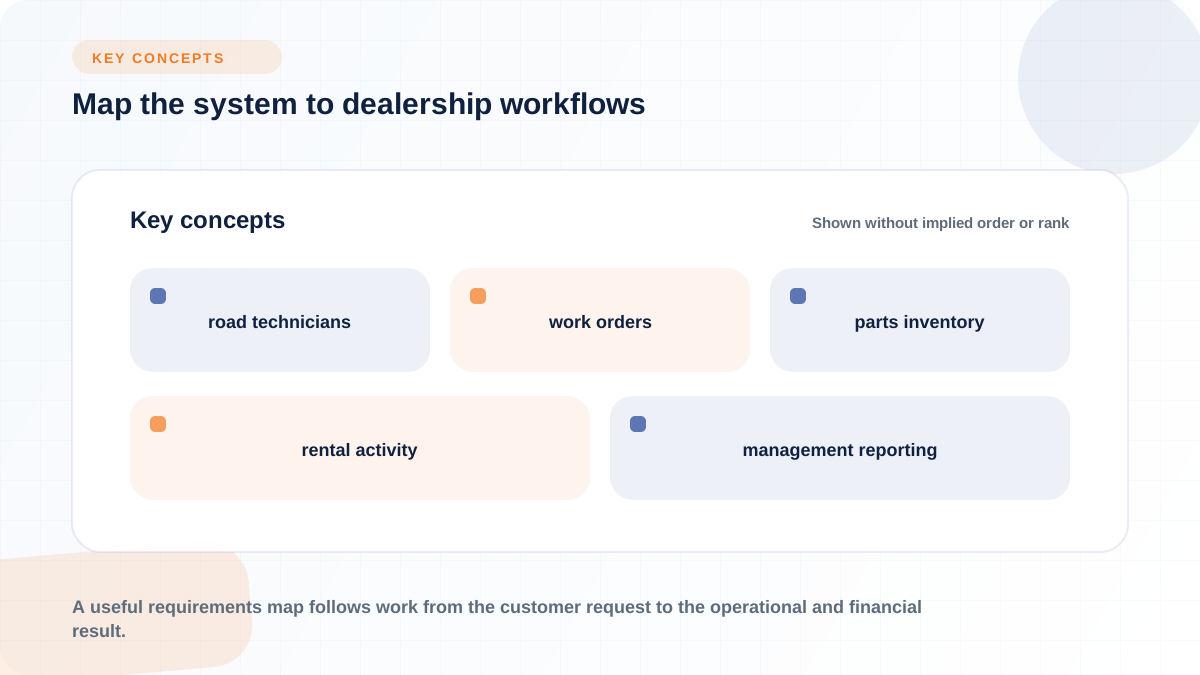
That distinction shapes the requirements. A forklift dealer needs to connect road technicians with work orders, schedule planned maintenance by usage or time, maintain customer fleet and serial-number histories, control parts inventory, document rental activity, and carry transactions into accounting and management reporting.
Start the buying process with workflows, not labels. “DMS,” “DMP,” “ERP,” “platform,” and “dealer software” can describe overlapping scopes. Determine what the dealership needs to run, identify where records must pass between departments, and test each candidate against those real transactions.
A useful requirements map follows work from the customer request to the operational and financial result. For a service call, that means tracing intake, dispatch, technician work, parts usage, customer approval, invoicing, equipment history, and reporting. For a rental, it means tracing availability, contract activity, unit condition, return, billing, and utilization.
This approach exposes weak handoffs. A mobile work order has limited value if the technician cannot see relevant unit history or parts availability. A planned maintenance schedule is incomplete if completed labor and parts never reach the agreement record, invoice, and branch report. Each department can define its own requirements, but the final test is whether the full workflow stays connected.
Road service begins with a different operating model from an in-shop repair department. Technicians cover territories from vans and work at customer sites, so dispatch must provide enough context to send the right technician with the right information and, where the workflow allows, the right parts.
A field-service workflow should connect the service request, customer location, equipment record, work order, assigned technician, scheduled time, and repair history. At the customer site, mobile access can let a technician review the job, document findings, record labor and parts, create or update the work order, and move it toward customer approval.
The practical demo test is a real road call, not a screen of feature names. Ask the vendor to show how a dispatcher identifies the customer site and unit, assigns the call, communicates changes, and sees job status. Then follow the technician through the mobile experience. Check whether the workflow preserves service notes, documents, parts activity, and approval status without requiring someone in the office to re-enter the same information.
Customer authorization also matters. Some specialist tools support digital line-item approval while a customer contact is on the warehouse floor. Modern describes phone-based repair approvals as part of its communication workflow. That is useful, but it does not by itself establish that the tool manages dispatch, inventory, invoicing, accounting, or the rest of dealership operations.
Mobile capability can support quicker handoffs, but software alone does not guarantee faster repairs. Results still depend on dispatch rules, technician adoption, usable equipment records, parts availability, and consistent closeout procedures. Measure the actual workflow after launch rather than treating the presence of a mobile app as the outcome.
Planned maintenance for lift trucks needs to account for both equipment use and elapsed time. A calendar-only schedule can miss a heavily used unit that reaches its service interval early. A meter-only schedule can miss a low-use unit that still requires attention after a specified period. The system should therefore be tested for hour-meter triggers, calendar cadence, and workflows that use both.
MHEDA Member Flyntlok’s material handling workflow description identifies hour meter, calendar cadence, or both as scheduling options. This is the kind of concrete behavior to test in any planned maintenance system: where the current meter reading comes from, how it is updated, which reading triggers the next service, and what happens when meter and calendar due dates conflict.
A dealership also manages more than individual repair orders. A commercial account may operate lift trucks across several customer sites. Each unit needs a durable identity, usually tied to a unit or serial-number record, so the dealer can connect its location, meter readings, maintenance plan, service history, parts usage, and open work.
That fleet structure supports recurring maintenance agreements. The system needs to distinguish a scheduled visit from the contract governing it, while keeping the visit, work performed, documentation, billing, and equipment history connected.
Test this with a customer that has multiple sites and multiple units. Move one unit to another location, update its meter, generate the next due service, complete the work, and retrieve its full history. Then check whether an authorized user can see the agreement-level picture as well as the individual work order.
This history becomes especially important when a unit returns with a repeat issue or when a service manager reviews the scope of a maintenance agreement. The important record is not just “a repair happened.” It is which serial-numbered unit was serviced, at which site, under which agreement, at what meter reading, with which labor and parts, and what was recommended next.
Service and fleet records depend on adjacent departments. A work order may require stocked or ordered parts. A customer may need a rental unit while equipment is down. A sales or CRM record may hold contacts and fleet information. Completed work must reach invoicing, accounting, and management reporting.
The connected functions to test are:
Parts availability is a direct field-service constraint. A dispatcher may schedule a call correctly, but the job can still stall if the required component is unavailable or its status is unclear. During evaluation, follow a part from demand on a work order through sourcing, receipt, issue, return, and billing.
Rental adds different controls. Short-term equipment moves between the dealership and customer sites, making dispatch status, contract records, condition documentation, and returns important. Modern, for example, describes photo walk-arounds for short-term forklift rentals. A specialist inspection tool may document condition well, while the underlying rental system manages availability, contracts, and billing.
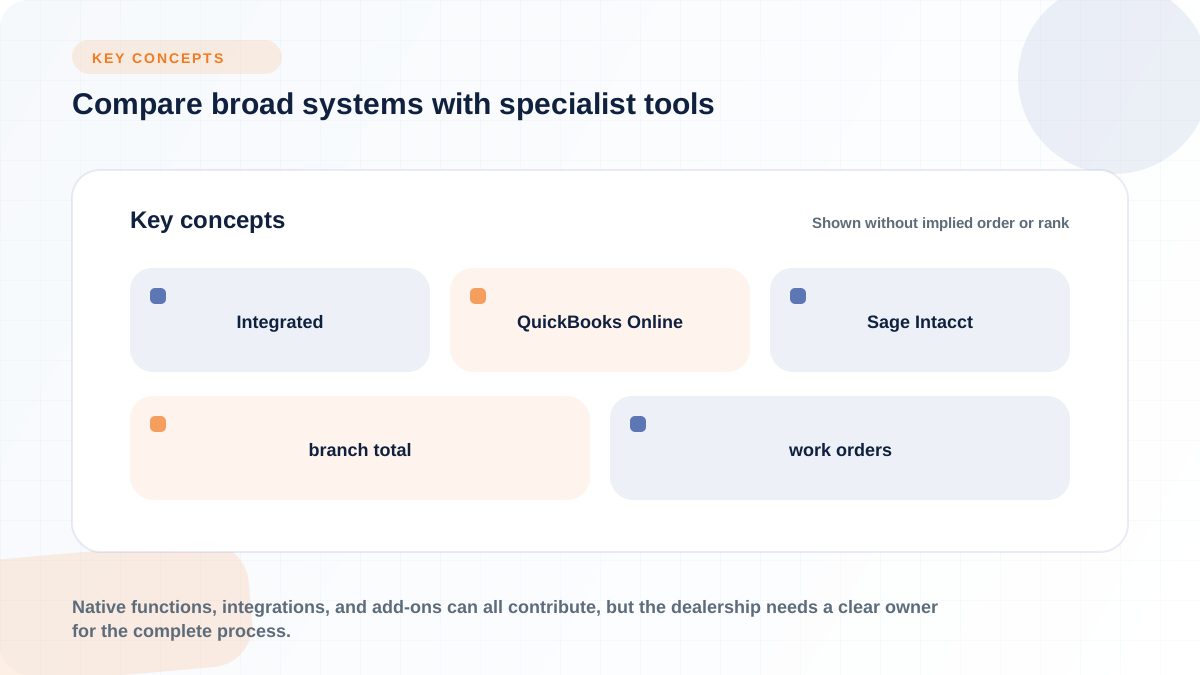
Accounting connections need equally careful review. “Integrated” might refer to a native accounting function, a packaged connector, an API-supported exchange, or a narrower transfer. Flyntlok states that its material handling platform integrates with QuickBooks Online and Sage Intacct. It does not replace those accounting products. In any system evaluation, ask which records move, in which direction, at what point in the workflow, and how errors are resolved.
Finally, reporting should preserve the operational detail behind the number. A branch total is more useful when a manager can trace it back to work orders, parts transactions, rental contracts, or sales records. Native functions, integrations, and add-ons can all contribute, but the dealership needs a clear owner for the complete process.
Choose system scope by deciding which operational job must be owned by the software. A dealership management system may run core dealership transactions. A broader DMP or ERP-style suite may emphasize cross-department scope and shared data. A specialist add-on may improve one workflow, such as customer communication, repair approvals, or rental inspections.
Those labels are not standardized. One provider may call a centralized suite an ERP, another a DMS, and another a platform. XAPT distinguishes a DMP from a DMS by scope and connectivity, while Softbase uses “material handling dealer ERP” for centralized dealer operations. The label is a starting point for a conversation, not proof of functional depth.
A specialist tool can be the right answer when the core system remains workable and the problem is narrow. Modern positions its material handling product around service communication and documentation, including recurring PM work, approvals, and rental walk-arounds. That can solve a real operating problem without implying that the product replaces the dealership’s parts, accounting, or rental systems.
A broad system becomes more relevant when the problem is fragmented ownership of the same transaction. If service, parts, rental, sales, and accounting maintain separate versions of customer and equipment activity, adding another point tool may create another handoff. In that case, test whether the candidate provides shared records and whether every department can complete its part of the transaction.
The final comparison should be scenario-based. Run a road-service call, a meter-triggered PM, a short-term rental return, a parts order, and a month-end accounting handoff. Record which product owns each step, where users change systems, where data is re-entered, and which system holds the final record.
Integration and deployment labels need to be translated into specific operating behavior. For every named connection, determine which workflow it supports, which records move, the direction of travel, the timing, the error-handling process, and whether the connection is available for your brands, region, and selected package.
A practical integration review should cover:
A list of OEM names is not enough. Flyntlok advises dealers to discuss current coverage for their specific material handling brands. The useful evaluation question is not simply “Do you integrate with our OEM?” It is “Show the exact parts, warranty, equipment, or ordering process supported for our brand and region.”
Deployment requires the same specificity. Cloud-native, hosted cloud, and on-premise describe different arrangements, but the product’s actual architecture and operating responsibilities matter more than the label.
A cloud-native product is designed to run as an online service. Flyntlok describes its platform as cloud-native and accessible through a standard browser on a phone, tablet, or laptop. Hosted cloud can mean a provider operates software in a hosted environment instead of the dealership maintaining its own server. On-premise means the dealership runs the system on its own infrastructure.
Ask who operates the application and infrastructure, which devices and browsers are supported, how remote and branch users connect, how updates are delivered, and what dealership IT work remains. Then review security, backup, recovery, identity, access, data-location, and service commitments in the candidate’s current documentation and contract. Architecture terms alone do not settle those questions.
Measure the system by the dealership processes it is meant to improve, not by login counts or feature adoption alone. Shared data, mobile work orders, parts processes, rental controls, and reporting should each connect to an operating measure that a department manager already understands.
A practical starter set includes:
Industry management guidance also calls for regular review of technician labor productivity and efficiency and reporting across service and parts.
The useful connection is between a capability and a management question. Mobile work orders can support cleaner labor capture, but technician productivity still depends on dispatch, travel, parts, job mix, and closeout discipline. Shared inventory records can improve visibility, but parts availability still depends on stocking and procurement decisions. A rental dashboard can show utilization, but utilization also reflects fleet mix, demand, pricing, maintenance downtime, and contract management.
Planned maintenance contracts deserve agreement-level measurement. When labor and parts are posted to the same records used to recognize or report maintenance-contract revenue, managers can compare the activity consumed by an agreement with its revenue. That can expose agreements that appear healthy in aggregate but absorb more service resources than expected. The exact financial treatment belongs in the dealership’s accounting process, but the operational system must preserve the links needed for analysis.
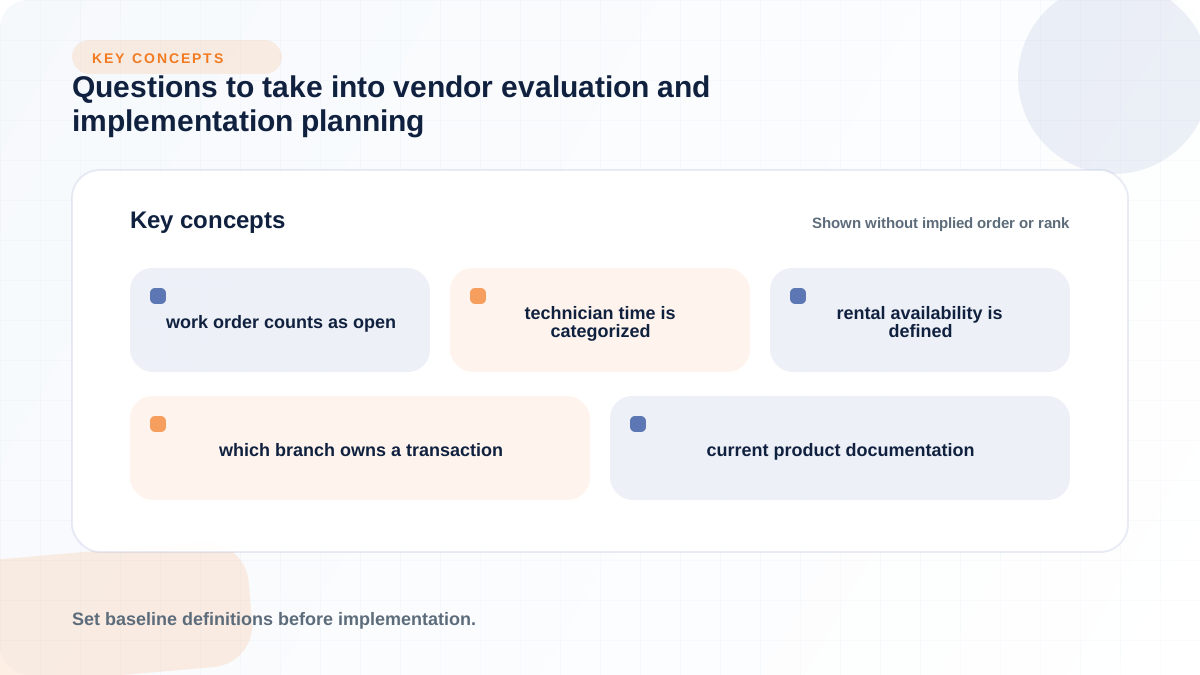
Set baseline definitions before implementation. Decide when a work order counts as open or complete, how technician time is categorized, how rental availability is defined, and which branch owns a transaction. Otherwise, a new dashboard may display cleaner graphics while departments continue to interpret the numbers differently.
Software capability is only one part of the result. Modules must be configured, employees trained, records maintained, and managers willing to use the measures in regular operating reviews. Compare post-launch results with the dealership’s own baseline and investigate workflow exceptions before attributing a change to the software.
A serious evaluation should force each vendor to demonstrate the dealership’s real workflows and document the commercial and technical conditions around them. Use current product documentation, proposed scope, and contract terms for the final answers.
1. Functional fit
2. System boundaries
3. OEM, accounting, telematics, and API connections
4. Deployment and access
5. Migration and record validation
6. Implementation and training
7. Security, continuity, and data rights
8. Reporting and management
9. Contract terms and total cost
Do not reduce this review to a feature score. Weight the scenarios that carry the most operational and financial risk for your dealership, then require the finalist to run them with representative customer, unit, work-order, parts, rental, and accounting records.
If a connected, cloud-based dealer management system reaches your shortlist, see Flyntlok in action using those same material handling workflows. Bring a road-service call, a meter-based PM scenario, a multi-site customer fleet, a parts transaction, and an accounting handoff to the demonstration.