WATCH HERE:
Our Equip Expo AI Session is Now On-Demand!
July 31, 2026
Most equipment dealers already know their current system is holding them back. The question that stops them from acting isn't whether to move to a cloud-native platform. It's how to get there without losing data, disrupting operations, or burning out your team during the transition. Flyntlok was built inside a working dealership, and we've migrated operations running on systems dating back to 1981 with 25 years of hard-coded customizations. That experience shaped this checklist.
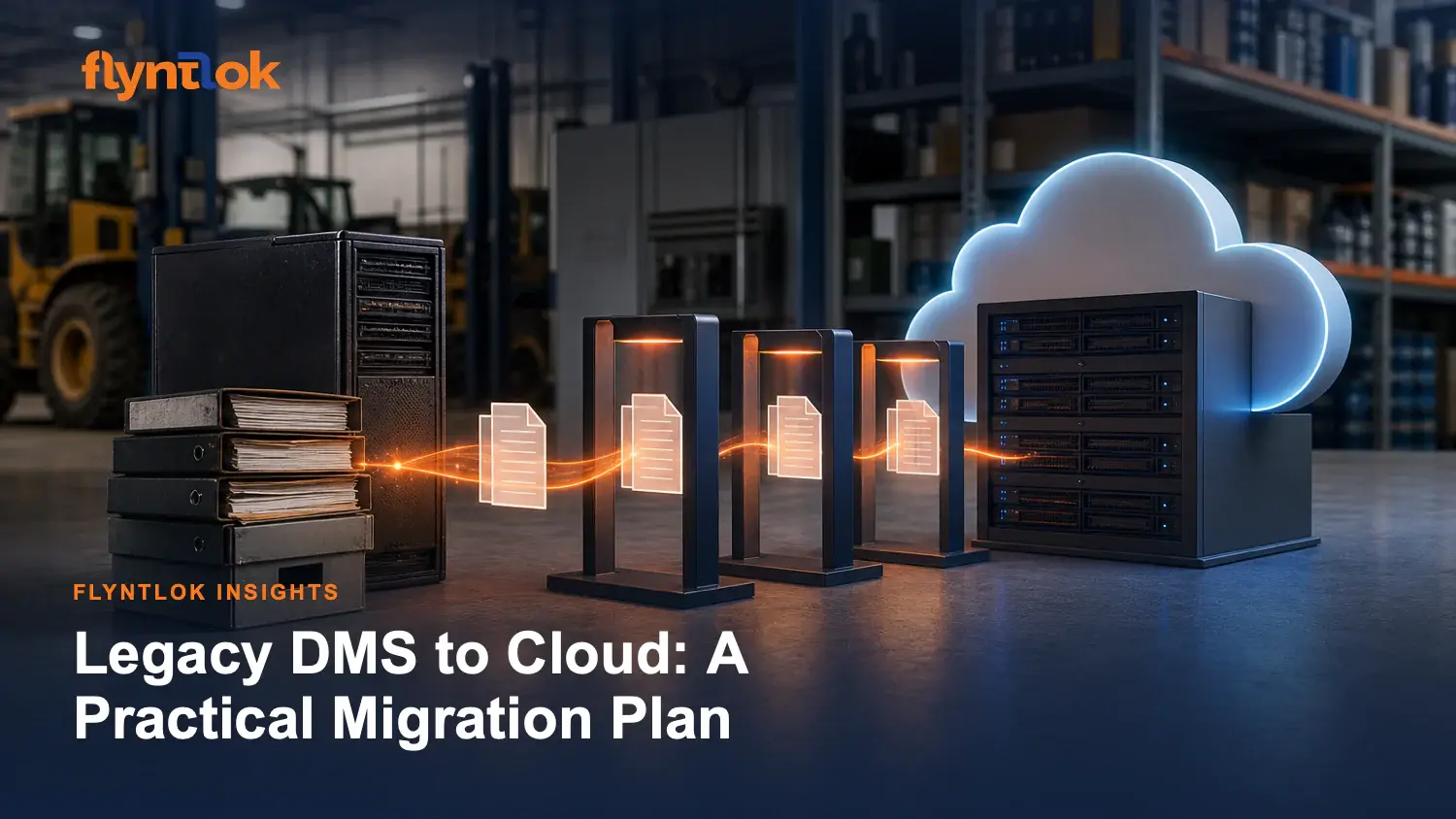
This article breaks the migration into five phases: assessment, data preparation, integrations and configuration, training, and go-live risk management. Each phase has specific gates your team should clear before moving forward.
Before any data moves, you need a written discovery plan that maps how your dealership actually operates today. This means documenting which departments use the current DMS, which integrations you depend on (OEM portals, accounting platforms, shipping carriers), and which workflows have been customized over the years.
The output of this phase is a signed-off migration plan with a specific timeline tied to your season. Construction dealerships typically avoid summer go-lives. OPE dealers protect spring. Ag dealers stay clear of harvest. Scheduling around your peak months isn't a nice-to-have; it's the single most controllable risk factor in the entire project.
During discovery, you should also identify your power users by department. These are the people whose adoption signals the rest of the team. Parts counter staff, service writers, and controllers each interact with the DMS differently, and the migration plan needs to account for each workflow path.
Data preparation is where most migrations succeed or fail. PartsEdge, a firm that assists dealerships through DMS conversions, reports that demand history, pricing structures, and inventory values are the three areas most commonly corrupted during migration. They've documented cases where multi-million dollar inventories came up thousands of dollars short after a conversion because critical fields like "Months No Receipt" were skipped entirely.
The work breaks into three steps. First, capture everything in your current system: source setups with phase-in/phase-out criteria, day supply settings, matrix pricing tables, price codes, source accounting setups, and a full detailed inventory pad. "Close enough" is never good enough at this stage. Your inventory value should reconcile exactly after migration.
Second, clean and deduplicate. Your customer master probably has three spellings of the same company. Your parts catalog likely contains orphaned records from brands you no longer carry. Special orders that are four to six years old may still be sitting in the system uncleaned. Cleaning before migration prevents those errors from polluting your new environment.
Third, validate in a staging environment. Records should be imported into a non-production instance and checked against your source data. Inventory totals need to match dollar-for-dollar. Any record that falls below a confidence threshold gets flagged for human review before touching production. This is the step where a parallel run becomes critical: both systems operate on the same transactions for a defined period, with daily reconciliation of outputs until discrepancies reach zero.
Flyntlok's migration approach moves historical data (customers, equipment, parts inventory, repair history, accounting records) into a staging environment first, validates every record, and flags anything questionable for your team to review. The parallel run period catches what automated validation misses.
Integrations are where the dependency chain gets complex. Your DMS connects to OEM ordering portals, accounting platforms, shipping carriers, and potentially customer-facing portals. Each connection has its own authentication, data format, and sync frequency.
The practical order is: accounting first, OEM integrations second, and ancillary systems (shipping, customer portals, payment processing) third.
Accounting comes first because every transaction in the DMS ultimately posts to your general ledger, and you need that connection validated before real transactions flow through. With Flyntlok, this means configuring the real-time sync with QuickBooks Online or Sage Intacct so your books are never more than seconds behind operations.
OEM integrations come second because parts ordering, price list updates, and warranty submissions are high-volume daily workflows. Flyntlok currently supports John Deere, AGCO, Stihl, Bobcat, Volvo, Hitachi, Doosan/Develon, and Peterbilt/PACCAR natively, which means these connections configure rather than require custom development work. If you depend on an OEM that your platform doesn't yet support, flag it during discovery so the provider can account for it in their integration roadmap.
Ancillary systems come last because they typically carry lower transaction volume and less operational risk if they lag by a day or two during cutover.
Training fails when it's delivered as a single all-hands session that covers everything at surface level. Equipment dealerships have distinct departmental workflows: parts counter, service writing, technician time entry, rental coordination, sales quoting, and accounting. Each role interacts with different modules, different screens, and different daily rhythms.
Effective training is department-specific. Parts counter staff train together because they share the same workflows: lookups, barcode scanning, invoicing, and inventory transfers. Service writers train on work order creation, labor tracking, and warranty submission. Accounting trains on the integration layer between operations and your GL platform.
Training by department means the people who work together learn together, and the examples used in each session reflect actual job functions rather than generic walkthroughs.
Timing matters as much as format. Training that happens three weeks before go-live gets forgotten. Training in the final week before cutover, with the actual migrated data visible in the system, sticks because staff can practice on real customer records and real inventory. Flyntlok delivers role-specific training by department, scheduled within your team's availability rather than requiring everyone to disappear from the floor simultaneously.
Identify your internal champions early. In every department, there's one person whose confidence with the new system will pull the rest of the team forward. Invest extra time with these people. Their buy-in during the parallel run period is what determines whether your team adopts the new platform or quietly works around it.
Go-live risk comes down to three variables: timing, reversibility, and operational continuity.
Timing means choosing a go-live date during your slow period. A Monday after a quiet weekend is ideal. This gives your team a full week to work through the new system with live transactions while support is available, before the next weekend's volume hits. Pushing a cutover into peak season is how implementations turn into operational crises.
Reversibility means your data remains exportable at any point. If something goes fundamentally wrong, you can return to your previous system with your data intact. With Flyntlok, your data is always yours and exportable in standard formats with no contractual lock-in. The parallel run period exists specifically so problems surface before the old system goes offline.
Operational continuity means the new platform can handle your full daily transaction volume from day one. This gets validated during the parallel run, where real parts sales, repair orders, and invoices flow through both systems simultaneously. When the numbers match for two consecutive weeks, you have empirical evidence that the new system is production-ready.
Post-go-live, expect an adjustment period of 60 to 90 days. Your team will encounter edge cases that didn't surface during parallel testing. A cloud-native platform that ships weekly updates (Flyntlok releases enhancements every Wednesday) can address configuration issues and feature requests in days rather than waiting for the next annual upgrade cycle.
The three most frequent failure modes are incomplete data conversion, poor change management, and wrong-season timing.
Incomplete data conversion happens when vendors minimize or dismiss missing fields. Demand history, receipt dates, and pricing rules are the most common casualties. PartsEdge has documented cases where missing demand history caused obsolescence trends to spike unexpectedly months after migration. Prevention: validate that every critical field transferred by running a stock order in the new system and comparing output to your previous system's recommendations.
Poor change management happens when staff aren't invested in the outcome. A DMS migration touches every person in the dealership. Parts managers have left dealerships entirely rather than deal with botched implementations. Prevention: train by department, identify power users early, and run a meaningful parallel period where staff gain confidence through repetition rather than being thrown into a new system cold.
Wrong-season timing happens when implementation schedules are driven by contract dates rather than operational reality. Prevention: your go-live date should be chosen by your leadership based on your seasonal calendar, not by your vendor's project management timeline.
The migration from an older DMS to a cloud-native platform is a finite project with a defined end. It takes preparation, but it has a completion date. The operational gains on the other side (real-time visibility, weekly feature releases, browser-based access from any device, no server maintenance) compound every month.
The dealers who plan deliberately, validate rigorously, and time their cutover wisely come through the transition with better data, faster workflows, and a platform that keeps improving after go-live rather than degrading between annual upgrades. That's the outcome this checklist is designed to deliver.
If you're evaluating this move for your dealership, the next step is a discovery conversation that maps your specific current system, OEM dependencies, and seasonal timing to a written migration plan. Flyntlok's implementation team has done this for dealerships ranging from single-location independent operations to multi-branch dealer groups running $110M+ in revenue.