NEW:
Save Technician Time and Drive More Service Revenue with Voice-to-Text, AI-Powered Tech Notes
Check out the latest updates to the Flyntlok Equipment Dealer Management System.
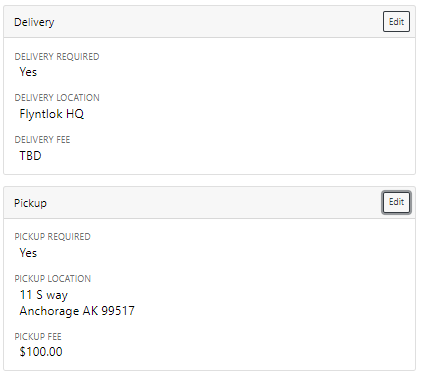
A Pickup and Delivery option is now available on the work order creation screen.
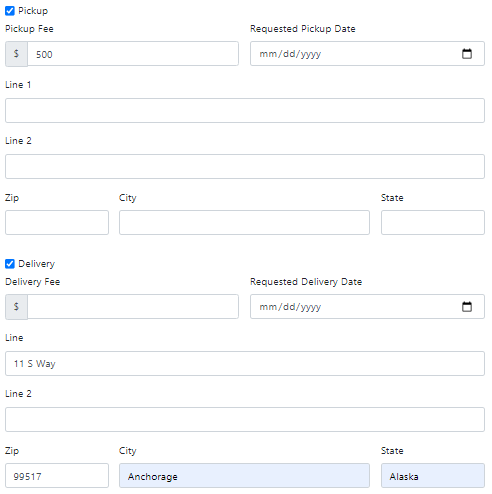
An address or dollar amount is not required during creation and can be added later on the info tab.
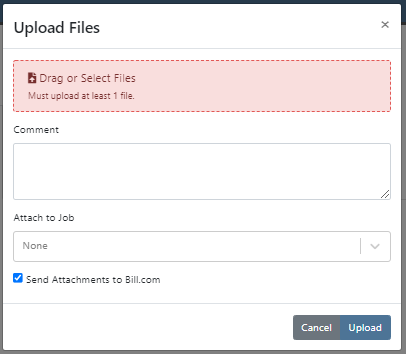
Often on warranty work, vendor credits need to be attached to the work order after the fact. Then, the same paperwork must be emailed to the accounting team. We have expedited this process. If you add an attachment that needs to go to bill.com, check the "Send Attachments to Bill.com" box.
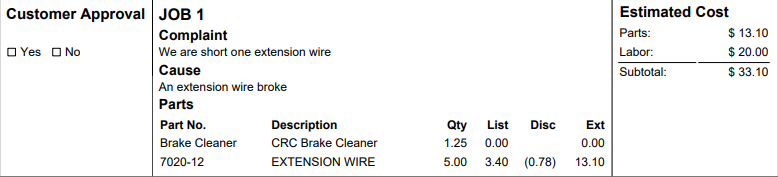
Discounts were "quietly" being added on the Estimate PDF. The layout has changed, allowing the customer to see the discounts that they are receiving.
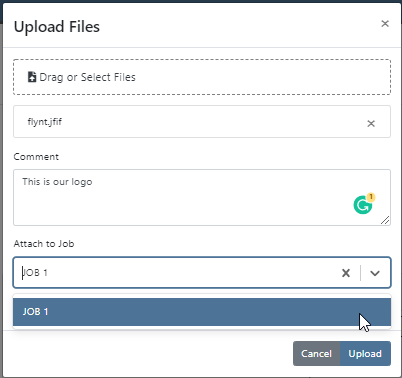
Previously, files could only be attached to jobs. Now you can attach a file to the work order on the info tab. You can either attach it to the work order as a whole or you can assign it to a job.
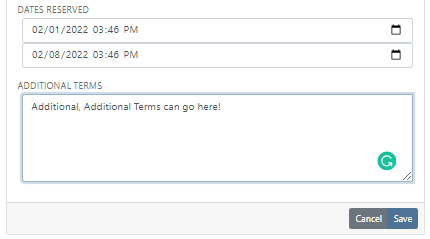
You can add additional terms and conditions to a rental contract on the info tab.
The behavior of the Pickup/Delivery address has slightly changed.
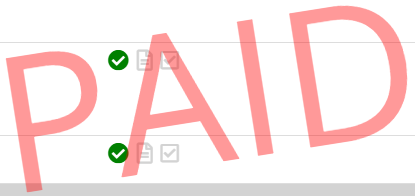
When an invoice has been matched to a payment in QuickBooks, it will be marked paid in Flyntlok.
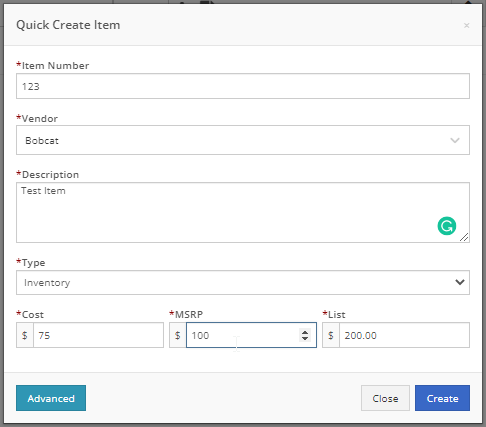
If you are quick adding an item with a vendor that has a default markup, input the MSRP then Flyntlok will calculate the List Price.
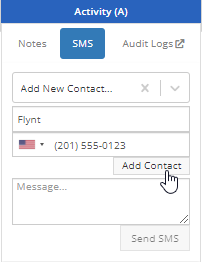
You can add a contact from the activity panel.
In order to better communicate discounts to your customer, we have added a discount column to the sales order PDF.

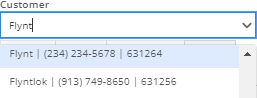
The customer searcher includes phone numbers. Customers with the same name are easier to tell apart.
When machines are traded in, they are automatically marked as a machine that can be sold.
Learn More at Flyntlok Dealer Management System
Check out our Flyntlok YouTube channel for more highlights of the application!






