NEW!
Meet Flyntlok at Equip Expo 2026:

July 14, 2026
An outdoor power equipment software guide should answer one question: which category, OPE dealer management software, ERP, POS, or field service tool, fits how many of your dealership's parts, service, rental, and accounting workflows need to share live data. The deciding factor is operating complexity, not brand familiarity.
Most outdoor power equipment (OPE) businesses are managing more than one job at once: a counter sale, a work order, a rental return, and a price list update from a manufacturer, often in the same hour. Software built for this space is generally described as an integrated inventory control, point of sale, and accounting package, as Windward System Five frames its own OPE offering, or as a platform designed to connect sales, service, parts, accounting, and rentals across a dealership, the way Lightspeed DMS positions its industry tool. The common thread across these descriptions is connection: the software's job is to keep departments working from the same numbers instead of five separate spreadsheets.
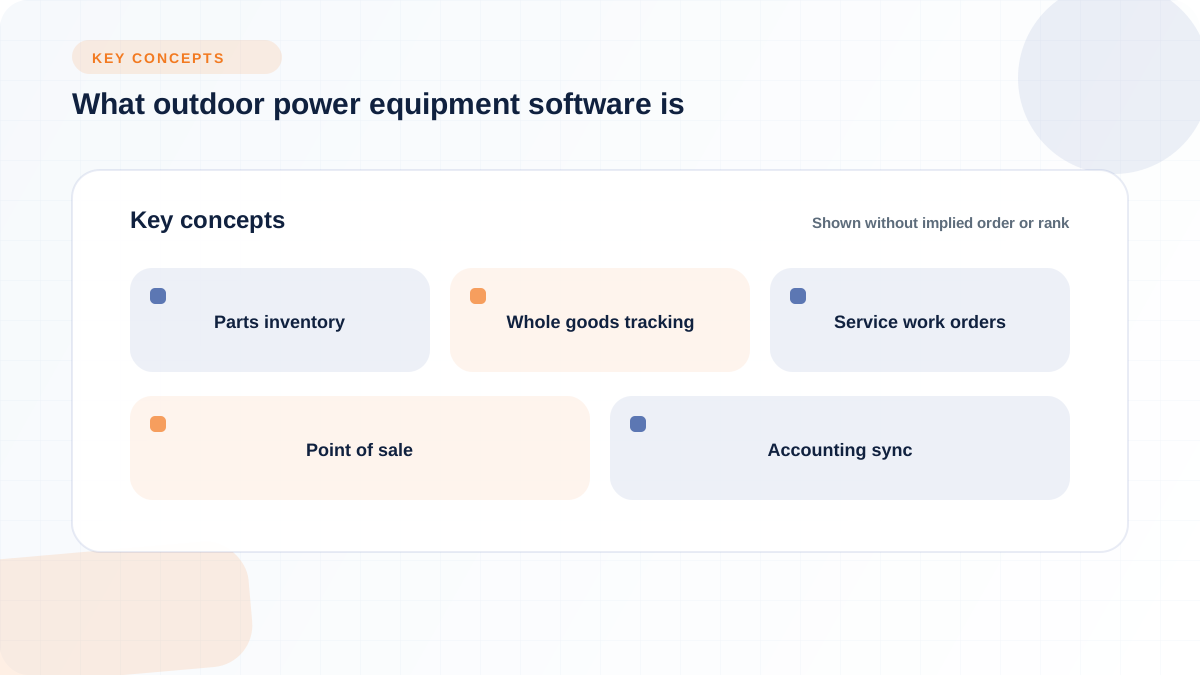
Outdoor power equipment software is business management software built around the specific workflows of an OPE dealership: parts counter sales, service work orders, whole goods inventory, rentals, and the accounting entries all of that activity generates. It differs from generic accounting or POS software mainly in how deeply it understands equipment-specific data such as serialized units, OEM parts catalogs, warranty status, and seasonal demand swings, rather than treating every transaction as a generic line item.
That distinction matters because a general accounting platform or a standalone POS system can ring up a sale or post a journal entry, but it usually has no concept of a parts supersession, a technician clocked into a work order, or a rental unit that needs an inspection before it goes back on the lot. A dedicated OPE or equipment dealer platform is built to carry that context forward. Flyntlok, for example, describes running an outdoor power equipment dealership as fundamentally different from running a heavy equipment or automotive shop, because when spring arrives, homeowners and landscape contractors all need equipment serviced, parts ordered, and new units on the floor at the same time, according to Flyntlok's accounting software page. That kind of seasonal compression is exactly what generic tools are not built to absorb.
OPE software generally supports a handful of connected workflows rather than a single function. In practice, that means a customer's information, equipment history, and open balance should be visible from the parts counter, the service bay, and the accounting ledger without re-entering data three times.
To see how this plays out, consider a hypothetical single-location OPE dealer: three technicians, roughly 2,000 active parts SKUs across four brands, and a spring backlog of 45 open work orders alongside daily walk-in counter traffic. On a spreadsheet-and-QuickBooks setup, the parts manager checks stock in one file, the service manager tracks work orders in another, and the office manually re-keys invoices into QuickBooks at the end of the day. If a customer calls about a mower under warranty, someone has to hunt through paper tickets to confirm the purchase date. Under a connected DMS, that same dealer would look up the customer once, see the unit's service history and warranty status, generate the work order, pull the parts against live stock, and have the closed invoice post to the general ledger without a second data entry step. The outcome logic is straightforward: the more departments that touch the same transaction, the more a connected system saves in reconciliation time and reduces the odds of a missed warranty claim or a stockout at the counter.
The workflows this category typically covers include:
A small, single-location repair shop with a narrow parts catalog and no rental or multi-brand complexity can reasonably stay on spreadsheets or a QuickBooks-only setup, as long as the owner accepts the tradeoffs that come with it. Those tradeoffs are real: warranty tracking, service history, and parts traceability all become manual processes that depend on someone remembering to update a file consistently.
This is a legitimate choice, not a lesser one, for a shop doing simple small-engine repair without serialized equipment records or multi-location reporting needs. The judgment call is whether the labor cost of manual reconciliation, plus the risk of a missed warranty claim or a lost service history record, is lower than the cost and disruption of adopting a connected system. Some ERP vendors explicitly position themselves for this smaller end of the market. Koble Systems, for instance, describes its EBMS platform as business management software for outdoor power companies built for small businesses that sell, service, and rent equipment, letting sales and service departments share the same data without the full complexity of a dealership-grade DMS. The right answer here comes down to volume and risk tolerance, not a universal rule.
Dealers rarely search for "outdoor power equipment software" because they want a specific product; they want to know which category of tool matches how their business actually runs. A dealer with four OEM lines, a service bay, and a rental fleet has a fundamentally different workload than a two-person repair shop, and the software category that fits one will likely be wrong for the other.
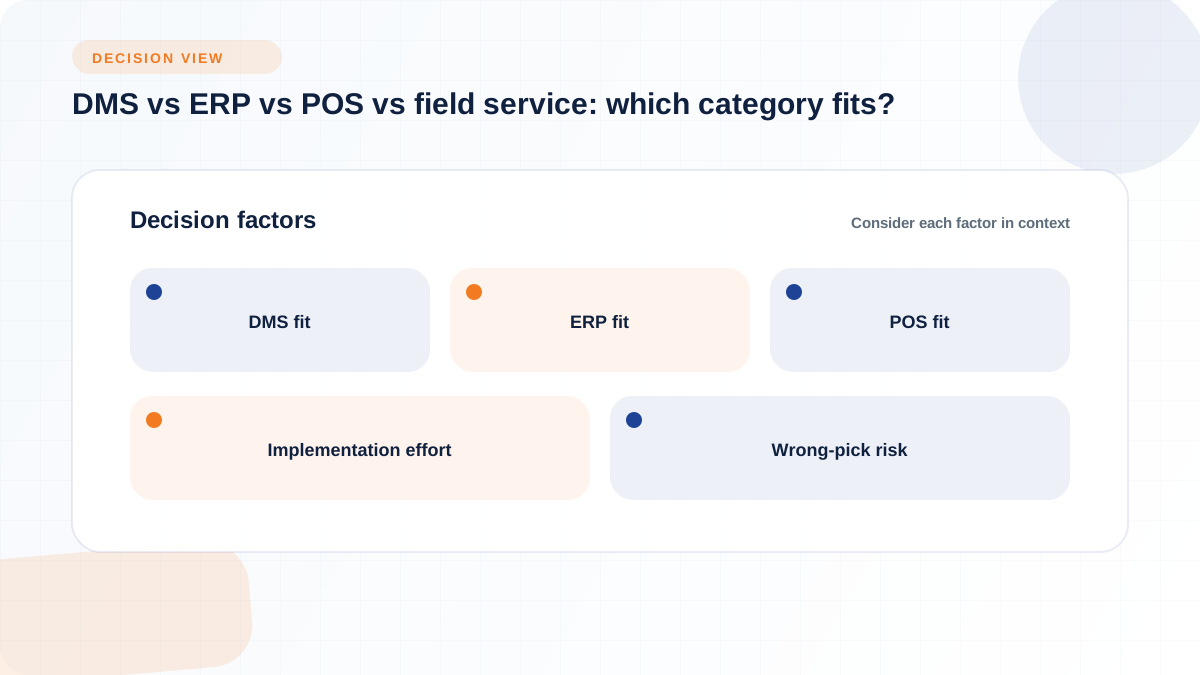
The table below lays out how the four main categories tend to differ on the dimensions that matter most during evaluation: who the system is built for, how deep it goes into dealership-specific workflow, how much implementation effort it typically requires, and where the risk sits if you pick wrong.
Because the decision usually reduces to depth versus scope, the rest of this section walks through each category, and where it tends to leave gaps for an OPE dealer's real workflow.
A dedicated OPE or equipment DMS is generally the better fit once a dealer is running parts, service, sales, and often rentals as connected departments rather than isolated functions. The signal to watch for is whether staff are already re-entering the same customer or transaction data into more than one system just to keep the books straight.
Flyntlok is one example of this category built specifically around equipment dealership operations. Its outdoor power equipment solution connects parts, service, sales, CRM, and rental management in one cloud-native platform, with direct OEM integrations for Stihl, Husqvarna, Toro, John Deere, and ECHO and real-time accounting sync. Flyntlok uses per-user pricing, with current pricing available directly from the company. Dealers evaluating any vendor should confirm how users, modules, implementation, integrations, and support affect the complete quote.
Broader ERP or accounting-first platforms tend to fit better when the core constraint is finance governance rather than shop-floor workflow, particularly for dealers with multiple legal entities, multi-currency operations, or light manufacturing and kitting needs. Independent buyer's guide comparisons rank platforms like NetSuite, SAP S/4HANA Cloud, Microsoft Dynamics 365 Finance, and Sage Intacct highly on ERP finance capability, with NetSuite scoring 9.0 out of 10 and SAP S/4HANA Cloud scoring 8.7 out of 10 in one comparison table from WifiTalents, and similar rankings appearing in a comparable Gitnux evaluation that also scores QuickBooks Online Advanced at 8.4 and Xero at 8.1.
The gap to test for with any ERP-first platform is dealership floor depth: does it track serialized equipment ownership, warranty status by serial number, technician labor against a specific work order, and OEM parts catalogs the way a dealership-built system does, or does it treat all of that as generic inventory and job costing? Gitnux's own guide notes that job costing depth for repairs, builds, or warranty labor workflows can be a limiting factor in accounting-first tools like Xero. That gap is exactly what a dealer should walk through in a demo before assuming a familiar accounting brand will cover service and parts operations as well as it covers the books.
Narrower point-of-sale, inventory, or field service tools can work well for a business with a simple operating model: mostly counter sales, limited service volume, or technicians who work almost entirely off-site. Windward System Five, for example, positions its offering as an integrated inventory control, point of sale, and accounting package built specifically for outdoor power equipment stores, which fits a retail-heavy operation well.
The tradeoff shows up as service and rental volume grows. A POS-first tool may handle the counter transaction cleanly but leave service history, warranty documentation, and technician labor tracking as manual add-ons. A field service tool may handle scheduling and mobile documentation well but disconnect from the parts counter and the general ledger, creating a data silo that someone has to reconcile by hand. Dealers considering a narrower tool should be honest about which of these gaps they can tolerate and which ones will show up as lost revenue or missed warranty claims within a season or two.
A feature list on a vendor's website rarely tells you whether a system will actually work the way your dealership runs. The more reliable test is to walk one real transaction, start to finish, through the demo environment and watch where the system either connects the dots automatically or leaves your team to bridge the gap manually.
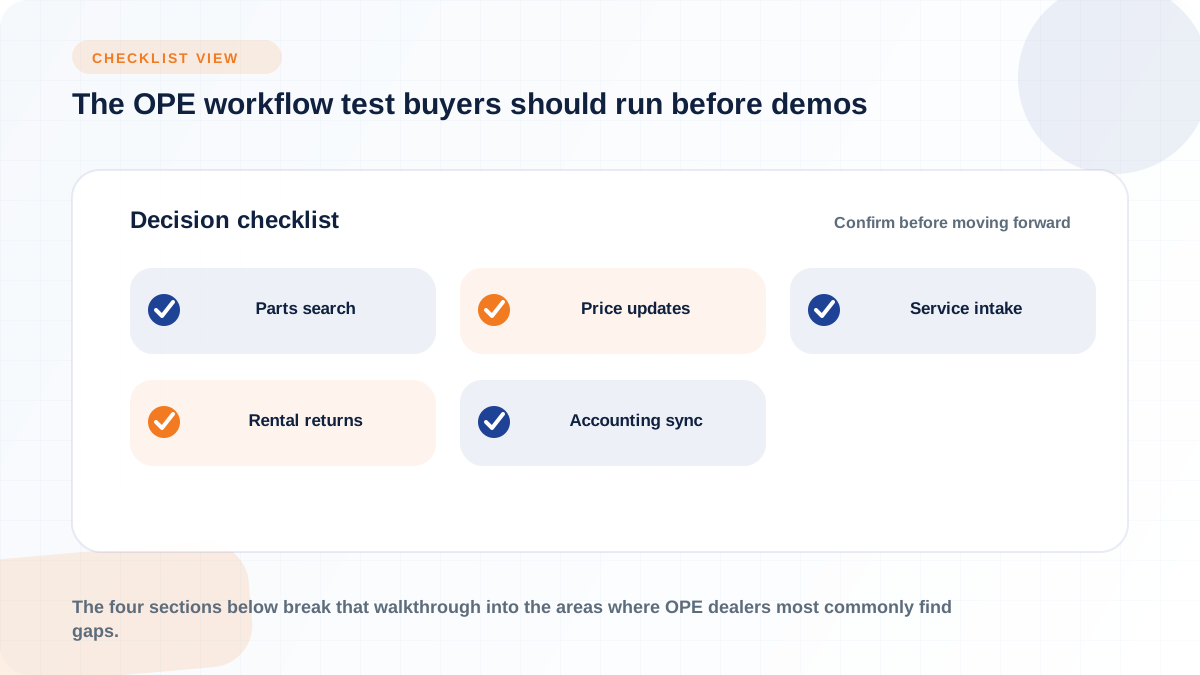
That single-transaction test, from a customer calling in about a machine through to the invoice posting to the books, exposes more about a system's real fit than any feature checklist. The four sections below break that walkthrough into the areas where OPE dealers most commonly find gaps.
The parts test should start with a search: how quickly can a counter person find the right part for a specific make, model, and customer history, and does the system flag supersessions or substitutions automatically? An OPE dealer typically manages thousands of SKUs across multiple brands, such as Stihl chains, Husqvarna blades, John Deere belts, and ECHO trimmer heads, according to Flyntlok's equipment dealer AI page, and that catalog depth is exactly where generic inventory tools tend to struggle.
Price list accuracy is a related, often overlooked, test. Flyntlok's Bobcat integration, for example, loads Bobcat's pricing and substitution files automatically into its parts catalog at no extra cost, letting a dealer set markup rules, exclude specific parts, and choose units of measure, with a detailed report confirming what changed, according to Flyntlok's Bobcat integration page. During a demo, ask how a competing system handles the same OEM price update: is it automatic, manual, or does it require a separate portal login? Multi-location dealers should also confirm whether stock transfers and reorder logic account for seasonal demand spikes across branches, not just within a single location.
The service test should follow a work order from intake to invoice: scheduling, check-in, estimate, parts pull, technician labor, and billing. A useful benchmark is whether technicians can clock in and out per work order, order parts from inside that same work order, and document findings without switching systems, which is how Flyntlok describes its service workflow on its features overview page, alongside a manager view of backlog, lost time, rework incidents, and technician utilization.
Mobile access matters here too, particularly for dealers with technicians who leave the shop for on-site repairs. Ask whether clocking, parts ordering, documentation, and customer communication are available from a phone or tablet, or whether field technicians have to return to a terminal to log their work. Diagnostic time versus repair time is another detail worth pressing on: a system that only tracks labor at the job level, rather than breaking out diagnostic time separately, makes it harder to see where margin is actually being earned or lost.
Sales, rental, and customer workflows should connect through a single record rather than living in separate files. Flyntlok's CRM, for instance, is described as centralizing customer data across sales, service, and parts to support follow-ups and surface AI-generated insights, according to its CRM features page, and it includes a self-service portal (branded Sparks) where customers can order parts, request service, and review invoices without calling the dealership.
For rental-heavy operators, the workflow test should include the return process specifically: does a rental return automatically trigger an inspection, generate a work order for any needed repair, pull the parts used, and post the transaction to the general ledger, or does someone have to manually initiate each of those steps? Flyntlok's rental management is described this way on its rental features page, covering flexible contracts, mobile inspections, fleet tracking, and consumables billing. Serialized equipment and ownership history should also carry through this workflow, since a unit that changes hands or comes back for storage should not lose its service and warranty record in the process.
The final leg of the workflow test is the accounting sync: does the invoice, once closed, flow into the general ledger automatically, or does someone re-key it at the end of the day? Flyntlok describes real-time integration with QuickBooks Online and Sage Intacct, giving visibility across sales, service, parts, and rentals without a separate reconciliation step, according to its accounting software page. Notably, Flyntlok does not build its own general ledger; it connects to established accounting platforms rather than replacing them, which is a distinction worth asking any DMS vendor about directly.
For multi-location dealers, this is also where per-location profit and loss visibility and role-based permissions matter most, since owners and finance leads need to see consolidated numbers without giving every location manager access to every other location's books. Ask any vendor to show, live, how a counter sale, a closed work order, and a rental payment each show up in the connected accounting system, and how long that sync takes.
Feature lists are only useful if they're organized by how much a gap actually costs you. Sorting capabilities into must-have, nice-to-have, and red-flag buckets gives a dealer a faster way to score a demo than trying to remember every checkbox a vendor showed on screen.
These are the capabilities that, if missing, will likely force your team back into manual workarounds within the first busy season:
These capabilities matter more as a dealership grows in size or complexity, but a smaller shop can often defer them without immediate cost:
Some issues only surface after go-live, but a careful demo and reference check can catch most of them early:
The subscription quote a vendor gives you is rarely the full cost of adopting new dealership software. The real total cost of ownership includes setup, migration, training, and the ongoing administrative time it takes to keep the system configured correctly, and those categories deserve direct questions before you sign anything.
Before signing a contract, ask each vendor to walk through these categories specifically, rather than accepting a single bundled number:
Pricing models can change how software costs scale through seasonal staffing and growth. Flyntlok uses per-user pricing, with current pricing available directly from the company. Flyntlok also states that its cloud model has no upfront hardware, server-maintenance, or annual-upgrade charges. Dealers should confirm exact figures and included services directly with every vendor because most DMS pricing is quote-based.
The costs that surprise dealers most are usually the ones that appear months after go-live rather than on the signing day. Data cleanup is a common one: if customer records, serialized equipment history, or open work orders were migrated with gaps, someone on staff ends up spending hours reconstructing missing information during the first few months. Report rebuilding is another: a management report that worked fine on the old system may need to be recreated from scratch in the new one, and that work often falls to whoever is most comfortable with the reporting tool, not necessarily the person who should own it long term.
Integration maintenance carries its own quiet cost. An OEM catalog connection or an accounting sync can break when a manufacturer changes its data format or an accounting platform updates its API, and someone needs to notice and fix it before pricing or inventory data goes stale. Support escalations, especially during a first busy season on a new system, and the lost productivity that comes from staff relearning workflows they'd previously done on muscle memory, round out the list of costs that rarely show up in a sales quote but do show up in the first year's operating reality.
Replacing a legacy dealer management system, a patchwork of spreadsheets, or a QuickBooks-only setup is disruptive by nature, and the dealers who come through it cleanly are usually the ones who plan the rollout in phases rather than flipping a switch overnight. The sequence below reflects how most connected DMS implementations are structured, whether the vendor is running the migration for you or your team is doing more of the legwork.
Before touching any configuration screen, document how your dealership actually handles a customer request today: who takes the call, how a work order gets created, how parts get pulled, how a rental return gets inspected, and how the invoice ends up in your books. This mapping exercise matters because software configuration decisions, like how work order statuses are named or how permissions are structured, should follow your real process, not force your staff to relearn a workflow that was designed for a different kind of business. Skipping this step is one of the most common reasons a new system feels harder to use than the one it replaced.
Data migration typically covers customers, serialized equipment records, open parts inventory, in-progress work orders, service history, current price lists, active rental contracts, and outstanding accounting balances. Flyntlok, for example, describes connecting OEM integrations, syncing accounting, and migrating parts, customer, equipment history, rental fleet, and open transaction data as part of its onboarding process, according to its heavy equipment solutions page, a workflow that applies similarly across its dealership verticals.
No vendor can guarantee a perfectly clean migration if your source data is inconsistent, so this phase should include time for your team to validate what moved correctly before go-live, not just trust that it did. Plan for someone internally, not just the vendor, to own a final review of customer records and open work orders before the old system is retired.
Rolling out a new system by department or location, rather than switching everyone over on the same day, reduces the risk that a single mistake disrupts the whole dealership. A pilot with one department, often parts or the service desk, lets you catch workflow gaps before they affect the counter during a busy Saturday. Role-based training matters here too: a counter employee, a technician, and a finance lead need different training paths because they'll use different parts of the system daily.
Timing the cutover matters as much as the rollout order. Flyntlok notes that it schedules go-live before a dealer's busy season rather than during it, with most OPE dealers reportedly operational within weeks, according to its OPE solutions page. Whatever vendor you choose, ask specifically how they sequence go-live relative to your seasonal demand curve, since a spring cutover for an OPE dealer carries very different risk than a fall one.
Go-live is not the finish line. In the weeks after cutover, watch for signs of process drift: staff quietly falling back into duplicate spreadsheets, work orders being closed without full documentation, or price lists that were accurate at launch slowly going stale because no one owns the update process. Management reports are the fastest way to catch this, since a spike in manual adjustments, an unusual gap between open and closed work orders, or inconsistent permission use often shows up in the numbers before it shows up as a complaint.
Assign someone the specific job of reviewing adoption in the first 60 to 90 days, checking that the workflows mapped in Phase 1 are actually being followed, and correcting course before bad habits become the new normal. This is also the point where role permissions should be revisited, since access that made sense during a rushed go-live sometimes needs tightening once the system is in daily use.
A dealership management system that only produces dashboards without changing decisions isn't earning its subscription. The KPIs below are grouped by the role most likely to act on them, and the point of tracking each one is to catch a problem early, not just to admire a number on a screen.
Service leaders should be able to pull these metrics without asking IT for a custom report:
Flyntlok, for example, frames its service reporting around three specific goals, productivity, efficiency, and recovery, tied to a labor-hours billing metric on its dashboard, according to its cloud DMS features page. That kind of grouping gives a service manager a small set of numbers to check daily rather than a long, unfiltered report.
Parts and inventory reporting should answer a narrower set of practical questions: how often a requested part is in stock (fill rate), how fast inventory turns over across a season, which SKUs are aging without movement, how often stockouts happen at the counter, whether price lists match the current OEM catalog, how special orders are tracked to close, and whether stock levels are visible across locations rather than trapped in one branch's system. A parts manager evaluating a new system should be able to pull each of these without exporting data into a spreadsheet first, and multi-location dealers in particular should confirm that inventory visibility spans branches rather than requiring a manual check-in call between locations.
Dealer principals and finance leads generally want a smaller set of numbers, but ones that roll up cleanly:
For dealers running multiple entities or more than roughly ten locations, accounting platforms with stronger multi-entity handling become more relevant here. Sage Intacct, for instance, is described as a better fit for dealerships with ten or more locations, multiple ownership structures, or operations spanning multiple currencies or countries, according to Flyntlok's integrations overview page, while QuickBooks Online tends to suit smaller, single-entity operations.
A single demo watched by one person rarely tests a system the way a full dealership will use it. Bringing role-specific questions into the demo, or better, having each department leader sit in on the relevant portion, surfaces gaps that a generic product tour glosses over.
The dealer principal's questions should focus on risk, growth readiness, and control across the whole business:
Department leaders should test the system against the specific work they do every day:
Most software regrets trace back to one of a few decisions made early in the buying process, often before anyone ran a real workflow test. Naming these mistakes explicitly makes them easier to avoid.
A high-ranked ERP or a familiar accounting platform can still fail an OPE dealership if it doesn't support the shop's actual parts, service, warranty, and rental workflows. A platform that scores well in a general software comparison for finance depth, inventory accounting, or planning may still lack dealership-specific features like serial number warranty lookups or OEM catalog integration, gaps that only show up once you try to run a real transaction through it rather than reading a feature list. The fix is straightforward: run the workflow test described earlier in this guide before comparing star ratings or scores.
Misconfigured tax rules, labor rates, serialized inventory records, or reporting fields rarely cause visible problems on day one. They tend to surface months later, when a technician's labor rate turns out to have been set incorrectly since go-live, or when a serialized unit's warranty status can't be confirmed because the migration didn't carry over the original purchase date correctly. Building in a data validation step before go-live, and a scheduled review 60 to 90 days after, catches most of these issues before they compound.
Every rollout needs a specific internal owner responsible for training, enforcing the agreed workflow, handling change requests, and keeping reporting standards consistent after the vendor's implementation team moves on. Without that owner, staff quietly drift back into old habits, spreadsheets reappear, and the connected system slowly turns into just another screen that duplicates work instead of replacing it. This role doesn't need to be a full-time position at a smaller dealership, but it does need to be someone's clearly assigned job, not an informal responsibility that falls through the cracks.
Choosing the right system comes down to sequencing the decisions in this guide correctly: understand your workflows before picking a category, verify integrations before assuming they exist, and test demos against your real transactions rather than a vendor's scripted tour.
Use this sequence to move from research to a signed contract without skipping a step that causes regret later:
1. Document your current parts, service, sales, rental, and accounting workflows exactly as they run today
2. Use the decision matrix in this guide to pick the category (DMS, ERP, POS, or field service) that matches your complexity
3. Confirm which OEM, accounting, and ecommerce integrations each shortlisted vendor actually supports today, not on a roadmap
4. Run the workflow test from parts lookup through invoice in each finalist's demo environment
5. Compare total cost of ownership using the cost categories in this guide, not just the headline subscription price
6. Review contract terms for data ownership, migration scope, and support commitments before signing
7. Build your phased rollout plan, including a go-live date timed around your seasonal demand, before implementation begins
More complex situations, such as migrating data from a legacy DMS with years of history, rolling out across multiple locations simultaneously, connecting several OEM catalogs at once, or redesigning workflows rather than just replicating old ones in new software, usually justify direct implementation support rather than a self-service setup. Most established DMS vendors, including Flyntlok, describe handling OEM integration, accounting sync, and data migration directly as part of onboarding, with the dealer's team focused on validating data and attending role-based training rather than configuring the system from scratch, according to Flyntlok's heavy equipment solutions page. For a dealership going through an ownership transition, an acquisition, or a next-generation succession at the same time it's evaluating new software, that hands-on support matters even more, since the last thing a transition period needs is a software rollout that adds operational risk instead of reducing it.