How Can We Help?
- From anywhere in Flyntlok, click the Signature Hub icon.

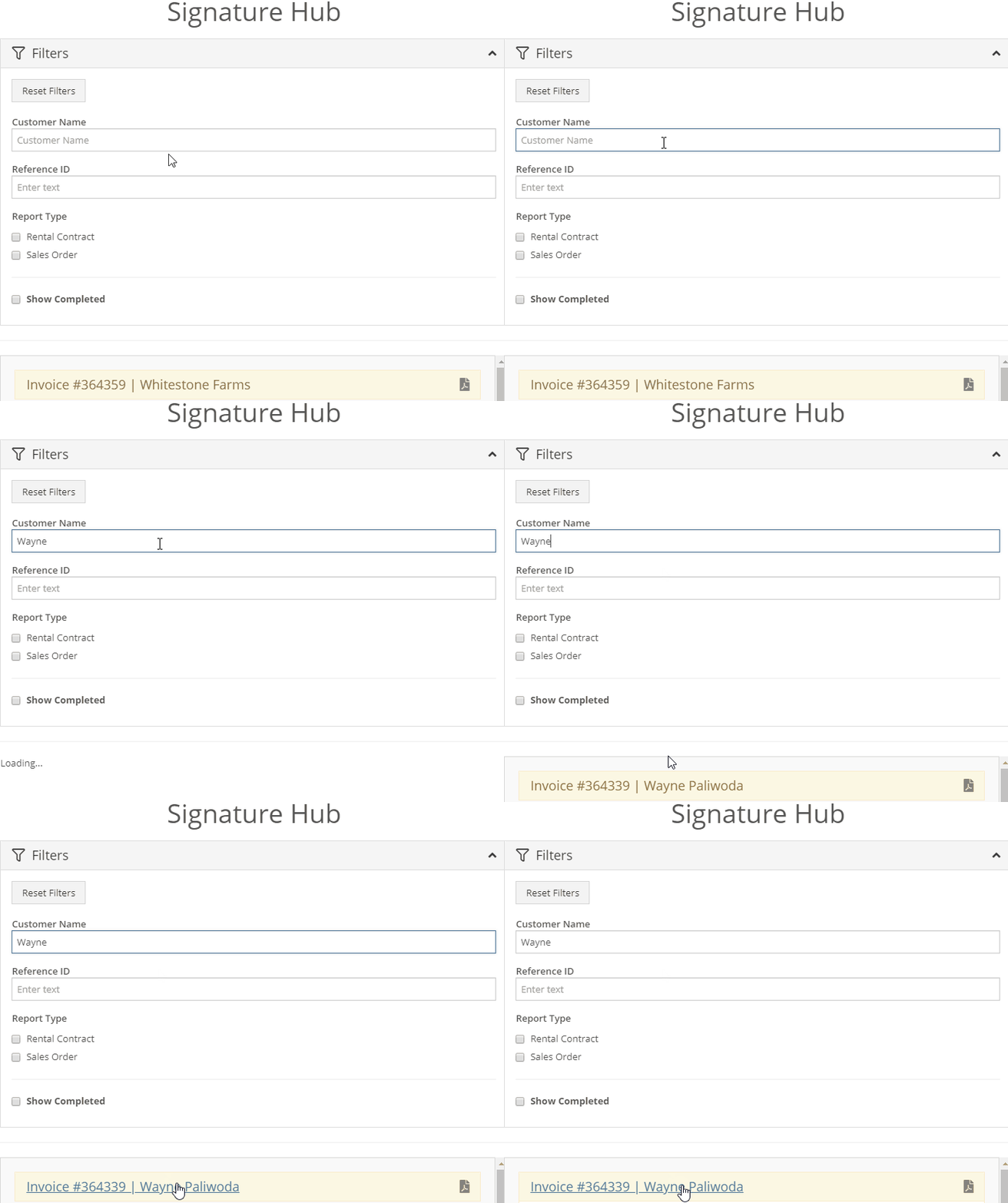
- Next, search for the invoice using either the customer's name or the invoice number.
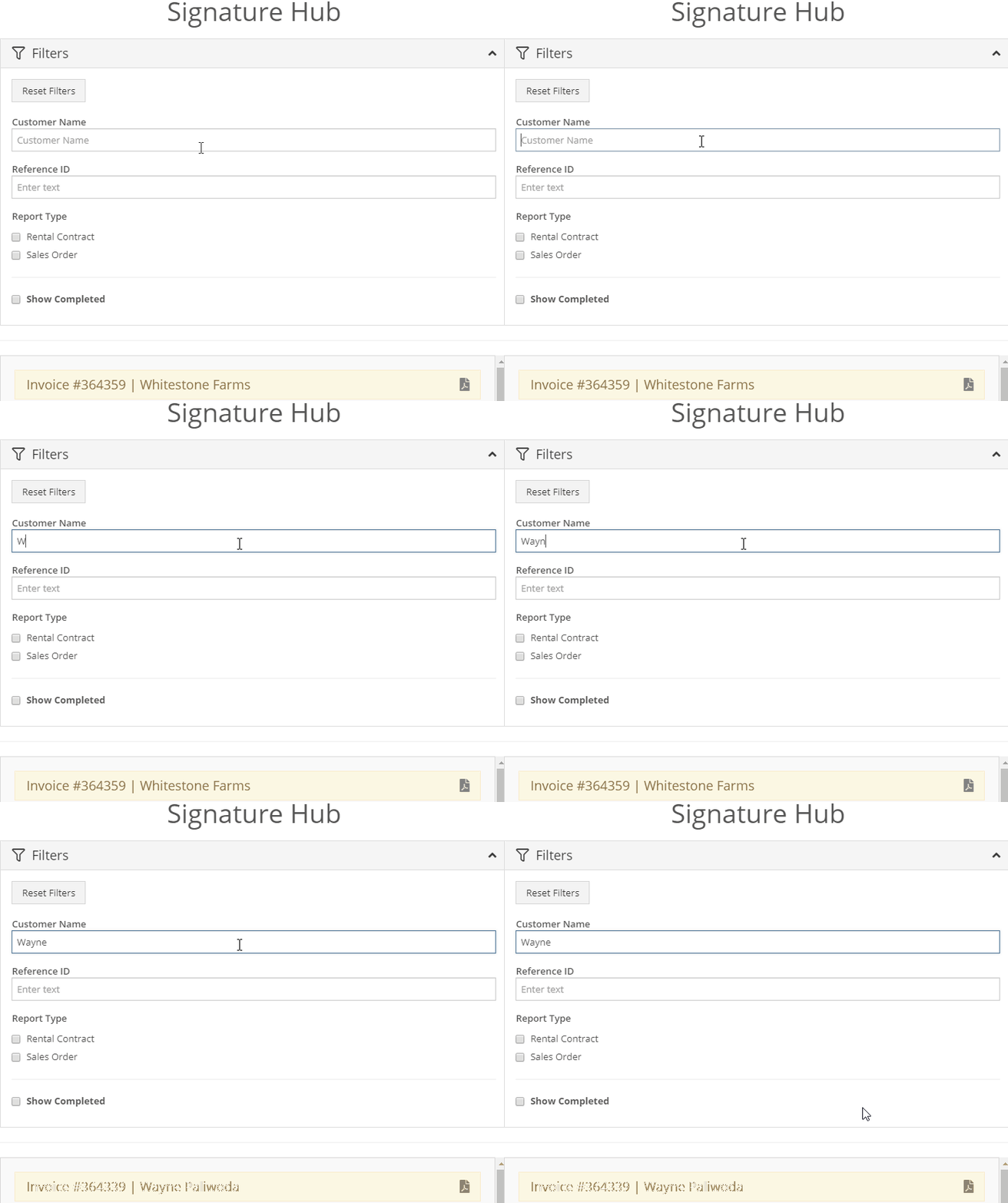
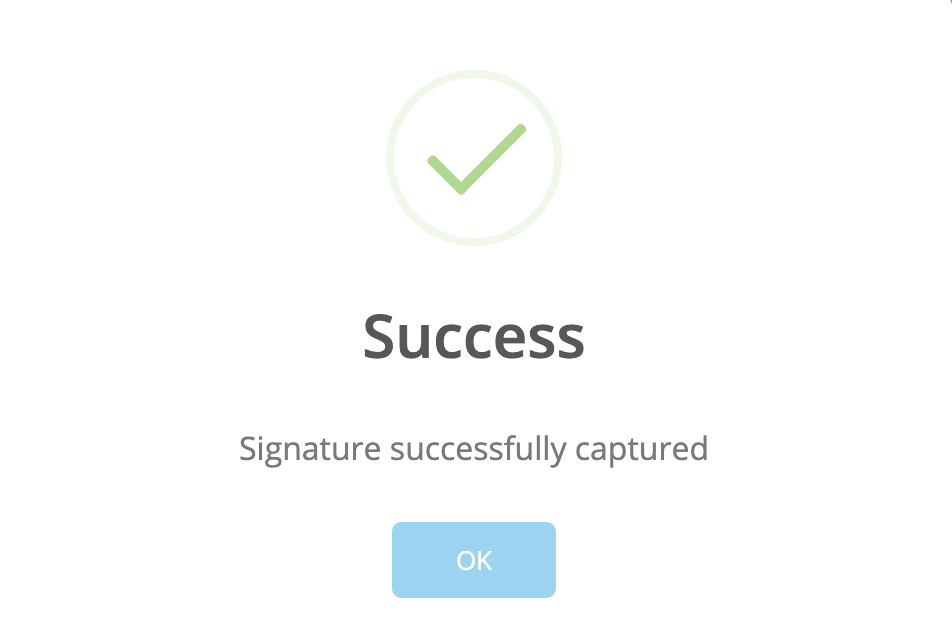
- Click the customer's name to open the signature box. Here the customer can use the mouse to sign their name or their finger if they're using a touch screen tablet. Click Submit.